All Document Reader and Viewer para PC
TrustedApp
Descarga All Document Reader and Viewer en PC con GameLoop Emulator
All Document Reader and Viewer en PC
All Document Reader and Viewer, proveniente del desarrollador TrustedApp, se ejecuta en el sistema Android en el pasado.
Ahora, puedes jugar All Document Reader and Viewer en PC con GameLoop sin problemas.
Descárgalo en la biblioteca de GameLoop o en los resultados de búsqueda. No más mirar la batería o llamadas frustrantes en el momento equivocado nunca más.
Simplemente disfrute de All Document Reader and Viewer PC en la pantalla grande de forma gratuita!
All Document Reader and Viewer Introducción
New feature update!
🎉Ebook Reader & EPUB🎉
Transform your daily productivity tool into a world of entertainment and knowledge. All Document is not only a powerful document reader for PDF, Word, XLSX, and presentations, but now it also comes with a built-in Ebook Reader & EPUB that lets you dive into captivating stories anytime.
- Wide content choice: Access and enjoy various ebooks, novels, and stories in EPUB format.
- Romance & Rebirth novels: Perfect for fans of emotional love stories and dramatic second-chance tales.
- Life experience books: Gain inspiration and wisdom while reading real-life stories.
- Productivity meets entertainment: Use one tool to study, analyze documents, and read ebook without interruptions.
- Comfortable reading: Smooth page turning.
Key features of Alldocs reader
📚 Read and View - All Files Support
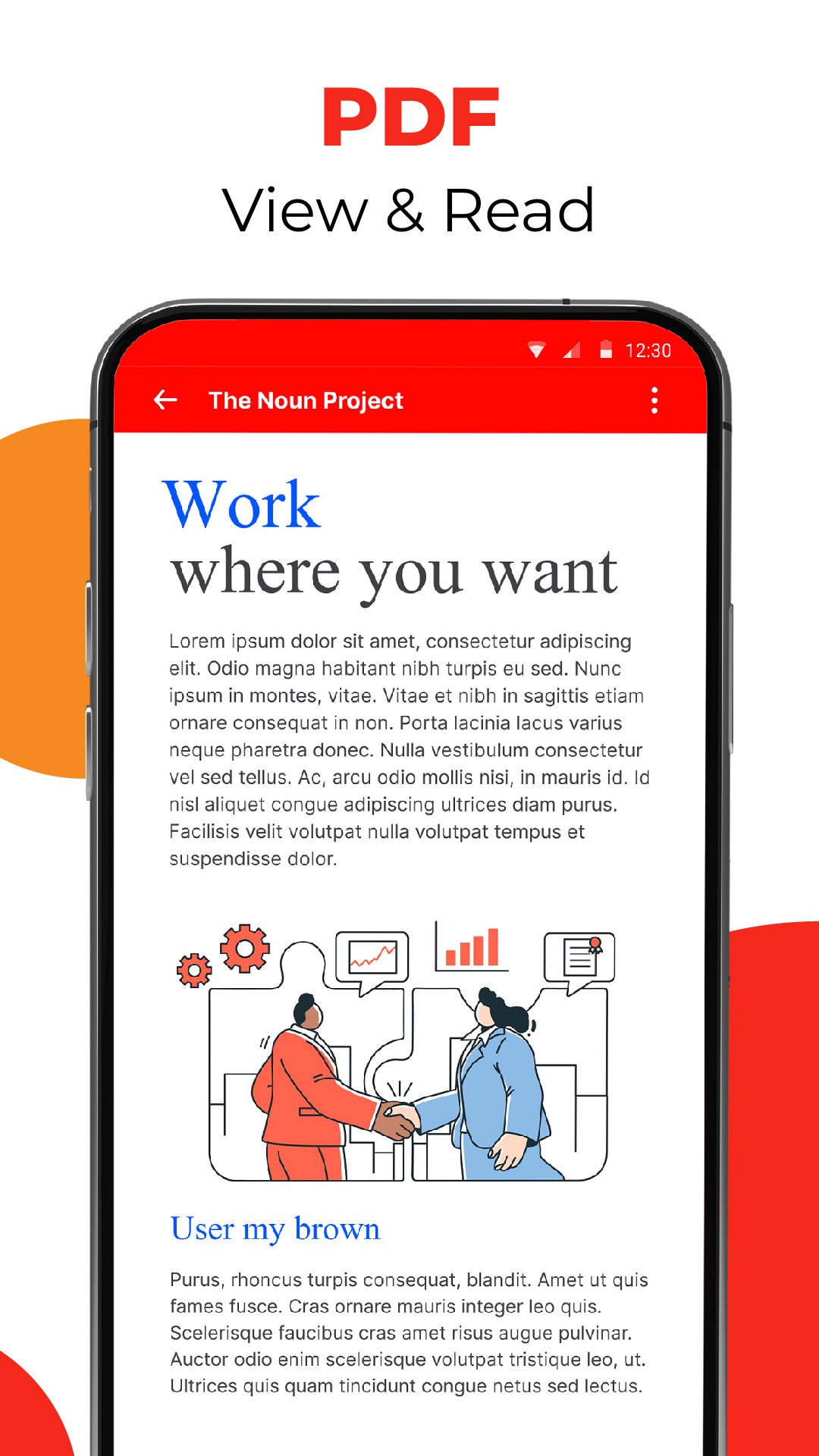
- PDF Reader: View and read PDF files with ease.
- Word Viewer: Open and read Word documents (.doc, .docx).
- EBook Reader: Open and read EPUB, PDF, and other ebook formats.
- XLSX Reader: Access and view XLSX file spreadsheets (.xlsx).
- PPTX Reader: PPT Viewer, open and read PPT presentations (.ppt, .pptx).
- Text File Viewer: Read plain text files (.txt).
📚 All File Management
- File Browser: A built-in file manager to locate and manage your documents.
- Quick Search: Search functionality to quickly find specific documents.
- Favorites: Mark important documents for easy access.
📚 Scan & Convert to PDF/Word
- The Scan to Convert to PDF feature offers a quick and efficient way to digitize physical documents directly from your smartphone. With just a few taps, you can scan documents, and convert them into high-quality PDFs. Whether you need to scan a single page or multiple pages, the view document app's batch scanning feature streamlines the process.
- The Scan to Convert to Word feature allows users to easily transform physical documents into editable Word files. All file reader app accurately converts it into a Word format (.doc or .docx).
Major Benefit of All Doc Viewer
The All Document Reader and Viewer app offers a range of benefits that make it an essential tool for users who frequently work with different types of documents. Here are the key advantages:
💯 All-in-One Document Solutio
- All Format Support: All Doc Reader handles a wide variety of file formats (PDFs, Word, XLSX, PPT,....), eliminating the need for multiple apps to manage different types of documents.
💯 Time-Saving and Convenient
- Easy Access: With features like quick search, recent files, and favorites, users can quickly find and open important documents.
- Offline Access: Download and view documents without an internet connection, ensuring access anytime, anywhere.
💯 File Sharing and Export
- Share Documents Easily: Share documents via email, messaging apps, or social media directly from the app.
- Print Support: Print documents directly from the app, simplifying workflows for professionals and students.
💯 User-Friendly Interface
- Easy Navigation: Simple and intuitive navigation through all file types.
- Bookmarks: Add and manage bookmarks to return to important sections.
- Zoom In/Out: Pinch-to-zoom feature for document viewing.
- Continuous Scrolling: Seamlessly scroll through documents for a smooth reading experience.
💯 Regular Updates and Support
- Updates: Regular updates to improve performance and add new features.
- Multi-language Support: The app is available in multiple languages for global users.
This feature list covers all the essential tools and functionalities of the All Document Reader and Viewer app, making it a versatile tool for handling various types of documents.
All file reader and viewer app offer versatility, convenience, and functionality, making it ideal for students, professionals, or anyone who deals with various document types.
Avance
Etiquetas
ProductividadInformación
Desarrollador
TrustedApp
La última versión
3.2.0
Última actualización
2026-08-06
Categoría
Productividad
Disponible en
Google Play
Mostrar más
Cómo jugar All Document Reader and Viewer con GameLoop en PC
1. Descargue GameLoop desde el sitio web oficial, luego ejecute el archivo exe para instalar GameLoop.
2. Abra GameLoop y busque "All Document Reader and Viewer", busque All Document Reader and Viewer en los resultados de búsqueda y haga clic en "Instalar".
3. Disfruta jugando All Document Reader and Viewer en GameLoop.
Minimum requirements
OS
Windows 8.1 64-bit or Windows 10 64-bit
GPU
GTX 1050
CPU
i3-8300
Memory
8GB RAM
Storage
1GB available space
Recommended requirements
OS
Windows 8.1 64-bit or Windows 10 64-bit
GPU
GTX 1050
CPU
i3-9320
Memory
16GB RAM
Storage
1GB available space