BSign | PDF Digital Signature para PC
Benzveen
Descarga BSign | PDF Digital Signature en PC con GameLoop Emulator
BSign | PDF Digital Signature en PC
BSign | PDF Digital Signature, proveniente del desarrollador Benzveen, se ejecuta en el sistema Android en el pasado.
Ahora, puedes jugar BSign | PDF Digital Signature en PC con GameLoop sin problemas.
Descárgalo en la biblioteca de GameLoop o en los resultados de búsqueda. No más mirar la batería o llamadas frustrantes en el momento equivocado nunca más.
Simplemente disfrute de BSign | PDF Digital Signature PC en la pantalla grande de forma gratuita!
BSign | PDF Digital Signature Introducción
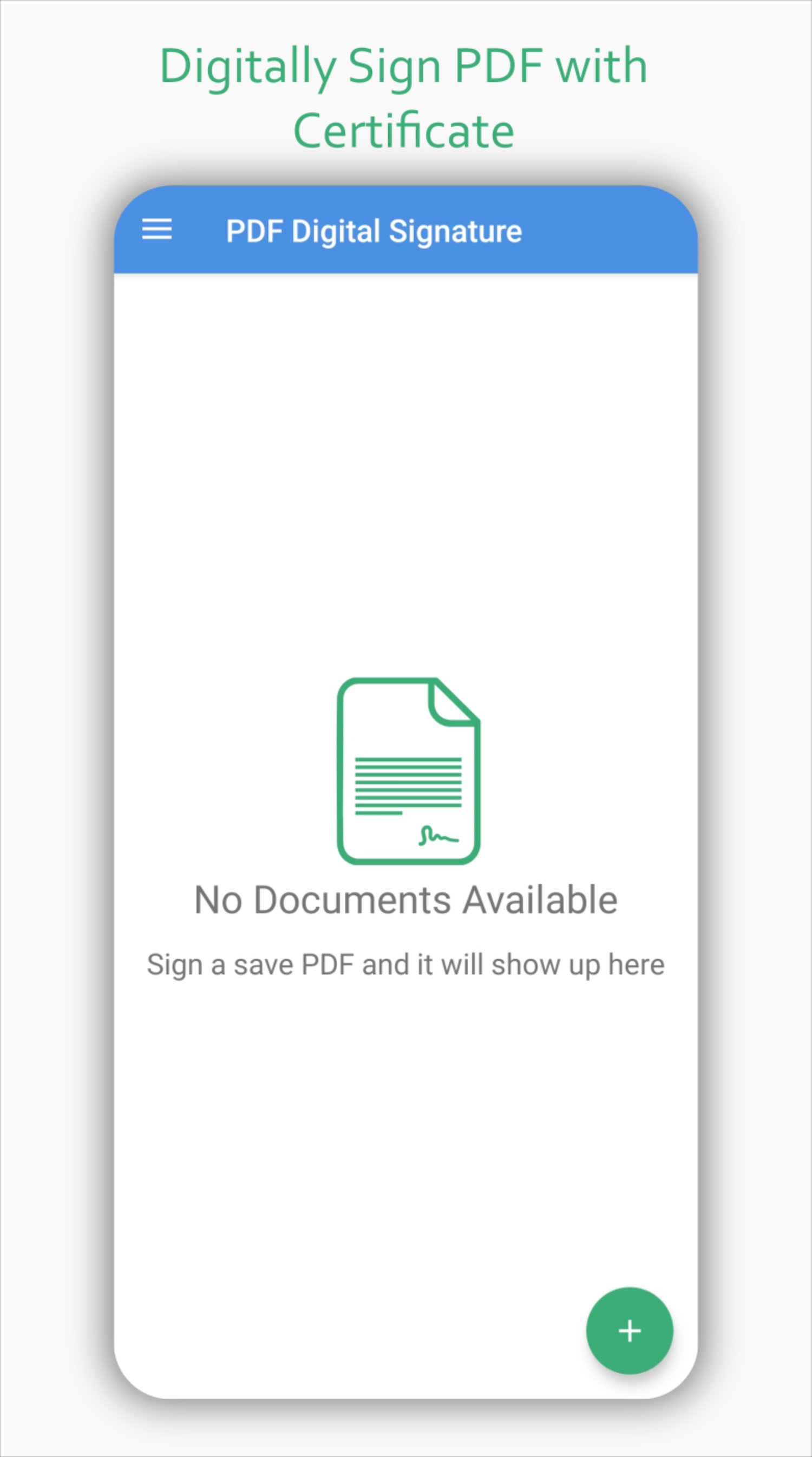
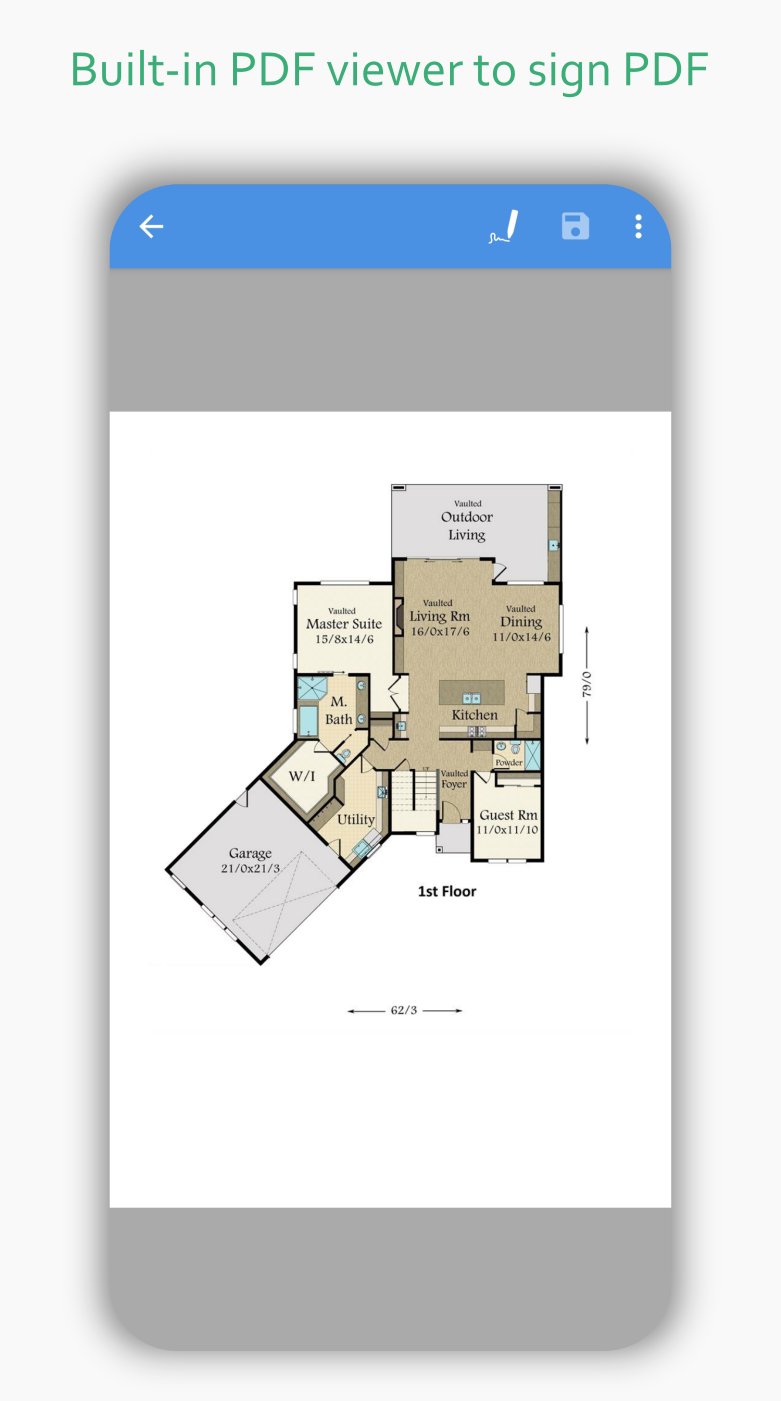
Digitally sign PDF document from your phone using handwritten signature or image.
Sign and send any document in three steps. It's simple!
1. Select PDF document from your device storage, Mailbox, Google Drive...
2. Sign with signature and digital certificate, follow the below link to create a self signed certificate.
https://helpx.adobe.com/acrobat/using/digital-ids.html#create_a_self_signed_digital_id
3.Save it and send to whoever you wish.
Avance
Información
Desarrollador
Benzveen
La última versión
1.3
Última actualización
2020-11-04
Categoría
Productividad
Disponible en
Google Play
Mostrar más
Cómo jugar BSign | PDF Digital Signature con GameLoop en PC
1. Descargue GameLoop desde el sitio web oficial, luego ejecute el archivo exe para instalar GameLoop.
2. Abra GameLoop y busque "BSign | PDF Digital Signature", busque BSign | PDF Digital Signature en los resultados de búsqueda y haga clic en "Instalar".
3. Disfruta jugando BSign | PDF Digital Signature en GameLoop.
Minimum requirements
OS
Windows 8.1 64-bit or Windows 10 64-bit
GPU
GTX 1050
CPU
i3-8300
Memory
8GB RAM
Storage
1GB available space
Recommended requirements
OS
Windows 8.1 64-bit or Windows 10 64-bit
GPU
GTX 1050
CPU
i3-9320
Memory
16GB RAM
Storage
1GB available space