Reverse Image Search Pro para PC
Asad Khilji
Descarga Reverse Image Search Pro en PC con GameLoop Emulator
Reverse Image Search Pro en PC
Reverse Image Search Pro, proveniente del desarrollador Asad Khilji, se ejecuta en el sistema Android en el pasado.
Ahora, puedes jugar Reverse Image Search Pro en PC con GameLoop sin problemas.
Descárgalo en la biblioteca de GameLoop o en los resultados de búsqueda. No más mirar la batería o llamadas frustrantes en el momento equivocado nunca más.
Simplemente disfrute de Reverse Image Search Pro PC en la pantalla grande de forma gratuita!
Reverse Image Search Pro Introducción
Reverse Image Search Pro app makes it super easy and quick to do an image search for personal, research or work use.
Now With a single tap, you can search your image for free with matching images or personalities throughout the world. This app allows you to search for any image using a reverse image search engine.
This is the best and powerful free app to search for photos with speed and accuracy. The application uses the most popular and powerful Google, Yandex and Bing image search engine for image searching purposes.
Reverse Image Search Pro Features:
• Finding celebrity, politicians, cars, etc. name that you can’t remember but have a picture with you
• Search someone's social network profile
• Search a higher resolution version of a picture
• Search location photos while traveling
• Finding similar products on the internet
• Finding a source of images like popular photographs, memes, screenshots, logos, characters, etc.
How to use:
• Install Reverse Image Search Pro.
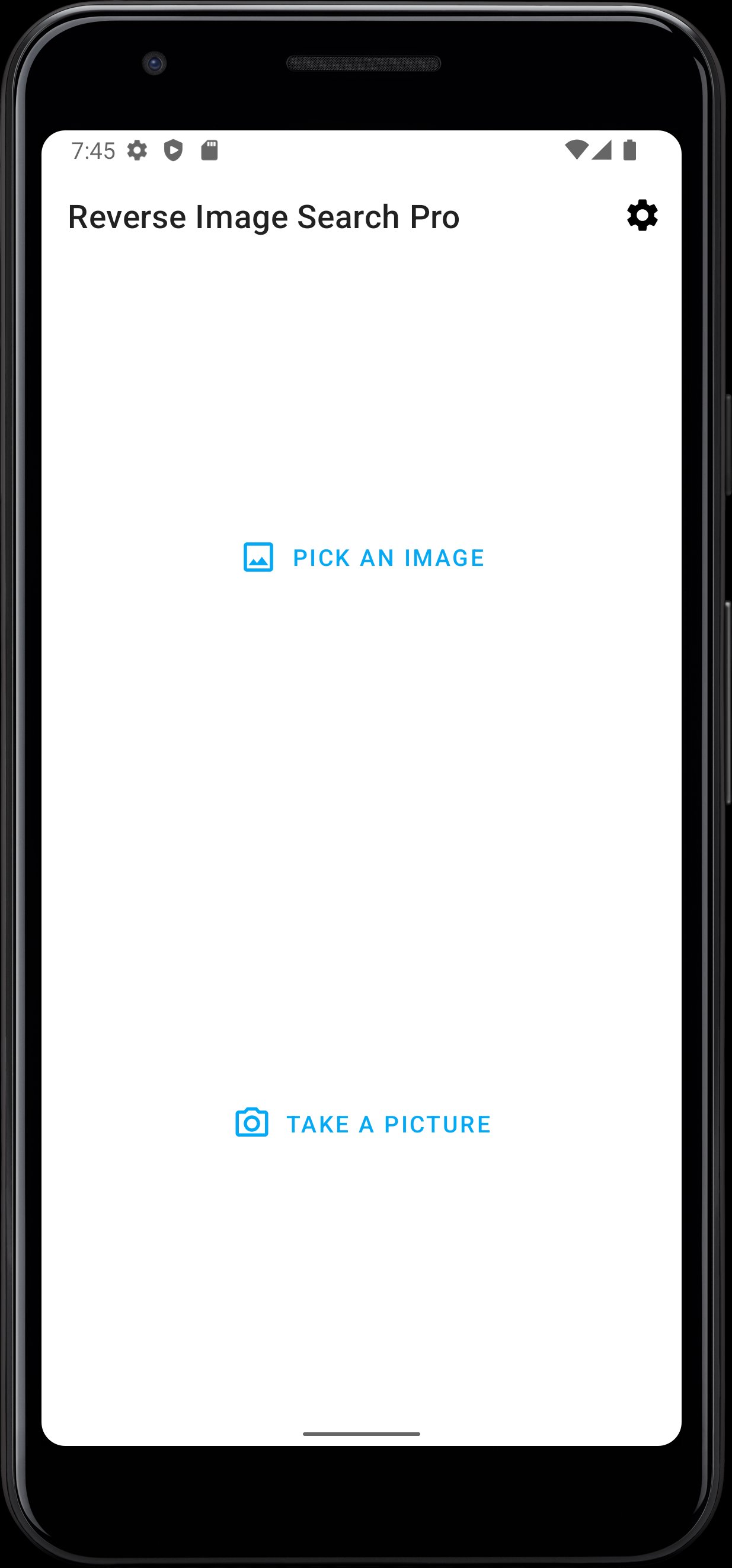
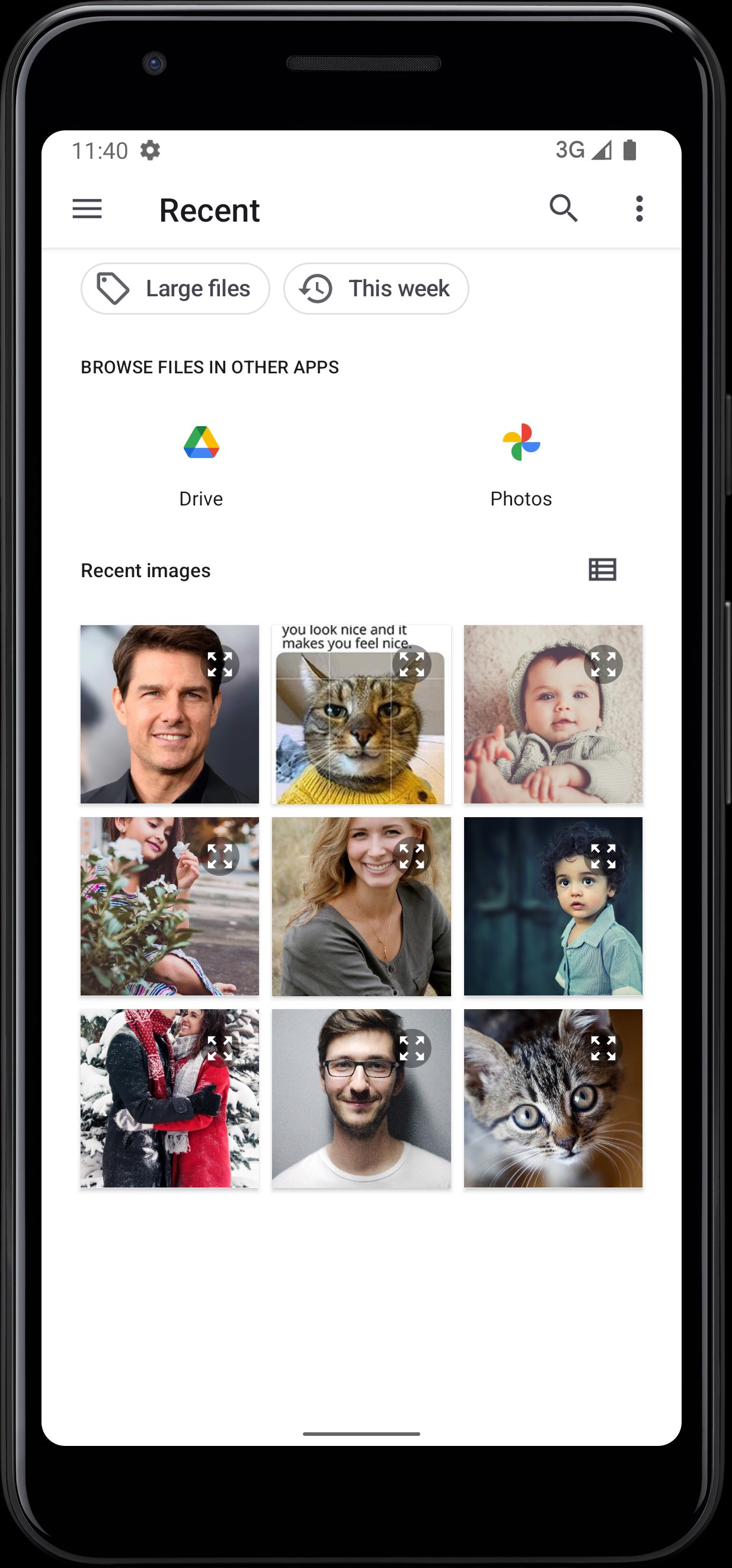
• Select an image from Gallery or Camera that you want to search on the internet (Internet connection is required).
• After a few seconds, this app will give the required information and relevant Images.
If you really like our App. Please provide your valuable feedback And a ⭐️⭐️⭐️⭐️⭐️ review.
Your support is very valuable to us.
Thanks !!!
Avance
Etiquetas
FotografíaInformación
Desarrollador
Asad Khilji
La última versión
1.5.2
Última actualización
2025-10-26
Categoría
Fotografía
Disponible en
Google Play
Mostrar más
Cómo jugar Reverse Image Search Pro con GameLoop en PC
1. Descargue GameLoop desde el sitio web oficial, luego ejecute el archivo exe para instalar GameLoop.
2. Abra GameLoop y busque "Reverse Image Search Pro", busque Reverse Image Search Pro en los resultados de búsqueda y haga clic en "Instalar".
3. Disfruta jugando Reverse Image Search Pro en GameLoop.
Minimum requirements
OS
Windows 8.1 64-bit or Windows 10 64-bit
GPU
GTX 1050
CPU
i3-8300
Memory
8GB RAM
Storage
1GB available space
Recommended requirements
OS
Windows 8.1 64-bit or Windows 10 64-bit
GPU
GTX 1050
CPU
i3-9320
Memory
16GB RAM
Storage
1GB available space