RePix - AI Photo Enhancer para PC
Saby Baby monitor Ltd
Descarga RePix - AI Photo Enhancer en PC con GameLoop Emulator
RePix - AI Photo Enhancer en PC
RePix - AI Photo Enhancer, proveniente del desarrollador Saby Baby monitor Ltd, se ejecuta en el sistema Android en el pasado.
Ahora, puedes jugar RePix - AI Photo Enhancer en PC con GameLoop sin problemas.
Descárgalo en la biblioteca de GameLoop o en los resultados de búsqueda. No más mirar la batería o llamadas frustrantes en el momento equivocado nunca más.
Simplemente disfrute de RePix - AI Photo Enhancer PC en la pantalla grande de forma gratuita!
RePix - AI Photo Enhancer Introducción
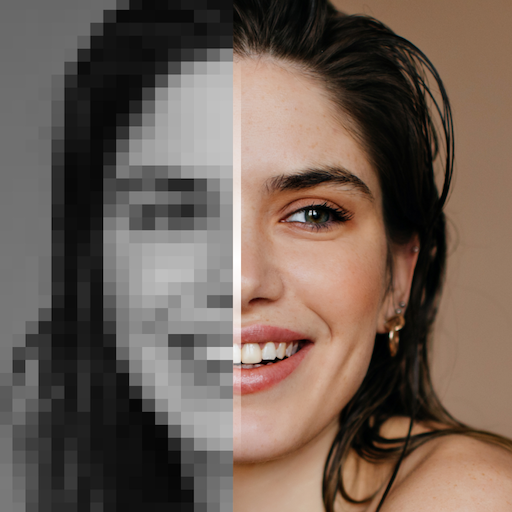
Introducing RePix AI photo enhancer app that transforms your pictures and videos with cutting-edge technology. RePix is designed to blur photos, sharpen images, improve photo quality, and more. As a powerful video enhancer, it also improves your videos, making them crisp and clear. With RePix you can fix blurry photos, restore old images, and get high-resolution results with ease.
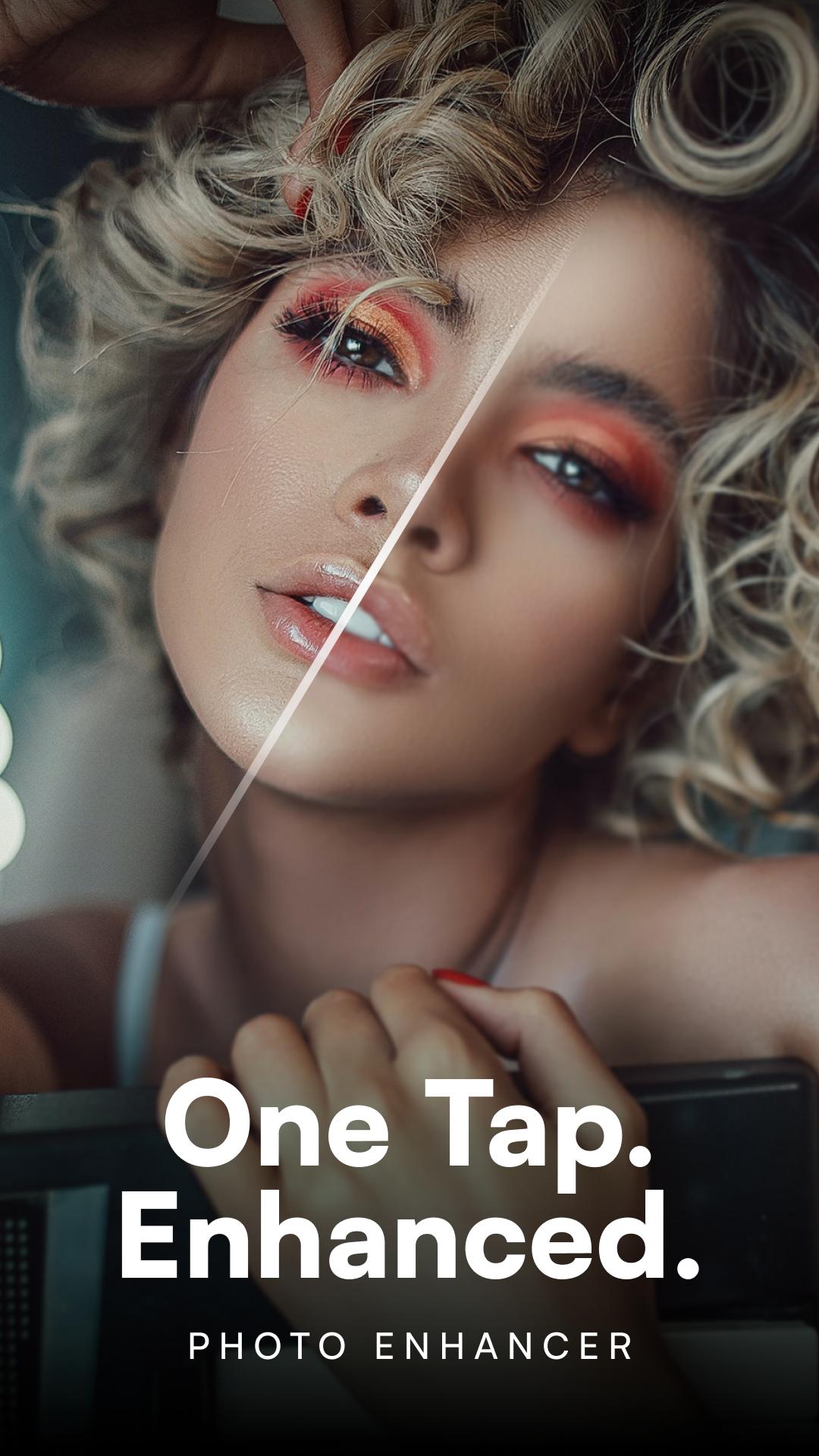
RePix is an application that offers a wide range of features to improve your images. As a quality enhancer it uses AI photo enhancement technology to deliver stunning results. With RePix's advanced algorithms and easy-to-use interface, you can easily enhance your photos and fix blurry photos. Use our video quality enhancer to achieve clear picture quality in your videos and preserve your memories forever.
Breathe new life into your old and damaged photos with our photo restoration and photo enhancement tools. With the Image Enhancer and AI Video Enhancer features, you can be sure that your pictures and videos will always look their best. The Image Enhancer and Make Photos Clear options ensure that every detail is captured and preserved.
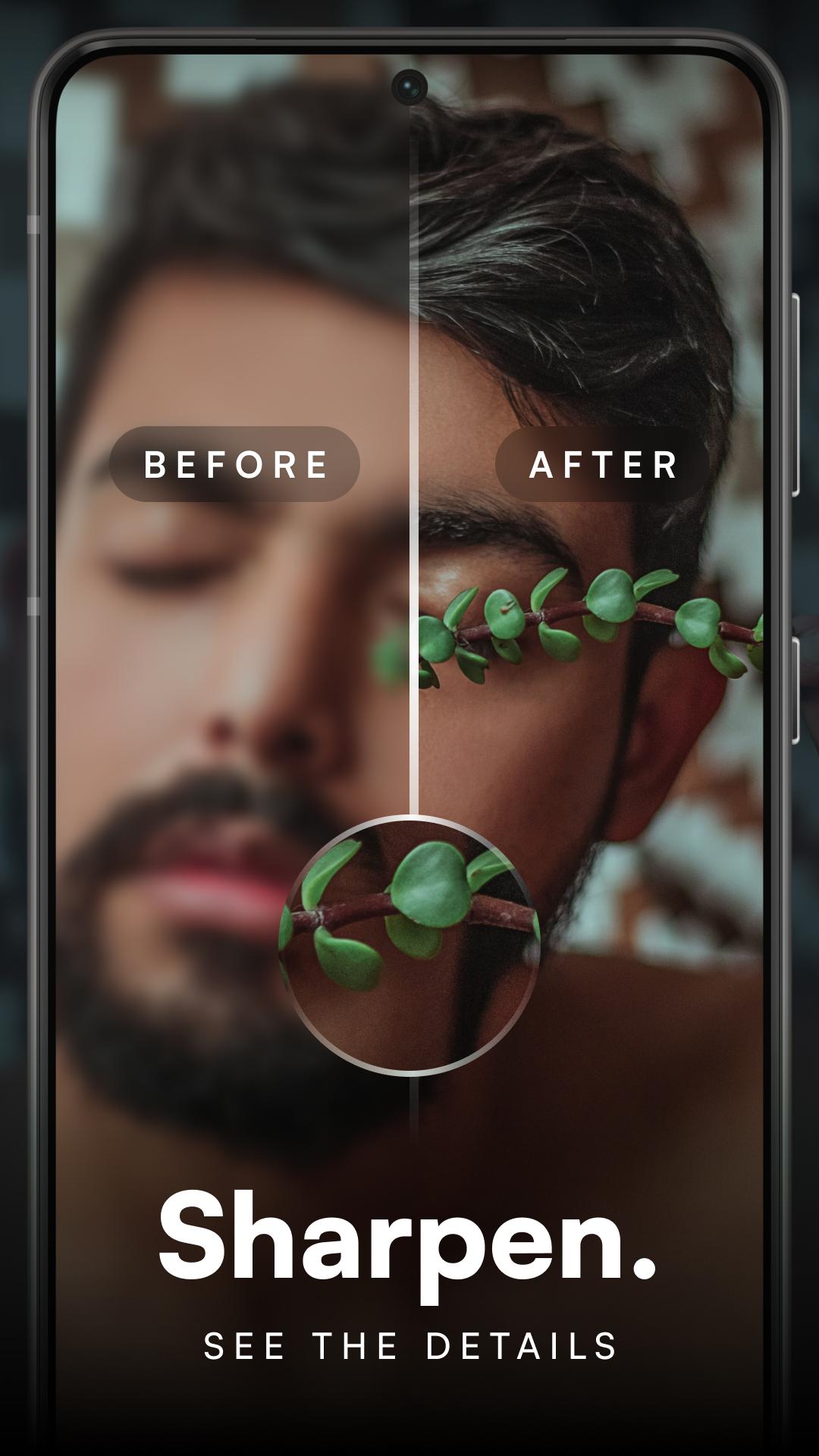
RePix's photo resolution tools give you the power to improve photo quality with just a few taps. The Enhancer, Sharpen, and High Resolution options make it easy to deblur your images and remove blur from your photos. The Photo Clarity and Photo Quality tools ensure that your photos always look sharp and defined.
With RePix's Photo Repair and Photo Clear features, you can fix any imperfections and achieve stunning results. Sharpen photos and remove blur with ease, while image resolution and sharpen tools ensure your photos always look their best. Restaurar fotos and clear blurry photos with RePix's advanced technology and easy-to-use interface.
RePix's comprehensive features include the ability to enhance video and improve photos, making it the perfect app for photographers and videographers of all skill levels. Fix blurry photos and use AI photo enhancement tools to transform your images in no time. Fix shaky photos and enhance photo quality options make it easy to improve image quality and achieve professional results.
The Enhance Photo app and Image Fix features let you fine-tune your photos with precision. The Enhance Photo Blur and Enhance Photo Quality tools make it easy to achieve professional, high-resolution results, while the Enhance Photo Enhancer and Photo Enhancer Auto options streamline your editing process. Restore old images and blur to sharpen image quality with RePix's powerful and versatile tools.
Achieve HD-quality images and improve photo quality with RePix's photo enhancement and image resolution features. Create full resolution photos and professional high resolution images with ease, thanks to RePix's enhance your photos and improve image quality options. The photo clarity enhancer and ultra-quality tools ensure your images always look their best.
Achieve ultra-high definition and ultra-high resolution results with RePix's Enhance Image and Enhance Sharpen Image features. The Enhance Photo Editor and Enhance Blurred Photos options make it easy to create professional-quality images. Smart deblur and sharpen tools ensure your photos always look sharp and clear.
RePix's Sharpen Enhance Photo and Denoise Photo features make it easy to fine-tune your images. Blur convert photo and enhance restore options make it easy to achieve photo clarity enhancing results. The Auto Enhance tool and Restore Quality features ensure that your photo enhancement and blur photo restoration needs are always met.
With RePix you have access to high-quality image converter and photo quality tools that guarantee stunning results every time. Download RePix today and experience the difference AI photo enhancement technology can make to your photo and video editing.
Avance
Etiquetas
FotografíaInformación
Desarrollador
Saby Baby monitor Ltd
La última versión
1.0.8
Última actualización
2023-11-13
Categoría
Fotografía
Disponible en
Google Play
Mostrar más
Cómo jugar RePix - AI Photo Enhancer con GameLoop en PC
1. Descargue GameLoop desde el sitio web oficial, luego ejecute el archivo exe para instalar GameLoop.
2. Abra GameLoop y busque "RePix - AI Photo Enhancer", busque RePix - AI Photo Enhancer en los resultados de búsqueda y haga clic en "Instalar".
3. Disfruta jugando RePix - AI Photo Enhancer en GameLoop.
Minimum requirements
OS
Windows 8.1 64-bit or Windows 10 64-bit
GPU
GTX 1050
CPU
i3-8300
Memory
8GB RAM
Storage
1GB available space
Recommended requirements
OS
Windows 8.1 64-bit or Windows 10 64-bit
GPU
GTX 1050
CPU
i3-9320
Memory
16GB RAM
Storage
1GB available space