
PhotoDirector: AI Photo Editor para PC
Cyberlink Corp
Descarga PhotoDirector: AI Photo Editor en PC con GameLoop Emulator
PhotoDirector: AI Photo Editor en PC
PhotoDirector: AI Photo Editor, proveniente del desarrollador Cyberlink Corp, se ejecuta en el sistema Android en el pasado.
Ahora, puedes jugar PhotoDirector: AI Photo Editor en PC con GameLoop sin problemas.
Descárgalo en la biblioteca de GameLoop o en los resultados de búsqueda. No más mirar la batería o llamadas frustrantes en el momento equivocado nunca más.
Simplemente disfrute de PhotoDirector: AI Photo Editor PC en la pantalla grande de forma gratuita!
PhotoDirector: AI Photo Editor Introducción
Bring your photos to life. With over 200 million downloads and counting, PhotoDirector is an intuitive AI-powered photo editor that lets you create and enhance stunning images with hundreds of styles, effects, templates, and tools.
👻 Enhance Your Photos with AI to Show Your Creativity 👻
• Image to Video: Animate photos with motion, powered by Kling, Google Veo, PixVerse & more.
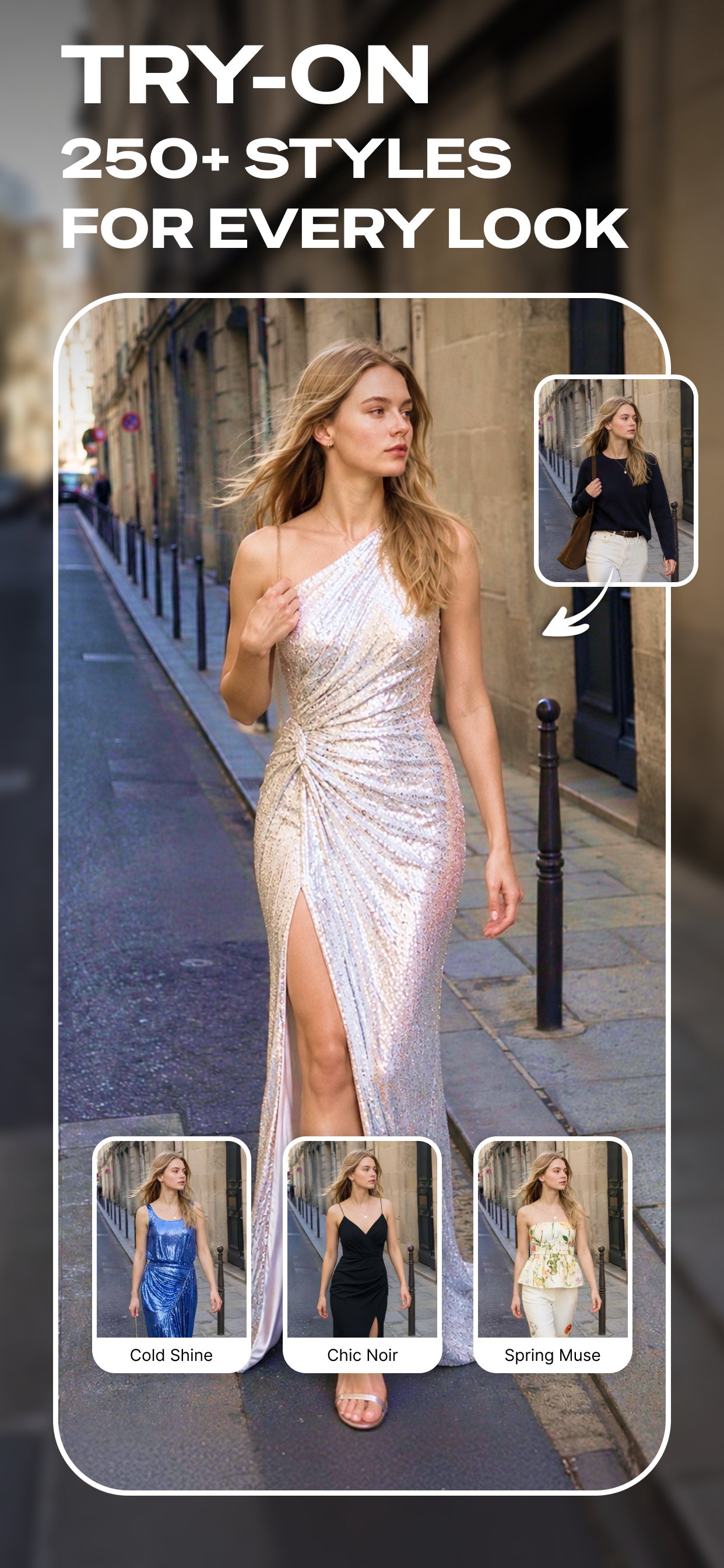
• AI Video Try-On: See how outfits look on real, moving clips — not just stills.
• AI Art: Turn images into well-known characters, Japanese animation, sketch, or cartoon styles.
• AI Hairstyle: Explore your perfect style and enjoy endless hair inspiration in a virtual salon.
• AI Try-On & Hairstyle: Redesign your style with AI outfits, new hairstyles and added hair volume.
• Character & Pet Motion Swap: Drop into trending dances and memes, powered by Wan and Kling Motion Control.
• AI Creative Studio: Your new AI generative room. Collages, magazine covers and seasonal visuals, powered by Nano Banana and GPT-Image.
• AI Anime Video: Turn a single photo into an animated anime clip.
• AI Headshot: Create polished profile photos in seconds.
🪄 Edit Images with Powerful AI Features 🪄
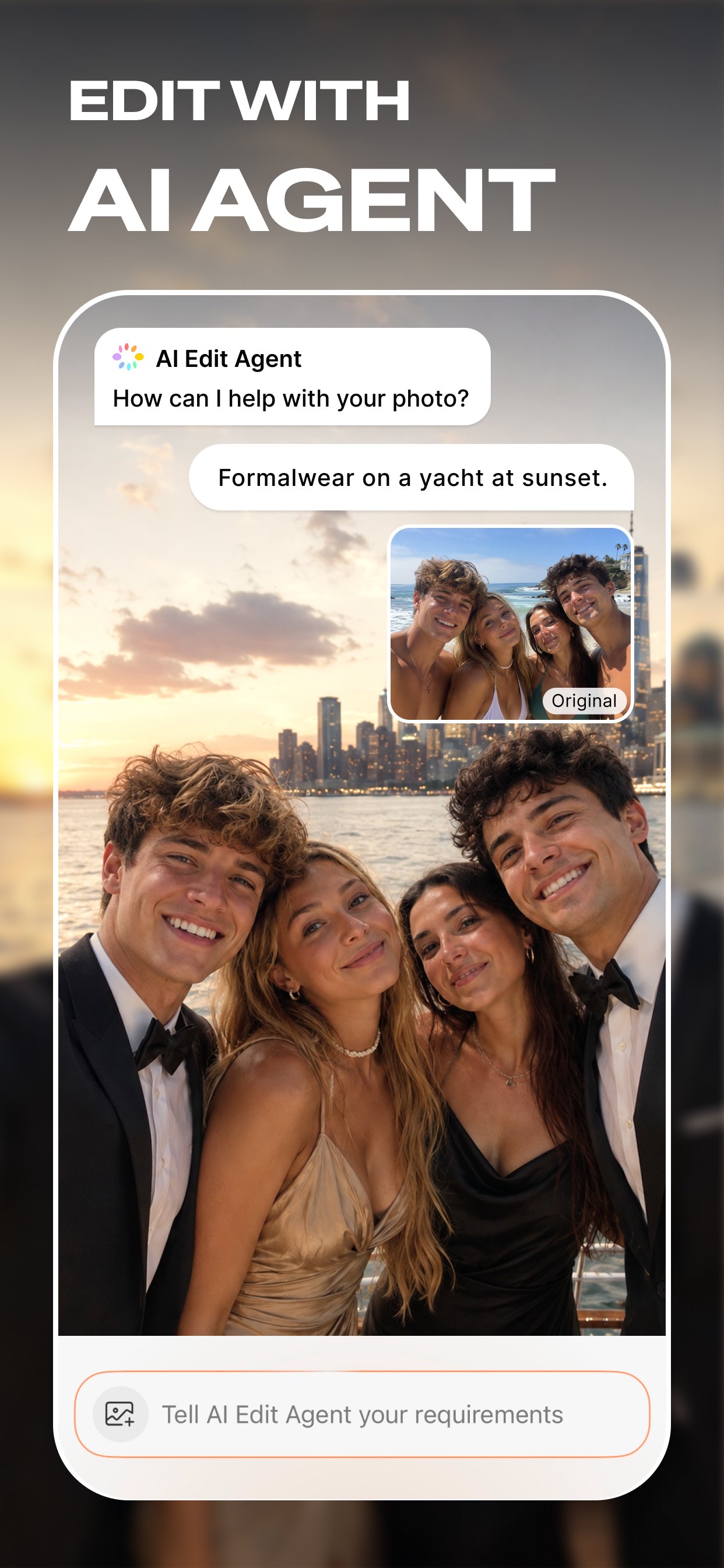
• AI Edit Agent: Type what you want, AI does the edit.
• AI Removal: Easily erase unwanted items or wires in photos with auto detection.
• AI Replace: Instantly change and add elements to replace parts of your image.
• AI Expand: Turn close-ups into longshots and change aspect ratio with one click.
• AI Background: Change plain backgrounds of your products or portraits into blue skies or fabric with our smart cutout tool.
• AI Enhance: Automatically repair low-resolution pictures and say goodbye to blurry images!
• AI Relight: Add a virtual light source for perfect lighting.
• AI Color & Color Adjustment: Smart auto colour correction, plus fine manual control.
📜 Let AI Do Routine Tasks and Staple Editing 📜
• Quick Action: Instantly detect and enhance images with one tap, making editing more efficient than ever.
• Collage: Endless holiday content and creativity, enhancing posts and saving precious moments.
• Face Reshape: Smooth skin, remove blemishes and wrinkles, refine jawline, nose and more.
• Body Reshape, Makeup, Camera AR Effects to create perfect selfies.
• AI Glow Up: Brighten your face with adjustable lighting modes.
• Thousands of stickers, text styles, frames, and effects!
👑 Unlimited Features and Content Packs with PREMIUM 👑
• All-you-can-use: unlock more stickers, filters, backgrounds, and effects.
• Save images in Ultra HD 4K camera resolution.
• Distraction-free, delivering the highest quality and smoothest editing experience.
🏃♀️➡️ Find Inspiration on Instagram: @photodirector_app
📞 Any questions? Contact us: https://www.cyberlink.com/support-center/contact-support
Avance
Etiquetas
FotografíaJuegos de mesaInformación
Desarrollador
Cyberlink Corp
La última versión
20.19.0
Última actualización
2026-11-25
Categoría
Fotografía
Disponible en
Google Play
Mostrar más
Cómo jugar PhotoDirector: AI Photo Editor con GameLoop en PC
1. Descargue GameLoop desde el sitio web oficial, luego ejecute el archivo exe para instalar GameLoop.
2. Abra GameLoop y busque "PhotoDirector: AI Photo Editor", busque PhotoDirector: AI Photo Editor en los resultados de búsqueda y haga clic en "Instalar".
3. Disfruta jugando PhotoDirector: AI Photo Editor en GameLoop.
Minimum requirements
OS
Windows 8.1 64-bit or Windows 10 64-bit
GPU
GTX 1050
CPU
i3-8300
Memory
8GB RAM
Storage
1GB available space
Recommended requirements
OS
Windows 8.1 64-bit or Windows 10 64-bit
GPU
GTX 1050
CPU
i3-9320
Memory
16GB RAM
Storage
1GB available space