Photo Blender para PC
Devkrushna Infotech
Descarga Photo Blender en PC con GameLoop Emulator
Photo Blender en PC
Photo Blender, proveniente del desarrollador Devkrushna Infotech, se ejecuta en el sistema Android en el pasado.
Ahora, puedes jugar Photo Blender en PC con GameLoop sin problemas.
Descárgalo en la biblioteca de GameLoop o en los resultados de búsqueda. No más mirar la batería o llamadas frustrantes en el momento equivocado nunca más.
Simplemente disfrute de Photo Blender PC en la pantalla grande de forma gratuita!
Photo Blender Introducción
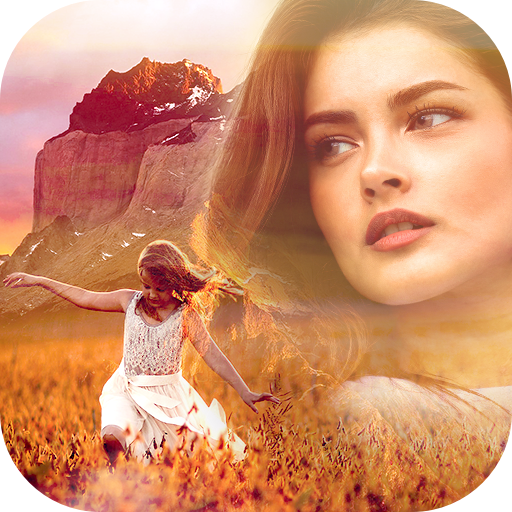
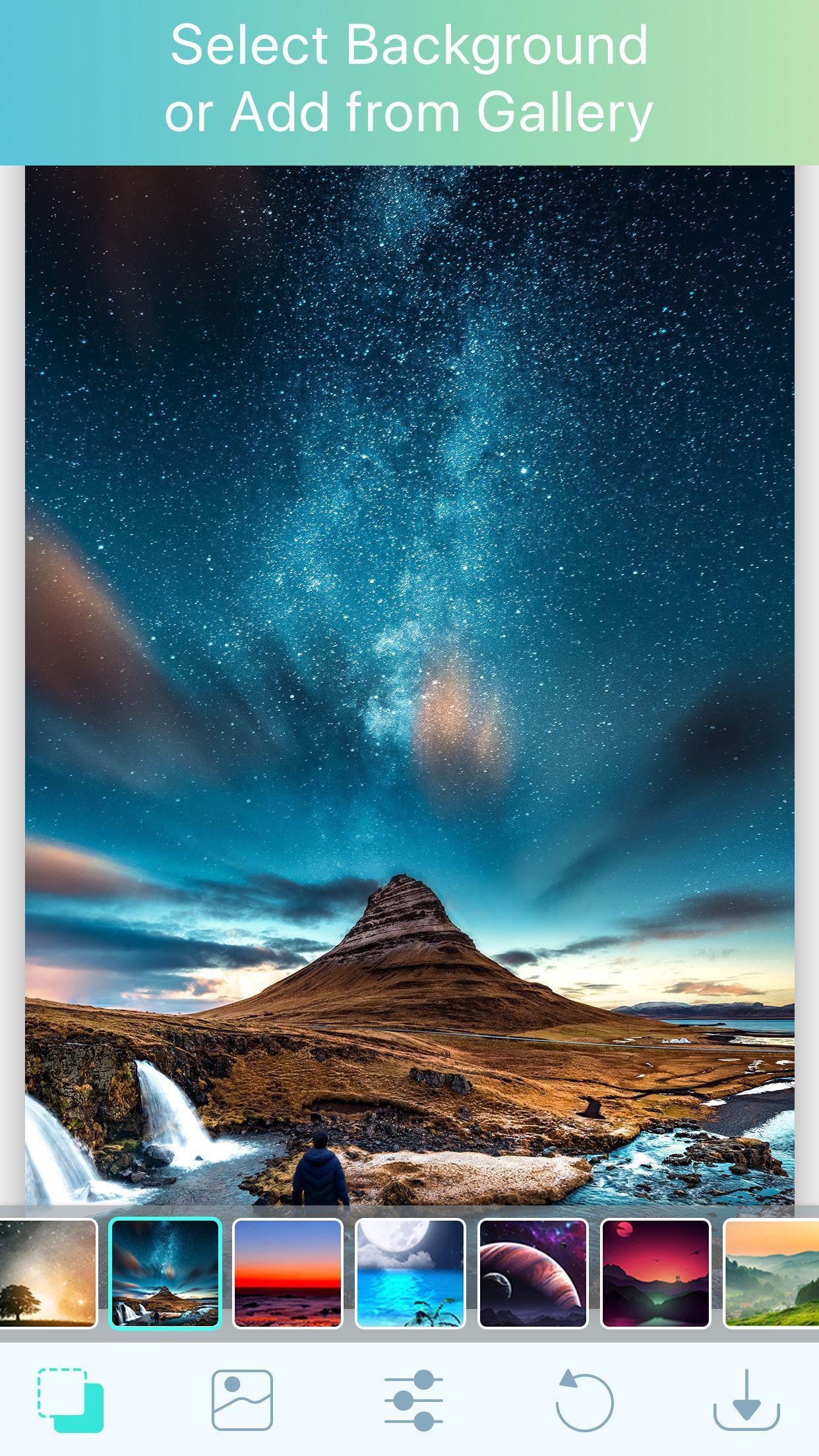
Make your normal daily photos more interesting with photo overlay blender, just select a picture from your gallery or capture from camera and mix this picture with our existing stunning picture collection and blend them together to get an amazing result.
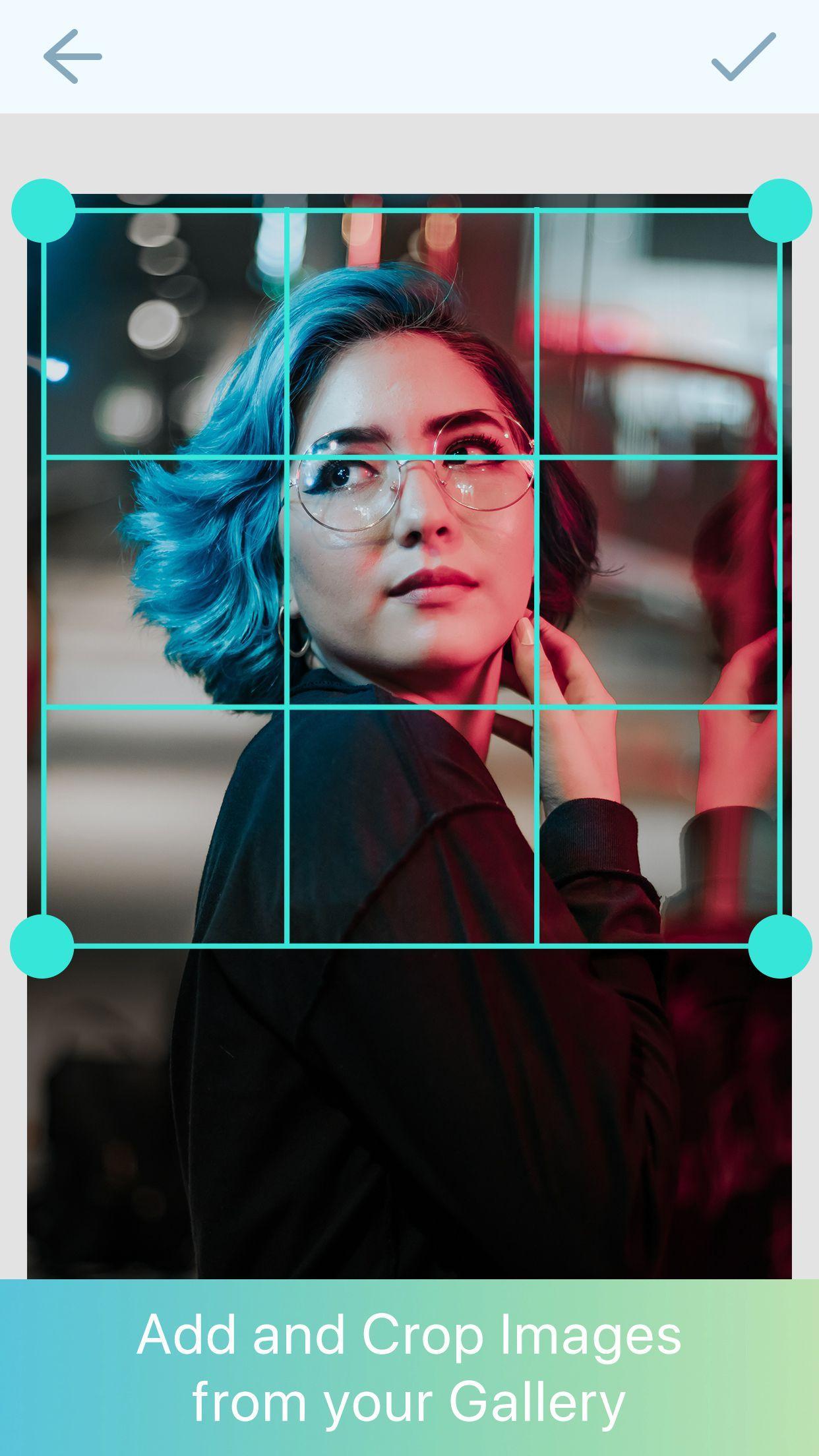
Overlay Effect has everything you need to make every picture awesome. It makes your photos beautiful with easy and powerful editing tools. Photo effects are an effective photo editor with some stunning photo effects and various photo editing options. You can crop your image by free size or by insta frame size. There are a various types of overlay effects are provided to you. Blend Photo is the best of overlays for combine photo, It's easy to use, just select overlay that you like.
You can create good colorful Pixel Shattering effect with this photo shatter editor app which will let you create beautiful photos with shattering effect. There is a feature of shadow, corner blend and opacity. You can adjust it by simply finger touch. This app comes with beautiful photo frames as well. Multi Layer – Photo Editor is a full featured photo editor able to edit and compose images in multiple layers. Yes, Ultimate Photo Mixer can combine multiple pictures in a Single Image.
Creating Double Exposure Photo Editing images by multiple photo blender or photo mixer and enhance photos beauty by applying effects, overlays and many other advance editing tools. Photo merge/photo combiner is the simplest and most intuitive app for merge/combine multiple images into one easily shareable picture.
App- features:
- Select photo from gallery or click from camera
- Edit pictures with many editing tools
- Mix and blend two or more image with blending app
- You can crop image for social media or for other use
- Unique Overlay frames
- Opacity and corner blend option
- This app supports all screen resolutions of mobile and tablet devices
- Save image to your SD card
- Share it to social sites
This Image overlay photo frames will let you unleash your creativity so you can make your own masterpiece. So, go and Try blender app.
Avance
Etiquetas
FotografíaInformación
Desarrollador
Devkrushna Infotech
La última versión
1.2
Última actualización
2019-03-08
Categoría
Fotografía
Disponible en
Google Play
Mostrar más
Cómo jugar Photo Blender con GameLoop en PC
1. Descargue GameLoop desde el sitio web oficial, luego ejecute el archivo exe para instalar GameLoop.
2. Abra GameLoop y busque "Photo Blender", busque Photo Blender en los resultados de búsqueda y haga clic en "Instalar".
3. Disfruta jugando Photo Blender en GameLoop.
Minimum requirements
OS
Windows 8.1 64-bit or Windows 10 64-bit
GPU
GTX 1050
CPU
i3-8300
Memory
8GB RAM
Storage
1GB available space
Recommended requirements
OS
Windows 8.1 64-bit or Windows 10 64-bit
GPU
GTX 1050
CPU
i3-9320
Memory
16GB RAM
Storage
1GB available space