Eye Color Changer Photo Editor para PC
AA Destination Apps
Descarga Eye Color Changer Photo Editor en PC con GameLoop Emulator
Eye Color Changer Photo Editor en PC
Eye Color Changer Photo Editor, proveniente del desarrollador AA Destination Apps, se ejecuta en el sistema Android en el pasado.
Ahora, puedes jugar Eye Color Changer Photo Editor en PC con GameLoop sin problemas.
Descárgalo en la biblioteca de GameLoop o en los resultados de búsqueda. No más mirar la batería o llamadas frustrantes en el momento equivocado nunca más.
Simplemente disfrute de Eye Color Changer Photo Editor PC en la pantalla grande de forma gratuita!
Eye Color Changer Photo Editor Introducción
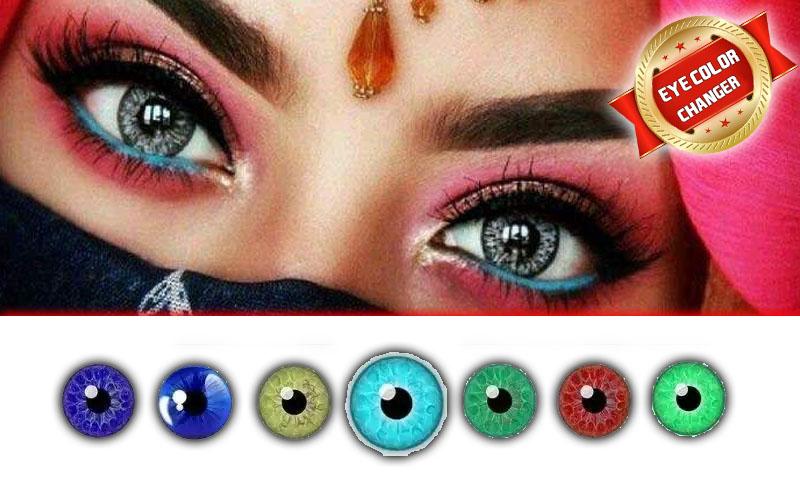
Eye Color changer or Eye Lens Photo editor is a best a android application to change colors oy eye and give you stunning look. Try hundred different eyes color on your photo and create a look according to your choice.
Android application has a pack of color and photo editing tool feature to edit photo, focus on eyes and apply different colors.
Free eye color changer with different eye colors and multi colored eyes lenses for different eyes shape. The eye lens photo editor is a best free eye coloring app with multiple options. This app will give you the opportunity to change your eye colors with an eye changing features. The photo maker and photo editor app are perfectly working as you need and make your eyes more beautiful and attractive and enjoy the fun with friends and family by adding different eye lens in your pictures.
How Eye Lens Photo Maker works
Change colors of eyes
First open eye lens photo editor
Select the photo from the gallery and crop it
Select different colors from the list
Select the eye area where you want to apply lens
Zoom in images and select points
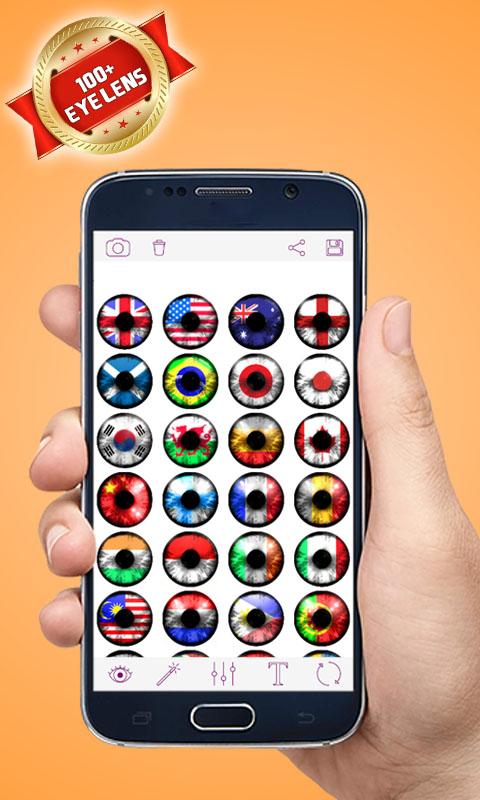
Select eyes lens from a huge list of eye colors
This is a real eye color changer app. You can change eye colors with natural eyes lens effect in simple manner. Eye photo editor app has collection of green eyes, blue eyes, red eyes and all color lenses. In this app you can adjust opacity of all eye color lenses.
DISCLAIMER:
The eye color Changer or eye lens photo editor app did not access any sensitive information it only need media access to select photos from gallery. We respect intellectual property rights and did not want to violate any intellectual property laws. All copyright and trademarks are owned by their respective owners.
images in this app are collected from around the web if we are violating any copyright policy, please let us know and it will be removed as soon as possible.
Avance
Etiquetas
FotografíaInformación
Desarrollador
AA Destination Apps
La última versión
1.0.2
Última actualización
2022-04-02
Categoría
Fotografía
Disponible en
Google Play
Mostrar más
Cómo jugar Eye Color Changer Photo Editor con GameLoop en PC
1. Descargue GameLoop desde el sitio web oficial, luego ejecute el archivo exe para instalar GameLoop.
2. Abra GameLoop y busque "Eye Color Changer Photo Editor", busque Eye Color Changer Photo Editor en los resultados de búsqueda y haga clic en "Instalar".
3. Disfruta jugando Eye Color Changer Photo Editor en GameLoop.
Minimum requirements
OS
Windows 8.1 64-bit or Windows 10 64-bit
GPU
GTX 1050
CPU
i3-8300
Memory
8GB RAM
Storage
1GB available space
Recommended requirements
OS
Windows 8.1 64-bit or Windows 10 64-bit
GPU
GTX 1050
CPU
i3-9320
Memory
16GB RAM
Storage
1GB available space