GluePics para PC
Braintrapp
Descarga GluePics en PC con GameLoop Emulator
GluePics en PC
GluePics, proveniente del desarrollador Braintrapp, se ejecuta en el sistema Android en el pasado.
Ahora, puedes jugar GluePics en PC con GameLoop sin problemas.
Descárgalo en la biblioteca de GameLoop o en los resultados de búsqueda. No más mirar la batería o llamadas frustrantes en el momento equivocado nunca más.
Simplemente disfrute de GluePics PC en la pantalla grande de forma gratuita!
GluePics Introducción
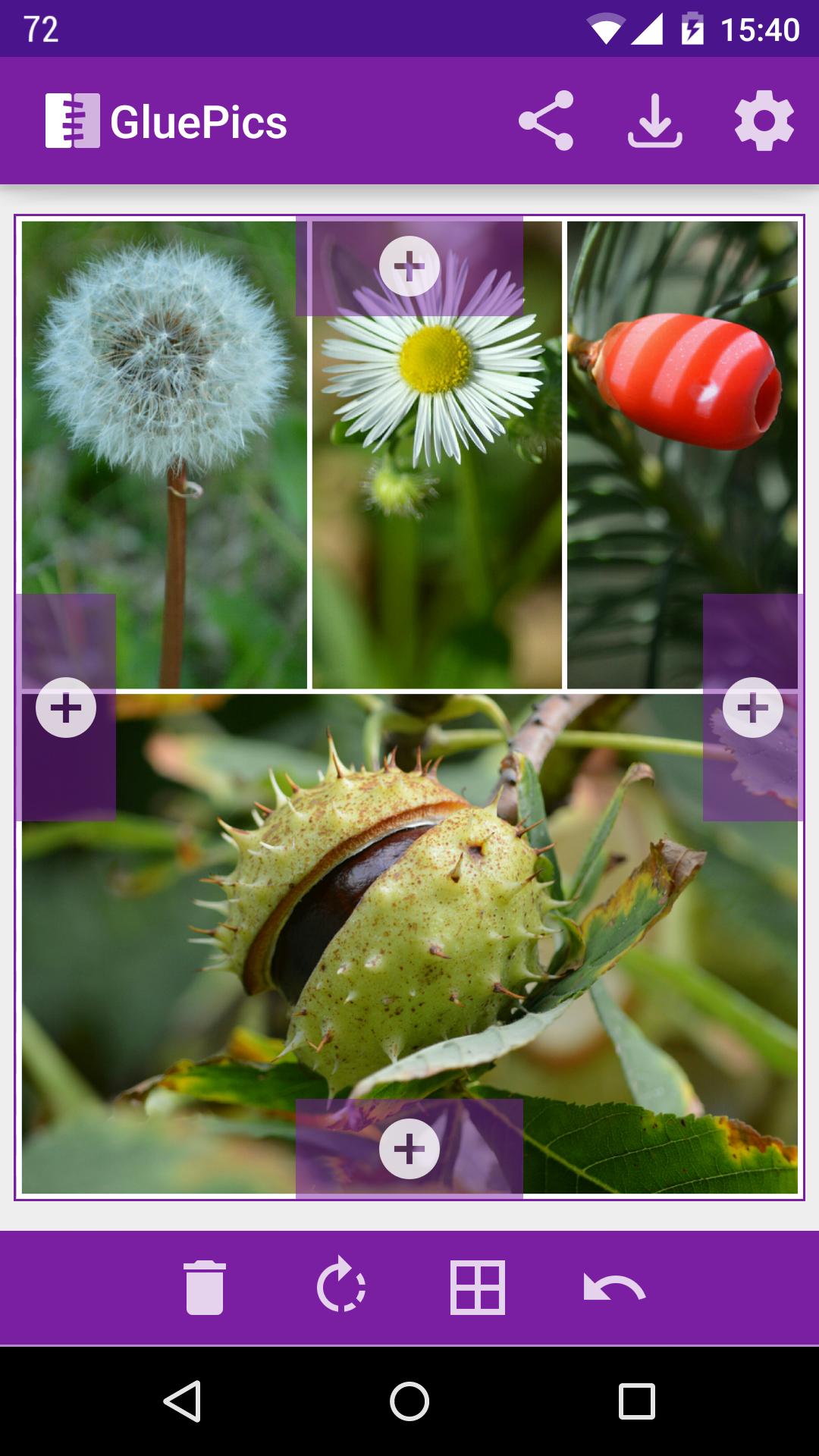
GluePics is a simple but powerful tool to merge your photos and pictures into one image.
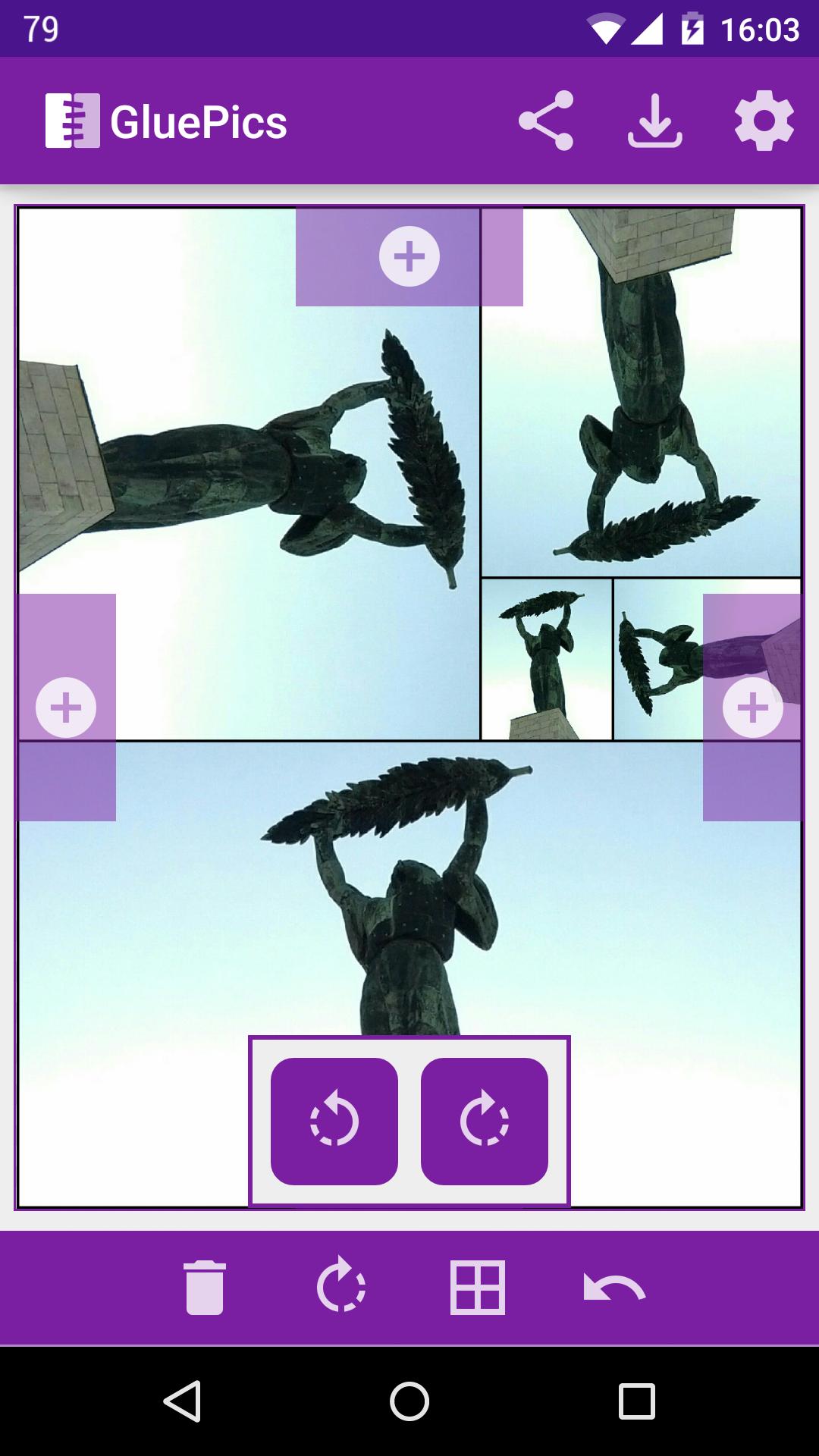
An image can be selected, cropped, rotated and attached to an other image by every side. The app takes care of the image sizes, so the image parts fit always perfectly. You can attach as many other pictures as you wish.
The result image can be saved or shared.
-= Features =-
◆ Select JPG or PNG images
◆ Crop and rotate selected image
◆ Rotate glued image
◆ Attach your image on one of the 4 sides
◆ Add frame to the picture
◆ Sharing an image from other apps to GLUE is possible
-= Free version limitations =-
◆ Watermark on saved and shared images
◆ Add supported
◆ One step undo is disabled
-= Pro version features (with PRO key) =-
◆ No watermark
◆ No adds
◆ One step undo
◆ Change output image size
◆ Change output image quality
Notes
◆ The images will be saved into the "Pictures/glue" folder in JPG format
Avance
Etiquetas
FotografíaInformación
Desarrollador
Braintrapp
La última versión
v3.31
Última actualización
2023-10-17
Categoría
Fotografía
Disponible en
Google Play
Mostrar más
Cómo jugar GluePics con GameLoop en PC
1. Descargue GameLoop desde el sitio web oficial, luego ejecute el archivo exe para instalar GameLoop.
2. Abra GameLoop y busque "GluePics", busque GluePics en los resultados de búsqueda y haga clic en "Instalar".
3. Disfruta jugando GluePics en GameLoop.
Minimum requirements
OS
Windows 8.1 64-bit or Windows 10 64-bit
GPU
GTX 1050
CPU
i3-8300
Memory
8GB RAM
Storage
1GB available space
Recommended requirements
OS
Windows 8.1 64-bit or Windows 10 64-bit
GPU
GTX 1050
CPU
i3-9320
Memory
16GB RAM
Storage
1GB available space