Ultra Zoom Microscope Camera para PC
Delta Applications
Descarga Ultra Zoom Microscope Camera en PC con GameLoop Emulator
Ultra Zoom Microscope Camera en PC
Ultra Zoom Microscope Camera, proveniente del desarrollador Delta Applications, se ejecuta en el sistema Android en el pasado.
Ahora, puedes jugar Ultra Zoom Microscope Camera en PC con GameLoop sin problemas.
Descárgalo en la biblioteca de GameLoop o en los resultados de búsqueda. No más mirar la batería o llamadas frustrantes en el momento equivocado nunca más.
Simplemente disfrute de Ultra Zoom Microscope Camera PC en la pantalla grande de forma gratuita!
Ultra Zoom Microscope Camera Introducción
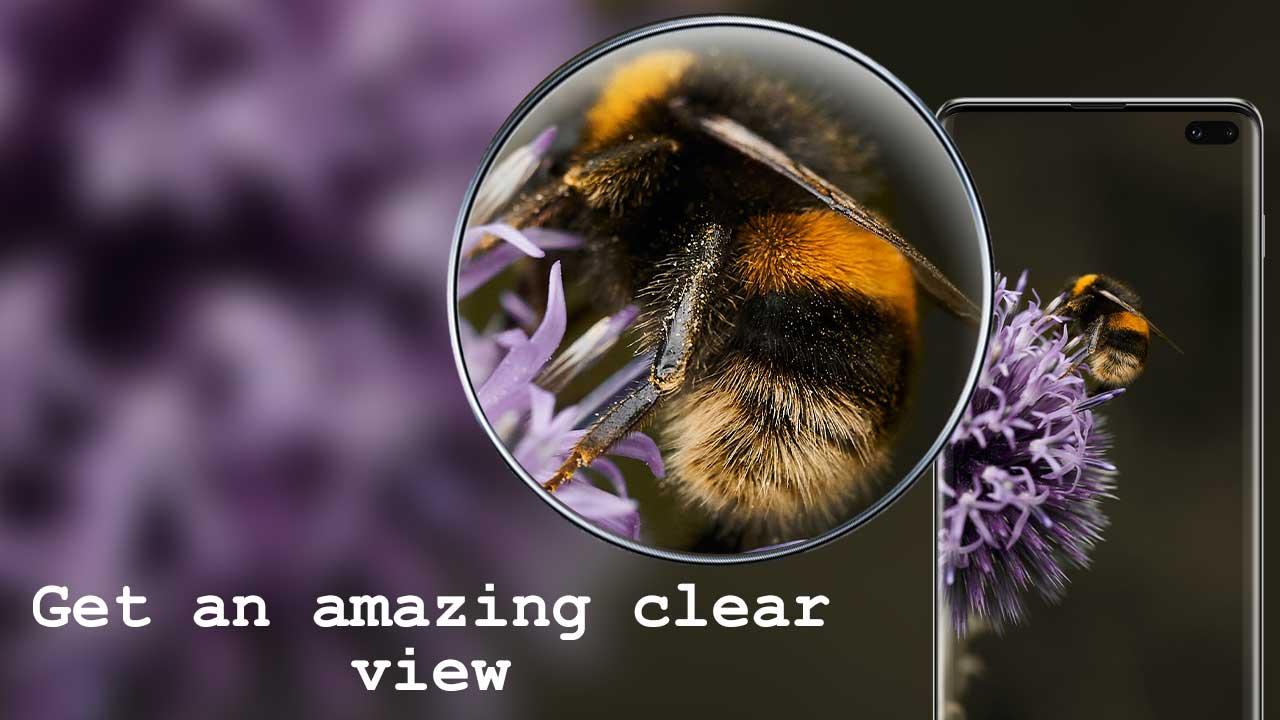
Have this easy to use and powerful Ultra Zoom Microscope Camera application for capturing zoomed up photos and videos in amazing quality.
The application has a very cool design and amazing features such as dedicated zoom scroller, color adjuster and flashlight support for having the best photo-taking experience.
Use the application for focusing on distant objects and small things thanks to the advanced screen magnification algorithm that enlarges and enhances everything.
The camera can be used for zooming in on small text, use the flashlight for capturing media in dark and capture great landscape shots of nature by press the shutter button to save the perfect shot.
Features:
• Turn your device into useful photo taking gadget
• Cool and advanced digital interface of a magnifying zoom microscope
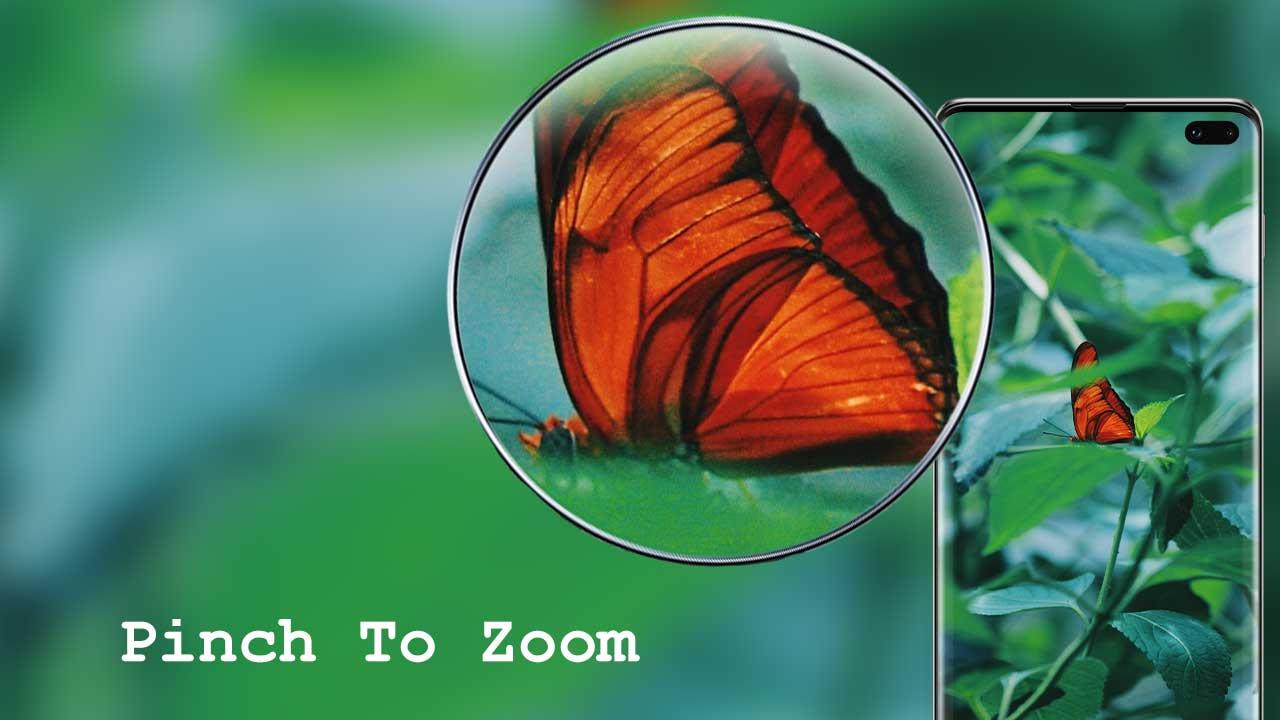
• Zoom-in or zoom-out instantly with dedicated scroller or pinch in or out on screen for magnification
• Flashlight support to capture images dark
• Timer (optional audio countdown timer) and automatic repeat mode (with configurable delay)
• Auto-focus or manual focus on objects
• Multi-touch gesture support
• Lock the portrait or landscape orientation
• Photo effects and color effects
- Free and super easy to operate
- Powerful image processing for taking quick photos
- Supports front camera
- Supports Flashlight
App Permissions explained:
• Camera: To take photos
• Write Internal Storage: To save photos
• Microphone: To support voice activation (optional)
Avance
Etiquetas
FotografíaInformación
Desarrollador
Delta Applications
La última versión
1.0
Última actualización
2022-09-21
Categoría
Fotografía
Disponible en
Google Play
Mostrar más
Cómo jugar Ultra Zoom Microscope Camera con GameLoop en PC
1. Descargue GameLoop desde el sitio web oficial, luego ejecute el archivo exe para instalar GameLoop.
2. Abra GameLoop y busque "Ultra Zoom Microscope Camera", busque Ultra Zoom Microscope Camera en los resultados de búsqueda y haga clic en "Instalar".
3. Disfruta jugando Ultra Zoom Microscope Camera en GameLoop.
Minimum requirements
OS
Windows 8.1 64-bit or Windows 10 64-bit
GPU
GTX 1050
CPU
i3-8300
Memory
8GB RAM
Storage
1GB available space
Recommended requirements
OS
Windows 8.1 64-bit or Windows 10 64-bit
GPU
GTX 1050
CPU
i3-9320
Memory
16GB RAM
Storage
1GB available space