
Photo Collage - Photo Editor para PC
AVNSoftware Inc.
Descarga Photo Collage - Photo Editor en PC con GameLoop Emulator
Photo Collage - Photo Editor en PC
Photo Collage - Photo Editor, proveniente del desarrollador AVNSoftware Inc., se ejecuta en el sistema Android en el pasado.
Ahora, puedes jugar Photo Collage - Photo Editor en PC con GameLoop sin problemas.
Descárgalo en la biblioteca de GameLoop o en los resultados de búsqueda. No más mirar la batería o llamadas frustrantes en el momento equivocado nunca más.
Simplemente disfrute de Photo Collage - Photo Editor PC en la pantalla grande de forma gratuita!
Photo Collage - Photo Editor Introducción
📸 Photo Collage - Photo Editor – Blend, Filter & Create Magic!
Unleash your inner artist with Photo Collage - Photo Editor, your ultimate AI-powered photo editing studio! Whether you're creating eye-catching collages, stylish profile pictures, or transforming everyday photos into artistic masterpieces, our app offers all-in-one tools to bring your vision to life.
🎨 Key Features:
• 25 photos into stunning collages
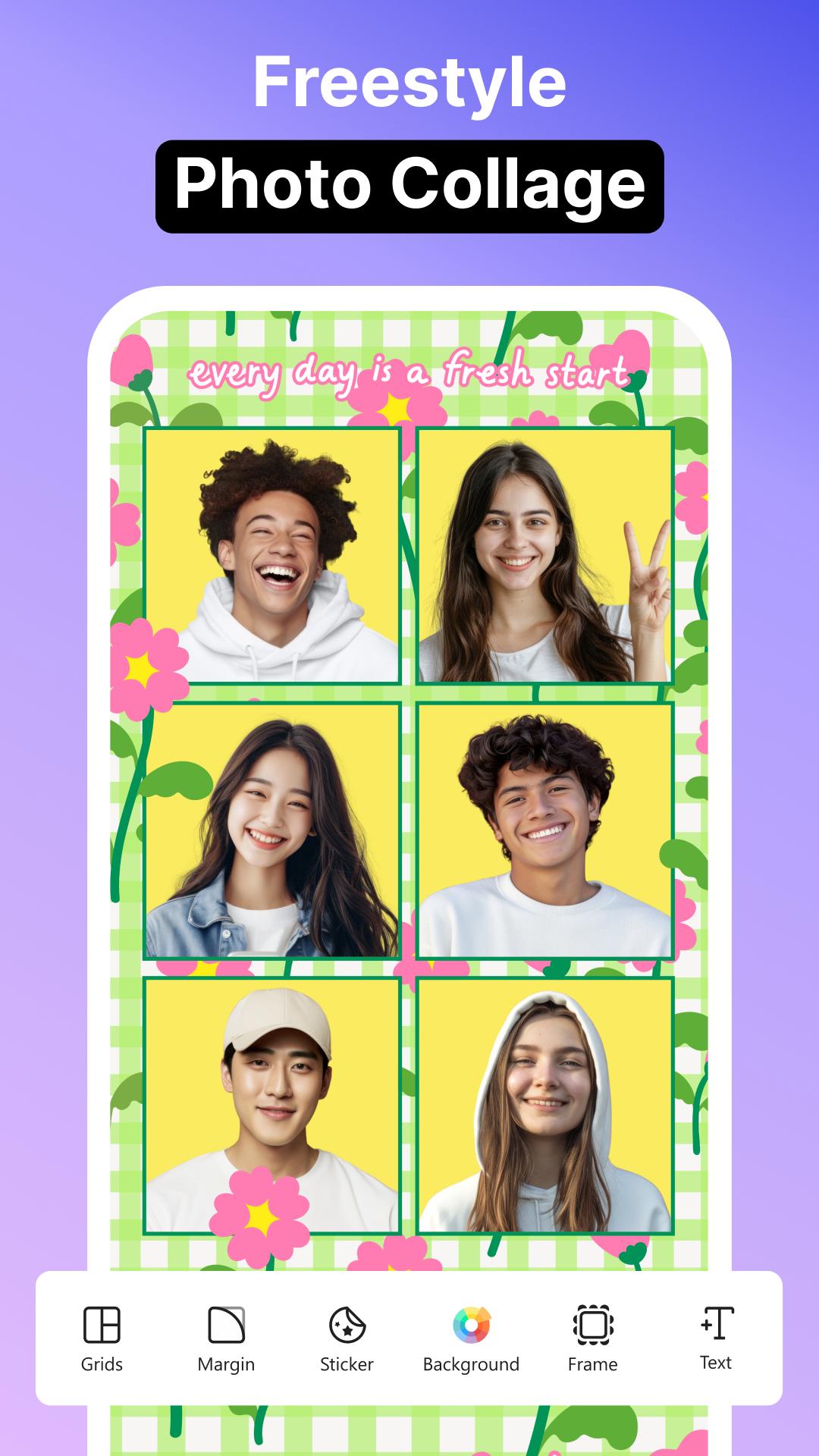
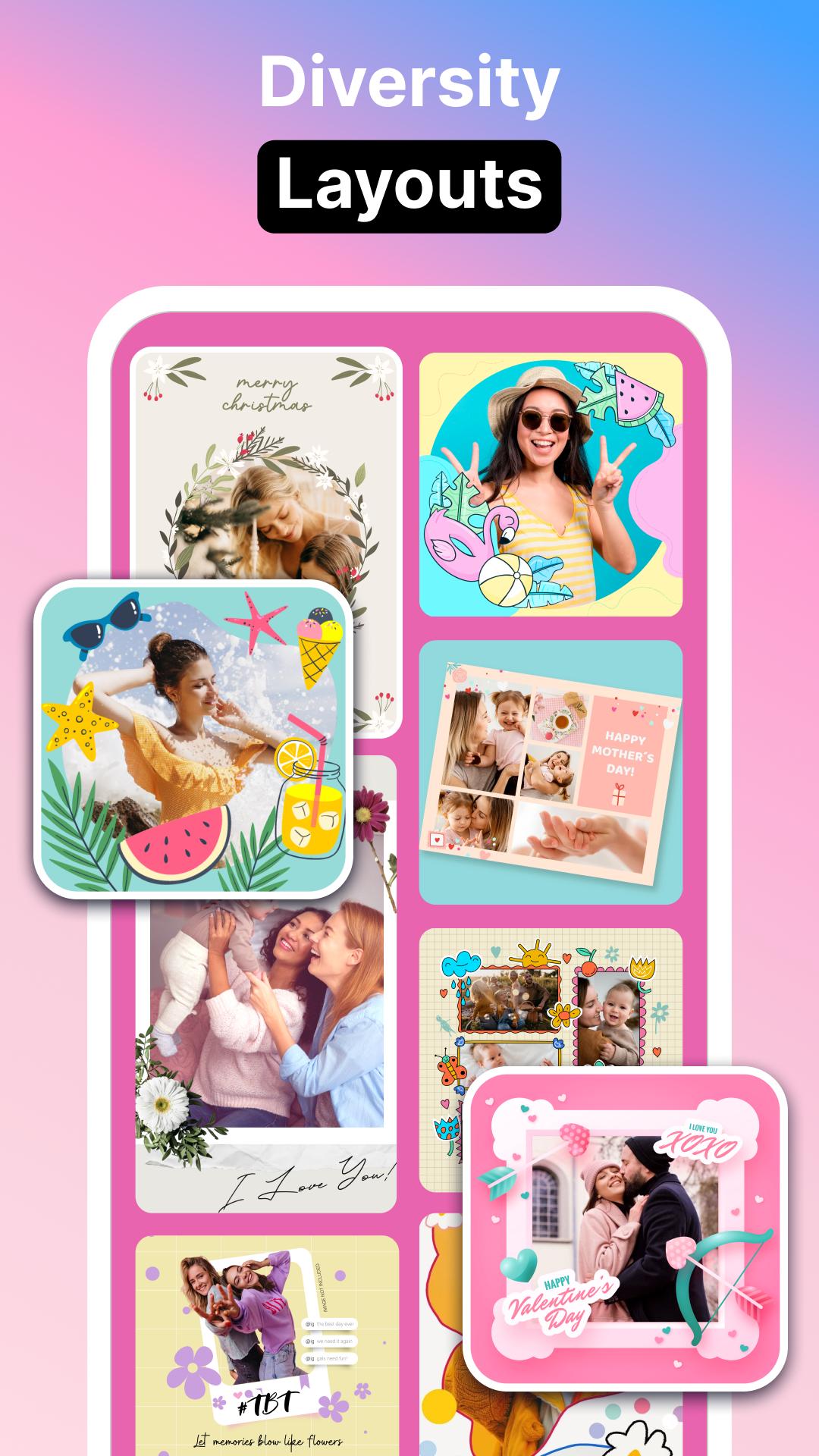
• 300+ layouts, freestyle & grid collage modes
• AI Photo Blending & Double Exposure effects
• Personalized Profile Picture Maker for social media
• Artistic Background Effects & Filters
• 30+ Collage Backgrounds: clouds, emojis, fireworks, floral & more
• Variety of photo frames: PIP, friendship, glitter, calendar & family frames
• 12 font styles, add text, stickers, and emojis
• Import custom fonts & adjust borders, spacing, and aspect ratio
• One-tap enhancements: brightness, contrast, hue, saturation
• Ready-to-post formats for Instagram, Facebook, Stories, and more
🖼️ Powerful Collage Maker & Grid Editor
Create photo collages like a pro with flexible grid layouts and freestyle mode. Adjust border thickness, frame colors, and background patterns to make your collage truly stand out.
📷 AI Blend & Double Exposure Magic
Blend two images seamlessly with AI-driven effects for surreal, dreamlike photos. Perfect for storytelling through visuals.
📷 Profile Picture Editor
Make your selfies pop with unique filters designed specifically for profile pictures. Elevate your social media look effortlessly.
🎆 Creative Effects & Art Filters
From pre-set filters to AI-powered photo effects, go beyond the basics. Customize vibrance, contrast, and saturation for jaw-dropping results.
🌀 Trendy Photo Effects
Apply mesmerizing spiral, neon, drip, overlay, and smoke effects. Perfect for a modern, artistic aesthetic.
🖼️ Frame Your Moments
Choose from classic and creative photo frames including PIP, dual, multiplex, fashion, glitter, anniversary, and family frames.
🌟 Featured & Favorites
Explore trending filters and effects, and save your go-to styles in the Favorite section for quick editing.
📐 Social-Ready Editing Tools
Easily export your edits in the perfect aspect ratios for Instagram, Stories, Facebook, and more.
About our permissions: Collage Maker asks for permissions "READ_EXTERNAL_STORAGE, WRITE_EXTERNAL_STORAGE" to read your photos/videos so that we can edit and save photos. We do not use this permission for any other purpose.
Avance
Etiquetas
FotografíaInformación
Desarrollador
AVNSoftware Inc.
La última versión
113_06092025
Última actualización
2025-09-06
Categoría
Fotografía
Disponible en
Google Play
Mostrar más
Cómo jugar Photo Collage - Photo Editor con GameLoop en PC
1. Descargue GameLoop desde el sitio web oficial, luego ejecute el archivo exe para instalar GameLoop.
2. Abra GameLoop y busque "Photo Collage - Photo Editor", busque Photo Collage - Photo Editor en los resultados de búsqueda y haga clic en "Instalar".
3. Disfruta jugando Photo Collage - Photo Editor en GameLoop.
Minimum requirements
OS
Windows 8.1 64-bit or Windows 10 64-bit
GPU
GTX 1050
CPU
i3-8300
Memory
8GB RAM
Storage
1GB available space
Recommended requirements
OS
Windows 8.1 64-bit or Windows 10 64-bit
GPU
GTX 1050
CPU
i3-9320
Memory
16GB RAM
Storage
1GB available space