
Floating Notification para PC
PransuInc
Descarga Floating Notification en PC con GameLoop Emulator
Floating Notification en PC
Floating Notification, proveniente del desarrollador PransuInc, se ejecuta en el sistema Android en el pasado.
Ahora, puedes jugar Floating Notification en PC con GameLoop sin problemas.
Descárgalo en la biblioteca de GameLoop o en los resultados de búsqueda. No más mirar la batería o llamadas frustrantes en el momento equivocado nunca más.
Simplemente disfrute de Floating Notification PC en la pantalla grande de forma gratuita!
Floating Notification Introducción
Tired of swiping down your notification bar all the time?
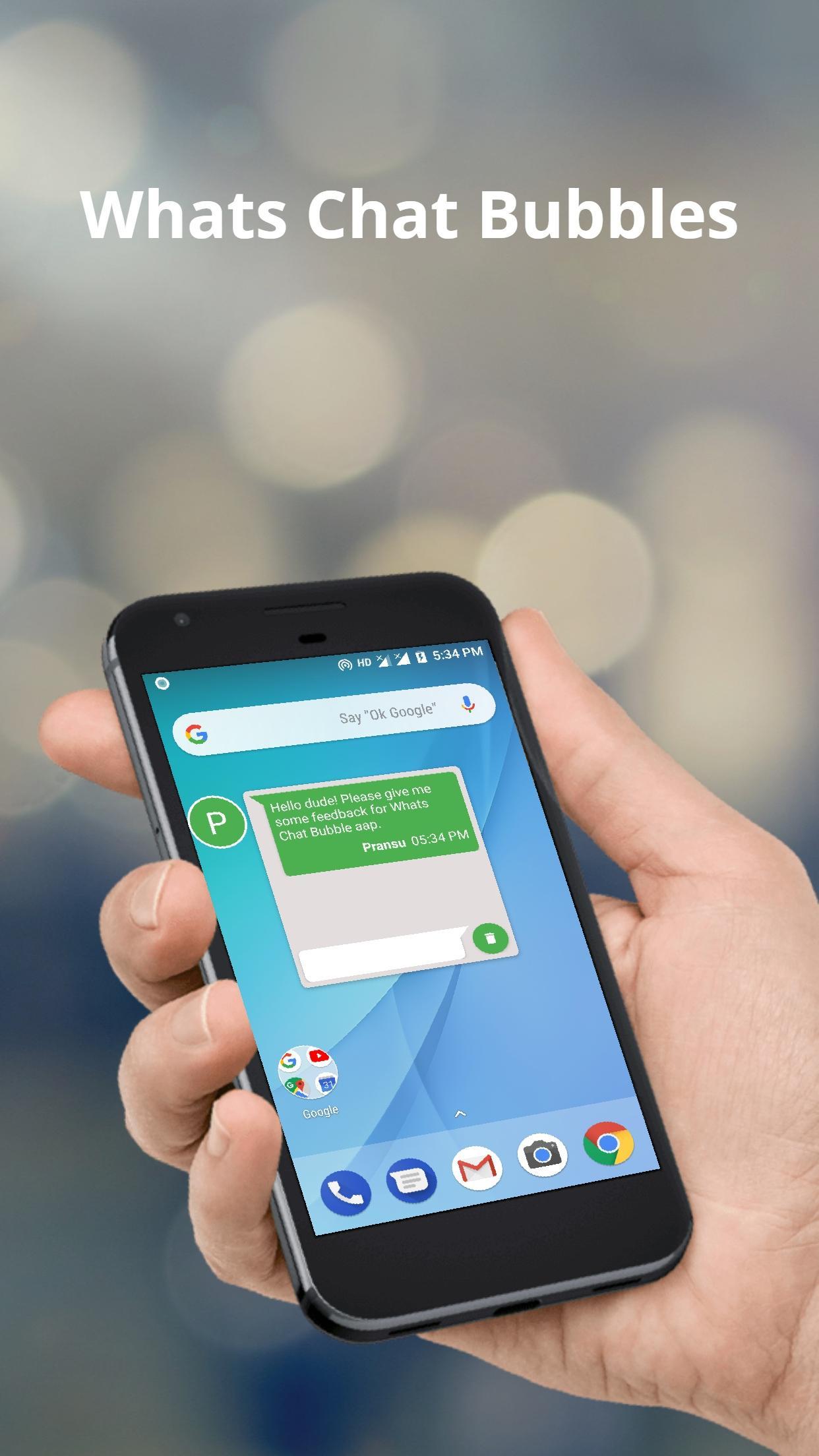
Floating Notification makes it effortless to stay updated! With elegant floating bubbles, you can view and reply to messages instantly—without leaving your current app.
Perfect for multitaskers, gamers, or anyone who wants smarter, faster access to notifications.
🚀 Top Features:
🔵 Smart Floating Bubbles
Get incoming notifications as chat-like bubbles that float over any app—just like Messenger! Stay informed without interruptions.
💬 Quick Reply Popup
Tap on any bubble to open a reply window with full message content. Respond to app without switching apps.
🎨 Fully Customizable
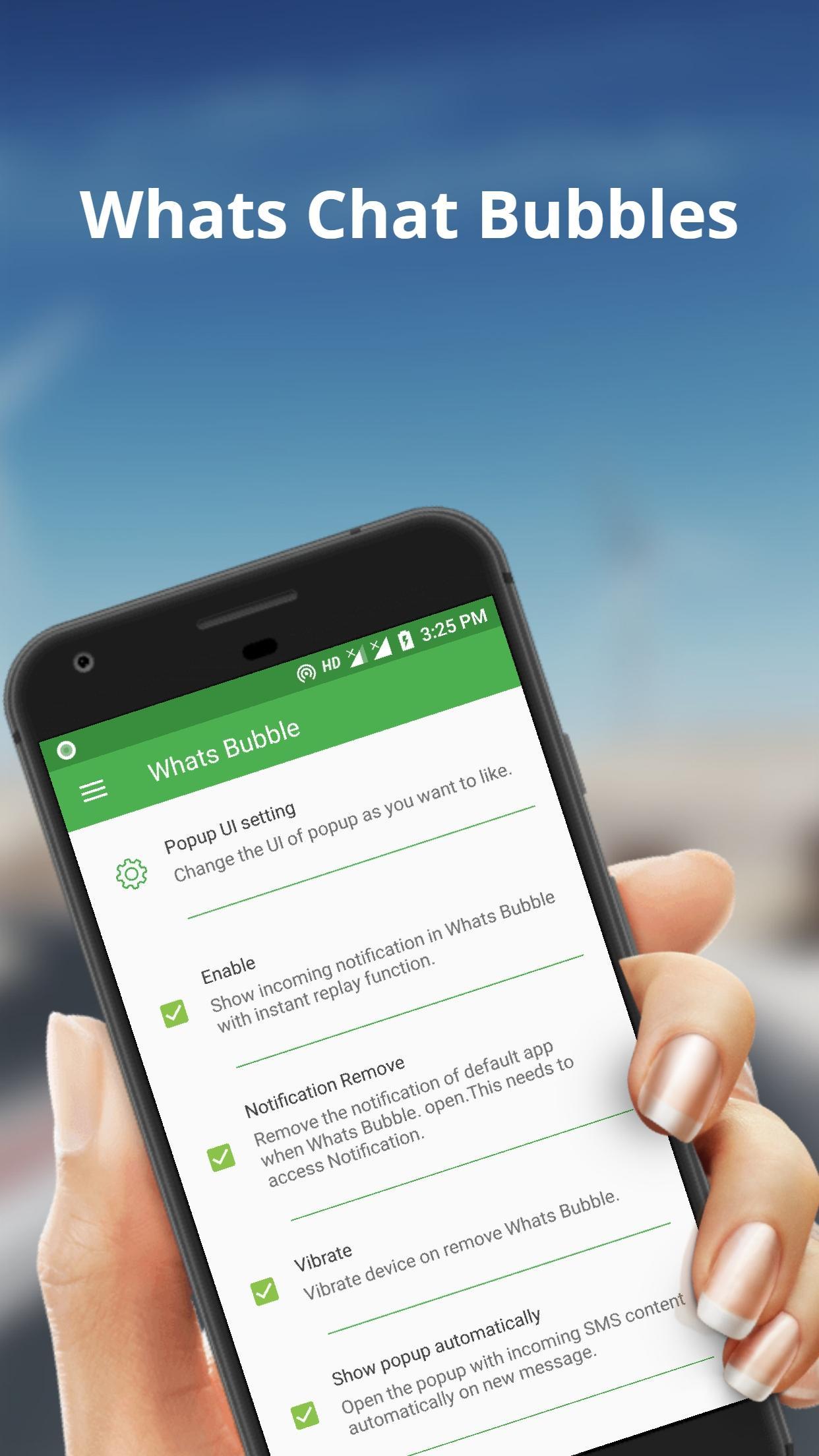
Personalize your notification bubbles and popup windows with your favorite colors and styles.
🔒 Lockscreen Alerts
See and reply to notifications even when your screen is locked—no need to unlock your phone.
🛡️ 100% Privacy Safe
We respect your privacy. This app doesn’t collect or share your data. Internet access is used only for ads.
🔧 Permissions Explained:
INTERNET: For showing ads.
SYSTEM_ALERT_WINDOW: Needed to display bubbles and popup windows.
VIBRATE: For haptic feedback when closing windows.
💡 Why Choose Floating Notification?
Stay productive, never miss an alert, and keep your messaging smooth and fast—without breaking your flow.
📥 Download Floating Notification now and take control of how you see and manage notifications—bubble-style!
📧 Support & Feedback:
pransuinc@gmail.com
Avance
Etiquetas
PersonalizaciónInformación
Desarrollador
PransuInc
La última versión
2.8
Última actualización
2025-07-26
Categoría
Personalización
Disponible en
Google Play
Mostrar más
Cómo jugar Floating Notification con GameLoop en PC
1. Descargue GameLoop desde el sitio web oficial, luego ejecute el archivo exe para instalar GameLoop.
2. Abra GameLoop y busque "Floating Notification", busque Floating Notification en los resultados de búsqueda y haga clic en "Instalar".
3. Disfruta jugando Floating Notification en GameLoop.
Minimum requirements
OS
Windows 8.1 64-bit or Windows 10 64-bit
GPU
GTX 1050
CPU
i3-8300
Memory
8GB RAM
Storage
1GB available space
Recommended requirements
OS
Windows 8.1 64-bit or Windows 10 64-bit
GPU
GTX 1050
CPU
i3-9320
Memory
16GB RAM
Storage
1GB available space