Forest Wallpaper HD para PC
Kirito Dev
Descarga Forest Wallpaper HD en PC con GameLoop Emulator
Forest Wallpaper HD en PC
Forest Wallpaper HD, proveniente del desarrollador Kirito Dev, se ejecuta en el sistema Android en el pasado.
Ahora, puedes jugar Forest Wallpaper HD en PC con GameLoop sin problemas.
Descárgalo en la biblioteca de GameLoop o en los resultados de búsqueda. No más mirar la batería o llamadas frustrantes en el momento equivocado nunca más.
Simplemente disfrute de Forest Wallpaper HD PC en la pantalla grande de forma gratuita!
Forest Wallpaper HD Introducción
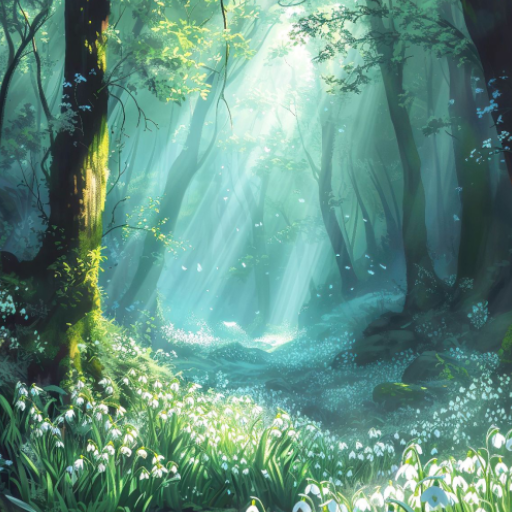
Breathe Deep and Escape into the Tranquility of a Forest Wallpaper
The modern world can be overwhelming, filled with noise, constant stimulation, and the ever-present glow of screens. But what if you could bring a touch of serenity and natural beauty into your daily life with just a tap? That's the power of a forest wallpaper.
Imagine glancing at your phone and being transported to a sun-dappled forest trail, the air crisp and clean. Forest wallpapers offer a stunning array of captivating landscapes, each one a visual escape:
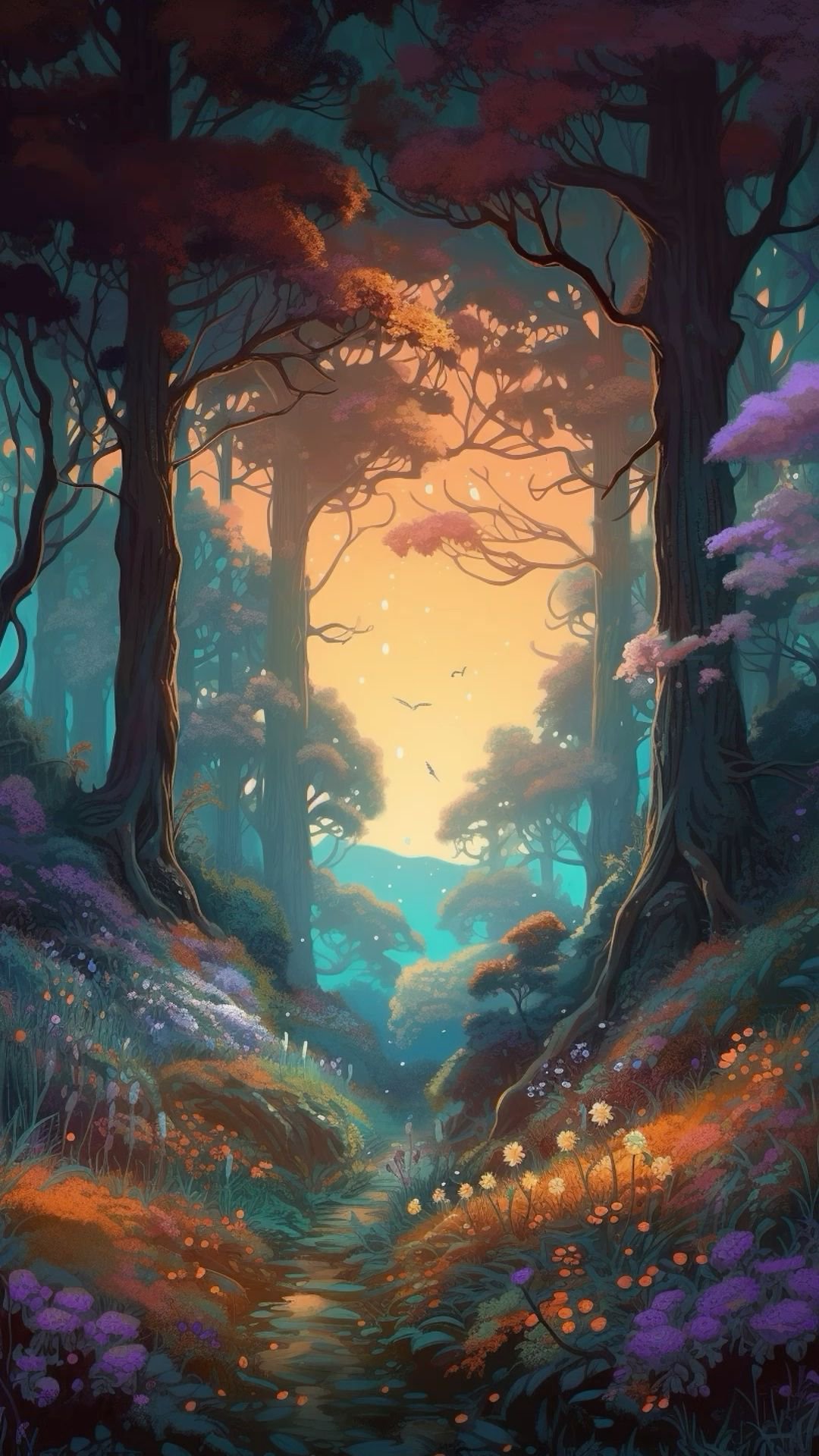
Immerse yourself in a vibrant tapestry of colorful leaves, from the fiery hues of autumn to the lush greens of a summer forest.
Gaze upwards at towering redwoods, ancient oaks draped in moss, or the graceful silhouette of pines against a twilight sky.
Find peace in tranquil scenes like a misty mountain lake reflecting the first rays of dawn or a sunlit meadow bursting with wildflowers.
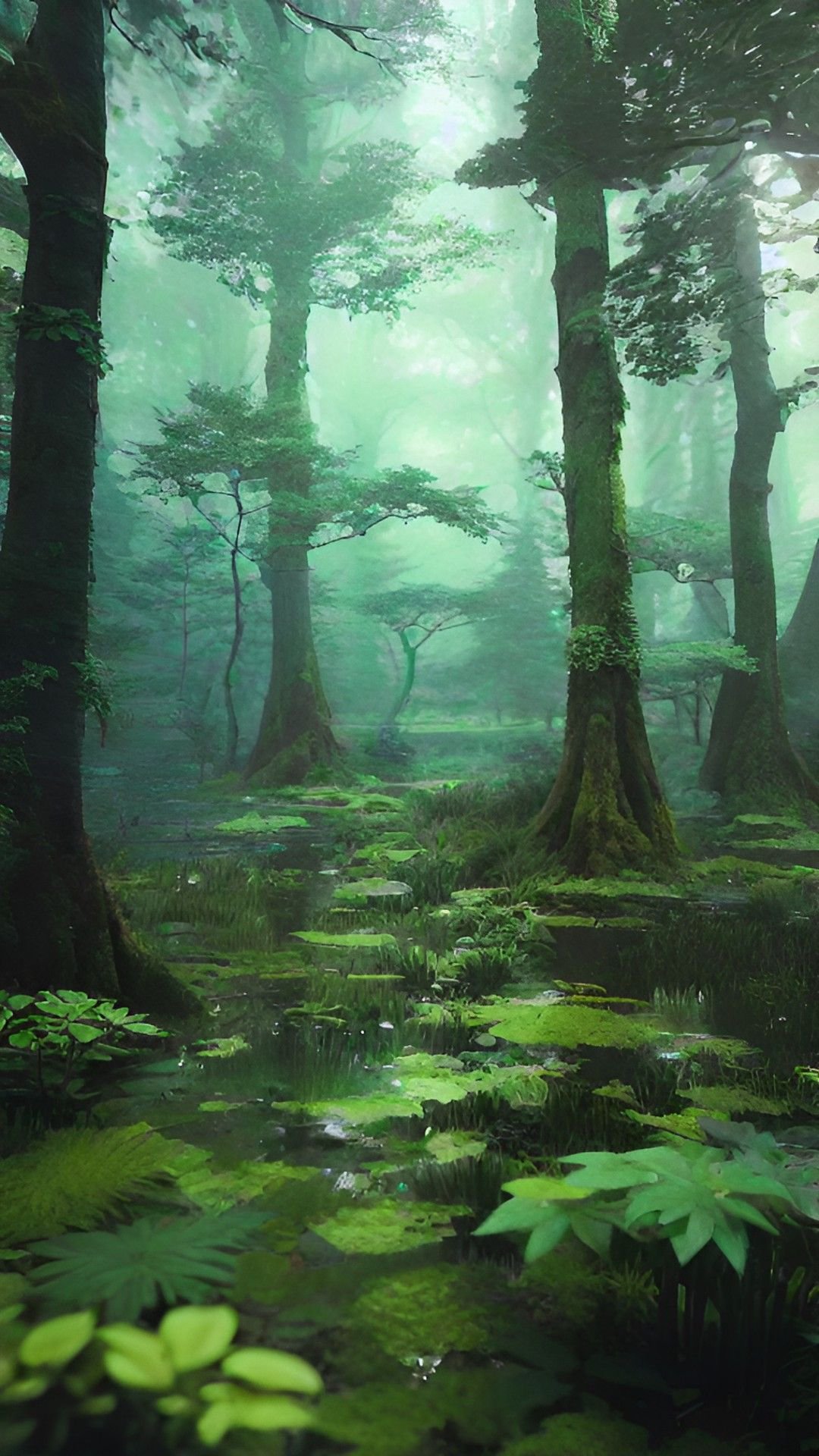
Explore wallpapers that capture the magical essence of the forest, with fog-shrouded pathways and sunbeams filtering through a dense canopy.
🌟 THE ULTIMATE VISUAL LIBRARY
• High-Resolution Quality: Every wallpaper is curated to deliver breathtaking clarity. Depending on the image, they may support HD, Full HD (1080p), or even ultra-crisp 2K displays.
• Smart Discovery: Find exactly what you need using our Newest, Oldest, and Random sorting options.
• Swipe-to-Explore: Navigate effortlessly through our collection with smooth, lag-free transitions.
🔄 ADVANCED AUTO WALLPAPER CHANGER
• Total Customization: Never see the same screen twice! Set the app to change your wallpaper automatically every 15 minutes, 30 minutes, 1 hour, or 6 hours.
• Source Selection: You control the feed. Set your Auto Changer to only pull from your carefully curated Favorites list.
• Smart Background Updates: Our app uses advanced background scheduling to refresh your look seamlessly.
⚡ MODERN INTERACTIONS & BATCH MANAGEMENT
• One-Tap Apply: Set your favorite image as your Home Screen, Lock Screen, or both in a single tap.
• Premium Aesthetics: Experience a modern look with elegant translucent layers and dynamic styling.
📖 STEP-BY-STEP USAGE GUIDE
1. Find Your Look: Scroll the main feed to browse the full collection.
2. Apply Wallpaper: Tap any image to enter Full Preview Mode, then tap "Apply" to set your target (Home, Lock, or Both).
3. Configure Auto Changer: Go to Settings → Auto Wallpaper. Turn it ON, set your interval, and pick your source from your Favorites list.
4. Organize Collection: Heart the images you love, or long-press an image to start Selection Mode for batch actions.
⚠️ IMPORTANT: HOW TO ENSURE FLAWLESS AUTO-CHANGING
To make sure the Auto Wallpaper Changer works perfectly every single time, you need to adjust your Android battery settings. By default, Android's "Battery Optimization" may stop background tasks, which prevents the wallpaper from changing on time.
Please follow these quick steps:
1. Open your device's Settings.
2. Go to Apps (or Manage Apps).
3. Find and tap on our Wallpaper app.
4. Tap on Battery.
5. Select Unrestricted (instead of Optimized or Restricted).
Note: This simple setting allows the app to perform quick wallpaper swaps in the background without draining your battery!
✨ WHY CHOOSE US?
• 100% Cost-Free: Access our entire gallery and utilize every single feature without paying a dime or encountering hidden subscriptions.
• Lightweight & Efficient: Doesn't hog your storage or slow down your phone.
• Privacy First: We respect your data and only require necessary permissions to save wallpapers.
Make your screen a masterpiece. Download now!
Avance
Etiquetas
PersonalizaciónInformación
Desarrollador
Kirito Dev
La última versión
3.6.0
Última actualización
2026-03-29
Categoría
Personalización
Disponible en
Google Play
Mostrar más
Cómo jugar Forest Wallpaper HD con GameLoop en PC
1. Descargue GameLoop desde el sitio web oficial, luego ejecute el archivo exe para instalar GameLoop.
2. Abra GameLoop y busque "Forest Wallpaper HD", busque Forest Wallpaper HD en los resultados de búsqueda y haga clic en "Instalar".
3. Disfruta jugando Forest Wallpaper HD en GameLoop.
Minimum requirements
OS
Windows 8.1 64-bit or Windows 10 64-bit
GPU
GTX 1050
CPU
i3-8300
Memory
8GB RAM
Storage
1GB available space
Recommended requirements
OS
Windows 8.1 64-bit or Windows 10 64-bit
GPU
GTX 1050
CPU
i3-9320
Memory
16GB RAM
Storage
1GB available space