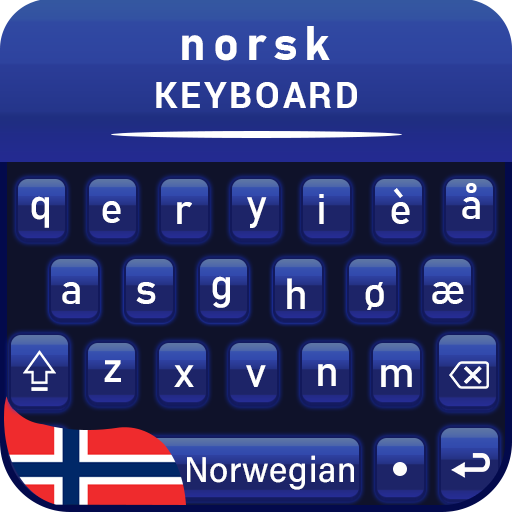
Norwegian Language Keyboard para PC
The Colorful Themes Keyboard
Descarga Norwegian Language Keyboard en PC con GameLoop Emulator
Norwegian Language Keyboard en PC
Norwegian Language Keyboard, proveniente del desarrollador The Colorful Themes Keyboard, se ejecuta en el sistema Android en el pasado.
Ahora, puedes jugar Norwegian Language Keyboard en PC con GameLoop sin problemas.
Descárgalo en la biblioteca de GameLoop o en los resultados de búsqueda. No más mirar la batería o llamadas frustrantes en el momento equivocado nunca más.
Simplemente disfrute de Norwegian Language Keyboard PC en la pantalla grande de forma gratuita!
Norwegian Language Keyboard Introducción
Start typing using default keyboard with Norwegian typing.
We are excited to give you Norwegian language keyboard for fast typing.
If you are fans of customize keyboard to personalize your keyboard background then Multilingual keyboard is the Norwegian keyboard for Norwegian language.
Multi language keyboard is now available in search store.
We have the greatest design of gradient themes for you to change keyboard.
I would recommend to all keyboard users to change your keyboard layout with Norwegian English keyboard.
Multiple keyboard with fast typing keyboard for multi keyboards.
If you are feeling bored from your mobile default keyboard then use Norwegian keyboard with custom themes and custom colors with emojis and sticker.
Customize your keyboard with voice typing keyboard
If you want to customize your keyboard with fast typing, then congratulations, you are on the right spot.
We are here to provide double keyboard and transform your phone with attractive layout.
Personalized keypad of norwegian keyboard with sticker keyboard.
English Norwegian keyboard is dual keyboard which is design for galaxy smart phones. This multi language keyboard has gesture typing and glide typing.
The Norwegian English Keyboard is the way to use your default mobile keyboard with emoji keyboard.
Multilingual keyboard that likely compatible with multi keyboard with gesture typing.
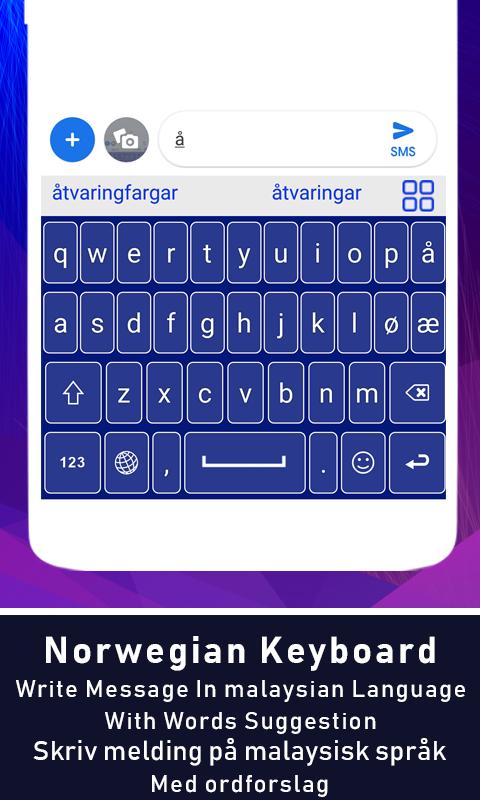
Autocorrection for easy typing and autosuggestion for next word prediction.
Privacy Policy
Norwegian Keyboard will never collect and share your ID card number, Credit Card number and personal data.
Features
Autocorrection and autosuggestion for fast typing.
Gesture typing with swype on keyboard layout.
Dictionary to save favorite words
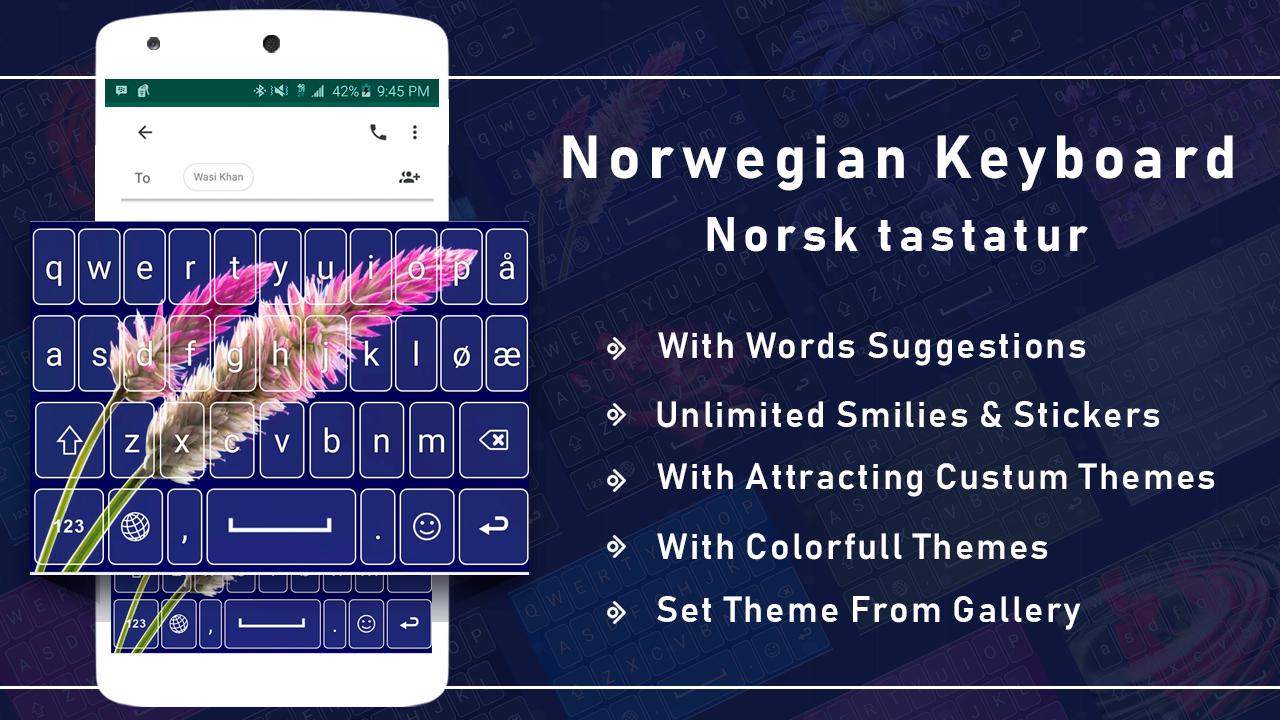
Gradient themes and custom themes.
Multi languages with Norwegian English.
Fast typing Keyboard wit all in one keyboard.
Write Norwegian on Screen layout with touch keypad.
Beautiful Norwegian Fonts with stylish typing.
Cute Emoji, Gifs, emoticons with smiley’s.
Custom background photos with multiple custom themes.
Set your gallery photo as a background layout.
It has set of multiple key press sound like rainy, wood, vibration etc.
User can change keypad text style using font function.
How to Use Norwegian Keyboard
Enable Norwegian Keyboard.
Select Norwegian Keyboard.
Avance
Etiquetas
PersonalizaciónInformación
Desarrollador
The Colorful Themes Keyboard
La última versión
1.1.5
Última actualización
2024-01-30
Categoría
Personalización
Disponible en
Google Play
Mostrar más
Cómo jugar Norwegian Language Keyboard con GameLoop en PC
1. Descargue GameLoop desde el sitio web oficial, luego ejecute el archivo exe para instalar GameLoop.
2. Abra GameLoop y busque "Norwegian Language Keyboard", busque Norwegian Language Keyboard en los resultados de búsqueda y haga clic en "Instalar".
3. Disfruta jugando Norwegian Language Keyboard en GameLoop.
Minimum requirements
OS
Windows 8.1 64-bit or Windows 10 64-bit
GPU
GTX 1050
CPU
i3-8300
Memory
8GB RAM
Storage
1GB available space
Recommended requirements
OS
Windows 8.1 64-bit or Windows 10 64-bit
GPU
GTX 1050
CPU
i3-9320
Memory
16GB RAM
Storage
1GB available space