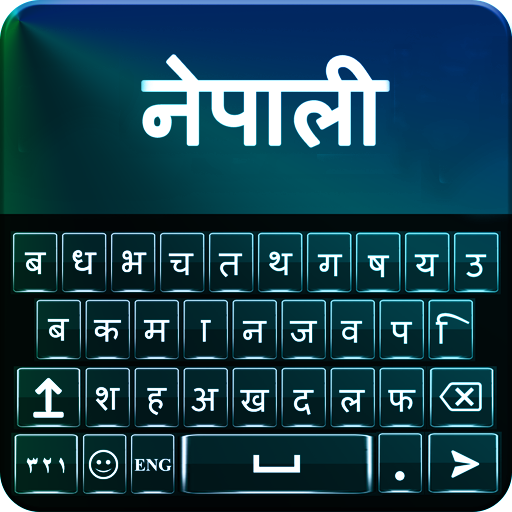
Nepali English Keyboard para PC
khantechnology
Descarga Nepali English Keyboard en PC con GameLoop Emulator
Nepali English Keyboard en PC
Nepali English Keyboard, proveniente del desarrollador khantechnology, se ejecuta en el sistema Android en el pasado.
Ahora, puedes jugar Nepali English Keyboard en PC con GameLoop sin problemas.
Descárgalo en la biblioteca de GameLoop o en los resultados de búsqueda. No más mirar la batería o llamadas frustrantes en el momento equivocado nunca más.
Simplemente disfrute de Nepali English Keyboard PC en la pantalla grande de forma gratuita!
Nepali English Keyboard Introducción
Nepali English Keyboard to make you best student of Nepali. Nepali console English which causes you to type messages in Nepali. It is console Nepali English change that empowers you to switch English dialect .
Best Nepali English console is set apart with English and Nepali letters all the while that empower you to appreciate composing with keypad Nepali English.
Adapt your new Nepali console for android with new looks. In excess of 20 styles to change foundation shade of Nepali English console. Wonderful pictures for console foundation and diverse sound choices for simple go console composing background.
Nepali English Keyboard Features:
Distinctive console skins with styling choices
All Nepali letter sets, letters and word in Nepali keypad effortlessly.
Support for both English and Nepali composing
Customize vivid subjects, textual styles and foundations
Sounds and vibration setting for composing
Auto amend spellings with English Nepali text composing and emoticon prediction
Smiley included
Brilliant tweaking console Nepali English skins for android mobile
How It Works:
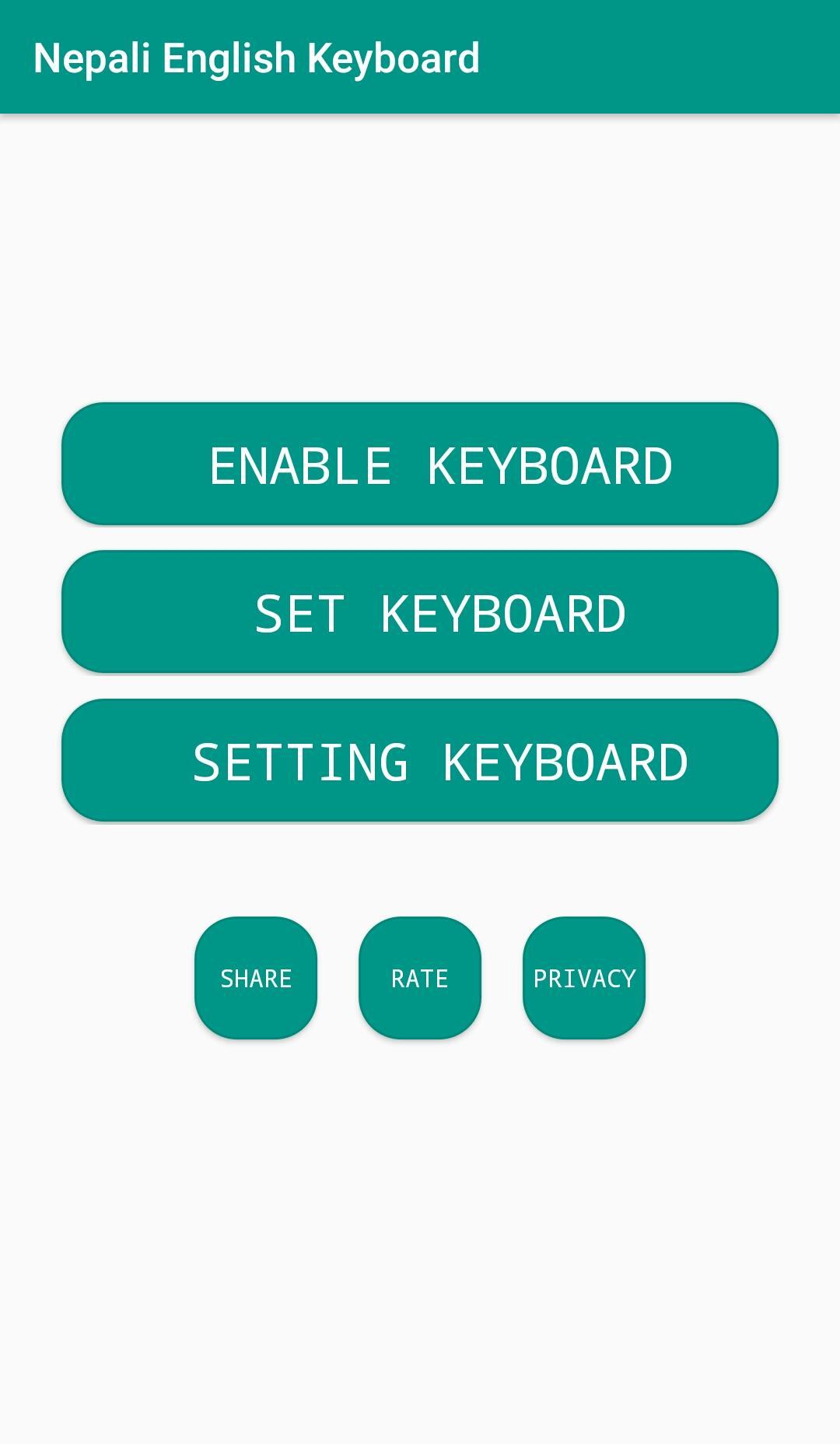
Download and Install Nepali English Keyboard on your cell phone from Store.
Go to the settings and pick the choice of empowering.
Appreciate the new keypad with a lot of subjects and emoticons.
Avance
Etiquetas
PersonalizaciónInformación
Desarrollador
khantechnology
La última versión
1.2.2
Última actualización
2024-07-31
Categoría
Personalización
Disponible en
Google Play
Mostrar más
Cómo jugar Nepali English Keyboard con GameLoop en PC
1. Descargue GameLoop desde el sitio web oficial, luego ejecute el archivo exe para instalar GameLoop.
2. Abra GameLoop y busque "Nepali English Keyboard", busque Nepali English Keyboard en los resultados de búsqueda y haga clic en "Instalar".
3. Disfruta jugando Nepali English Keyboard en GameLoop.
Minimum requirements
OS
Windows 8.1 64-bit or Windows 10 64-bit
GPU
GTX 1050
CPU
i3-8300
Memory
8GB RAM
Storage
1GB available space
Recommended requirements
OS
Windows 8.1 64-bit or Windows 10 64-bit
GPU
GTX 1050
CPU
i3-9320
Memory
16GB RAM
Storage
1GB available space