Modern Style Lockscreen para PC
Silky Apps Studio
Descarga Modern Style Lockscreen en PC con GameLoop Emulator
Modern Style Lockscreen en PC
Modern Style Lockscreen, proveniente del desarrollador Silky Apps Studio, se ejecuta en el sistema Android en el pasado.
Ahora, puedes jugar Modern Style Lockscreen en PC con GameLoop sin problemas.
Descárgalo en la biblioteca de GameLoop o en los resultados de búsqueda. No más mirar la batería o llamadas frustrantes en el momento equivocado nunca más.
Simplemente disfrute de Modern Style Lockscreen PC en la pantalla grande de forma gratuita!
Modern Style Lockscreen Introducción
PERMISSION
• ACCESSIBILITY_SERVICE to display overlay window for lock screen also used to provide accessibility function like lock screen, take screen shot and show power menu of mobile.
• READ_NOTIFICATION read notification to show media control or notifications on lock screen.
• Bluetooth permission for earbuds and airpods
FEEDBACK
• If you have any problems while using this application, please let us know we will check and update as soon as possible.
This is a This is a Modern Lock style for Android 5.0+ and up. Modern Lock Style Lock Screen is a free Personalization app. It's easy to download and install to your mobile phone.
If you want to know more about Modern Lock Style Lock Screen then you may visit Silky apps studio Launchers and Themes support center for more information
If any apk download infringes your copyright, please contact us. Modern Lock Style Lock Screen is the property and trademark from the developer Silky apps studio Launchers and Themes.
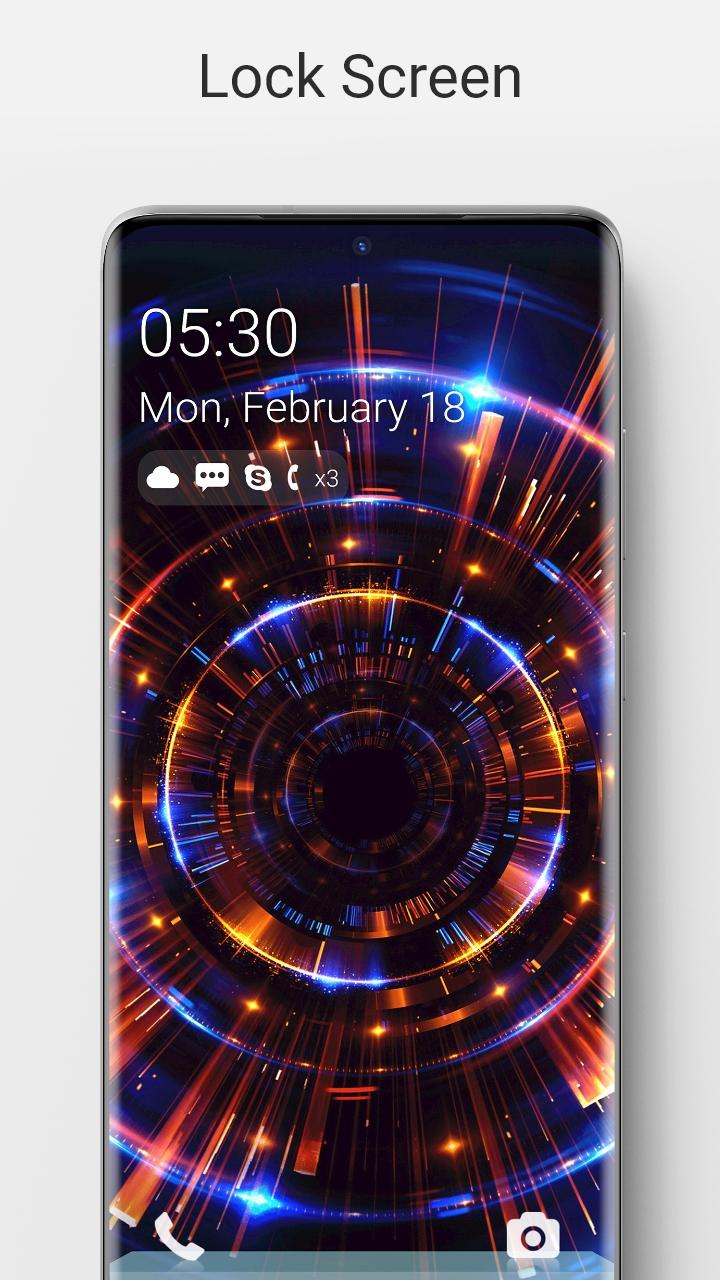
🔑 Lock Screen For Modern Lock Style is a highly customization lock screen with a number of ways. Starting off, there are four main things you get to control, Notifications.⏱
🌈 It gives you the option to light up the screen when you get a message from apps as well as which apps you get notifications from.
📮 Within Lock screen you can select different types of lock screen unlocks like slide to unlock, unlock sound and more.
The application is an excellent with wallpapers. It is beautiful, safe and custom.📔
🌏 Lock screen Feature 🌏
💧 A lot of beautiful wallpaper
💧 Slide to easily unlock your phone with subtle animations and sounds.
💧 Set Pin or Password via Keypad Lock Screen to Enhance Security Lock your Phone.
💧 Supports custom slide text, you can use your name or other words to personalize your Lock screen. Lock style for Android 5.0+ and up. Modern Lock Style Lock Screen is a free Personalization app. It's easy to download and install to your mobile phone.
If you want to know more about Modern Lock Style Lock Screen then you may visit Silky apps studio Launchers and Themes support center for more information
If any apk download infringes your copyright, please contact us. Modern Lock Style Lock Screen is the property and trademark from the developer Silky apps studio Launchers and Themes.
🔑 Lock Screen For Modern Lock Style is a highly customization lock screen with a number of ways to gain control of the information you see. Starting off, there are four main things you get to control, Notifications.⏱
🌈 It gives you the option to light up the screen when you get a message from apps as well as which apps you get notifications from.
📮 Within Lock screen you can select different types of lock screen unlocks like slide to unlock, unlock sound and more.
The application is an excellent with wallpapers. It is beautiful, safe and custom.📔
🌏 Lock screen Feature 🌏
💧 A lot of beautiful wallpaper
💧 Slide to easily unlock your phone with subtle animations and sounds.
💧 Set Pin or Password via Keypad Lock Screen to Enhance Security Lock your Phone.
💧 Supports custom slide text, you can use your name or other words to personalize your Lock screen.
Avance
Etiquetas
PersonalizaciónInformación
Desarrollador
Silky Apps Studio
La última versión
1.51
Última actualización
2023-10-24
Categoría
Personalización
Disponible en
Google Play
Mostrar más
Cómo jugar Modern Style Lockscreen con GameLoop en PC
1. Descargue GameLoop desde el sitio web oficial, luego ejecute el archivo exe para instalar GameLoop.
2. Abra GameLoop y busque "Modern Style Lockscreen", busque Modern Style Lockscreen en los resultados de búsqueda y haga clic en "Instalar".
3. Disfruta jugando Modern Style Lockscreen en GameLoop.
Minimum requirements
OS
Windows 8.1 64-bit or Windows 10 64-bit
GPU
GTX 1050
CPU
i3-8300
Memory
8GB RAM
Storage
1GB available space
Recommended requirements
OS
Windows 8.1 64-bit or Windows 10 64-bit
GPU
GTX 1050
CPU
i3-9320
Memory
16GB RAM
Storage
1GB available space