Malayalam Typing Keyboard para PC
Keyboardpad
Descarga Malayalam Typing Keyboard en PC con GameLoop Emulator
Malayalam Typing Keyboard en PC
Malayalam Typing Keyboard, proveniente del desarrollador Keyboardpad, se ejecuta en el sistema Android en el pasado.
Ahora, puedes jugar Malayalam Typing Keyboard en PC con GameLoop sin problemas.
Descárgalo en la biblioteca de GameLoop o en los resultados de búsqueda. No más mirar la batería o llamadas frustrantes en el momento equivocado nunca más.
Simplemente disfrute de Malayalam Typing Keyboard PC en la pantalla grande de forma gratuita!
Malayalam Typing Keyboard Introducción
Main Purpose of Malayalam Keyboard 2020
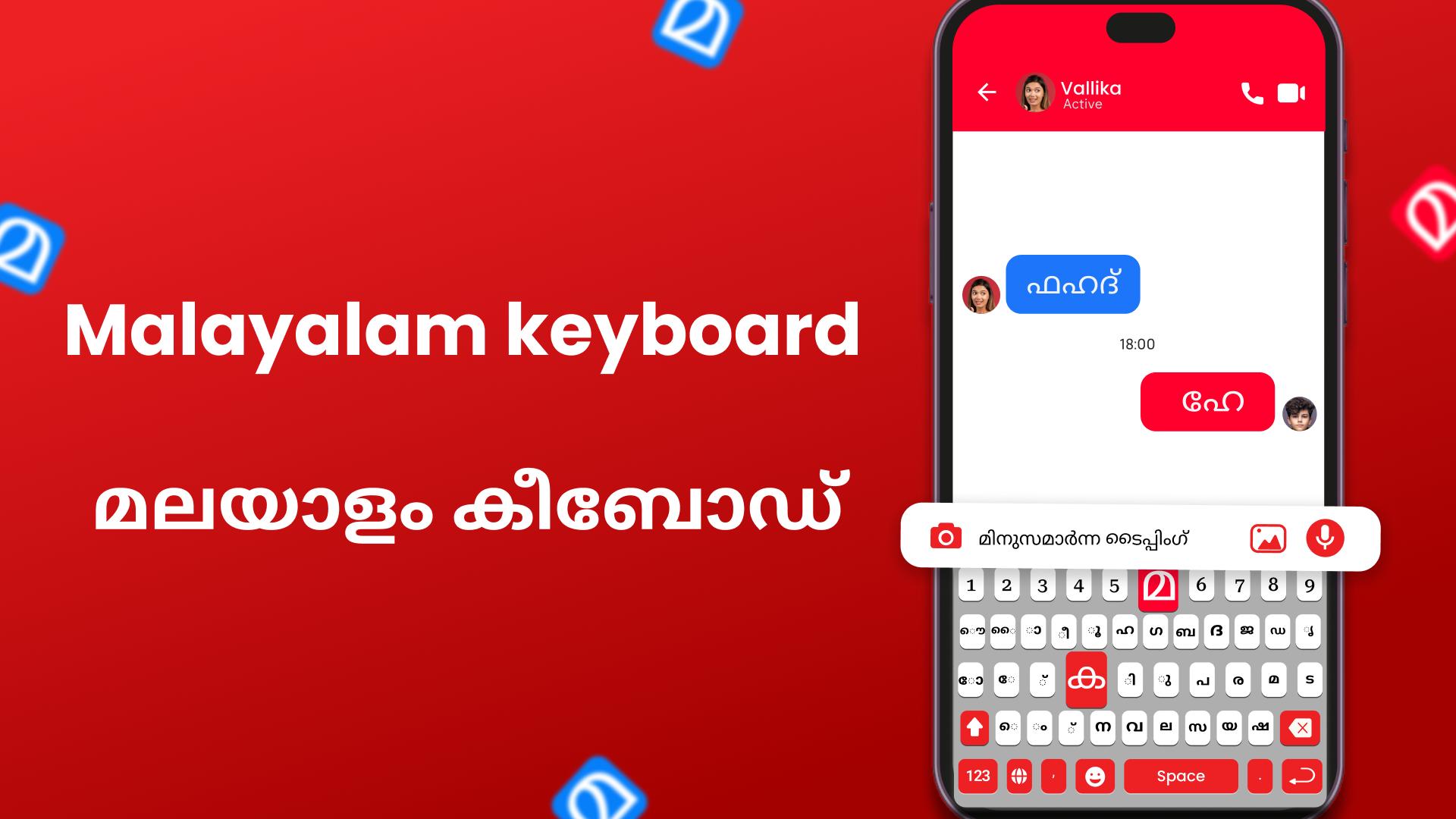
Malayalam Keyboard 2020: Easy Typing Keyboard is the best mobile typing app for the Malayalam English language with different themes. Free English Malayalam keyboard 2020 is used for Malayalam and English Typing at the same time.
Malayalam Keyboard 2020: Malayalam Typing Keyboard is free app for android mobiles in the Malayalam native language that type Malayalam & English. Malayalam English Keyboard is fast Malayalam typing app and easy Malayalam typing with all Malayalam words and Malayalam Alphabets. Fast Malayalam Typing Keyboard for android is the best Malayalam lovers with easy and Fast typing speed Keyboard.
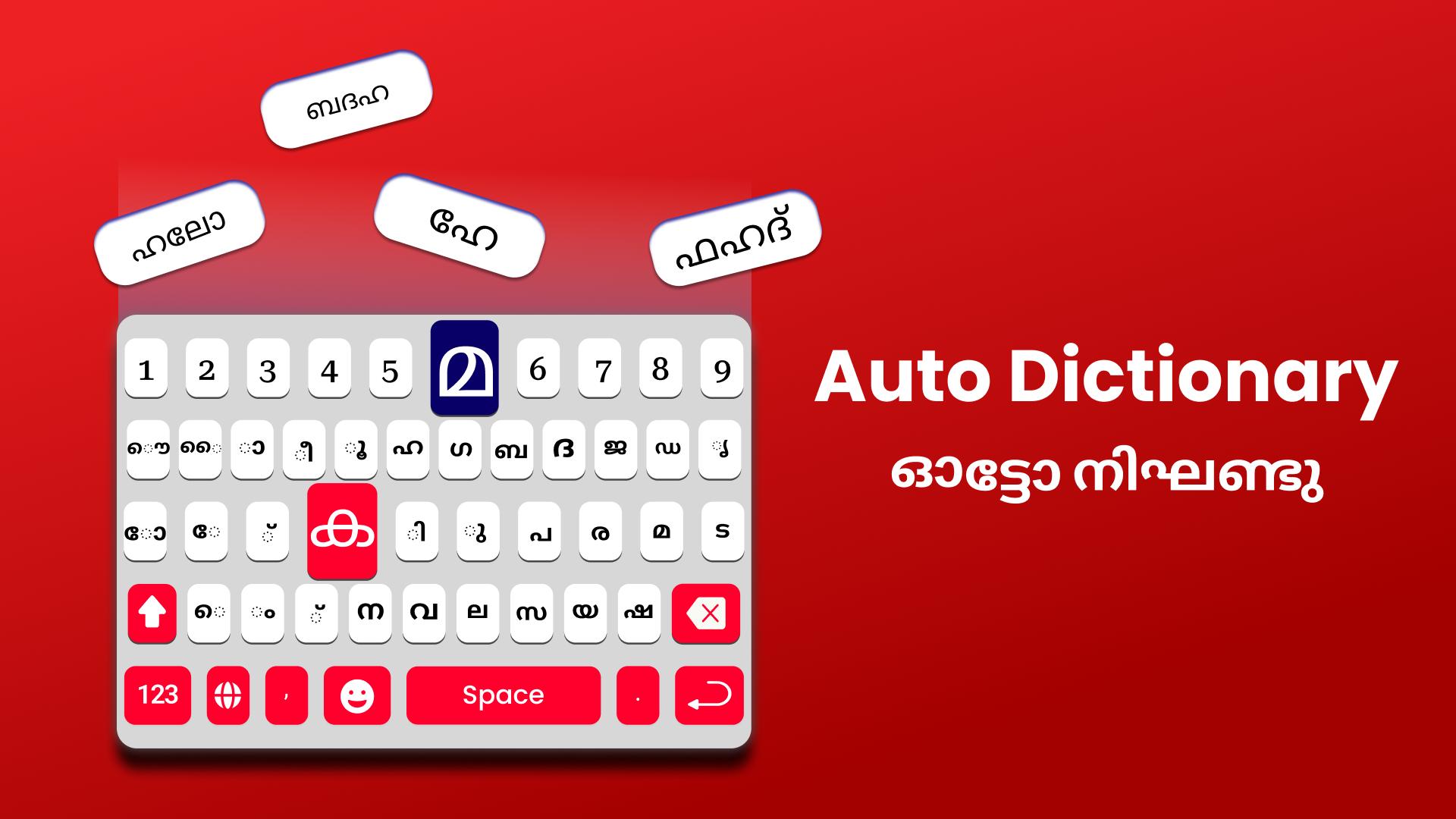
Malayalam Keyboard 2020: Easy Typing Keyboard is Malayalam words auto-correct functionality of new Malayalam keyboard which is a fast typing keyboard with English keypad will provide to your mobile an amazing color and stylish design. Malayalam language keyboard is easy to use English to Malayalam keyboard.
Features of New Malayalam Keyboard 2020: Easy Typing Keyboard
1. Fast Typing of Malayalam Keyboard.
2. Easy to use Malayalam Typing Keyboard.
2. Latest Emoji’s of Malayalam Language Keyboard.
3. Latest Themes Malayalam English Keyboard.
4. Easy to Enable/Disable Malayalam Keyboard 2020.
Malayalam Keyboard 2020: Malayalam Typing Keyboard is providing multiple beautiful Themes. You can make easily change theme using keyboard and your mobile look so beautiful in your hand. Malayalam Keyboard 2020 on the update added latest and stylish themes
Privacy Police of Malayalam Keyboard 2020: Easy Typing Keyboard
Malayalam Keyboard 2020 is best for Malayalam and English Typing with stylish themes and Emoji’s are 100% safe because we do not save any key stroke and any kind of your personal data like photos, videos, contacts, microphone, camera etc. Otherwise check the privacy police link in the play store of this app.
How to Use Malayalam Keyboard 2020: Easy Typing Keyboard
1. Download and Install!
2. Open (“Malayalam Keyboard”).
3. Enable Keyboard (“Choose the Malayalam Keyboard”).
4. Select Keyboard (“Choose Malayalam Keyboard”).
5. Themes (“Select Favorite of your Choice”).
Enjoy Malayalam Keyboard 2020: Easy Typing Keyboard and for more improvement or any suggestion, you can send email or give your feedback on play store and Thank you.
Avance
Etiquetas
PersonalizaciónInformación
Desarrollador
Keyboardpad
La última versión
1.11
Última actualización
2025-09-30
Categoría
Personalización
Disponible en
Google Play
Mostrar más
Cómo jugar Malayalam Typing Keyboard con GameLoop en PC
1. Descargue GameLoop desde el sitio web oficial, luego ejecute el archivo exe para instalar GameLoop.
2. Abra GameLoop y busque "Malayalam Typing Keyboard", busque Malayalam Typing Keyboard en los resultados de búsqueda y haga clic en "Instalar".
3. Disfruta jugando Malayalam Typing Keyboard en GameLoop.
Minimum requirements
OS
Windows 8.1 64-bit or Windows 10 64-bit
GPU
GTX 1050
CPU
i3-8300
Memory
8GB RAM
Storage
1GB available space
Recommended requirements
OS
Windows 8.1 64-bit or Windows 10 64-bit
GPU
GTX 1050
CPU
i3-9320
Memory
16GB RAM
Storage
1GB available space