
KawaiiWidget『Happy Sweets』 para PC
SAICRAFT,Inc.
Descarga KawaiiWidget『Happy Sweets』 en PC con GameLoop Emulator
KawaiiWidget『Happy Sweets』 en PC
KawaiiWidget『Happy Sweets』, proveniente del desarrollador SAICRAFT,Inc., se ejecuta en el sistema Android en el pasado.
Ahora, puedes jugar KawaiiWidget『Happy Sweets』 en PC con GameLoop sin problemas.
Descárgalo en la biblioteca de GameLoop o en los resultados de búsqueda. No más mirar la batería o llamadas frustrantes en el momento equivocado nunca más.
Simplemente disfrute de KawaiiWidget『Happy Sweets』 PC en la pantalla grande de forma gratuita!
KawaiiWidget『Happy Sweets』 Introducción
Free application.
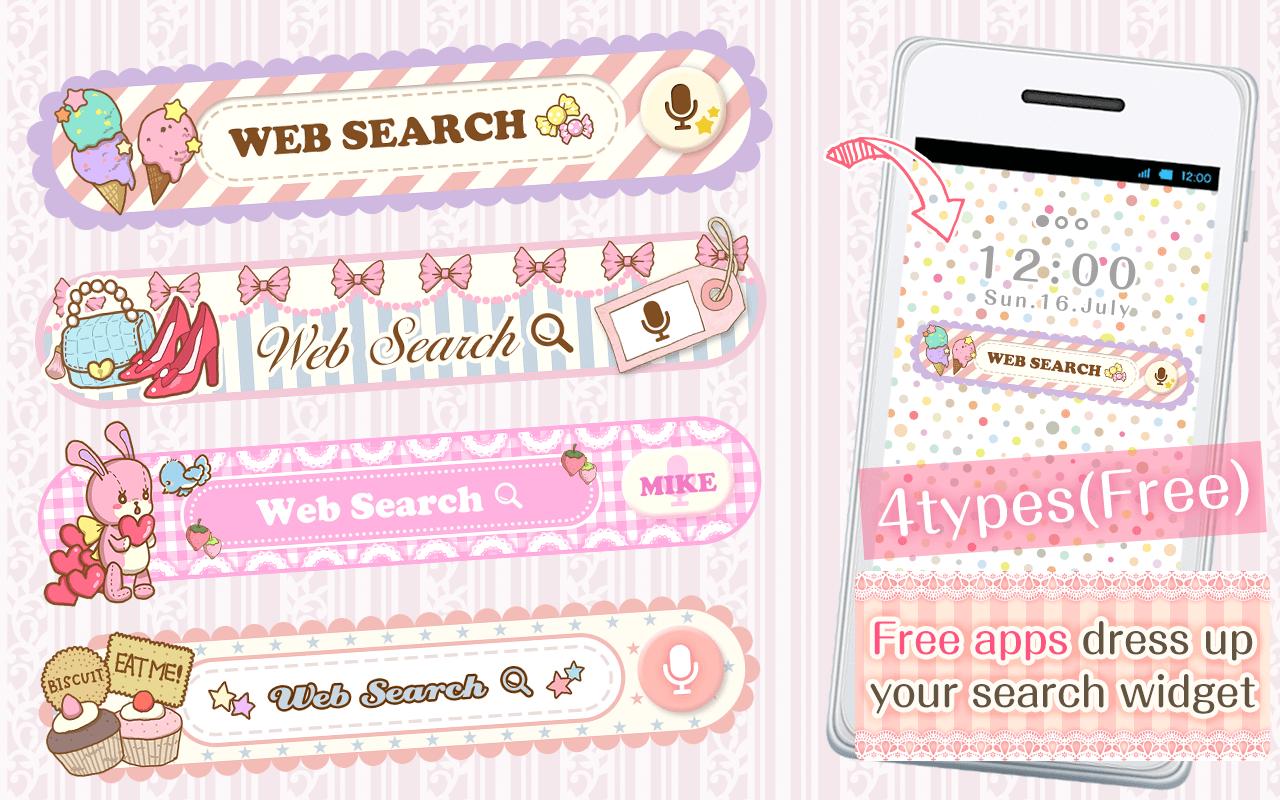
You can custumize your home screen with the cute Search Widget
Once downloaded onto your home screen,
this search widget allows you to access the internet easily.
You can enjoy many thpes of design,when you download the theme apps.
■For inquiries
info@aswidget.com
■Reasons to download
Easy to search once downloaded onto your home screen
Easy to delete and organize history
Supports voice input
■How to use
This application is used through downloading the search widget onto the home screen.
To use this application, please download the ""DRESSAPPS""application.
https://play.google.com/store/apps/details?id=com.aswidget.android.themewidget
■Set up method for search widget
Set up method is differs depending on the smart phone's brand.
Please check here
https://dressapps.jp/web/widget_setting
・Basic method1
1. Press down on an open space on your home screen.
2. Select "widget" once the menu is shown.
3. Select the widget of your choice. (for the old version: click on icon )
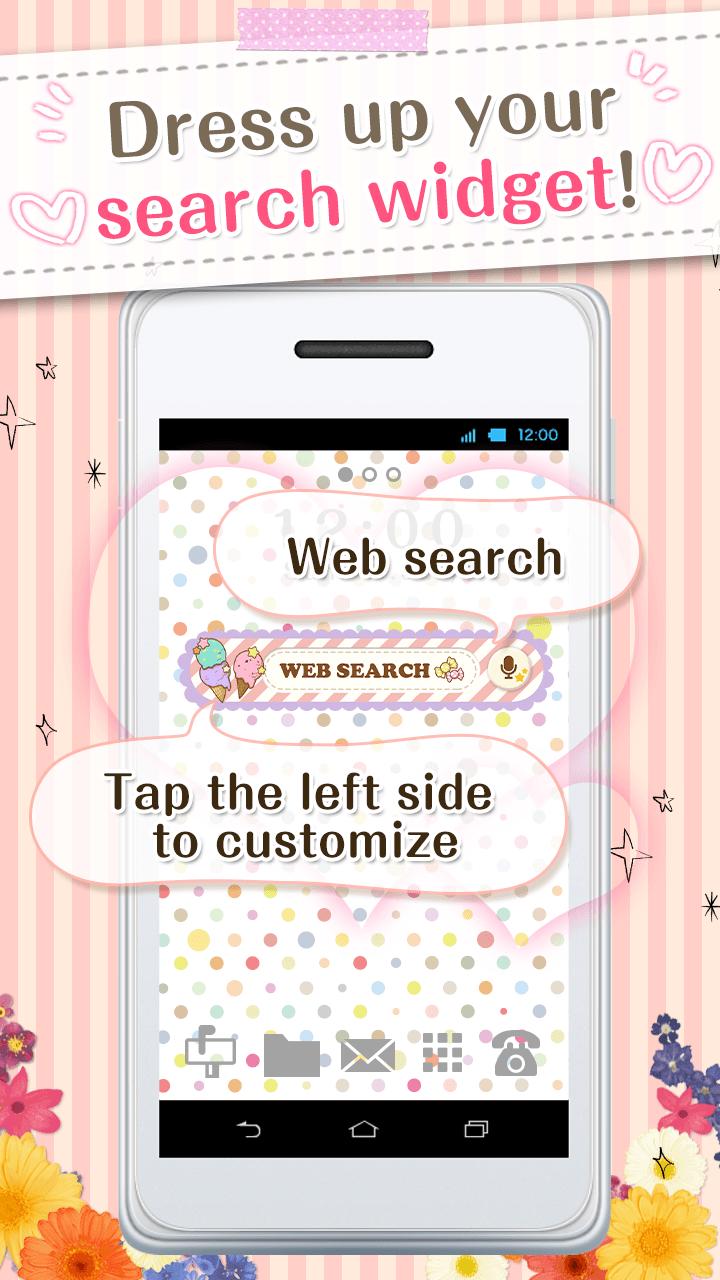
4. Clicking on the left area of the widget lets you change designs!
・Basic method2
1. Open your home screen and click on your application icon.
Although depending on device, the application button is formed of many ■ and ●
2. Tap on the widget button on the upper side of the screen and select the downloaded widget.
3. When the home screen pops up, drag the widget to the place of your choice.
4. Clicking on the left area of the widget lets you change designs!
■How to customize
(This search widget can be customized to your preference)
1. Click on the character on the left side of the search widget. The setup screen will pop up.
2. Choose a design of your choice from the ""more dressup""
■Comptible model
Android OS 2.3.3and later
■For inquiries
info@aswidget.com
Avance
Información
Desarrollador
SAICRAFT,Inc.
La última versión
1.0.0
Última actualización
2015-03-17
Categoría
Personalización
Disponible en
Google Play
Mostrar más
Cómo jugar KawaiiWidget『Happy Sweets』 con GameLoop en PC
1. Descargue GameLoop desde el sitio web oficial, luego ejecute el archivo exe para instalar GameLoop.
2. Abra GameLoop y busque "KawaiiWidget『Happy Sweets』", busque KawaiiWidget『Happy Sweets』 en los resultados de búsqueda y haga clic en "Instalar".
3. Disfruta jugando KawaiiWidget『Happy Sweets』 en GameLoop.
Minimum requirements
OS
Windows 8.1 64-bit or Windows 10 64-bit
GPU
GTX 1050
CPU
i3-8300
Memory
8GB RAM
Storage
1GB available space
Recommended requirements
OS
Windows 8.1 64-bit or Windows 10 64-bit
GPU
GTX 1050
CPU
i3-9320
Memory
16GB RAM
Storage
1GB available space