Edge Lighting Colors Wallpaper para PC
Azan Studio
Descarga Edge Lighting Colors Wallpaper en PC con GameLoop Emulator
Edge Lighting Colors Wallpaper en PC
Edge Lighting Colors Wallpaper, proveniente del desarrollador Azan Studio, se ejecuta en el sistema Android en el pasado.
Ahora, puedes jugar Edge Lighting Colors Wallpaper en PC con GameLoop sin problemas.
Descárgalo en la biblioteca de GameLoop o en los resultados de búsqueda. No más mirar la batería o llamadas frustrantes en el momento equivocado nunca más.
Simplemente disfrute de Edge Lighting Colors Wallpaper PC en la pantalla grande de forma gratuita!
Edge Lighting Colors Wallpaper Introducción
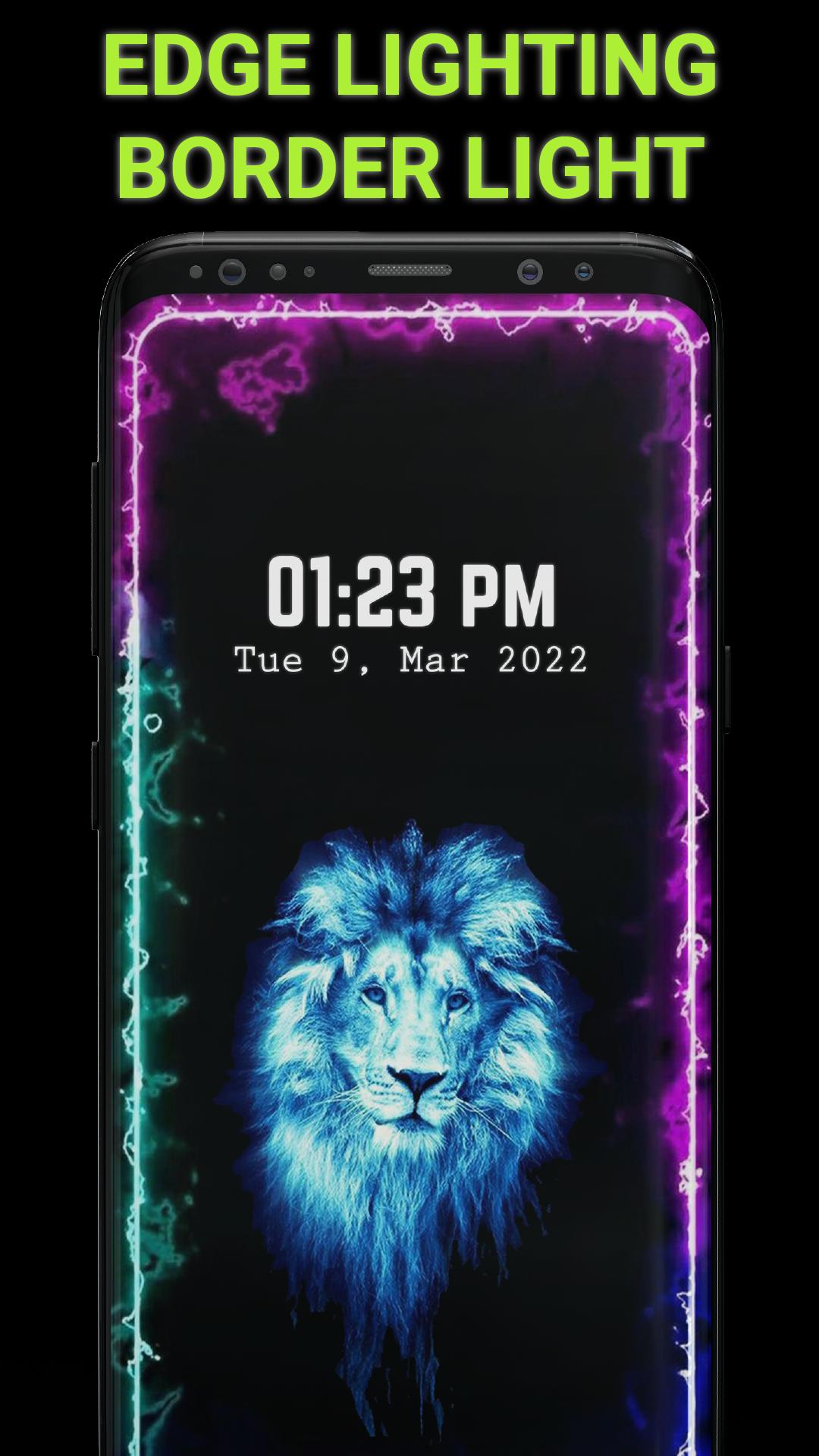
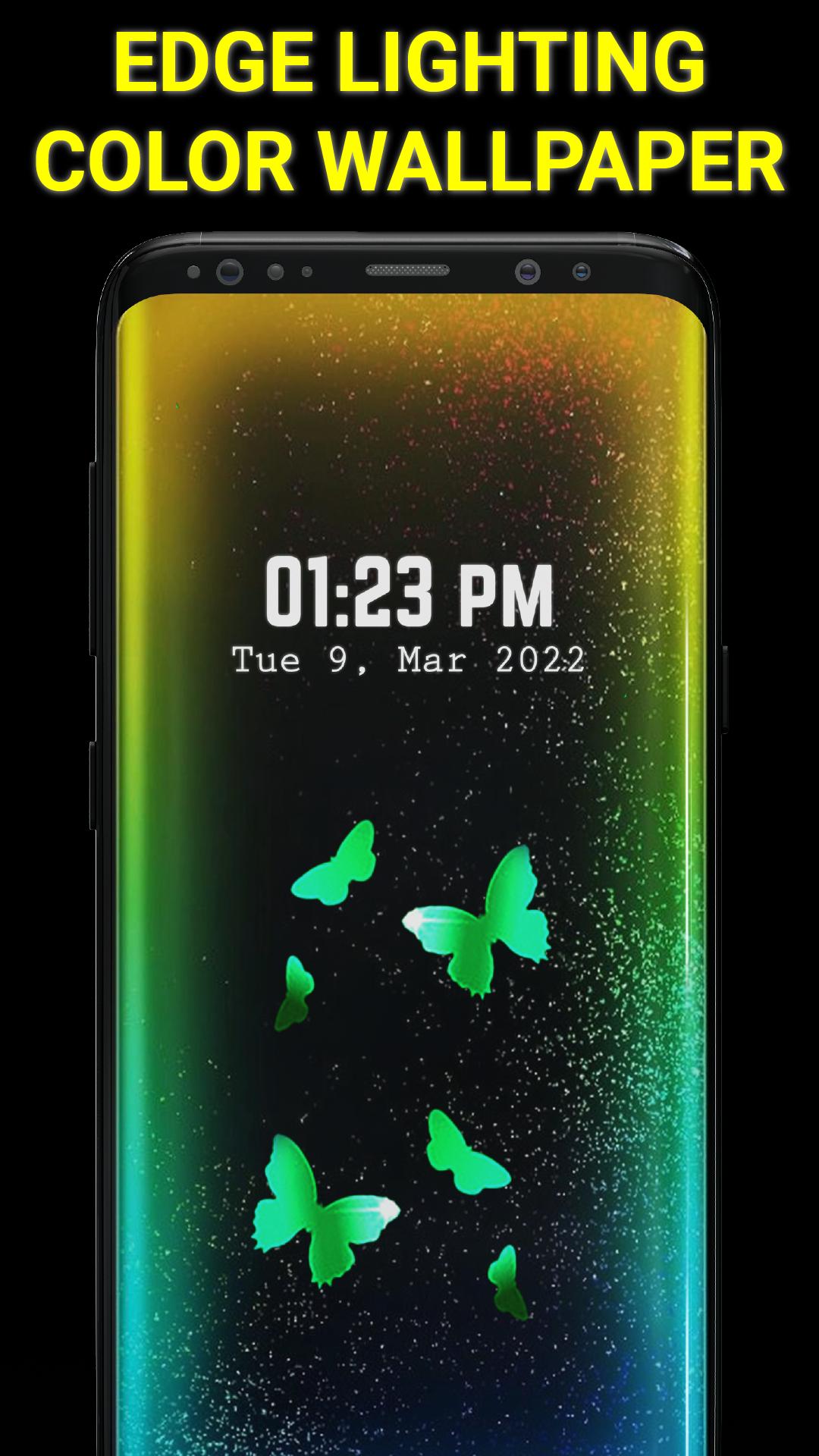
Edge lighting colors is a lighting tool for all Android phones that adds a moving LED Light around your phone border on Home Screen and Lock Screen. Border light app offers beautiful RGB color combinations and customization options to make stunning edge lighting wallpaper live for your phone screen.
Edge lighting app Key Features -
Edge lighting Colors:
Create your own edge lighting colors combination with your favorite colors or select from available border light combinations for your edge lighting wallpaper live. Decorate your phone with this border light app.
Border Light Shapes:
Using Edge lighting colors wallpaper, you can choose your favorite shape such as emoji, heart, star, circle and many more to change the edge light design on your phone. Impress your friends with edge lighting wallpaper live created with border light app.
Overlay all Apps:
Edge lighting colors wallpaper app has Always on Display AOD (AOE) feature which allows you to overlay edge light on all other applications. Simply apply edge lighting colors as overlay other Apps and enjoy border light while using other apps.
Support All Notch Types:
You can adjust edge lighting wallpaper live according to your device Notch. This lighting tool support All Notch type screens including Display Hole, Notch, Infinity U and Infinity V. Edge lighting colors wallpaper allow you to adjust Notch radius, Notch width, Notch height to fully adjust the edge light particular to your mobile phone notch.
Set Edge Lighting with Backgrounds:
Using edge lighting app you can apply your own photo as a background of border light live wallpaper on your mobile home screen and lock screen. You can also set your current wallpaper or custom color as a background of edge lighting wallpaper live. Decorate your mobile using borderlight app.
Animation Speed:
Change the speed Edge Light animation and border light size according to your choice. Borderlight app provide different options to adjust the LED Light speed to create awesome Edge lighting Colors wallpaper.
Border Settings:
This edge lighting app allow you to completely customize the Edge Light according to your device, like
- Edge Lighting Colors and border style.
- Animation speed, Border size and radius.
- Edge Lighting wallpaper live background.
- Notch type as per your phone and many more...
Live Wallpapers:
Edge Lighting colors wallpaper also contain amazing collection of live wallpapers and background. Apply your favorite live wallpaper with music on home screen and lock screen. Turn your video into live wallpaper or create a customize Edge Lighting wallpaper live for your phone screen.
Edge Lighting colors Wallpaper is supported for all Android Devices. Decorate your phone screen using our Edge Lighting app and impress your friends.
Avance
Etiquetas
PersonalizaciónInformación
Desarrollador
Azan Studio
La última versión
1.1
Última actualización
2025-05-07
Categoría
Personalización
Disponible en
Google Play
Mostrar más
Cómo jugar Edge Lighting Colors Wallpaper con GameLoop en PC
1. Descargue GameLoop desde el sitio web oficial, luego ejecute el archivo exe para instalar GameLoop.
2. Abra GameLoop y busque "Edge Lighting Colors Wallpaper", busque Edge Lighting Colors Wallpaper en los resultados de búsqueda y haga clic en "Instalar".
3. Disfruta jugando Edge Lighting Colors Wallpaper en GameLoop.
Minimum requirements
OS
Windows 8.1 64-bit or Windows 10 64-bit
GPU
GTX 1050
CPU
i3-8300
Memory
8GB RAM
Storage
1GB available space
Recommended requirements
OS
Windows 8.1 64-bit or Windows 10 64-bit
GPU
GTX 1050
CPU
i3-9320
Memory
16GB RAM
Storage
1GB available space