Don't Touch My Phone Antitheft para PC
AUS Apps Studios
Descarga Don't Touch My Phone Antitheft en PC con GameLoop Emulator
Don't Touch My Phone Antitheft en PC
Don't Touch My Phone Antitheft, proveniente del desarrollador AUS Apps Studios, se ejecuta en el sistema Android en el pasado.
Ahora, puedes jugar Don't Touch My Phone Antitheft en PC con GameLoop sin problemas.
Descárgalo en la biblioteca de GameLoop o en los resultados de búsqueda. No más mirar la batería o llamadas frustrantes en el momento equivocado nunca más.
Simplemente disfrute de Don't Touch My Phone Antitheft PC en la pantalla grande de forma gratuita!
Don't Touch My Phone Antitheft Introducción
Secure your phone with don't touch my phone anti theft alarm phone security offline and protect from strangers and thieves. If you're looking for a phone anti theft alarm app then this anti-theft alarm - don't touch my phone alarm is the best phone security app 2023 for you.
Download now don't touch my phone anti theft alarm phone security offline that protects your mobile from crooks and mobile thieves by ringing a phone alarm. With anti theft charging, removing the alarm saves your device from being stolen. While you are traveling, eating, or sleeping, you just need to install the don't touch my phone security on touch alarm.
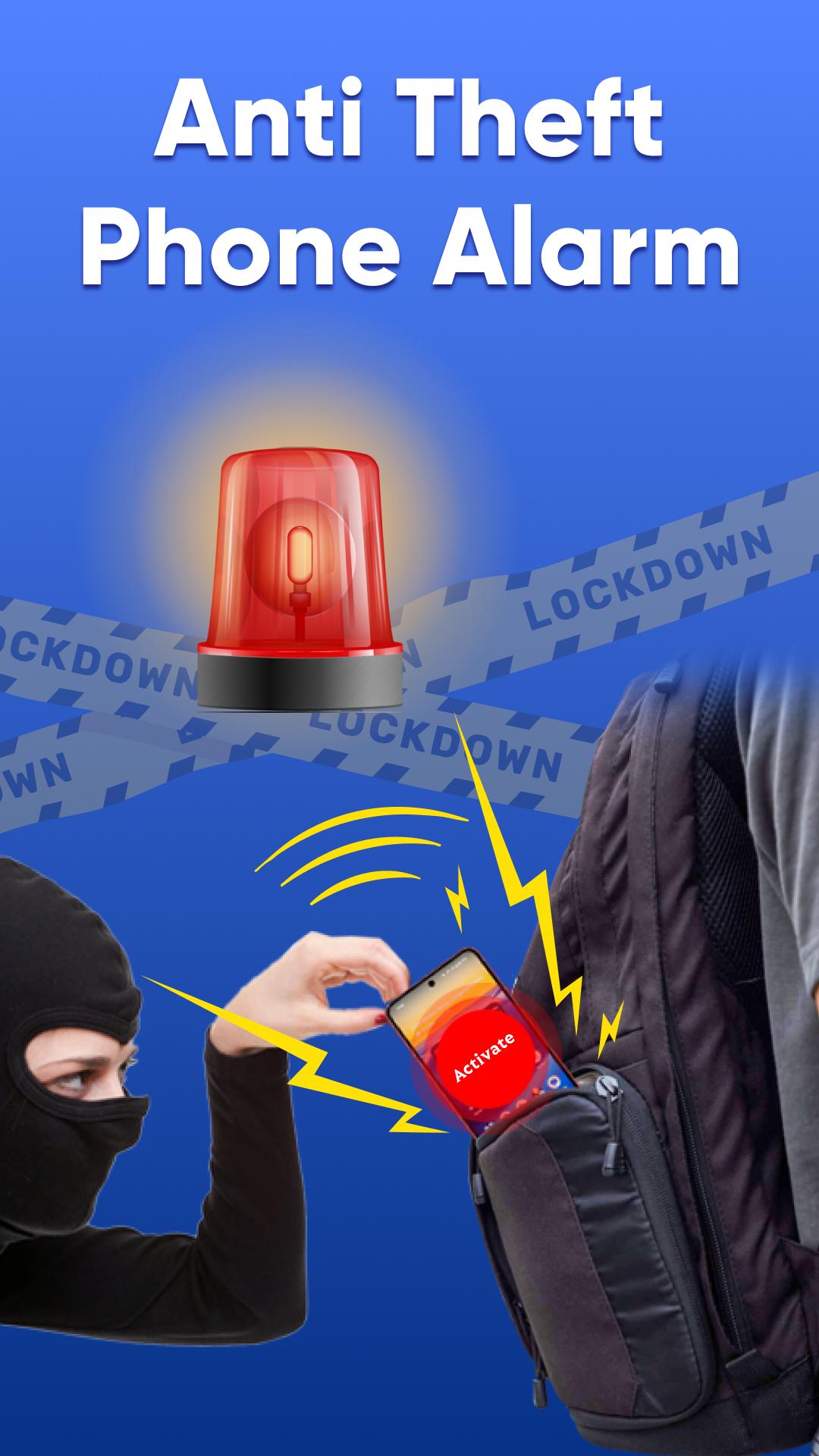
Anti theft alarm don't touch my phone is the best way to keep your phone safe from unwanted people, thieves, intruders, and crooks with its anti theft alarm app for don't touch phone. Find out who touched my phone and who unlocked my phone. Don't touch my phone alarm alert is the perfect phone guardian and is a best clap to find my phone with sound offline to find my phone. No one can steal your phone now because when someone tries to touch your phone, an anti theft siren alarm will start and you can save your phone.
The key features of the mobile anti theft alarm app lock:
Proximity Detection
Motion Detection Camera App
WiFi Intruder Detection
Spy Selfie (Intruder Selfie/ Crook catcher)
Anti Theft Alarm Charging Detection
Battery Full Alarm
Headphone Detection
Clap to find my phone with sound offline
Find my phone by whistle and clap
How to use dont touch my phone app lock:
Open don't touch my phone app
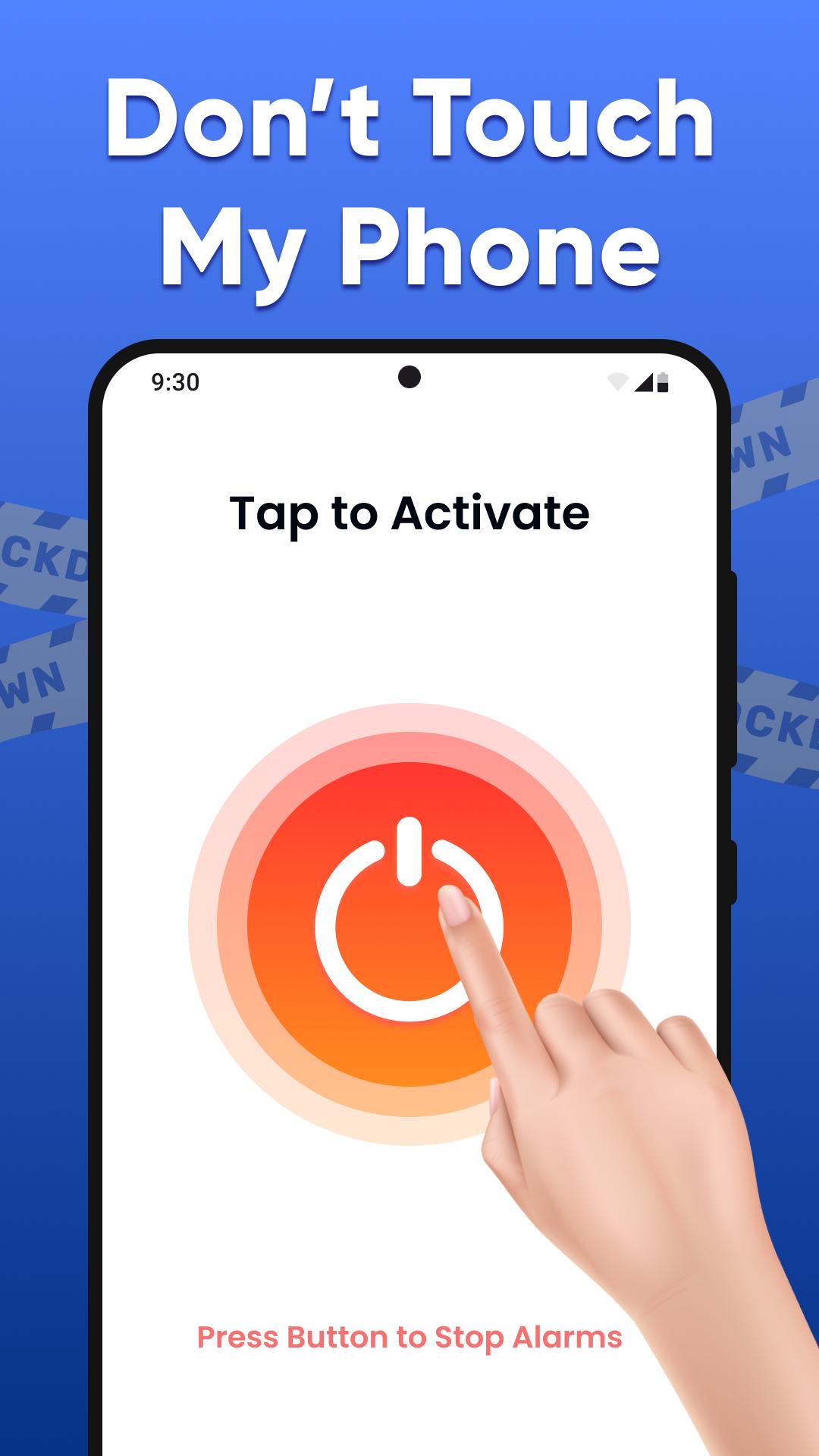
Activate anti theft alarm phone security
Proximity Detection
By activating the proximity detection alarm while traveling on public transport, with phone security alarm you can guard your device from being stolen from your pocket. Do not touch my phone alarm offline feature works using the proximity sensor.
Motion Detection
Place your phone on top of your laptop and enable motion detection mode. If anybody tries to access your laptop or phone, a motion alarm will ring and scare them away. So activate the anti theft motion alarm before placing your device anywhere.
WiFi Detection
Alarm will ring in case your WiFi gets disconnected, all you have to do is activate the WiFi Detection provided by the anti-theft alarm- don't touch app.
Spy Selfie(Intruder Selfie/Crook Catcher)
A spy selfie, also known as an intruder selfie feature in anti theft alarm don't touch my phone security on touch alarm, helps capture the crook who unlocked my phone. An intruder selfie will be taken, and the phone alarm will ring and also email to the user.
Charger Detection
Charger detection helps you know if someone tries to unplug your phone from the charger. Sometimes you charge your device in a crowded place. Anti theft alarm don't touch app lets you know who touched my phone.
Headphone Detection
A phone alarm is set in the anti theft alarm don't touch app if the hands free is removed during some activity.
Don't Touch My Phone App Lock Advance Features:
Set a loud alarm tone according to your own choice, set the duration alarm timer for the loud alarm to ring. Fix the timer and set the don't touch my phone anti theft alarm phone security offline. If you're searching your phone then clap to find my phone with sound offline. Set the sensitivity of the anti theft motion alarm detector. Clap to find my phone free app also helps you to find my device with whistle. Do clap or whistle to find phone if you're not looking at your mobile, just use your whistle to find your phone.
Avance
Etiquetas
PersonalizaciónHerramientasInformación
Desarrollador
AUS Apps Studios
La última versión
1.65
Última actualización
2025-08-25
Categoría
Personalización
Disponible en
Google Play
Mostrar más
Cómo jugar Don't Touch My Phone Antitheft con GameLoop en PC
1. Descargue GameLoop desde el sitio web oficial, luego ejecute el archivo exe para instalar GameLoop.
2. Abra GameLoop y busque "Don't Touch My Phone Antitheft", busque Don't Touch My Phone Antitheft en los resultados de búsqueda y haga clic en "Instalar".
3. Disfruta jugando Don't Touch My Phone Antitheft en GameLoop.
Minimum requirements
OS
Windows 8.1 64-bit or Windows 10 64-bit
GPU
GTX 1050
CPU
i3-8300
Memory
8GB RAM
Storage
1GB available space
Recommended requirements
OS
Windows 8.1 64-bit or Windows 10 64-bit
GPU
GTX 1050
CPU
i3-9320
Memory
16GB RAM
Storage
1GB available space