DashClock Widget para PC
Roman Nurik and Ian Lake
Descarga DashClock Widget en PC con GameLoop Emulator
DashClock Widget en PC
DashClock Widget, proveniente del desarrollador Roman Nurik and Ian Lake, se ejecuta en el sistema Android en el pasado.
Ahora, puedes jugar DashClock Widget en PC con GameLoop sin problemas.
Descárgalo en la biblioteca de GameLoop o en los resultados de búsqueda. No más mirar la batería o llamadas frustrantes en el momento equivocado nunca más.
Simplemente disfrute de DashClock Widget PC en la pantalla grande de forma gratuita!
DashClock Widget Introducción
** NOTE: this app is no longer being maintained. **
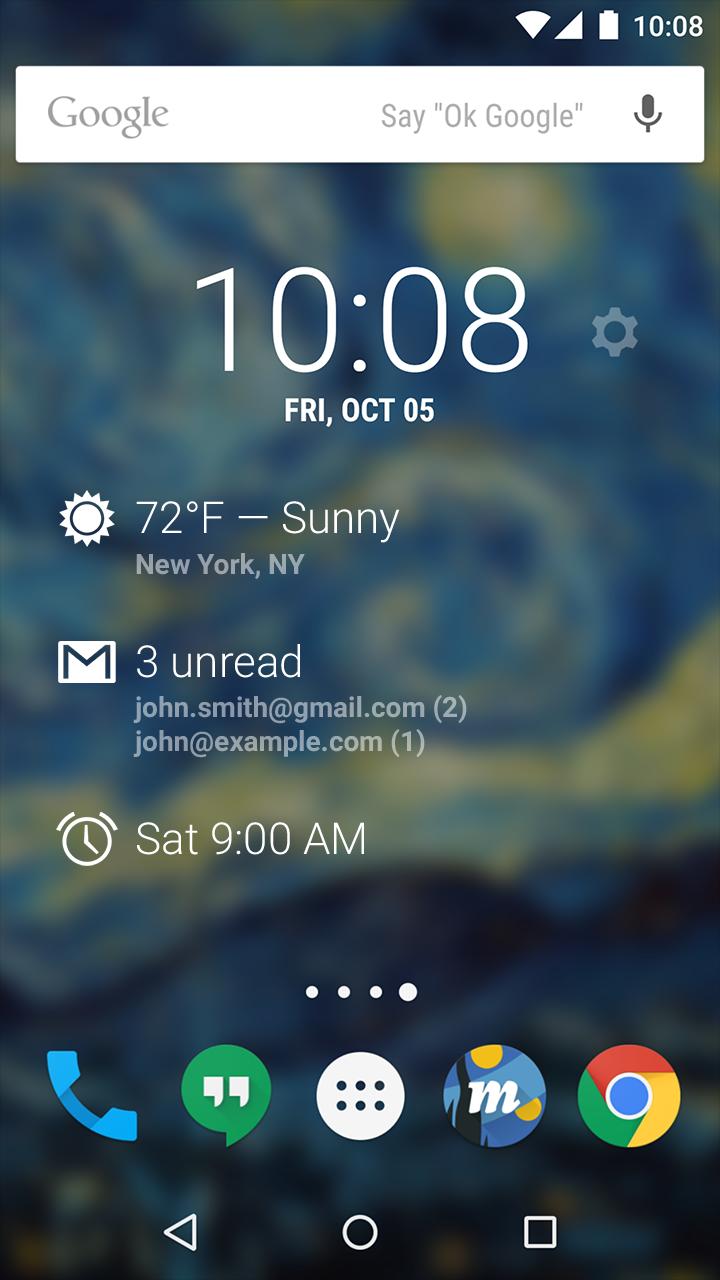
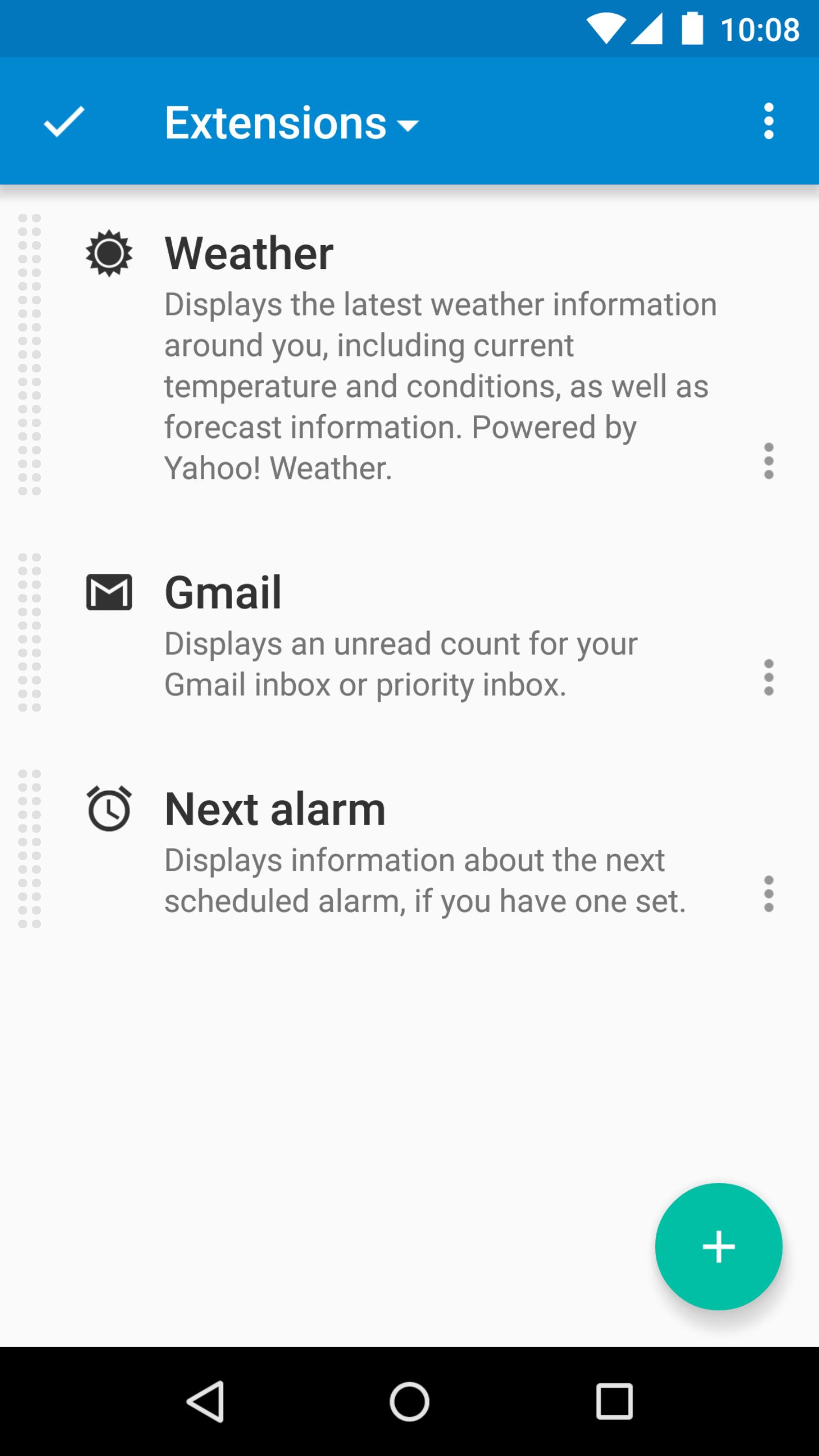
DashClock is a home screen clock widget for Android 4.2+ phones and tablets, with lock screen support for Android 4.2-4.4. It also exposes additional status items called extensions. The widget comes bundled with extensions that give you instant access to:
• Your current local weather
• Missed calls and unread text messages
• Your next calendar appointment
• Unread Gmail inbox or priority inbox conversations
• Your next scheduled alarm
To add the widget to your Android 4.2 device's lock screen, first make sure that "Enable widgets" is turned on in your security settings. Then, simply swipe to the left-most page of your lock screen and touch the "+" icon. Finally, select "DashClock" to customize and add the widget. You can make this the primary lock screen widget, replacing the default clock, by first touching-and-holding it and then dragging it horizontally to the very rightmost position.
Developers: DashClock is extensible! Visit the open source project at https://github.com/romannurik/dashclock to learn more or just check out the source.
Avance
Información
Desarrollador
Roman Nurik and Ian Lake
La última versión
1.7.2
Última actualización
2016-05-11
Categoría
Personalización
Disponible en
Google Play
Mostrar más
Cómo jugar DashClock Widget con GameLoop en PC
1. Descargue GameLoop desde el sitio web oficial, luego ejecute el archivo exe para instalar GameLoop.
2. Abra GameLoop y busque "DashClock Widget", busque DashClock Widget en los resultados de búsqueda y haga clic en "Instalar".
3. Disfruta jugando DashClock Widget en GameLoop.
Minimum requirements
OS
Windows 8.1 64-bit or Windows 10 64-bit
GPU
GTX 1050
CPU
i3-8300
Memory
8GB RAM
Storage
1GB available space
Recommended requirements
OS
Windows 8.1 64-bit or Windows 10 64-bit
GPU
GTX 1050
CPU
i3-9320
Memory
16GB RAM
Storage
1GB available space