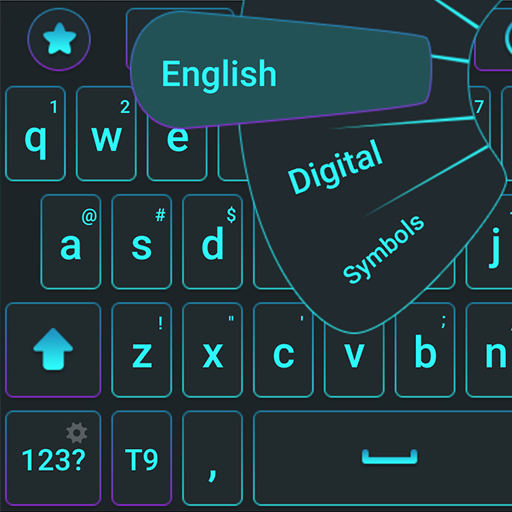
Qwerty Keyboard para PC
Digital Awesome Themes
Descarga Qwerty Keyboard en PC con GameLoop Emulator
Qwerty Keyboard en PC
Qwerty Keyboard, proveniente del desarrollador Digital Awesome Themes, se ejecuta en el sistema Android en el pasado.
Ahora, puedes jugar Qwerty Keyboard en PC con GameLoop sin problemas.
Descárgalo en la biblioteca de GameLoop o en los resultados de búsqueda. No más mirar la batería o llamadas frustrantes en el momento equivocado nunca más.
Simplemente disfrute de Qwerty Keyboard PC en la pantalla grande de forma gratuita!
Qwerty Keyboard Introducción
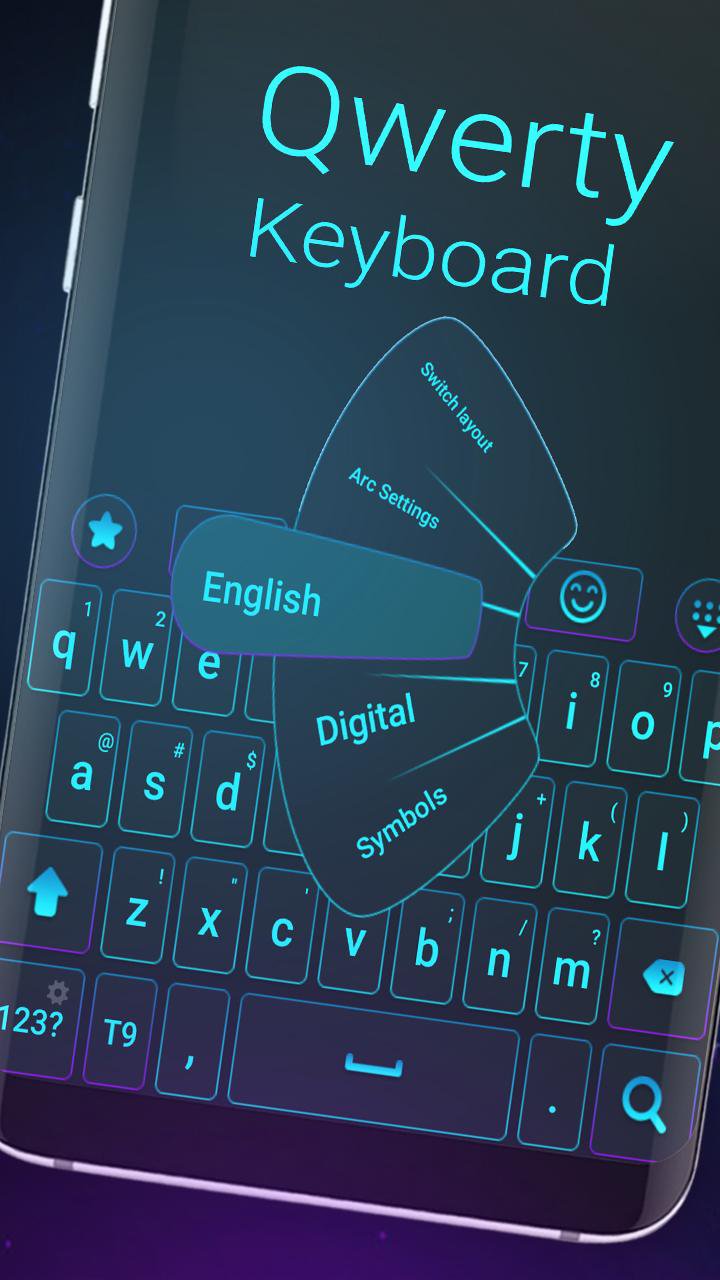
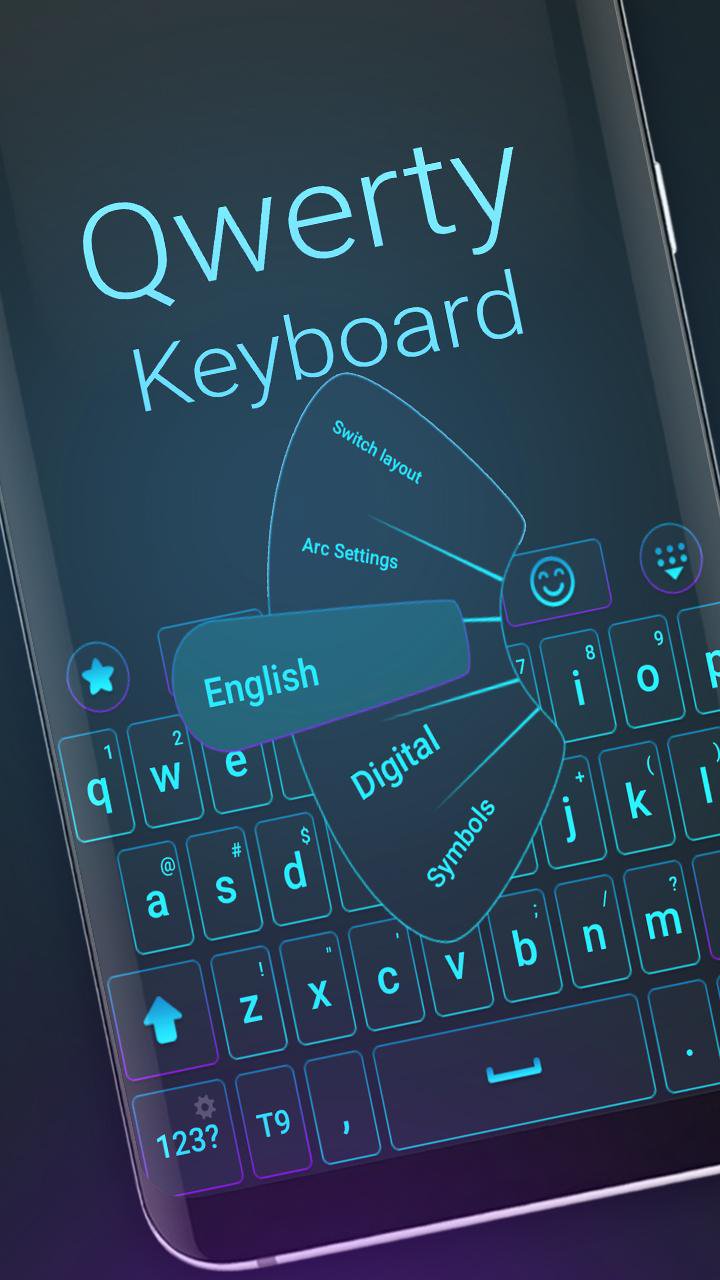
🌟 Transform your Android keyboard with a stylish QWERTY theme!
Tired of your boring default keyboard? Give your phone a fresh new look with our smart, clean, and colorful QWERTY Keyboard Theme. Enjoy a smooth, modern typing experience in seconds!
🔵💜 Blue, purple, clean, fresh — pick your favorite style!
🎨 Key Features:
✅ Sleek and modern QWERTY layout
✅ Vibrant color themes: blue, purple, and more
✅ Fast typing with auto-correction & word suggestion
✅ Cute emojis, symbols, and stylish fonts
✅ Supports 150+ languages
✅ Lightweight, fast, and easy to use
🌍 Multilingual Support:
Type in your own language or switch between many!
Supports: English, Spanish, French, German, Russian, Arabic, Turkish, Portuguese, and many more.
📱 Works on Most Android Phones:
Compatible with popular devices like Samsung Galaxy S, Note, J series, Huawei, Xiaomi, Sony Xperia, HTC, and more.
🔥 Explore More Themes:
Tap "More Themes" in the app for fresh designs weekly!
⭐ Love it? Rate it!
Enjoy your new keyboard? Leave us a ★★★★★ rating and share with friends!
⬇️ Download QWERTY Keyboard Theme – Free!
Get the smart, clean, and colorful QWERTY keyboard and upgrade your typing today.
Avance
Etiquetas
PersonalizaciónInformación
Desarrollador
Digital Awesome Themes
La última versión
3.0.7
Última actualización
2026-04-30
Categoría
Personalización
Disponible en
Google Play
Mostrar más
Cómo jugar Qwerty Keyboard con GameLoop en PC
1. Descargue GameLoop desde el sitio web oficial, luego ejecute el archivo exe para instalar GameLoop.
2. Abra GameLoop y busque "Qwerty Keyboard", busque Qwerty Keyboard en los resultados de búsqueda y haga clic en "Instalar".
3. Disfruta jugando Qwerty Keyboard en GameLoop.
Minimum requirements
OS
Windows 8.1 64-bit or Windows 10 64-bit
GPU
GTX 1050
CPU
i3-8300
Memory
8GB RAM
Storage
1GB available space
Recommended requirements
OS
Windows 8.1 64-bit or Windows 10 64-bit
GPU
GTX 1050
CPU
i3-9320
Memory
16GB RAM
Storage
1GB available space