AirDroid Parental Control para PC
SAND STUDIO
Descarga AirDroid Parental Control en PC con GameLoop Emulator
AirDroid Parental Control en PC
AirDroid Parental Control, proveniente del desarrollador SAND STUDIO, se ejecuta en el sistema Android en el pasado.
Ahora, puedes jugar AirDroid Parental Control en PC con GameLoop sin problemas.
Descárgalo en la biblioteca de GameLoop o en los resultados de búsqueda. No más mirar la batería o llamadas frustrantes en el momento equivocado nunca más.
Simplemente disfrute de AirDroid Parental Control PC en la pantalla grande de forma gratuita!
AirDroid Parental Control Introducción
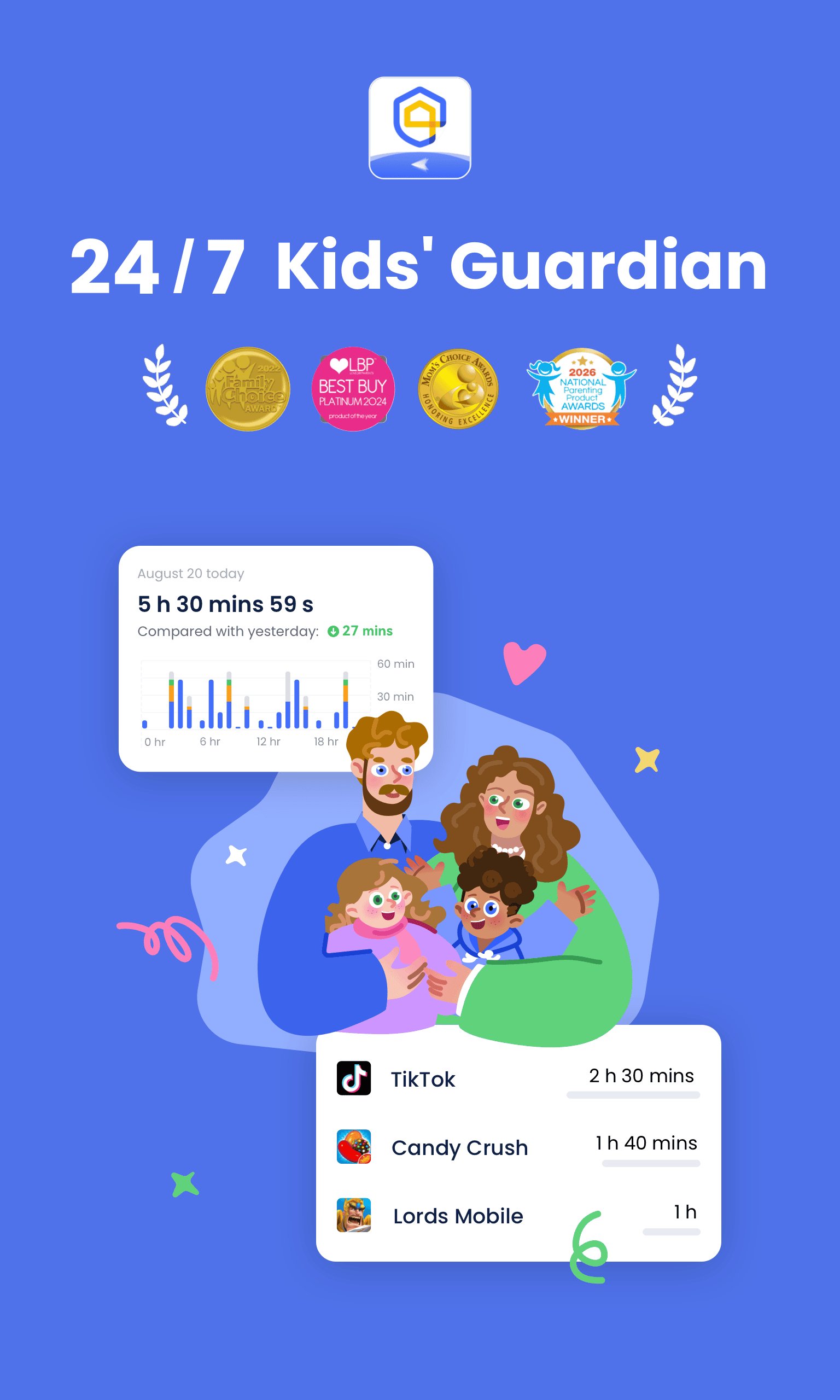
Worried about your child’s online risks and offline safety? Unsure of their browsing content, social chats and after-school locations? AirDroid Parental Control is a professional, ad-free family safety solution. Powered by AI protection, real-time device supervision and accurate GPS tracking, it secures your kids and helps them build healthy digital habits without intrusive monitoring.
Unlike basic keyword blocking tools, our upgraded AI context-aware system delivers intelligent content filtering. It analyzes conversations and browsing scenarios to instantly detect cyberbullying, online scams, inappropriate social content and risky web behaviors. Equipped with advanced web filtering and anti-harassment tools, it builds a full safety barrier against hidden online threats for children.
Why Choose AirDroid Parental Control?
• Real-Time Live Screen Monitoring
Mirror your child’s screen in real time to check app usage status, frequency and behaviors. Prevent phone addiction and study distractions during classes or homework.
• Social Notification Sync & Anti-Cyberbullying
Sync real-time alerts from Facebook, Instagram, Messenger and other social platforms. Detect suspicious chats, harassment and fraud to protect kids’ digital safety. All notification data auto-deletes in 48 hours to protect child privacy.
• Custom Screen Time Management
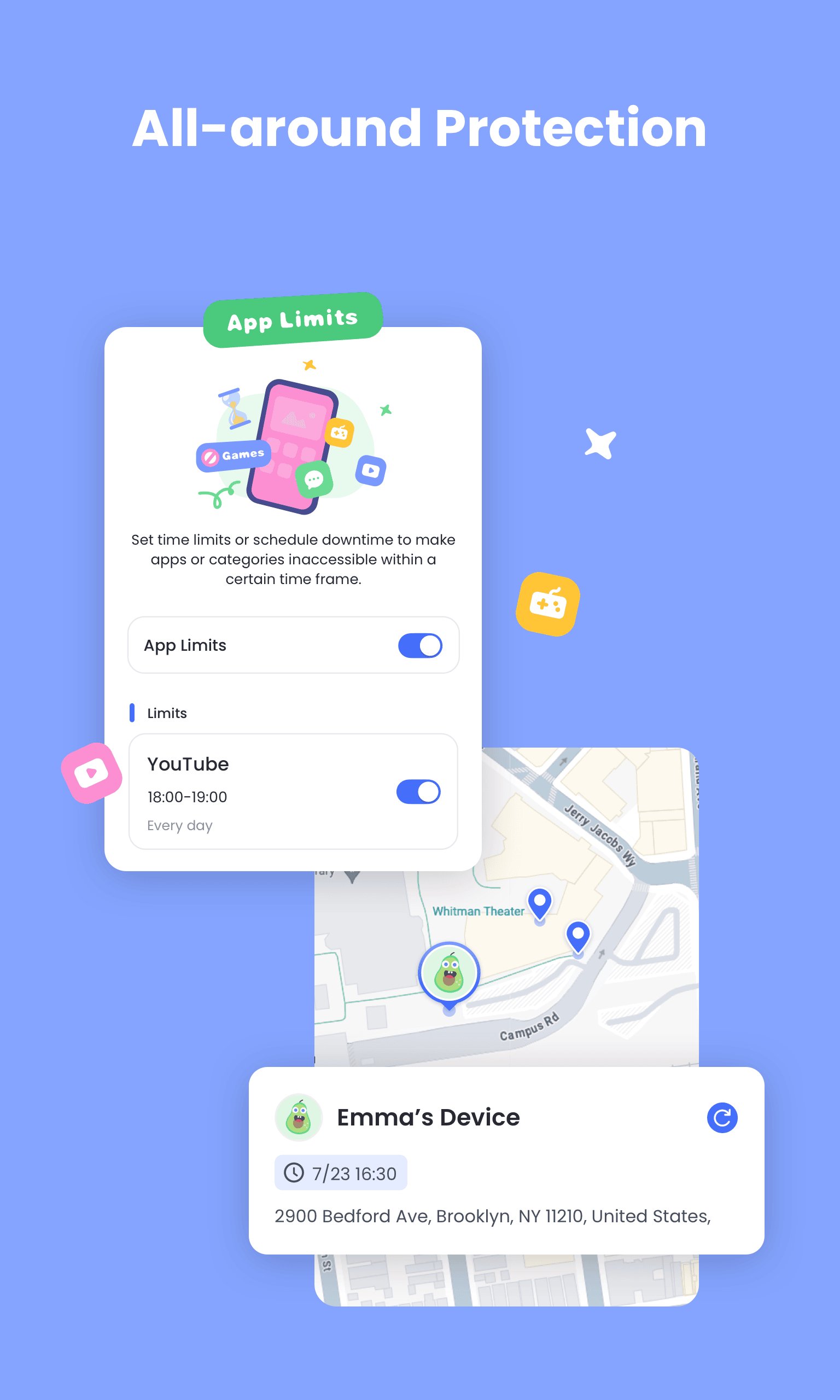
Set personalized device usage schedules for school, bedtime and leisure hours. Limit daily screen time and auto-lock distracting apps to help kids form good digital routines.
• Smart App Blocker & Instant Alerts
Create a safe app whitelist to block risky games and inappropriate apps. Receive instant alerts if your child tries to install or delete apps for full device access control.
• High-Precision GPS Location Tracking
Locate your child in real time with one tap and view daily route history. Track their movements and avoid high-risk area visits.
• 24/7 Custom Geofence Alerts
Set customized safe zones and restricted areas. Get instant push alerts when your child enters or leaves preset zones for round-the-clock safety protection.
• Remote Battery Monitoring & Reminders
Remotely check your child’s device battery level. Auto reminders prompt kids to charge low-power devices, ensuring stable parent-child communication.
• Private Ambient Sound Monitoring
Remotely listen to surrounding sounds from your child’s device in emergencies. All audio data saves locally on parent devices with no server storage for maximum privacy and security.
• Exclusive Core Advantages
Manage up to 10 child devices with one paid account for multi-child families. Enjoy a 100% ad-free experience with no pop-ups or commercial interruptions. Simple one-code pairing enables fast, hassle-free device setup.
Free Trial & Subscription Terms
Enjoy a 3-day full Premium free trial for all advanced safety features. Flexible monthly and annual subscriptions with long-term discounts are available after trial. Subscriptions auto-renew by selected cycle. Cancel auto-renewal at least 24 hours before expiration to avoid charges. Manage or cancel subscriptions via Google Play settings. Full refund is available within 7 days of a new billing cycle if no Premium features are used.
Required Permissions
Camera & Photos: Support real-time screen mirroring
Contacts: Assist in GPS safety contact setup
Microphone: Enable ambient sound monitoring and voice chat
Push Notifications: Deliver real-time safety and activity alerts
Privacy & Legal Compliance
We fully comply with COPPA and GDPR child privacy standards. We never sell or share children’s personal data for advertising. All user data is strictly protected per official policies.
Privacy Policy: https://kids.airdroid.info/#/Privacy
Terms of Service: https://kids.airdroid.info/#/Eula
Payment Terms: https://kids.airdroid.info/#/Payment
Contact Us
For support and inquiries: support@airdroid.com
Download AirDroid Parental Control now to protect your child’s safe and healthy digital growth!
Avance
Etiquetas
Paternidad y maternidadInformación
Desarrollador
SAND STUDIO
La última versión
2.7.8.0
Última actualización
2026-08-31
Categoría
Paternidad y maternidad
Disponible en
Google Play
Mostrar más
Cómo jugar AirDroid Parental Control con GameLoop en PC
1. Descargue GameLoop desde el sitio web oficial, luego ejecute el archivo exe para instalar GameLoop.
2. Abra GameLoop y busque "AirDroid Parental Control", busque AirDroid Parental Control en los resultados de búsqueda y haga clic en "Instalar".
3. Disfruta jugando AirDroid Parental Control en GameLoop.
Minimum requirements
OS
Windows 8.1 64-bit or Windows 10 64-bit
GPU
GTX 1050
CPU
i3-8300
Memory
8GB RAM
Storage
1GB available space
Recommended requirements
OS
Windows 8.1 64-bit or Windows 10 64-bit
GPU
GTX 1050
CPU
i3-9320
Memory
16GB RAM
Storage
1GB available space