Techno Radio Favorites para PC
MyIndieApp.com
Descarga Techno Radio Favorites en PC con GameLoop Emulator
Techno Radio Favorites en PC
Techno Radio Favorites, proveniente del desarrollador MyIndieApp.com, se ejecuta en el sistema Android en el pasado.
Ahora, puedes jugar Techno Radio Favorites en PC con GameLoop sin problemas.
Descárgalo en la biblioteca de GameLoop o en los resultados de búsqueda. No más mirar la batería o llamadas frustrantes en el momento equivocado nunca más.
Simplemente disfrute de Techno Radio Favorites PC en la pantalla grande de forma gratuita!
Techno Radio Favorites Introducción
*** Techno Radio Favorites *** - Streaming Online Techno Radio Stations
Why is **Techno Radio Favorites** the best?
1. More Stations YOU Want To Hear
2. Background Audio to surf the Web while you listen
3. Diverse Selection Of Channels (Techno, Electronic, Dubstep, and More)
Station List
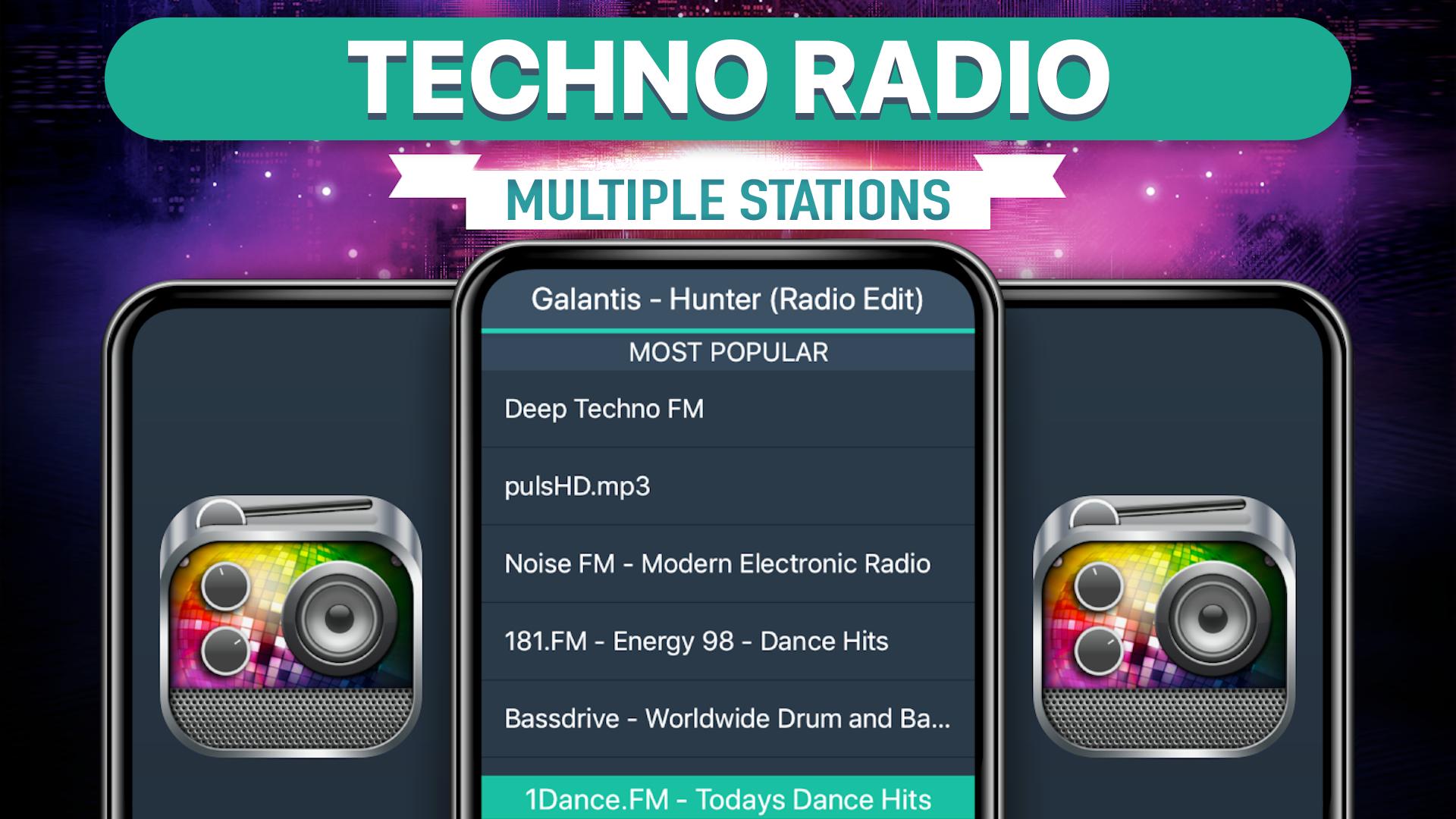
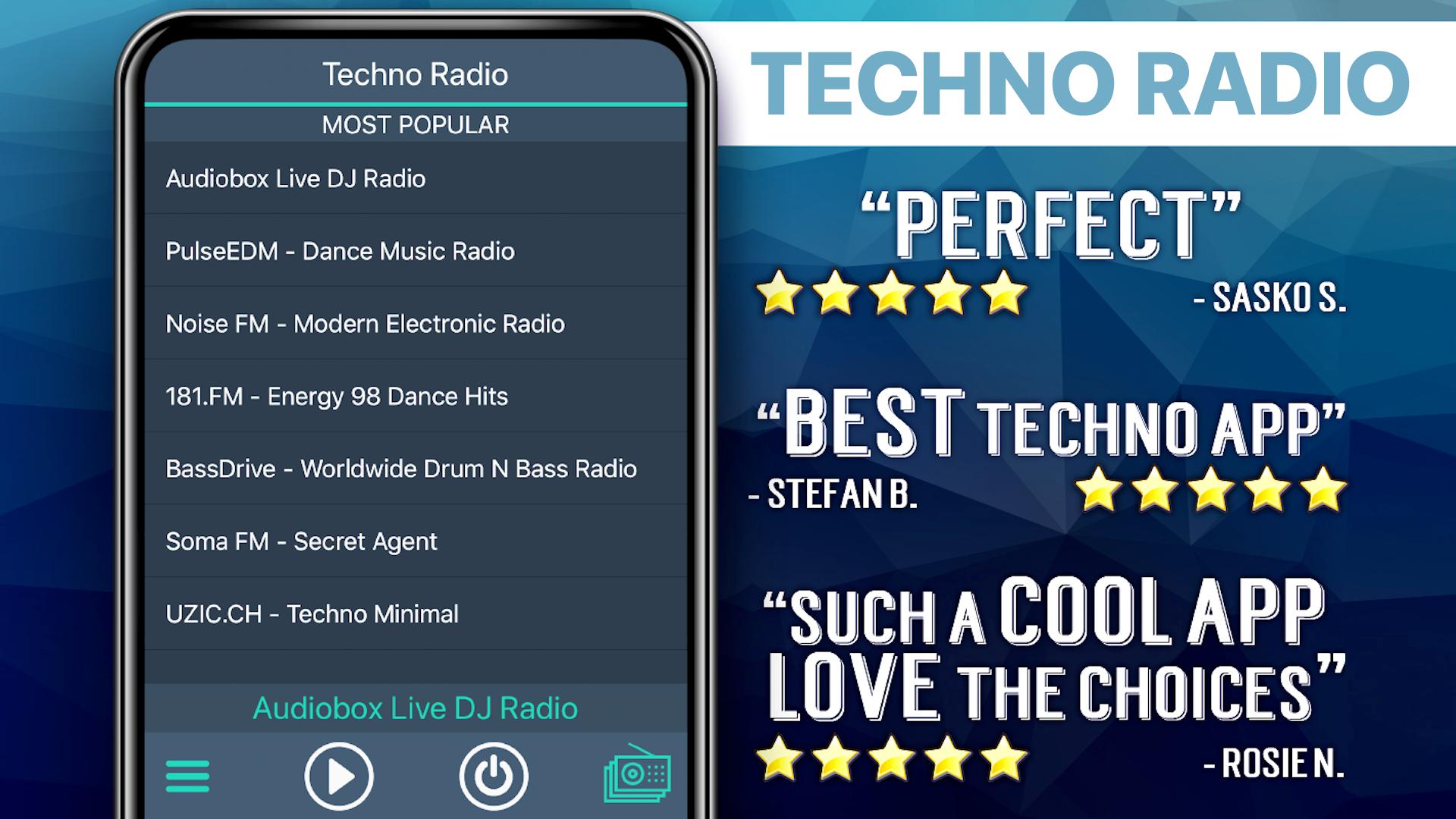
****** Most Popular ******
Techno - DI
BASS RADIO - [www.bassradio.fm]
Classic Electronica - DI
181.FM - Energy 98 - Dance Hits
Dance Hits - SKY.FM
Clubberry Dance
DI - Club Dubstep
Dubstep - DI
Chiptunes - DI
Clubberry Drum n Bass
Clubberry Trance
Party 95 Music
Minimal - DI
*** Techno Mix ***
Classic Electronica - DI
Clubberry Techno
Electro House - DI
Techno - DI
A.S.K. Electronica
ELECTRIQUE - Wicked Beats
:: Electro Radio Music ::
Electro Sound Radio
Electro House) (UturnRadio
**** Dubstep ****
DI - Club Dubstep
Dubstep - DI
DI - Liquid Dubstep
DubstepLive - 24/7 DUBSTEP
*** Arcade Sound ***
Chiptunes - DI
Gamesboro Radio
cliqhop blips n bleeps
DI - Deep Tech
Future Synthpop - DI
DI - Glitch Hop
Tech House - DI
**** Drum n' Bass ****
Drum and Bass - DI
Clubberry Drum n Bass
DNB Noize Player
LiveDNB Atmosphere
24/7 Drums.ro - Drum N Bass
DNBTV
SanFM.ru=Drum and bass
**** Trance Mix ****
Classic Trance - DI
Clubberry Trance
Trance Channel - DI
DI - Epic Trance
Assorted Trance Radio - HardTrance
Assorted Trance Radio - Trance
Discover Trance Radio Worldwide
35TNT - Techno N Trance
SanFM.ru=Trance
**** Dance Mix ****
181.FM - Energy 98 - Dance Hits
Dance Hits - SKY.FM
Dance N Pop Channel
Absolutely Dance Radio-TR Network
AddictedToRadio.com - Dance Hits
Classic EuroDance - DI
Chic Radio - Programme Dancefloor
Dance Nation 1
DANCE ONE RADIO (1.FM TM)
DanceRadio.ca Radio ONE
Clubberry Dance Music
New Dance Radio
Party 732 - Blazin The Hottest Dance Hits
**** Jazz Mix ****
Swing n Big Band - JAZZRADIO.com
Bossa Nova Jazz - SKY.FM
Bossa Nova - JAZZRADIO.com
Bebop - SKY.FM
Bebop - JAZZRADIO.com
Hard Bop - JAZZRADIO.com
Latin Jazz - JAZZRADIO.com
******* World Mix *******
Underground Eighties: UK Synthop
laut.fm/disco MP3 Player
EuroDance - DI
Classic EuroDance - DI
ClubbersRadio.com - new and classic dance
laut.fm/dark-bites
laut.fm/uselinks
Amplitude Radio
BeirutNights.com
**** Various Blend ****
House - DI
Lounge - DI
Beat Blender SomaFM
AddictedToRadio.com - Breakbeat
Club Sounds - DI
Deep House - DI
Deep Nu-Disco - DI
Disco House - DI
FAQs
Q: Why does the music stop playing when the screen goes dark?
A: There are several possible explanations for why this is happening. Many devices have built-in power saving settings (ex. Doze mode) that can cause disruptions in online streaming. Additionally, wifi settings need to be set to stay on when the device falls asleep. Please follow the link to our FAQ to find detailed instructions for how to adjust your settings to ensure seamless streaming: http://myindieapp.com/faq
Q: Why is the music skipping?
A: When songs are skipping, it is often because 1) that station's server has recently been reset or 2) the internet isn't filling the audio buffer fast enough. Usually these issues are resolved with faster internet, changing the wifi settings on your device, or they resolve on their own after the server resets.
Q: Why is the app not working on my device?
A: Unfortunately, the app doesn't support all devices and operating systems. This is the main reason we have decided to bring this app to you totally FREE! Try it out to see if we are coming in loud and clear, "Nothing ventured nothing gained." We are adding support for new devices all the time.
Q: Why are some stations blank at times?
A: Some of these stations are controlled by real DJs and if they aren't playing anything at the time or their site is down no music will play. Fortunately we have a variety of free channels so you will always have a lot to choose from.
Enjoy!
Avance
Etiquetas
Music-&Información
Desarrollador
MyIndieApp.com
La última versión
7.2
Última actualización
2023-10-12
Categoría
Music-audio
Disponible en
Google Play
Mostrar más
Cómo jugar Techno Radio Favorites con GameLoop en PC
1. Descargue GameLoop desde el sitio web oficial, luego ejecute el archivo exe para instalar GameLoop.
2. Abra GameLoop y busque "Techno Radio Favorites", busque Techno Radio Favorites en los resultados de búsqueda y haga clic en "Instalar".
3. Disfruta jugando Techno Radio Favorites en GameLoop.
Minimum requirements
OS
Windows 8.1 64-bit or Windows 10 64-bit
GPU
GTX 1050
CPU
i3-8300
Memory
8GB RAM
Storage
1GB available space
Recommended requirements
OS
Windows 8.1 64-bit or Windows 10 64-bit
GPU
GTX 1050
CPU
i3-9320
Memory
16GB RAM
Storage
1GB available space