
Baby Chick Sounds para PC
Rans Apps
Descarga Baby Chick Sounds en PC con GameLoop Emulator
Baby Chick Sounds en PC
Baby Chick Sounds, proveniente del desarrollador Rans Apps, se ejecuta en el sistema Android en el pasado.
Ahora, puedes jugar Baby Chick Sounds en PC con GameLoop sin problemas.
Descárgalo en la biblioteca de GameLoop o en los resultados de búsqueda. No más mirar la batería o llamadas frustrantes en el momento equivocado nunca más.
Simplemente disfrute de Baby Chick Sounds PC en la pantalla grande de forma gratuita!
Baby Chick Sounds Introducción
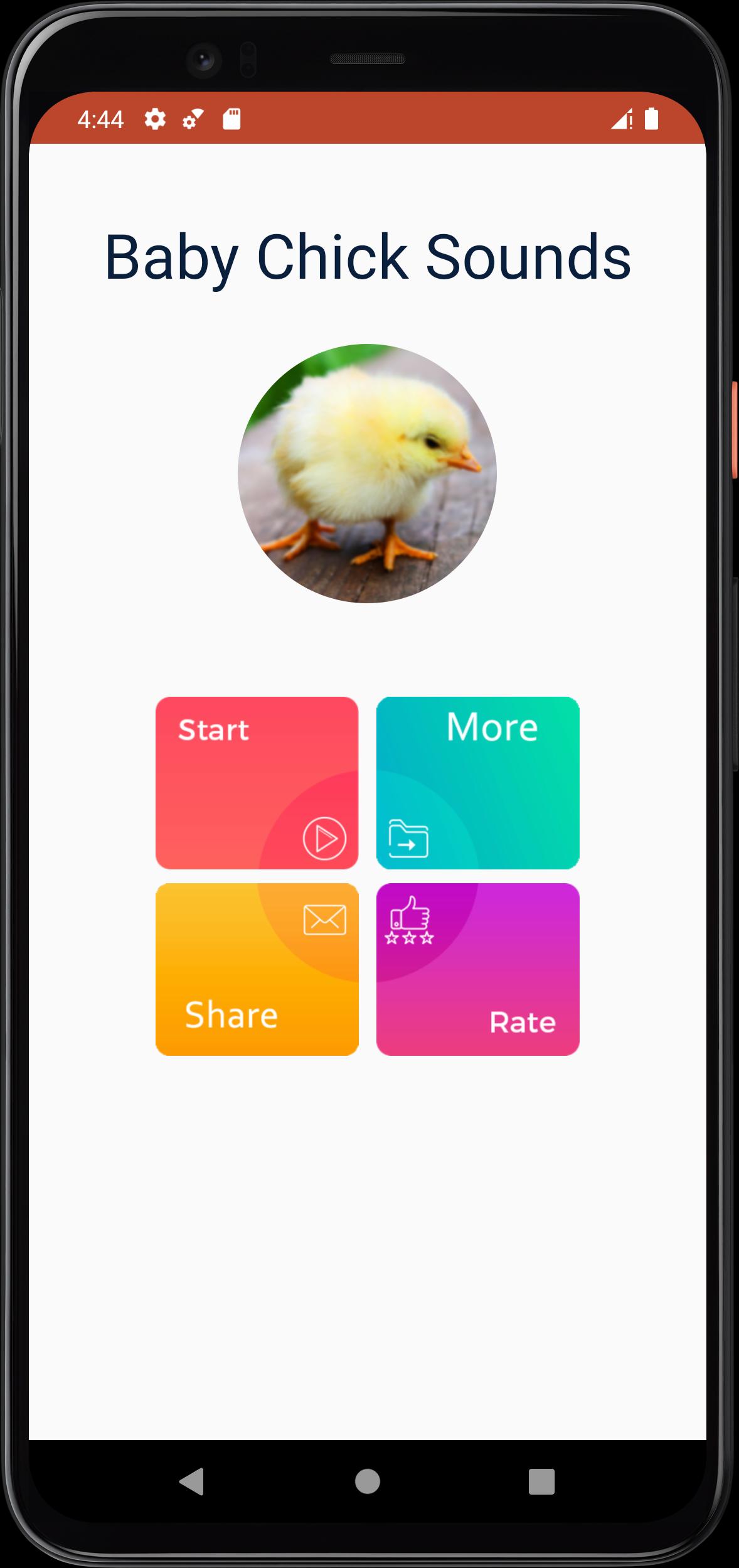
This application containing the best collection of baby chick sounds for android devices. sounds have been selected very carefully to be a good and fun user experience, we hope you will enjoy using the app and listening to baby chick sounds.
Scientists found that distress calls from newly-hatched chicks contain a wealth of important information. The experts discovered that these calls can be used to predict the behavior, growth, and mortality of entire flocks that contain thousands of chicks.
When multiple chicks are calling out at the same time, the background noise across the farm becomes more tonal. The basic sound is peep peep peep! Which is why you will hear chicks called peeps. They also make a sound of alarm or protest when pecked by another bird, stepped on by another bird or when jumped on by another bird.
Avance
Etiquetas
Music-&Información
Desarrollador
Rans Apps
La última versión
1.3
Última actualización
2025-04-30
Categoría
Music-audio
Disponible en
Google Play
Mostrar más
Cómo jugar Baby Chick Sounds con GameLoop en PC
1. Descargue GameLoop desde el sitio web oficial, luego ejecute el archivo exe para instalar GameLoop.
2. Abra GameLoop y busque "Baby Chick Sounds", busque Baby Chick Sounds en los resultados de búsqueda y haga clic en "Instalar".
3. Disfruta jugando Baby Chick Sounds en GameLoop.
Minimum requirements
OS
Windows 8.1 64-bit or Windows 10 64-bit
GPU
GTX 1050
CPU
i3-8300
Memory
8GB RAM
Storage
1GB available space
Recommended requirements
OS
Windows 8.1 64-bit or Windows 10 64-bit
GPU
GTX 1050
CPU
i3-9320
Memory
16GB RAM
Storage
1GB available space