Philips HearLink 2 para PC
SBO Hearing A/S
Descarga Philips HearLink 2 en PC con GameLoop Emulator
Philips HearLink 2 en PC
Philips HearLink 2, proveniente del desarrollador SBO Hearing A/S, se ejecuta en el sistema Android en el pasado.
Ahora, puedes jugar Philips HearLink 2 en PC con GameLoop sin problemas.
Descárgalo en la biblioteca de GameLoop o en los resultados de búsqueda. No más mirar la batería o llamadas frustrantes en el momento equivocado nunca más.
Simplemente disfrute de Philips HearLink 2 PC en la pantalla grande de forma gratuita!
Philips HearLink 2 Introducción
This app lets you control your hearing aids from your mobile device. Note: some features may be available depending on your hearing aid model. Check below for details.
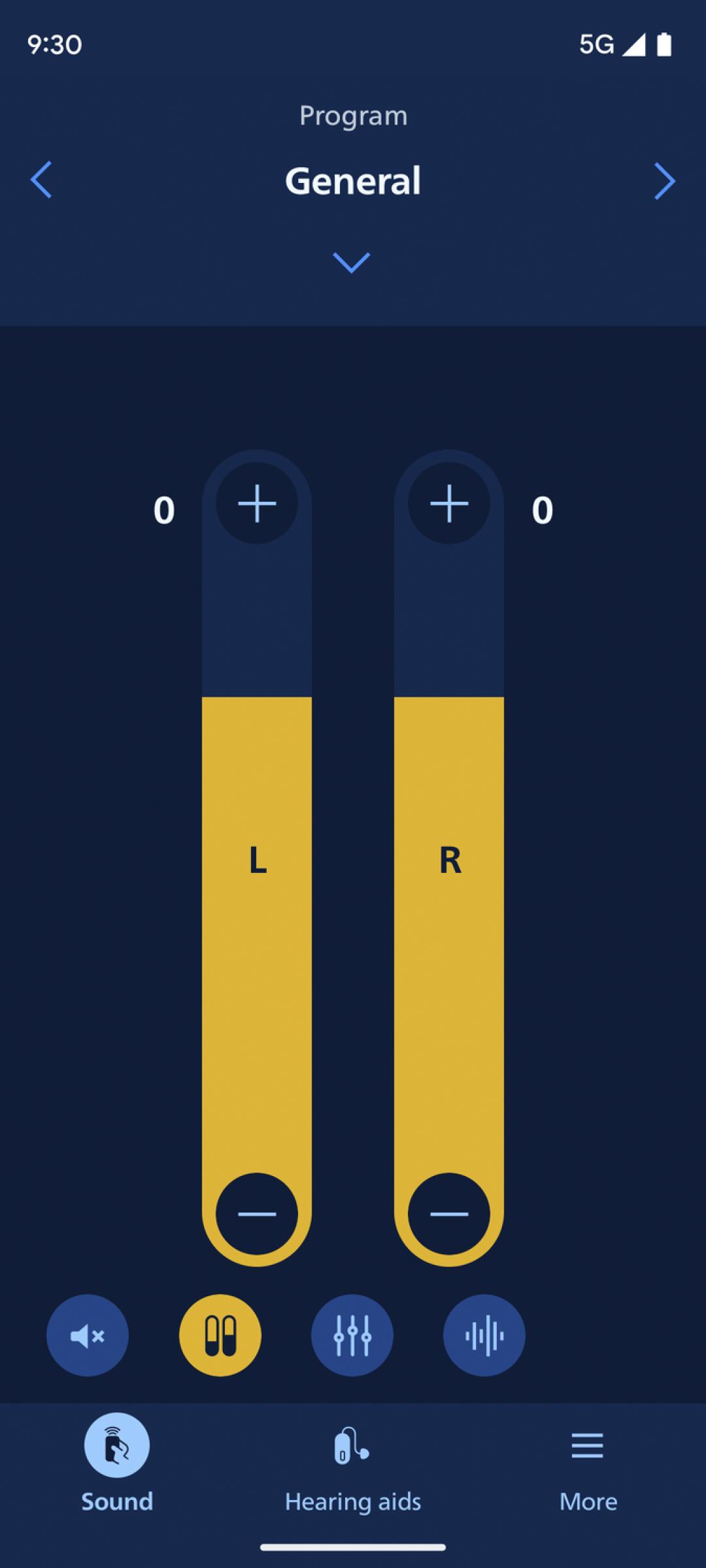
• Adjust sound volume for each hearing aid together or separately
• Mute surroundings for better focus
• Switch between programs set by your hearing care professional
• Check battery levels
• Stream calls, music, and podcasts directly to your hearing aids (availability may vary depending on your phone model)
• Find your hearing aids if lost (requires location services always turned on)
• Access app support and troubleshooting solutions
• Meet your hearing care professional for an online visit (by appointment)
• Adjust streaming sounds with streaming equalizer (available for all hearing aid models except Philips HearLink 00)
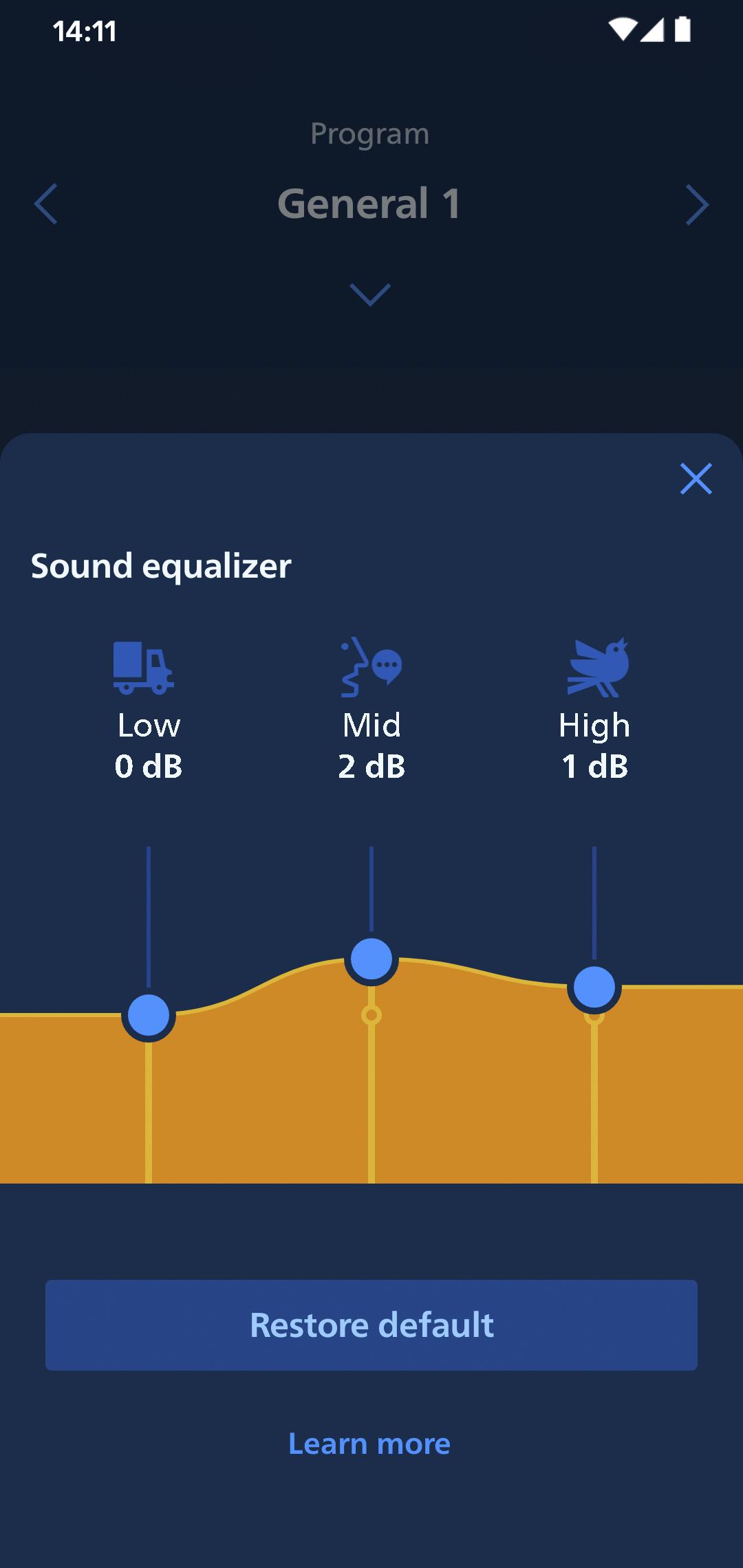
• Adjust sounds around you with sound equalizer (available for Philips HearLink 50 and 40 models)
• Track your progress with Philips Journal feature (available for Philips HearLink 50 and 40 models)
• Handle wireless accessories paired with your hearing aids such as TV Adapters and AudioClip
First use:
You need to pair your hearing aids with this app to use it to control your hearing aids.
App availability:
We recommend regular hearing aid updates during your routine check-up with your hearing care professional.
For optimal performance, we recommend updating your device to OS 10 or later. To check the latest list of compatible devices, please visit:
hearingsolutions.philips.com/compatibility
Avance
Etiquetas
MedicinaInformación
Desarrollador
SBO Hearing A/S
La última versión
1.5.2
Última actualización
2025-04-11
Categoría
Medicina
Disponible en
Google Play
Mostrar más
Cómo jugar Philips HearLink 2 con GameLoop en PC
1. Descargue GameLoop desde el sitio web oficial, luego ejecute el archivo exe para instalar GameLoop.
2. Abra GameLoop y busque "Philips HearLink 2", busque Philips HearLink 2 en los resultados de búsqueda y haga clic en "Instalar".
3. Disfruta jugando Philips HearLink 2 en GameLoop.
Minimum requirements
OS
Windows 8.1 64-bit or Windows 10 64-bit
GPU
GTX 1050
CPU
i3-8300
Memory
8GB RAM
Storage
1GB available space
Recommended requirements
OS
Windows 8.1 64-bit or Windows 10 64-bit
GPU
GTX 1050
CPU
i3-9320
Memory
16GB RAM
Storage
1GB available space