
Neshan| Map & Navigation App para PC
نقشه و مسیریاب نشان
Descarga Neshan| Map & Navigation App en PC con GameLoop Emulator
Neshan| Map & Navigation App en PC
Neshan| Map & Navigation App, proveniente del desarrollador نقشه و مسیریاب نشان, se ejecuta en el sistema Android en el pasado.
Ahora, puedes jugar Neshan| Map & Navigation App en PC con GameLoop sin problemas.
Descárgalo en la biblioteca de GameLoop o en los resultados de búsqueda. No más mirar la batería o llamadas frustrantes en el momento equivocado nunca más.
Simplemente disfrute de Neshan| Map & Navigation App PC en la pantalla grande de forma gratuita!
Neshan| Map & Navigation App Introducción
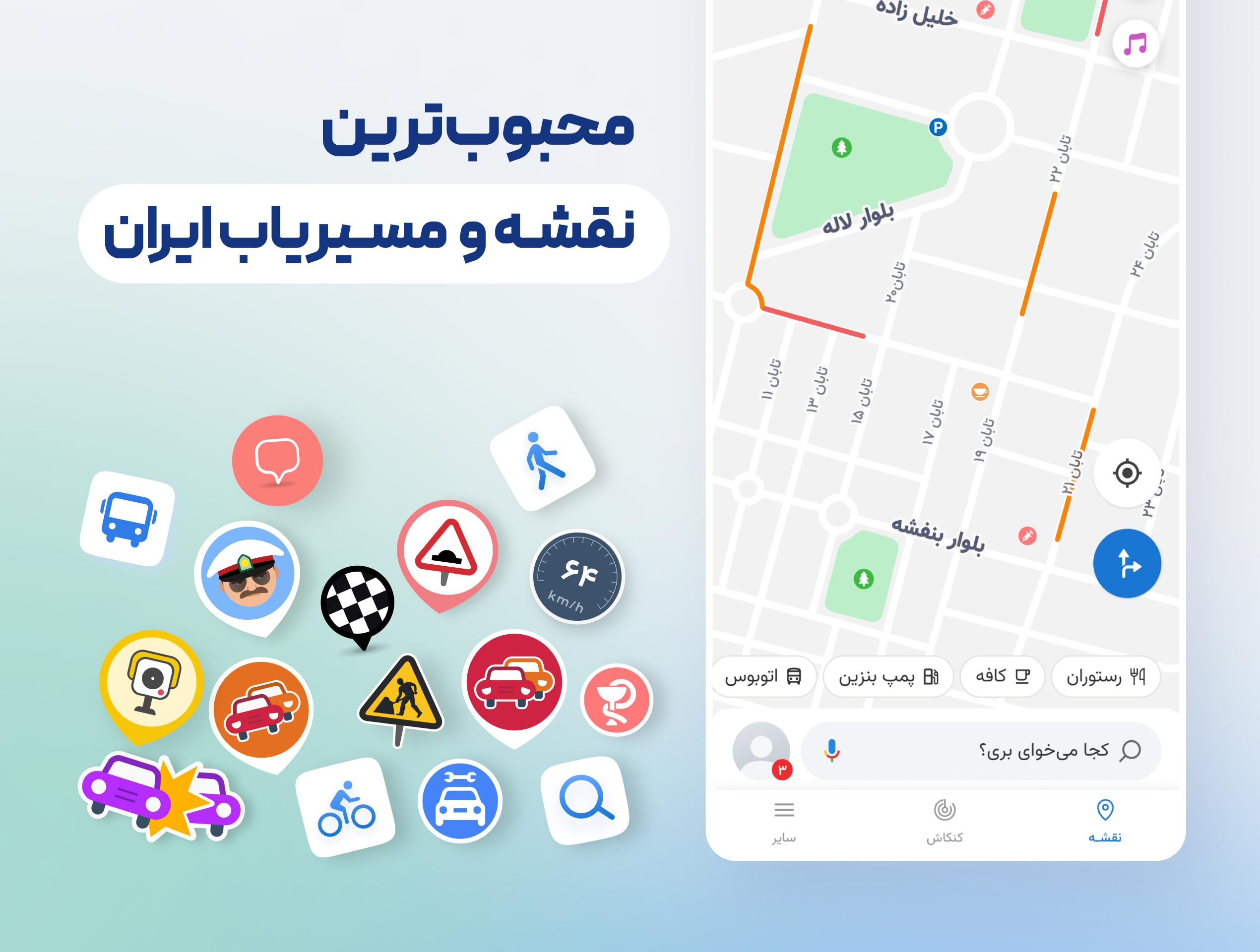
Using GPS and real-time traffic data—just like leading international navigation apps—Neshan suggests the fastest, least congested routes, and alerts you along the way when you are approaching speed cameras or police checkpoints.
Features like displaying air pollution levels in cities with monitoring stations, warning about speed bumps, routing with traffic restriction and low-emission zone considerations, combined bus-and-metro navigation, motorcycle routing, and more have made Neshan the go-to choice for many Iranian users, including ride-hailing drivers on Snapp and Tapsi, offering unique advantages over other mapping and navigation services.
Key features and benefits of Neshan:
Maps of all cities and countries worldwide, powered by open and free OpenStreetMap data
Display of air pollution monitoring stations in all cities that have them
Detailed offline maps of all cities with live traffic information
Ability to choose the best and cheapest way to reach your destination with combined bus and metro routing
Global maps with navigation to any desired location
Persian voice guidance that speaks street names so you don’t need to look at the map
Find nearby public places such as restaurants, gas stations, ATMs, hotels, and more
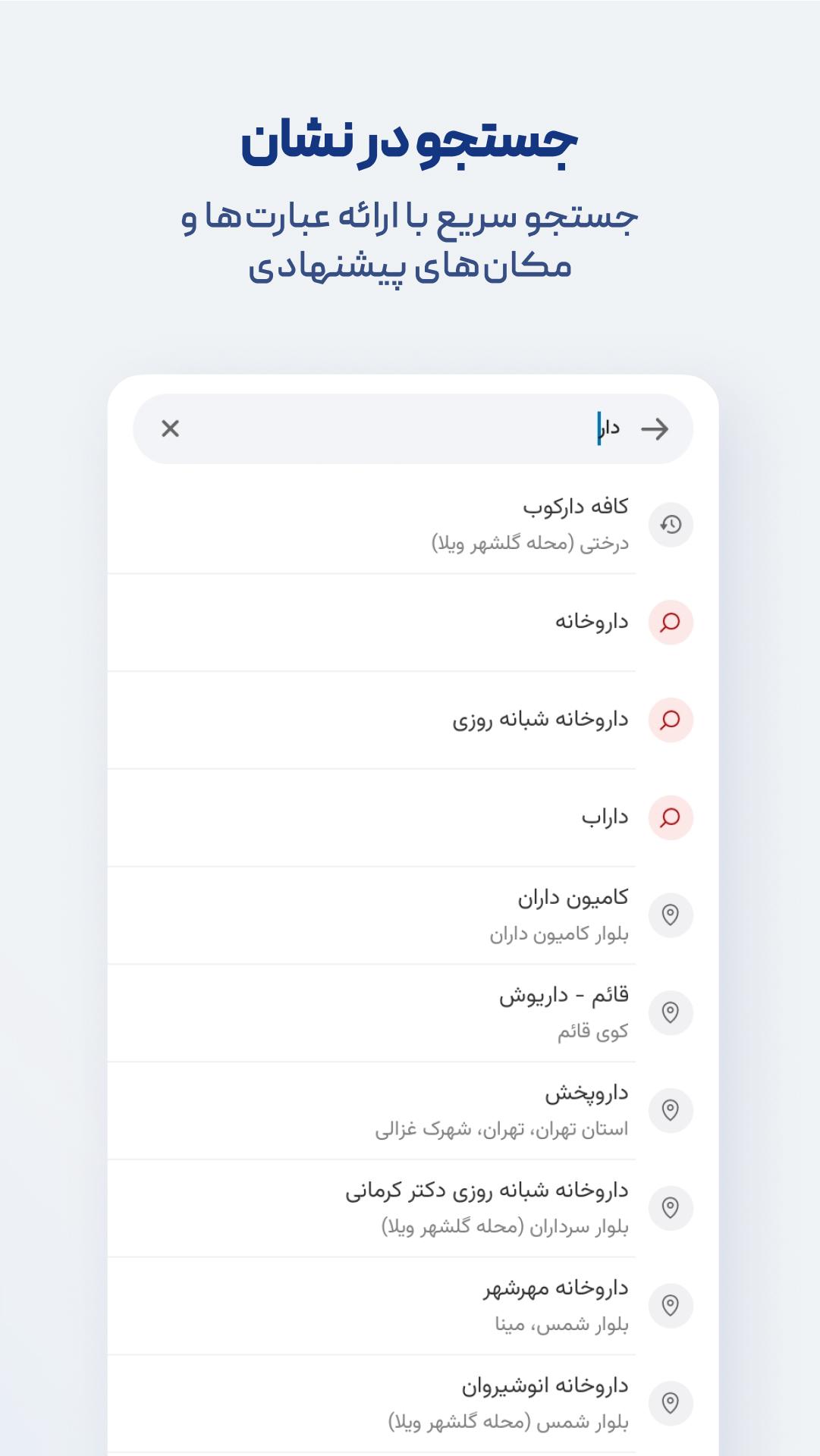
Search without typing (Persian speech recognition)
Routing that accounts for traffic restriction zones and low-emission zones, helping you avoid entering them unintentionally
Option to select direct routes in Neshan’s navigation settings
Alerts for police presence, speed cameras, speed bumps, and traffic
Accurate location detection using GPS
With Neshan maps and navigation, you’ll know your way anywhere.
Contact Neshan:
Email: support@neshan.org
Telegram Support: @neshan_admin
Instagram: instagram.com/neshan_nav
Avance
Etiquetas
Maps-&Información
Desarrollador
نقشه و مسیریاب نشان
La última versión
14.6.4
Última actualización
2025-09-29
Categoría
Maps-navigation
Disponible en
Google Play
Mostrar más
Cómo jugar Neshan| Map & Navigation App con GameLoop en PC
1. Descargue GameLoop desde el sitio web oficial, luego ejecute el archivo exe para instalar GameLoop.
2. Abra GameLoop y busque "Neshan| Map & Navigation App", busque Neshan| Map & Navigation App en los resultados de búsqueda y haga clic en "Instalar".
3. Disfruta jugando Neshan| Map & Navigation App en GameLoop.
Minimum requirements
OS
Windows 8.1 64-bit or Windows 10 64-bit
GPU
GTX 1050
CPU
i3-8300
Memory
8GB RAM
Storage
1GB available space
Recommended requirements
OS
Windows 8.1 64-bit or Windows 10 64-bit
GPU
GTX 1050
CPU
i3-9320
Memory
16GB RAM
Storage
1GB available space