
GPS Alarm - Location Reminder para PC
Mapfulness
Descarga GPS Alarm - Location Reminder en PC con GameLoop Emulator
GPS Alarm - Location Reminder en PC
GPS Alarm - Location Reminder, proveniente del desarrollador Mapfulness, se ejecuta en el sistema Android en el pasado.
Ahora, puedes jugar GPS Alarm - Location Reminder en PC con GameLoop sin problemas.
Descárgalo en la biblioteca de GameLoop o en los resultados de búsqueda. No más mirar la batería o llamadas frustrantes en el momento equivocado nunca más.
Simplemente disfrute de GPS Alarm - Location Reminder PC en la pantalla grande de forma gratuita!
GPS Alarm - Location Reminder Introducción
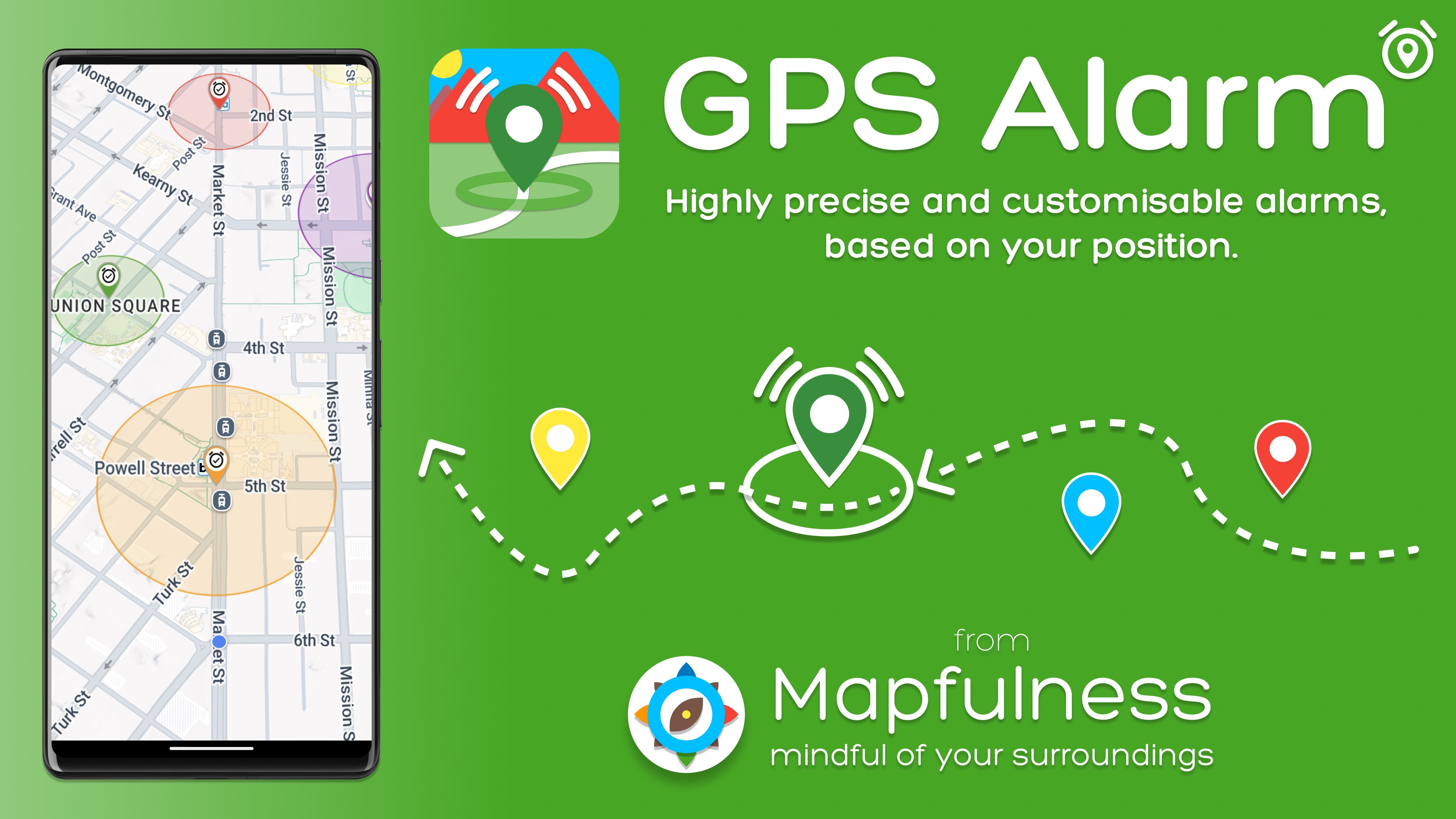
GPS Alarm is a location-based reminder that alerts you when you arrive or leave a place. It works offline, with the screen off, and is built for real-life reliability.
Never miss the moment that matters 📍
• Wake up before your train or bus stop 🚆
• Get a reminder when you reach a store, client, or job site 🛍️
• Set alerts for hiking waypoints, rest stops, or travel destinations 🥾
Precise and dependable ⏱️
• Enter, exit, or both triggers
• Fast, accurate alerts (typically within 1-2 seconds)
• Works without internet
Make it yours 🎛️
• Repeat schedules and active days/hours
• Custom sounds, vibration, TTS voice, and auto-dismiss 🔔
• Colors and labels
• Clear map and list views
Built for everyday life
GPS Alarm is used by commuters, travelers, drivers, and people who rely on location-based reminders for routines or accessibility. It is simple when you need it to be, and powerful when you want full control.
Powerful without the noise
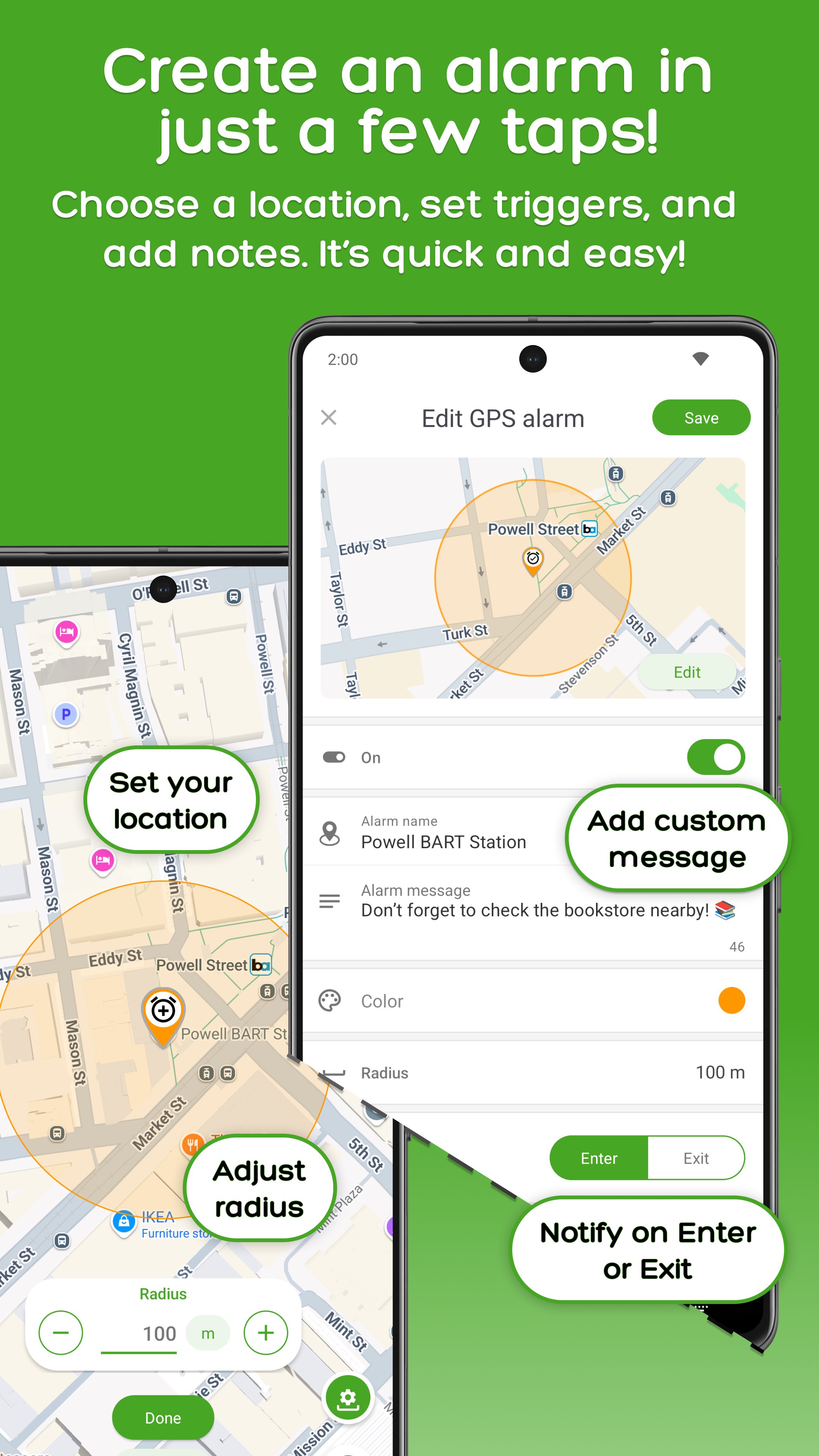
• Quick radius setup with precise adjustments
• Auto scroll, auto zoom, and heading follow to keep the map centered based on your speed and direction
• Reliable background behavior (when system settings allow)
• Backup/restore tools to keep alarms, markers, and settings safe
Important
For best reliability, allow GPS Alarm to run in the background and disable battery optimizations (especially on Xiaomi, Oppo, Vivo, Samsung, and similar devices).
Quick setup from Google Maps 🗺️
• Share a location link from Google Maps into GPS Alarm
• Open the shared link directly into the app to create an alarm or marker
Edit options for each GPS alarm ✍️
• Title and description
• On/off toggle
• Labels, colors, and emoji marker
• Link attachment
• Radius and map snapshot
• Transition type: enter, exit, or both
• Repeat, active days, active hours
• Alarm sound type: default, voice message, custom sound, or TTS
• TTS details: speak transition, title, distance, description
Scheduling and repeat 📅
• Active days and active hours windows
• Repeat or one-time alarms
• Transition type: enter, exit, or both
Notification and sound control 🔊
• Custom alarm sounds and default sound selection
• Volume control, vibration, and loop options
• Auto-dismiss timing
• Text-to-Speech (TTS) and voice messages
Labels and visual clarity 🏷️
• Labels and color indicators for fast recognition
• Clear map and list views to manage many alarms
Backup and restore 💾
• Backup/restore tools to keep alarms, markers, and settings safe
Part of the Mapfulness project — mindful of your surroundings.
Tags: map alarm, geofencing, gps alarm, location alarm, location reminder, don't miss the stop, wake me there, wake up, nap alarm, car, train, bus, motorbike, bike, bicycle, hiking, walking, running, trail, speed camera, autovelox
Avance
Etiquetas
Maps-&Travel-&Información
Desarrollador
Mapfulness
La última versión
5.8.25
Última actualización
2026-07-05
Categoría
Maps-navigation
Disponible en
Google Play
Mostrar más
Cómo jugar GPS Alarm - Location Reminder con GameLoop en PC
1. Descargue GameLoop desde el sitio web oficial, luego ejecute el archivo exe para instalar GameLoop.
2. Abra GameLoop y busque "GPS Alarm - Location Reminder", busque GPS Alarm - Location Reminder en los resultados de búsqueda y haga clic en "Instalar".
3. Disfruta jugando GPS Alarm - Location Reminder en GameLoop.
Minimum requirements
OS
Windows 8.1 64-bit or Windows 10 64-bit
GPU
GTX 1050
CPU
i3-8300
Memory
8GB RAM
Storage
1GB available space
Recommended requirements
OS
Windows 8.1 64-bit or Windows 10 64-bit
GPU
GTX 1050
CPU
i3-9320
Memory
16GB RAM
Storage
1GB available space