Qibla Compass & Qibla Finder w para PC
Digital Valley
Descarga Qibla Compass & Qibla Finder w en PC con GameLoop Emulator
Qibla Compass & Qibla Finder w en PC
Qibla Compass & Qibla Finder w, proveniente del desarrollador Digital Valley, se ejecuta en el sistema Android en el pasado.
Ahora, puedes jugar Qibla Compass & Qibla Finder w en PC con GameLoop sin problemas.
Descárgalo en la biblioteca de GameLoop o en los resultados de búsqueda. No más mirar la batería o llamadas frustrantes en el momento equivocado nunca más.
Simplemente disfrute de Qibla Compass & Qibla Finder w PC en la pantalla grande de forma gratuita!
Qibla Compass & Qibla Finder w Introducción
Qibla compass-Qibla Finder القبلة البوصلة-القبلة الباحث
Qibla Compass is one of the best qibla apps for android users.It is a popular real assistant
for muslims which allow you to know qibla direction.
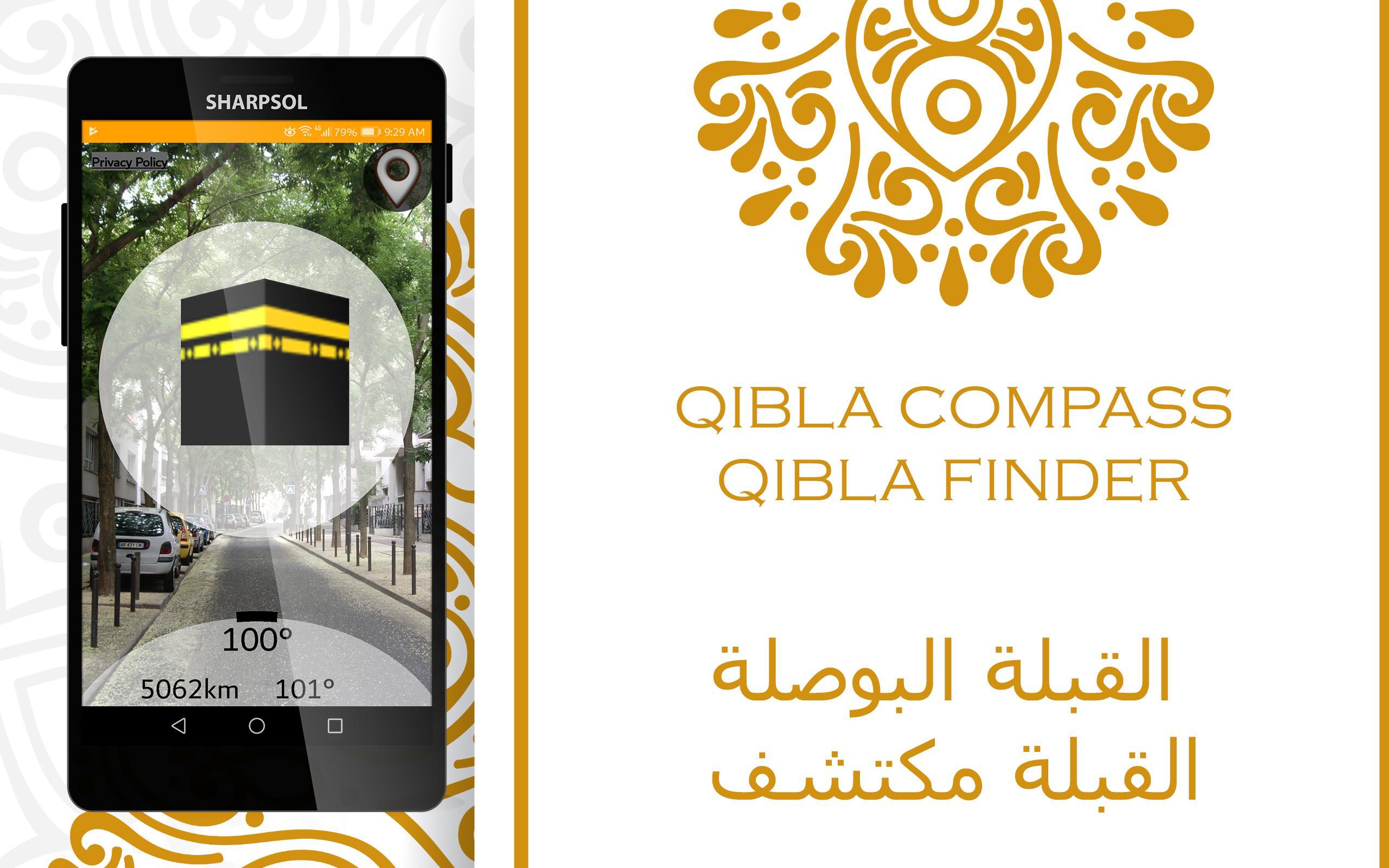
Qibla Compass show qibla,direction that Muslim should face when doing prays during salat or namaz. Qibla is fixed as the direction of the Kaaba in Mecca.
Qibla compass is a Qibla direction Finder (sometimes also called qibla/qiblah indicator or qibla direction ) will show you Masjid al-Haram المسجد الحرام direction accurately.
Qibla compass-Qibla Finder has beautiful compass arrow points towards the city of Mecca (Saudi Arabia). Makkah where the Ka'abah is located.
Qibla compass-Qibla Finder is specially designed for Muslim Mobile phone users all over the world.
Muslims face in the Qibla (direction of the Kaaba) while performing Salat (also known as Namaz or Prayer in different countries).
For accurate measurement Hold your phone flat and away from metal objects and electromagnetic fields.
Qibla compass-Qibla Finder is very handy app when going outside on trip for finding salah direction.
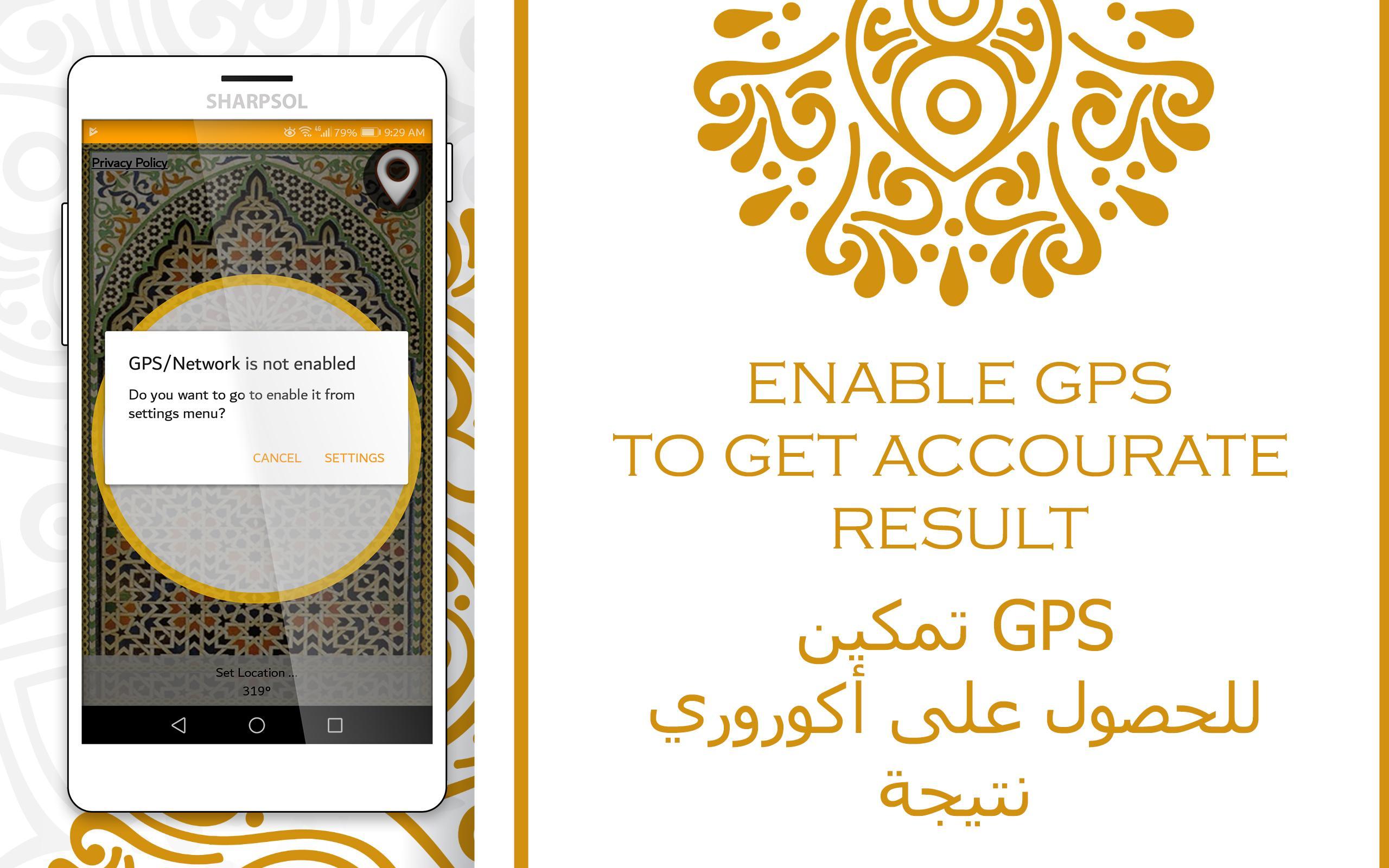
By pressing the marker button set you location using Internet GPS and manual .
To save battery and speed up finding direction use manual method to set your location.
Qibla compass-Qibla Finder require a magnetic field sensor. If this app does not work, please check your cell phone specifications for magnetic field sensor.
♦Features♦
♦ Qibla compass-Qibla Finder is simple One screen
♦ Qibla compass-Qibla Finder precise and accurate .
♦ easy to use.
♦ Qibla compass-Qibla Finder supporting word wide. it any where around the word.
♦ Working offline.
♦ supporting 70000 cities in offline mode.
♦ All the graphics are designed in such away that it is representing the Islamic art.
♦ Pocket app to read your current location, you can use your GPS.
♦How to Use Compass?♦
♦ Go to settings from menu and select your location method either using GPS or Search your city name in search bar to select it from cities database or list using standard manual method
♦ Set your location using internet (must be online) and
♦ Hold your device perpendicular to show direction in 3D compass using device camera
♦ Hold your device horizontally to show direction in 2D compass view
♦ To get the correct and precise measurements of Qibla direction you should properly away from magnetic and electric fields/
♦ If the compass can not see farther, then calibrate it for a while in shape of 8
♦ Compass arrow will immediate point you the correct direction of qibla with respect to your location and also shows the North direction as well.
♥ comments and feedback on the following address: ♥
1. Please contact us by email: digitalvalley13@gmail.com
2. find us on Facebook at:
https://www.facebook.com/SharpSol/
Avance
Etiquetas
Estilo de vidaInformación
Desarrollador
Digital Valley
La última versión
7.0
Última actualización
2019-02-19
Categoría
Estilo de vida
Disponible en
Google Play
Mostrar más
Cómo jugar Qibla Compass & Qibla Finder w con GameLoop en PC
1. Descargue GameLoop desde el sitio web oficial, luego ejecute el archivo exe para instalar GameLoop.
2. Abra GameLoop y busque "Qibla Compass & Qibla Finder w", busque Qibla Compass & Qibla Finder w en los resultados de búsqueda y haga clic en "Instalar".
3. Disfruta jugando Qibla Compass & Qibla Finder w en GameLoop.
Minimum requirements
OS
Windows 8.1 64-bit or Windows 10 64-bit
GPU
GTX 1050
CPU
i3-8300
Memory
8GB RAM
Storage
1GB available space
Recommended requirements
OS
Windows 8.1 64-bit or Windows 10 64-bit
GPU
GTX 1050
CPU
i3-9320
Memory
16GB RAM
Storage
1GB available space