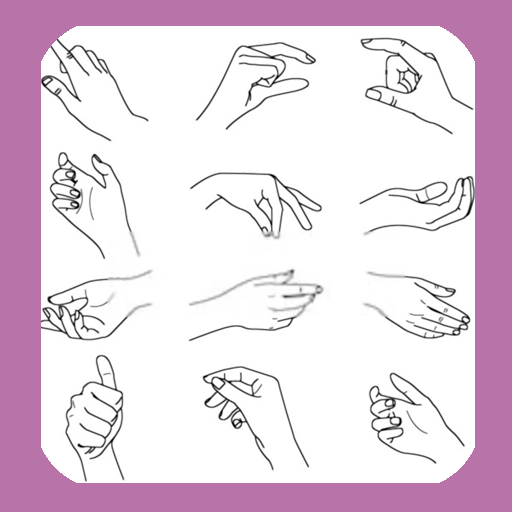
How To Draw Hands para PC
WhiteStore
Descarga How To Draw Hands en PC con GameLoop Emulator
How To Draw Hands en PC
How To Draw Hands, proveniente del desarrollador WhiteStore, se ejecuta en el sistema Android en el pasado.
Ahora, puedes jugar How To Draw Hands en PC con GameLoop sin problemas.
Descárgalo en la biblioteca de GameLoop o en los resultados de búsqueda. No más mirar la batería o llamadas frustrantes en el momento equivocado nunca más.
Simplemente disfrute de How To Draw Hands PC en la pantalla grande de forma gratuita!
How To Draw Hands Introducción
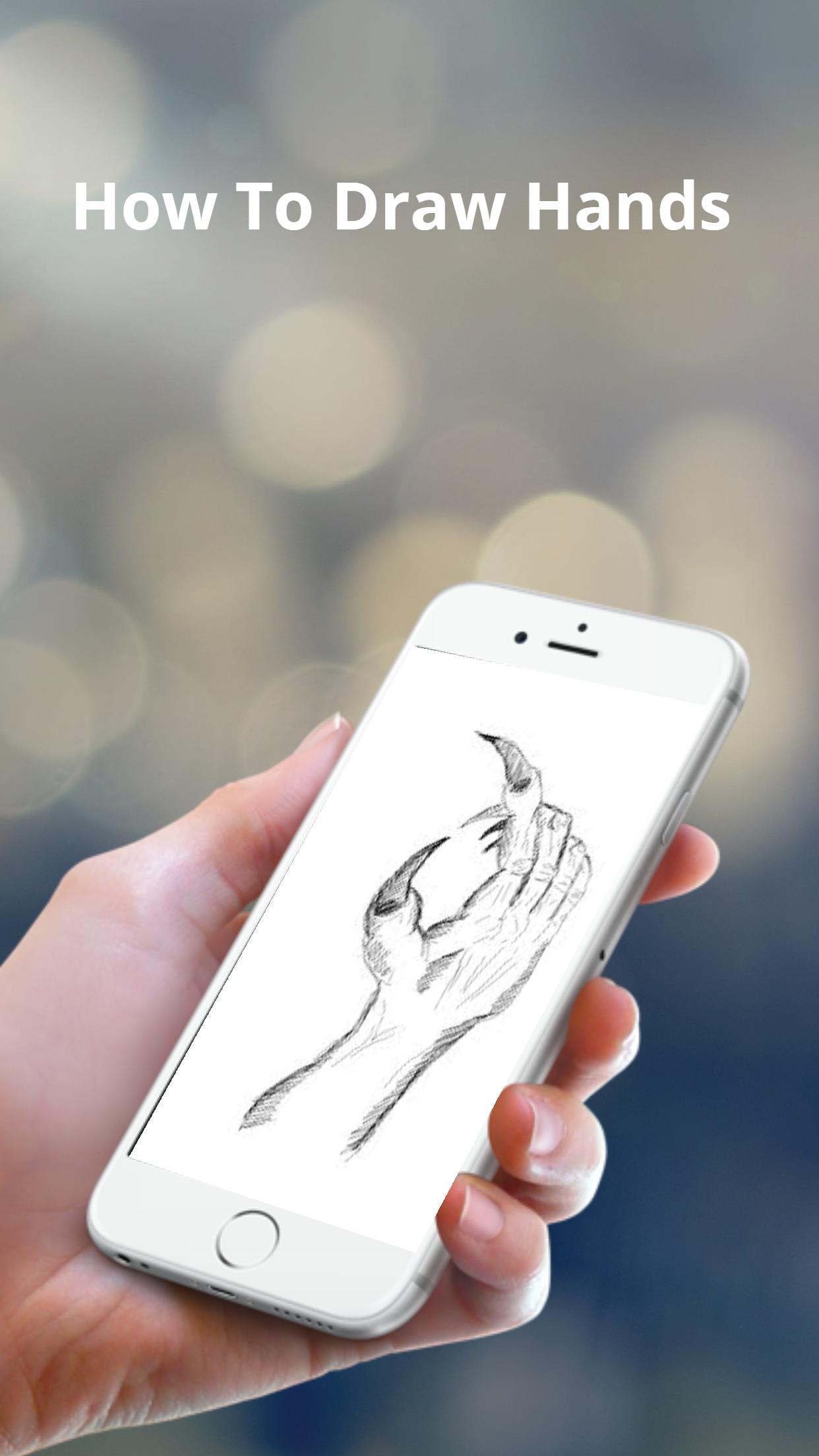
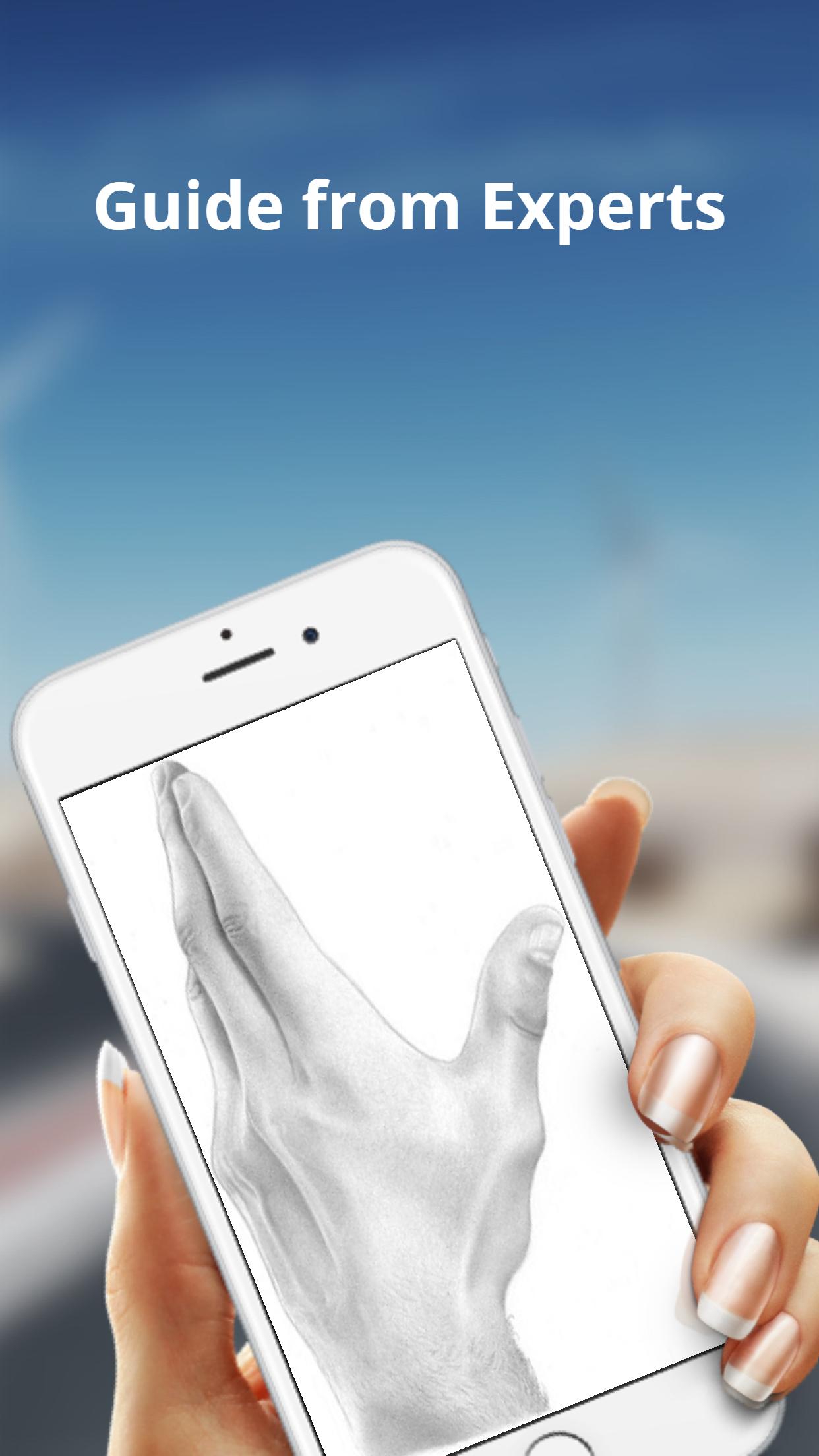
The basic shapes of a hand are not perfectly square or parallel so it is easy to get them wrong. When spread, the fingers all point in different directions.
Because the fingers’ points of origin and lengths are different, the joints do not line up in a straight line.
Note that the thumb moves in a different direction than the rest of the fingers.
To make bending possible, the skin is relatively loose and thin at the joints.
The bending marks on the palm side do not necessarily line up with the joints.
These lines might not be visible in simple drawing styles, but knowing where they are and where the skin overlaps can help when drawing the fingers bent.
Avance
Etiquetas
Estilo de vidaInformación
Desarrollador
WhiteStore
La última versión
1.0.4
Última actualización
2022-07-26
Categoría
Estilo de vida
Disponible en
Google Play
Mostrar más
Cómo jugar How To Draw Hands con GameLoop en PC
1. Descargue GameLoop desde el sitio web oficial, luego ejecute el archivo exe para instalar GameLoop.
2. Abra GameLoop y busque "How To Draw Hands", busque How To Draw Hands en los resultados de búsqueda y haga clic en "Instalar".
3. Disfruta jugando How To Draw Hands en GameLoop.
Minimum requirements
OS
Windows 8.1 64-bit or Windows 10 64-bit
GPU
GTX 1050
CPU
i3-8300
Memory
8GB RAM
Storage
1GB available space
Recommended requirements
OS
Windows 8.1 64-bit or Windows 10 64-bit
GPU
GTX 1050
CPU
i3-9320
Memory
16GB RAM
Storage
1GB available space