Cruise & Travel Countdown para PC
RedTracker LLC
Descarga Cruise & Travel Countdown en PC con GameLoop Emulator
Cruise & Travel Countdown en PC
Cruise & Travel Countdown, proveniente del desarrollador RedTracker LLC, se ejecuta en el sistema Android en el pasado.
Ahora, puedes jugar Cruise & Travel Countdown en PC con GameLoop sin problemas.
Descárgalo en la biblioteca de GameLoop o en los resultados de búsqueda. No más mirar la batería o llamadas frustrantes en el momento equivocado nunca más.
Simplemente disfrute de Cruise & Travel Countdown PC en la pantalla grande de forma gratuita!
Cruise & Travel Countdown Introducción
Cruise Countdown makes tracking your next cruise fun and exciting. Whether it's your first sailing or your tenth, the anticipation builds with every passing day.
Simply enter your cruise title and sailing date, and your countdown begins. Designed to make your trip feel real before you even pack, the app lets you watch the days, hours, and minutes tick down to your dream vacation.
Top Features:
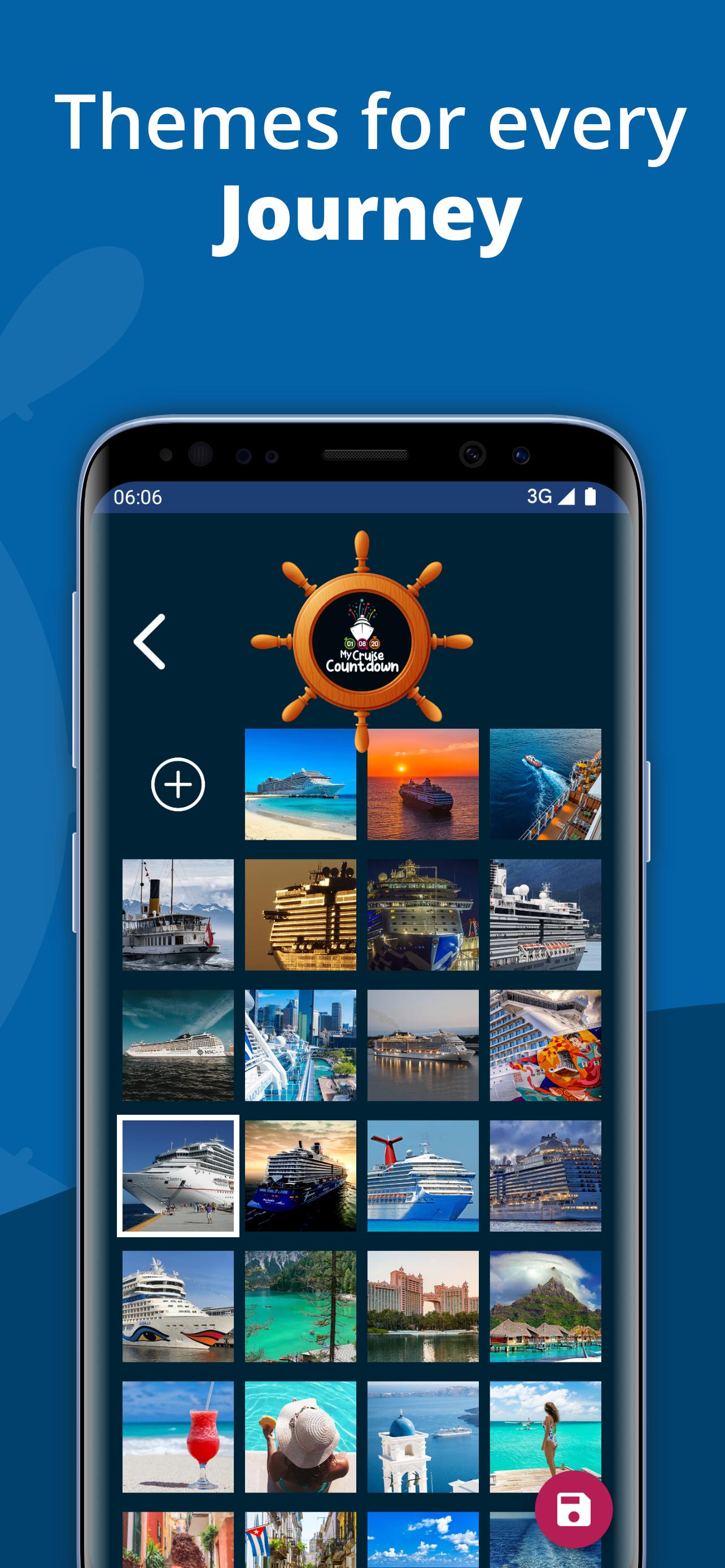
- Personalized Countdown: Choose from dozens of backgrounds or upload your own photo to make it your own.
- Countdown Ship Wheel: Swap the center logo in the ship's wheel with your favorite picture.
- Countdown Alerts: Get notifications as your cruise date gets closer.
This isn't just a timer — it's a daily reminder that your next adventure is on the horizon.
Avance

Etiquetas
Estilo de vidaTravel-&Información
Desarrollador
RedTracker LLC
La última versión
4.6
Última actualización
2025-09-17
Categoría
Estilo de vida
Disponible en
Google Play
Mostrar más
Cómo jugar Cruise & Travel Countdown con GameLoop en PC
1. Descargue GameLoop desde el sitio web oficial, luego ejecute el archivo exe para instalar GameLoop.
2. Abra GameLoop y busque "Cruise & Travel Countdown", busque Cruise & Travel Countdown en los resultados de búsqueda y haga clic en "Instalar".
3. Disfruta jugando Cruise & Travel Countdown en GameLoop.
Minimum requirements
OS
Windows 8.1 64-bit or Windows 10 64-bit
GPU
GTX 1050
CPU
i3-8300
Memory
8GB RAM
Storage
1GB available space
Recommended requirements
OS
Windows 8.1 64-bit or Windows 10 64-bit
GPU
GTX 1050
CPU
i3-9320
Memory
16GB RAM
Storage
1GB available space