
Countdown Days App & Widget para PC
SMSROBOT LTD
Descarga Countdown Days App & Widget en PC con GameLoop Emulator
Countdown Days App & Widget en PC
Countdown Days App & Widget, proveniente del desarrollador SMSROBOT LTD, se ejecuta en el sistema Android en el pasado.
Ahora, puedes jugar Countdown Days App & Widget en PC con GameLoop sin problemas.
Descárgalo en la biblioteca de GameLoop o en los resultados de búsqueda. No más mirar la batería o llamadas frustrantes en el momento equivocado nunca más.
Simplemente disfrute de Countdown Days App & Widget PC en la pantalla grande de forma gratuita!
Countdown Days App & Widget Introducción
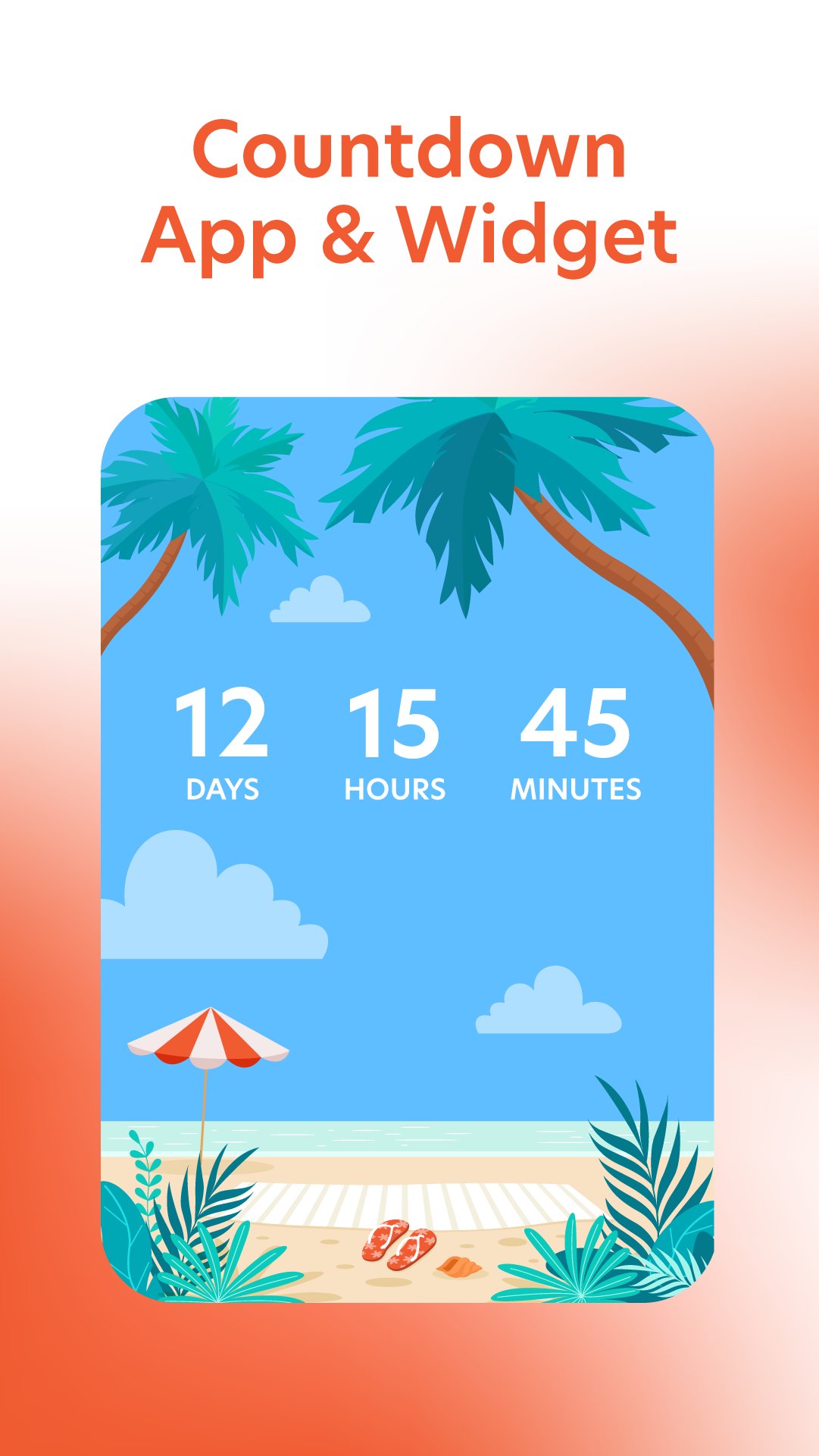
Countdown Days App and days widget count days, hours and minutes until your special event. Stay on top of your weekly plans with the after call calendar view and edit, change or send out invites to friends and family directly from the call widget.
Countdown Days App & Widget shows an aftercall enabling you to identify incoming calls as they happen so you can get access to your countdowns, view existing countdowns or create new ones immediately after the incoming call. This enables users to create new countdowns to important events and share them with friends and family after calls.
This task requires FOREGROUND_SERVICE_PHONE_CALL because it must instantly detect the call state transition to 'Idle' and immediately render the overlay widget on the screen without delay. It cannot be paused, delayed, or restarted by standard background limitations, as any latency would cause the user to miss the immediate context of the conversation
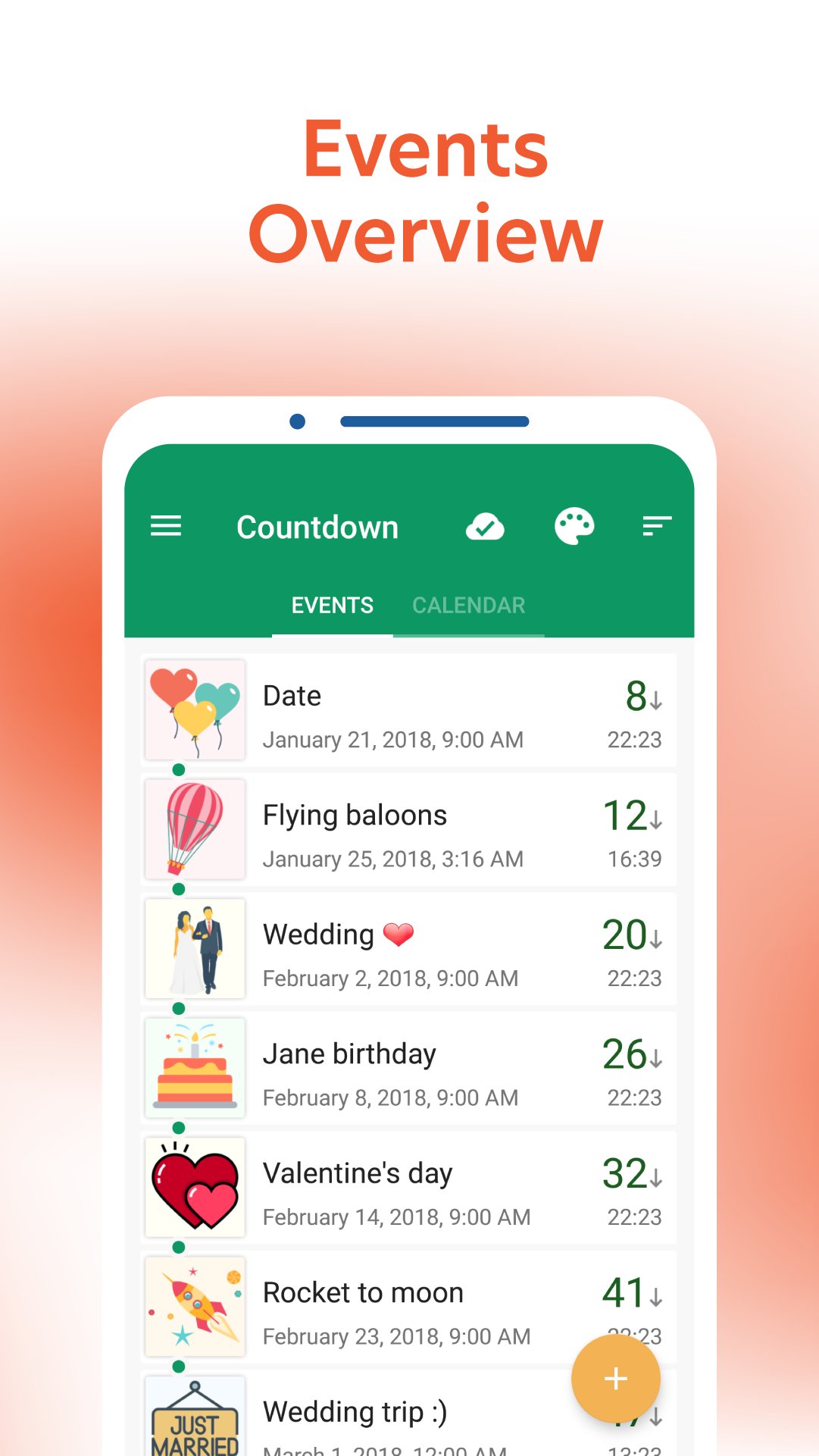
Easily create and share events using the smart after-call calendar feature. With our free countdown app you can add as many events as you want. The app has a beautiful home screen widget, a countdown calendar, reminders and post-call notifications for all your upcoming events.
Did you even forget or miss important meetings, birthdays or anniversaries? With our countdown widget for your home screen, you will never miss an event again. On top of that, we’ll remind you of your events after your phone calls. Easily view events and add new ones right after your conversation. Now you won’t miss on events, you just talked about.
Our countdown widget count days left until your special event: wedding, retirement, holiday, vacation, countdown to christmas, baby due date.
Day counter widget comes in 4 different sizes for home screen and display days, hours and minutes left. It will count down to event and count up once event passes, to count the days after enabling you to track the days passed since event date.
App features:
- Countdown widget for home screen
- 1x1, 2x1, 3x1, 4x3 resizable homescreen widgets
- Count days hour minutes
- Plan events easily using after-call calendar features with friends and family.
- Count up - counting days after
- Big collection of stickers
- Use your own photos for widgets
- After call feature to view existing events and immediately create new ones.
- Nice stock images for counting to event
- Daily, weekly, be-weekly, monthly and yearly event repetition for countdown timer on home screen
- Backup and restore
Countdown app has large collection of widgets for home screen. We also have unique resizable list widget that can show all your tracked dates in one place right on your home screen, no need to enter application to see your upcoming events.
In order to add a countdown to your home screen you have to go to your phone's widget menu and find Countdown Widget option. Long press on one of available widget sizes that you want to place on your home screen and drag and drop onto your home screen. Configuration dialog will popup where you can pick your event from the event list, or enter a new title and date to create a new countdown event for home screen.
Enjoy your count down app and widget!
Avance
Etiquetas
Estilo de vidaInformación
Desarrollador
SMSROBOT LTD
La última versión
10.7
Última actualización
2026-06-09
Categoría
Estilo de vida
Disponible en
Google Play
Mostrar más
Cómo jugar Countdown Days App & Widget con GameLoop en PC
1. Descargue GameLoop desde el sitio web oficial, luego ejecute el archivo exe para instalar GameLoop.
2. Abra GameLoop y busque "Countdown Days App & Widget", busque Countdown Days App & Widget en los resultados de búsqueda y haga clic en "Instalar".
3. Disfruta jugando Countdown Days App & Widget en GameLoop.
Minimum requirements
OS
Windows 8.1 64-bit or Windows 10 64-bit
GPU
GTX 1050
CPU
i3-8300
Memory
8GB RAM
Storage
1GB available space
Recommended requirements
OS
Windows 8.1 64-bit or Windows 10 64-bit
GPU
GTX 1050
CPU
i3-9320
Memory
16GB RAM
Storage
1GB available space