Workout Calendar para PC
Hobby Bowl
Descarga Workout Calendar en PC con GameLoop Emulator
Workout Calendar en PC
Workout Calendar, proveniente del desarrollador Hobby Bowl, se ejecuta en el sistema Android en el pasado.
Ahora, puedes jugar Workout Calendar en PC con GameLoop sin problemas.
Descárgalo en la biblioteca de GameLoop o en los resultados de búsqueda. No más mirar la batería o llamadas frustrantes en el momento equivocado nunca más.
Simplemente disfrute de Workout Calendar PC en la pantalla grande de forma gratuita!
Workout Calendar Introducción
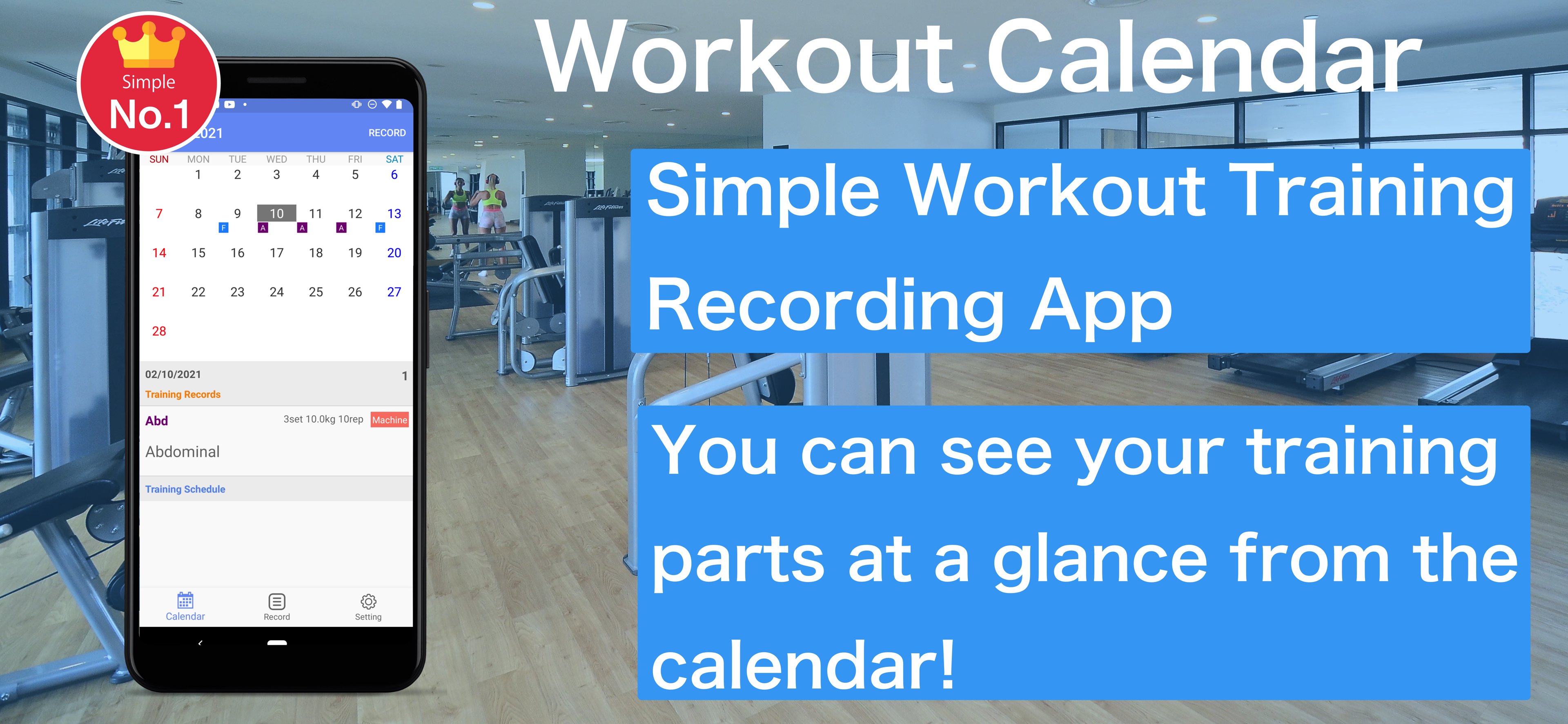
Muscle Training Even for beginners, it is a muscle training calendar app that can be recorded easily.
how to use
1. Press the Record button on the calendar screen to move to the training menu screen
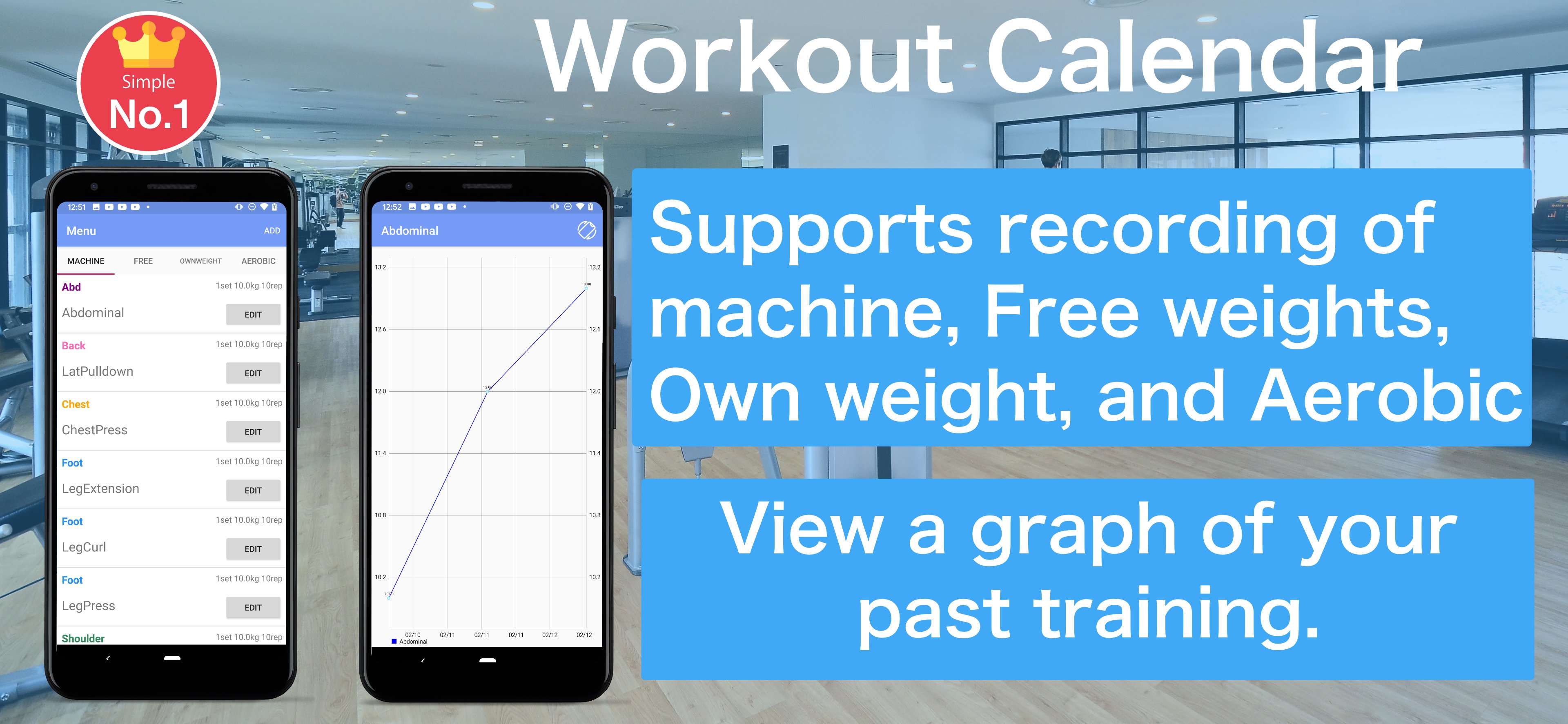
2. The training menu can be selected from "machine", "free", "own weight" and "Aerobic"
3. Enter and save basic training content. Even if the training day has not been decided, you can save it without completing it.
4. If you select a saved training menu, it will be recorded on the date selected in the calendar
5. You can edit it by selecting the recorded training
6. On the scheduled training day, the part name is displayed lightly in the calendar
7. Tap on the training schedule record will be recorded in the calendar
8. You can check the weight you recorded on the graph.
9. You can check past training records from the recording screen. Tap the training you want to check and a list of past records will be displayed.
Avance
Etiquetas
Health-&Información
Desarrollador
Hobby Bowl
La última versión
1.2.5
Última actualización
2025-08-08
Categoría
Health-fitness
Disponible en
Google Play
Mostrar más
Cómo jugar Workout Calendar con GameLoop en PC
1. Descargue GameLoop desde el sitio web oficial, luego ejecute el archivo exe para instalar GameLoop.
2. Abra GameLoop y busque "Workout Calendar", busque Workout Calendar en los resultados de búsqueda y haga clic en "Instalar".
3. Disfruta jugando Workout Calendar en GameLoop.
Minimum requirements
OS
Windows 8.1 64-bit or Windows 10 64-bit
GPU
GTX 1050
CPU
i3-8300
Memory
8GB RAM
Storage
1GB available space
Recommended requirements
OS
Windows 8.1 64-bit or Windows 10 64-bit
GPU
GTX 1050
CPU
i3-9320
Memory
16GB RAM
Storage
1GB available space