
Tamarack Health Remote Care para PC
CoachCare
Descarga Tamarack Health Remote Care en PC con GameLoop Emulator
Tamarack Health Remote Care en PC
Tamarack Health Remote Care, proveniente del desarrollador CoachCare, se ejecuta en el sistema Android en el pasado.
Ahora, puedes jugar Tamarack Health Remote Care en PC con GameLoop sin problemas.
Descárgalo en la biblioteca de GameLoop o en los resultados de búsqueda. No más mirar la batería o llamadas frustrantes en el momento equivocado nunca más.
Simplemente disfrute de Tamarack Health Remote Care PC en la pantalla grande de forma gratuita!
Tamarack Health Remote Care Introducción
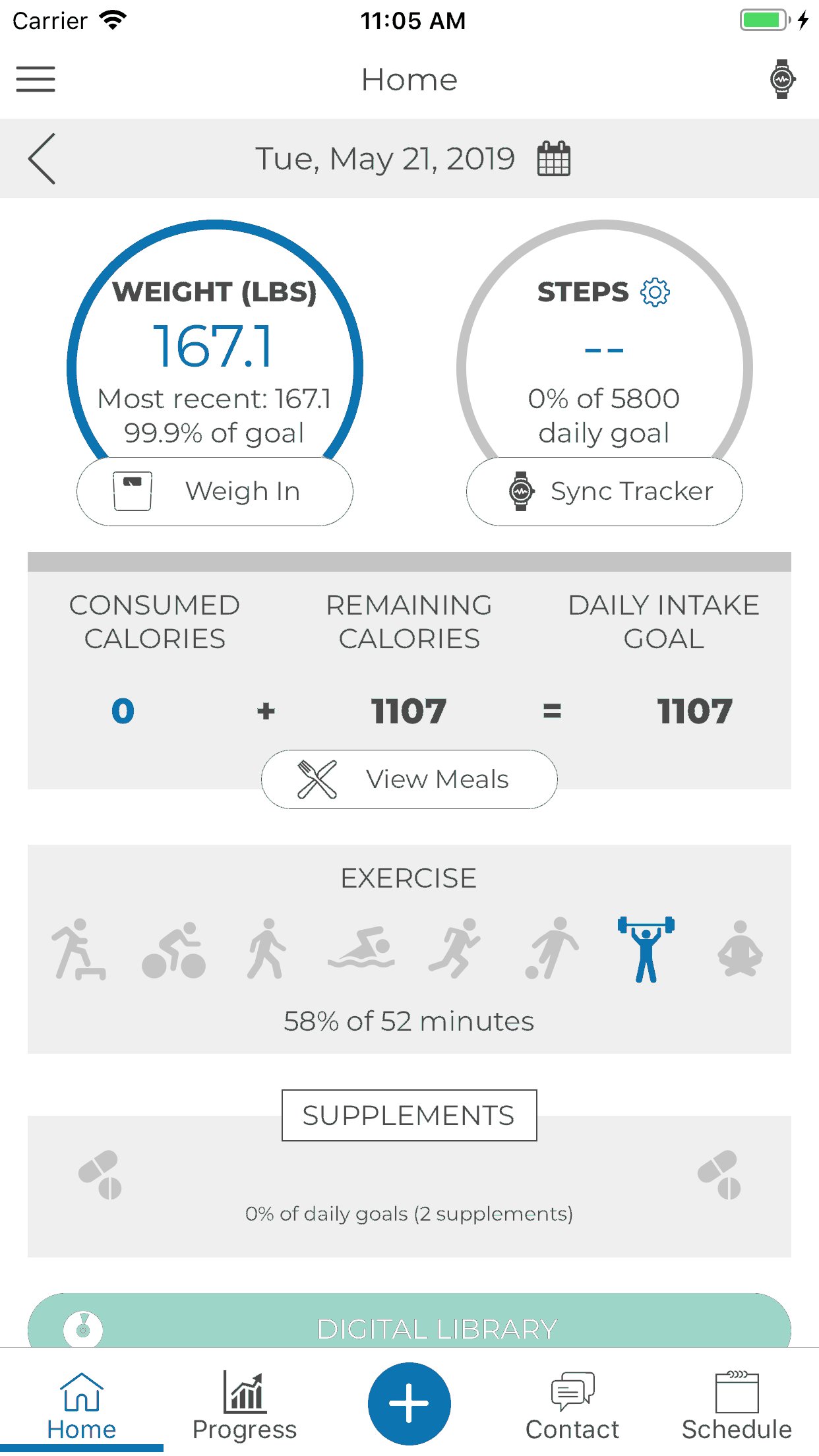
Memorial Medical Center offers remote patient care for Weight Management and Diabetes Management. Use of these services will help increase interaction, accountability, education, and ultimately improve outcomes. With remote care, we can follow food logs, weight, activity, and blood sugars to help keep you on track and meeting your goals.
Weight Management will tailor a program to fit you and your preferences while helping to monitor and manage medications and health conditions.
Diabetes Management will help you control your blood sugar and reduce complications through lifestyle and medication management.
Thank you for taking an active role in your health and for choosing MMC for your healthcare needs.
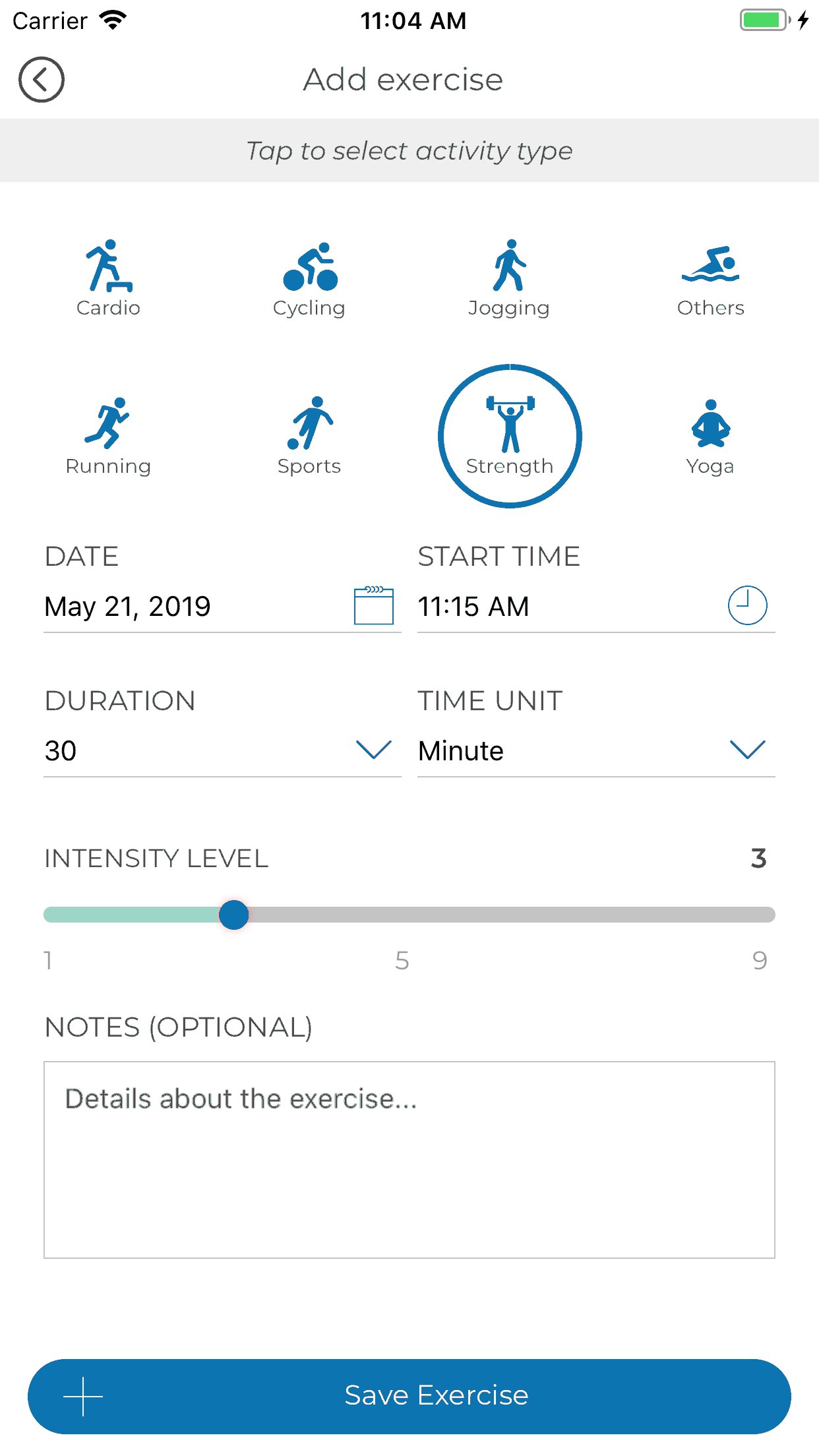
App Functionalities include:
1. Third Party Integration with Apple Health, Fitbit, GoogleFit and Levl.
2. HIPAA Compliant Messaging & Scheduling
3. Progress Tracking
4. Hydration & Supplement Tracking
5. Meal Logging
6. Digital Content
7. Sequence Messaging
Avance
Etiquetas
Health-&Información
Desarrollador
CoachCare
La última versión
2.56.310
Última actualización
2024-04-23
Categoría
Health-fitness
Disponible en
Google Play
Mostrar más
Cómo jugar Tamarack Health Remote Care con GameLoop en PC
1. Descargue GameLoop desde el sitio web oficial, luego ejecute el archivo exe para instalar GameLoop.
2. Abra GameLoop y busque "Tamarack Health Remote Care", busque Tamarack Health Remote Care en los resultados de búsqueda y haga clic en "Instalar".
3. Disfruta jugando Tamarack Health Remote Care en GameLoop.
Minimum requirements
OS
Windows 8.1 64-bit or Windows 10 64-bit
GPU
GTX 1050
CPU
i3-8300
Memory
8GB RAM
Storage
1GB available space
Recommended requirements
OS
Windows 8.1 64-bit or Windows 10 64-bit
GPU
GTX 1050
CPU
i3-9320
Memory
16GB RAM
Storage
1GB available space