
APN Connection para PC
NuLife Virtual
Descarga APN Connection en PC con GameLoop Emulator
APN Connection en PC
APN Connection, proveniente del desarrollador NuLife Virtual, se ejecuta en el sistema Android en el pasado.
Ahora, puedes jugar APN Connection en PC con GameLoop sin problemas.
Descárgalo en la biblioteca de GameLoop o en los resultados de búsqueda. No más mirar la batería o llamadas frustrantes en el momento equivocado nunca más.
Simplemente disfrute de APN Connection PC en la pantalla grande de forma gratuita!
APN Connection Introducción
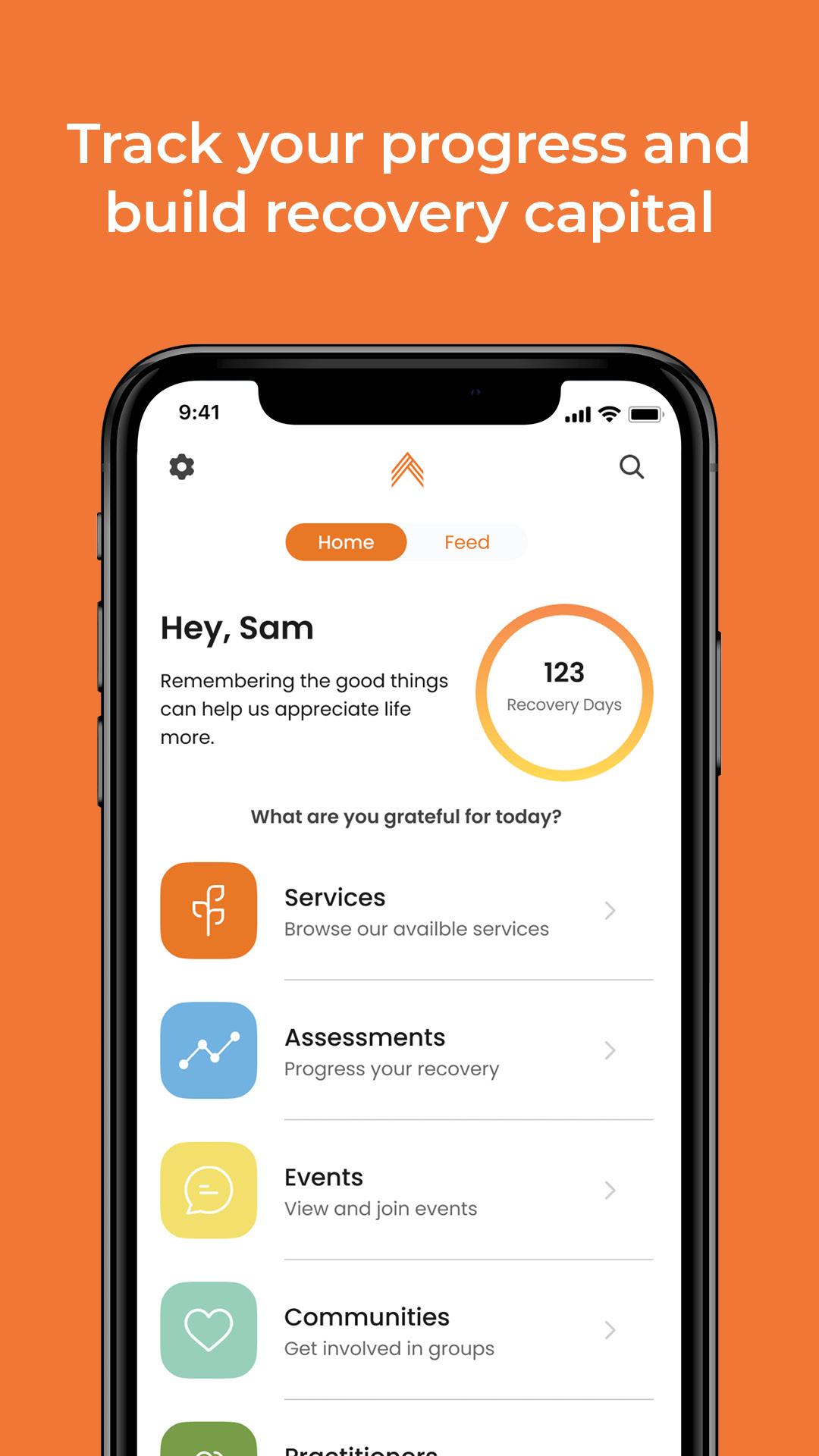
Find your way forward and grow into recovery from addiction, mental health, and trauma. APN Connection is your key to unlocking healing support from the team of caring, compassionate therapists at All Points North. APN Connection will help you:
Receive personalized, custom care for recovery
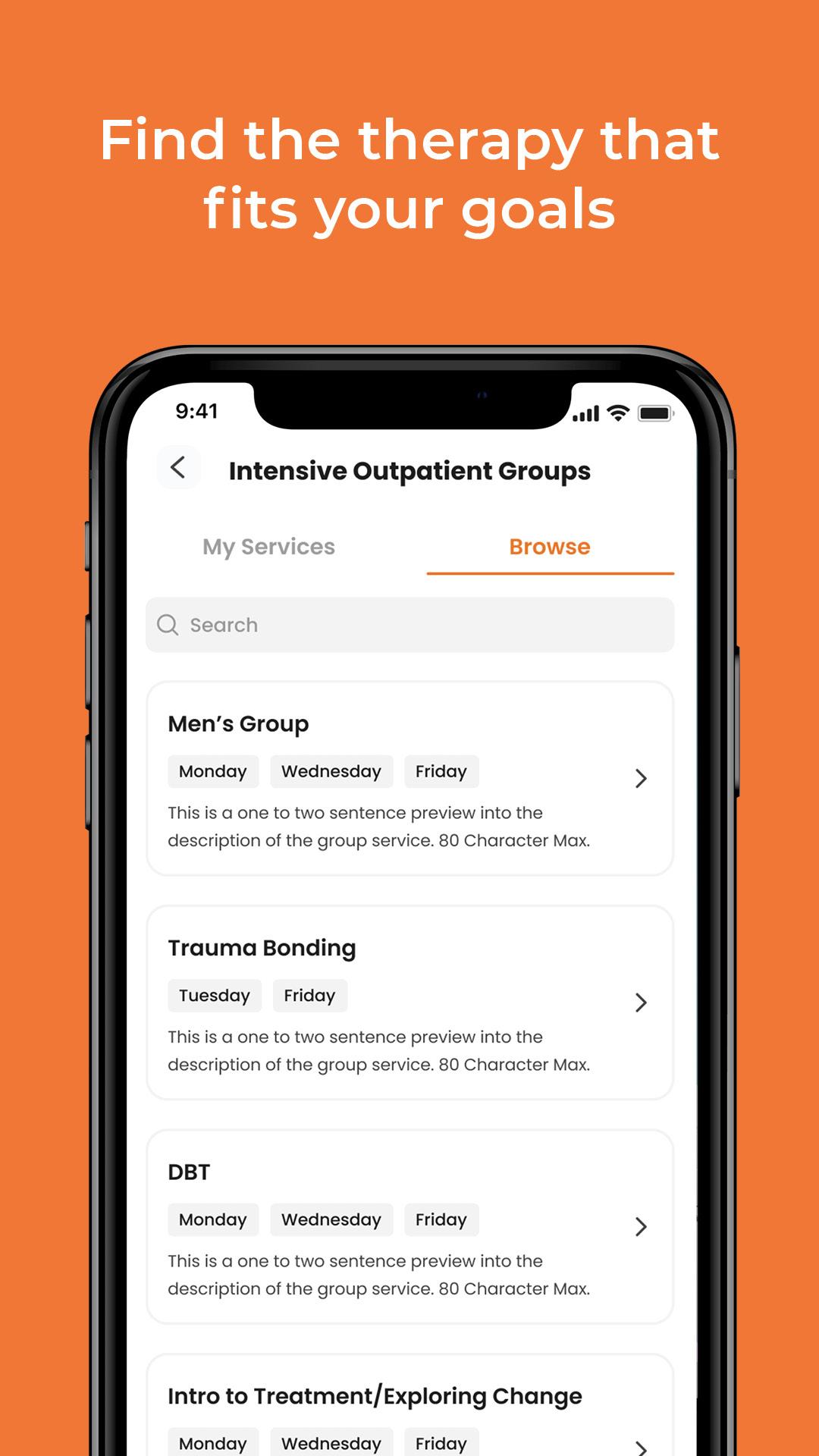
Browse and join therapy groups, IOP's, individual therapy sessions, and support groups
Connect with other clients and get peer-to-peer support in a safe, private, 24/7 environment
Review past sessions and prepare for what comes next
Schedule, manage, and join live individual and group therapy sessions
Engage with communities and events that align with your lifestyle, location, and interests
Deepen your connection to your mental, physical, and spiritual wellness with the latest resources for mental health and recovery
Track your progress and celebrate with others
Our expert therapists and the APN Connection community will be with you every step of the way. Get the support you need to thrive.
Avance
Etiquetas
Health-&Información
Desarrollador
NuLife Virtual
La última versión
2.0.7
Última actualización
2023-01-18
Categoría
Health-fitness
Disponible en
Google Play
Mostrar más
Cómo jugar APN Connection con GameLoop en PC
1. Descargue GameLoop desde el sitio web oficial, luego ejecute el archivo exe para instalar GameLoop.
2. Abra GameLoop y busque "APN Connection", busque APN Connection en los resultados de búsqueda y haga clic en "Instalar".
3. Disfruta jugando APN Connection en GameLoop.
Minimum requirements
OS
Windows 8.1 64-bit or Windows 10 64-bit
GPU
GTX 1050
CPU
i3-8300
Memory
8GB RAM
Storage
1GB available space
Recommended requirements
OS
Windows 8.1 64-bit or Windows 10 64-bit
GPU
GTX 1050
CPU
i3-9320
Memory
16GB RAM
Storage
1GB available space