
Wongnai POS Staff para PC
Wongnai Media Company Limited
Descarga Wongnai POS Staff en PC con GameLoop Emulator
Wongnai POS Staff en PC
Wongnai POS Staff, proveniente del desarrollador Wongnai Media Company Limited, se ejecuta en el sistema Android en el pasado.
Ahora, puedes jugar Wongnai POS Staff en PC con GameLoop sin problemas.
Descárgalo en la biblioteca de GameLoop o en los resultados de búsqueda. No más mirar la batería o llamadas frustrantes en el momento equivocado nunca más.
Simplemente disfrute de Wongnai POS Staff PC en la pantalla grande de forma gratuita!
Wongnai POS Staff Introducción
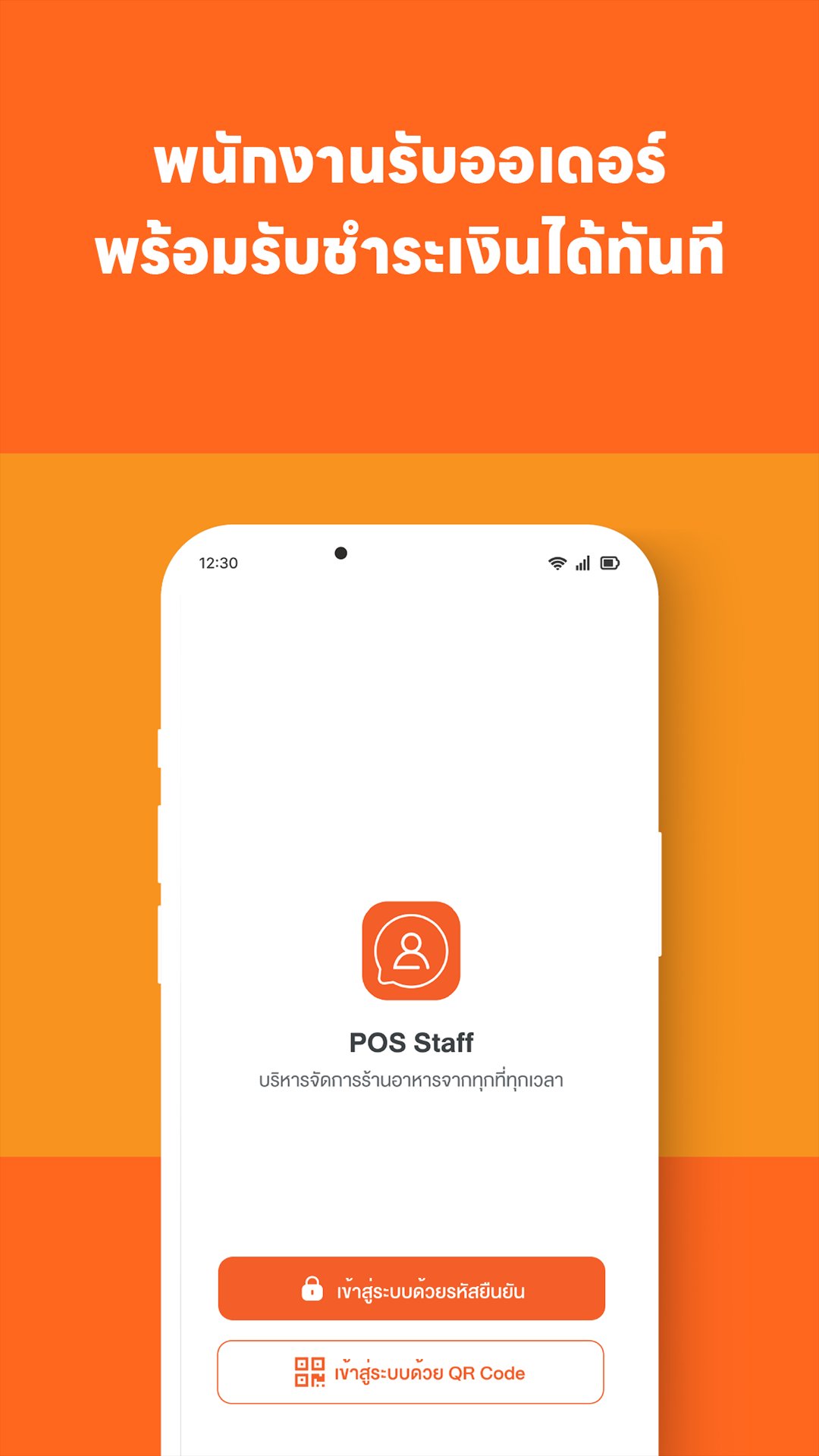
Designed to streamline staff operations, managing every step from order taking to payment seamlessly, all on a single mobile device.
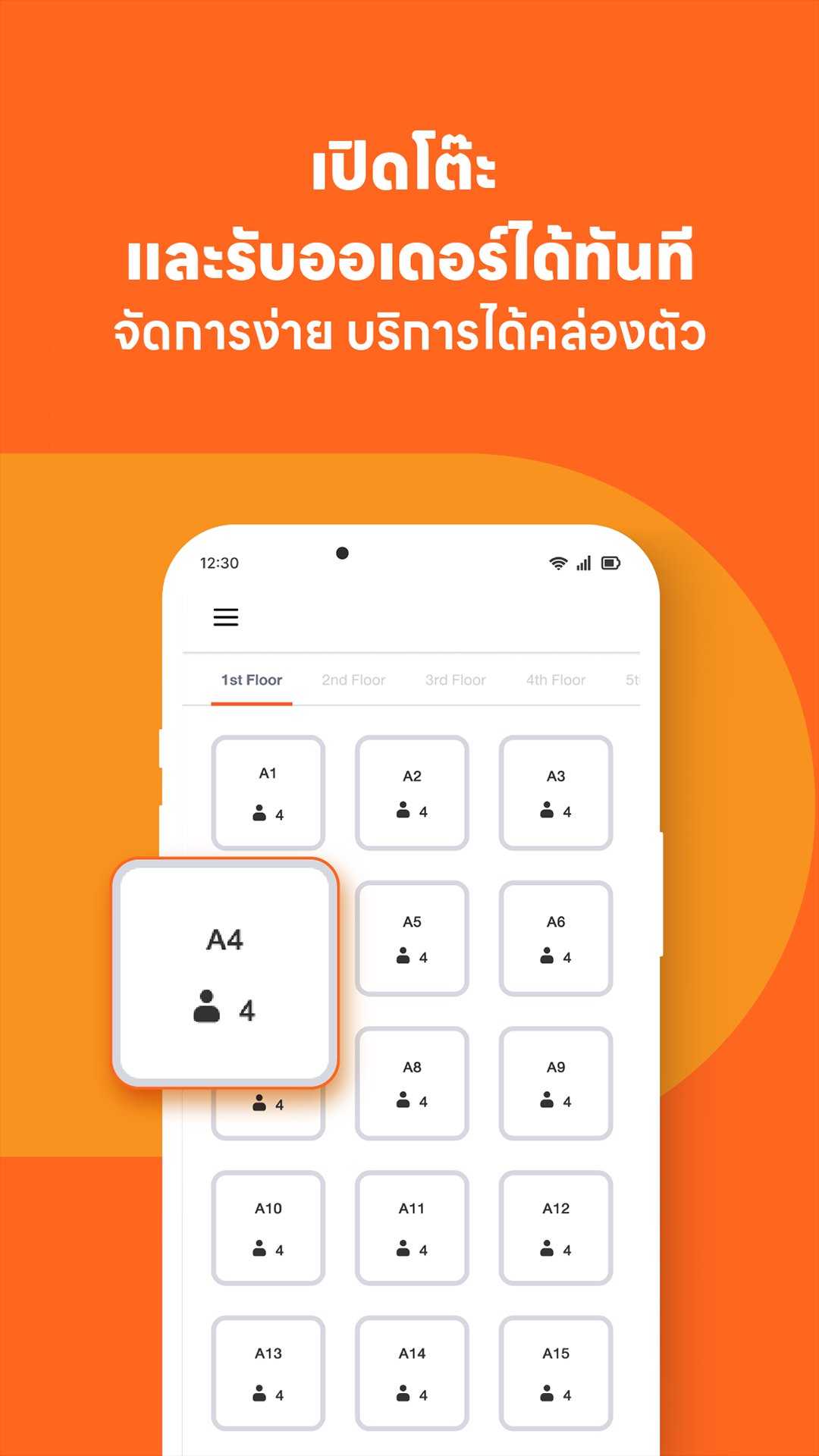
• Open tables and take orders instantly; easy management and efficient service.
• Real-time data updates; automatic data integration with Wongnai POS.
• Accurate order taking; immediate order sending to the kitchen.
• Reduces workflow steps, speeds up table turnover, and allows for faster service to new customers.
• Easy payment processing; lock in payment amounts; automatic bill closing with audible notifications on the POS.
Let Wongnai POS Staff be your restaurant's essential assistant. Download now! Elevate your restaurant management to the next level.
Avance
Etiquetas
Food-&Información
Desarrollador
Wongnai Media Company Limited
La última versión
4.1.0
Última actualización
2026-09-16
Categoría
Food-drink
Disponible en
Google Play
Mostrar más
Cómo jugar Wongnai POS Staff con GameLoop en PC
1. Descargue GameLoop desde el sitio web oficial, luego ejecute el archivo exe para instalar GameLoop.
2. Abra GameLoop y busque "Wongnai POS Staff", busque Wongnai POS Staff en los resultados de búsqueda y haga clic en "Instalar".
3. Disfruta jugando Wongnai POS Staff en GameLoop.
Minimum requirements
OS
Windows 8.1 64-bit or Windows 10 64-bit
GPU
GTX 1050
CPU
i3-8300
Memory
8GB RAM
Storage
1GB available space
Recommended requirements
OS
Windows 8.1 64-bit or Windows 10 64-bit
GPU
GTX 1050
CPU
i3-9320
Memory
16GB RAM
Storage
1GB available space