Unofficial vMix Tally Light para PC
Jeff Mikels
Descarga Unofficial vMix Tally Light en PC con GameLoop Emulator
Unofficial vMix Tally Light en PC
Unofficial vMix Tally Light, proveniente del desarrollador Jeff Mikels, se ejecuta en el sistema Android en el pasado.
Ahora, puedes jugar Unofficial vMix Tally Light en PC con GameLoop sin problemas.
Descárgalo en la biblioteca de GameLoop o en los resultados de búsqueda. No más mirar la batería o llamadas frustrantes en el momento equivocado nunca más.
Simplemente disfrute de Unofficial vMix Tally Light PC en la pantalla grande de forma gratuita!
Unofficial vMix Tally Light Introducción
Use any old phone as a beautiful tally device.
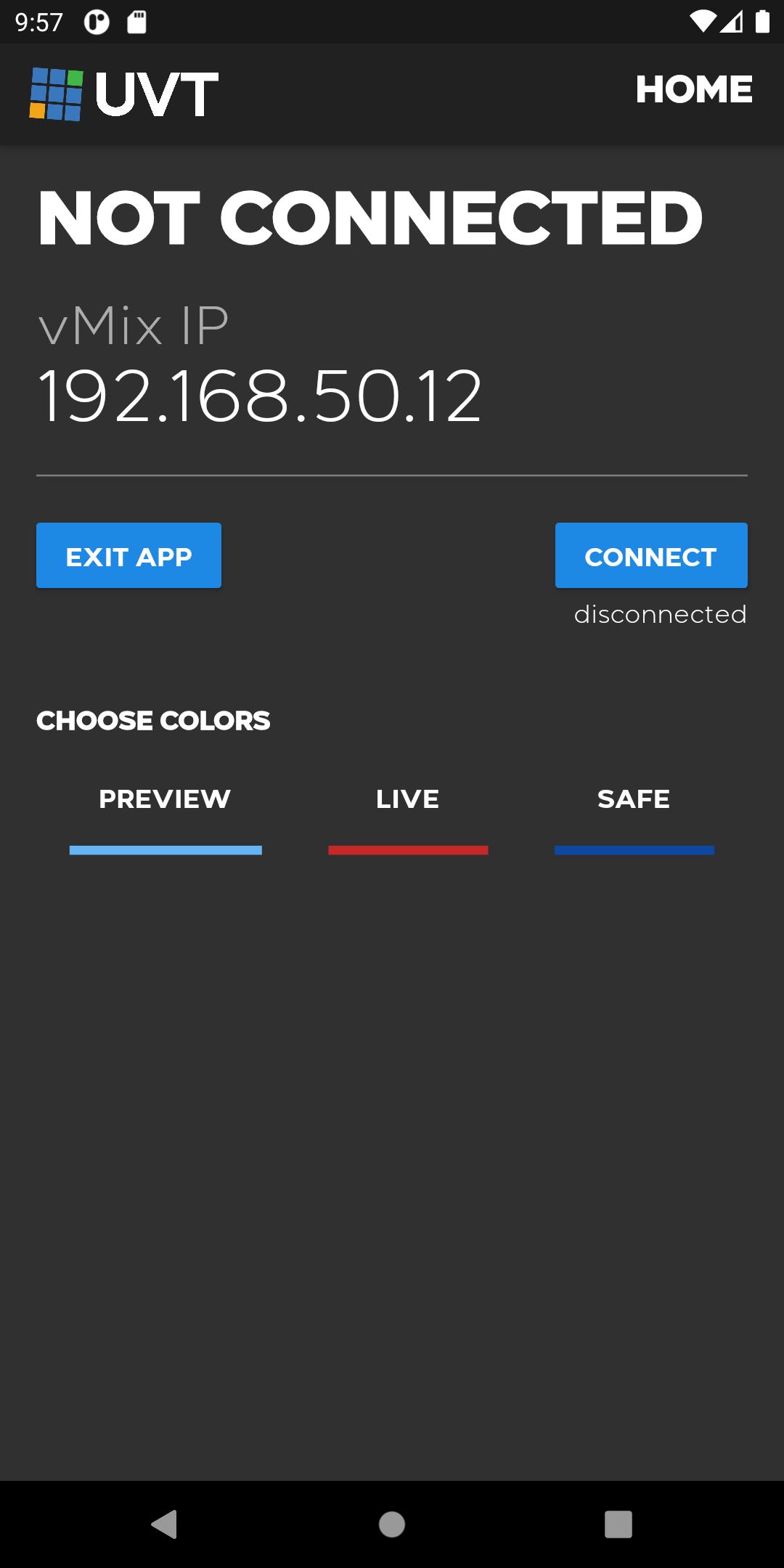
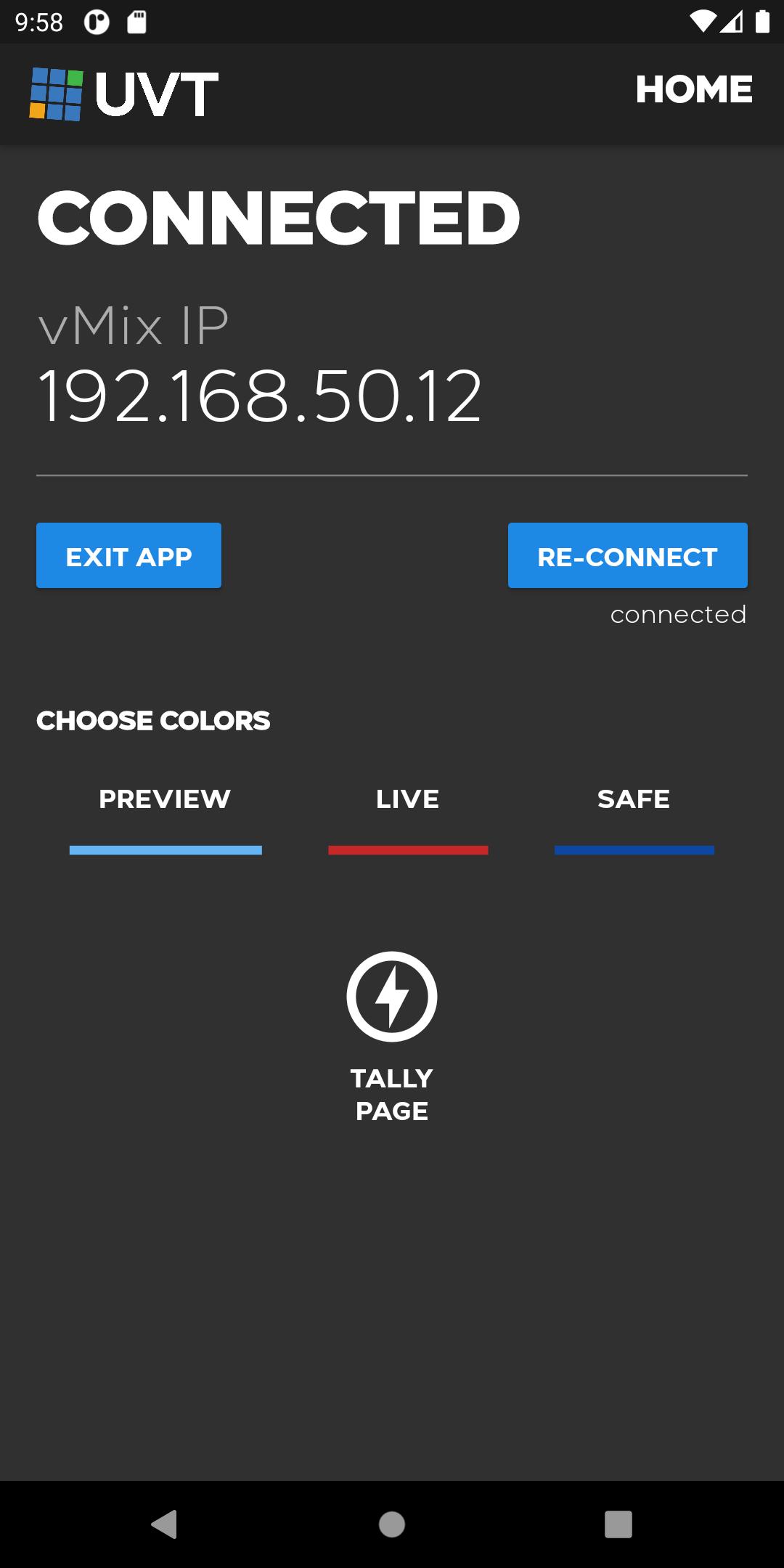
This app turns any Android Phone into a graphically beautiful tally indicator for live production when using vMix. Unlike the web page interface built into vMix, this app gives you additional features:
- Choose the color to use for live, preview and safe.
- Add a giant clock to the tally display.
- Treat multiple inputs as one and tally them together.
- Automatically start the tally when the app starts.
Additionally, by using an app like Macro Droid, you can have this app automatically launch when the phone boots turning your phone into an unattended tally device.
I'm eager to help, so if you have any problems, my contact information is available in the app.
Also, if you like this app, please check out my other app: Unofficial vMix Remote Control.
Avance
Etiquetas
EventosInformación
Desarrollador
Jeff Mikels
La última versión
1.0.35
Última actualización
2022-11-28
Categoría
Eventos
Disponible en
Google Play
Mostrar más
Cómo jugar Unofficial vMix Tally Light con GameLoop en PC
1. Descargue GameLoop desde el sitio web oficial, luego ejecute el archivo exe para instalar GameLoop.
2. Abra GameLoop y busque "Unofficial vMix Tally Light", busque Unofficial vMix Tally Light en los resultados de búsqueda y haga clic en "Instalar".
3. Disfruta jugando Unofficial vMix Tally Light en GameLoop.
Minimum requirements
OS
Windows 8.1 64-bit or Windows 10 64-bit
GPU
GTX 1050
CPU
i3-8300
Memory
8GB RAM
Storage
1GB available space
Recommended requirements
OS
Windows 8.1 64-bit or Windows 10 64-bit
GPU
GTX 1050
CPU
i3-9320
Memory
16GB RAM
Storage
1GB available space