
Vlx Player para PC
Mohit Jindal
Descarga Vlx Player en PC con GameLoop Emulator
Vlx Player en PC
Vlx Player, proveniente del desarrollador Mohit Jindal, se ejecuta en el sistema Android en el pasado.
Ahora, puedes jugar Vlx Player en PC con GameLoop sin problemas.
Descárgalo en la biblioteca de GameLoop o en los resultados de búsqueda. No más mirar la batería o llamadas frustrantes en el momento equivocado nunca más.
Simplemente disfrute de Vlx Player PC en la pantalla grande de forma gratuita!
Vlx Player Introducción
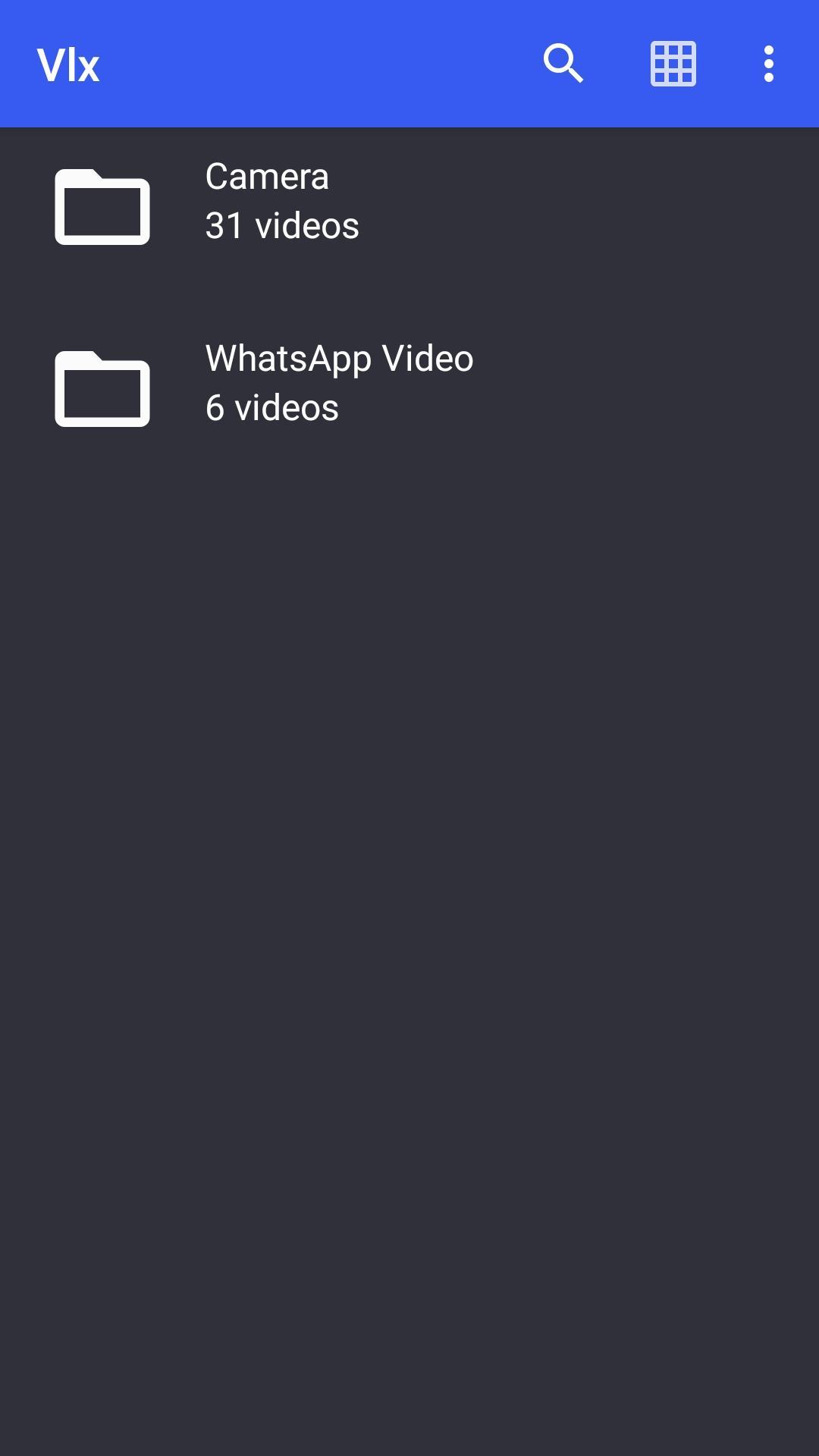
VLX is intended for everyone, is totally free, has no ads, no in-app-purchases, no spying and is developed by passionate volunteers.
VLX Player offers just the right balance between ease of use and powerful features. An uncluttered viewer supports various swipe gestures and pinch to zoom features along with volume and brightness up and down by swiping on left and right side vertically on video.
Permissions
––––––––––––
VLX for Android needs access to those categories:
• "Storage" to read your all media files on SD cards :)
Avance

Etiquetas
EntretenimientoInformación
Desarrollador
Mohit Jindal
La última versión
1.0
Última actualización
2020-09-28
Categoría
Entretenimiento
Disponible en
Google Play
Mostrar más
Cómo jugar Vlx Player con GameLoop en PC
1. Descargue GameLoop desde el sitio web oficial, luego ejecute el archivo exe para instalar GameLoop.
2. Abra GameLoop y busque "Vlx Player", busque Vlx Player en los resultados de búsqueda y haga clic en "Instalar".
3. Disfruta jugando Vlx Player en GameLoop.
Minimum requirements
OS
Windows 8.1 64-bit or Windows 10 64-bit
GPU
GTX 1050
CPU
i3-8300
Memory
8GB RAM
Storage
1GB available space
Recommended requirements
OS
Windows 8.1 64-bit or Windows 10 64-bit
GPU
GTX 1050
CPU
i3-9320
Memory
16GB RAM
Storage
1GB available space