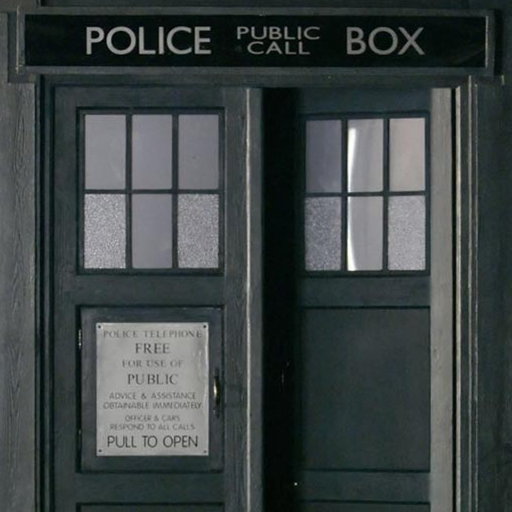
Tardis Live Wallpaper para PC
Didactic Development
Descarga Tardis Live Wallpaper en PC con GameLoop Emulator
Tardis Live Wallpaper en PC
Tardis Live Wallpaper, proveniente del desarrollador Didactic Development, se ejecuta en el sistema Android en el pasado.
Ahora, puedes jugar Tardis Live Wallpaper en PC con GameLoop sin problemas.
Descárgalo en la biblioteca de GameLoop o en los resultados de búsqueda. No más mirar la batería o llamadas frustrantes en el momento equivocado nunca más.
Simplemente disfrute de Tardis Live Wallpaper PC en la pantalla grande de forma gratuita!
Tardis Live Wallpaper Introducción
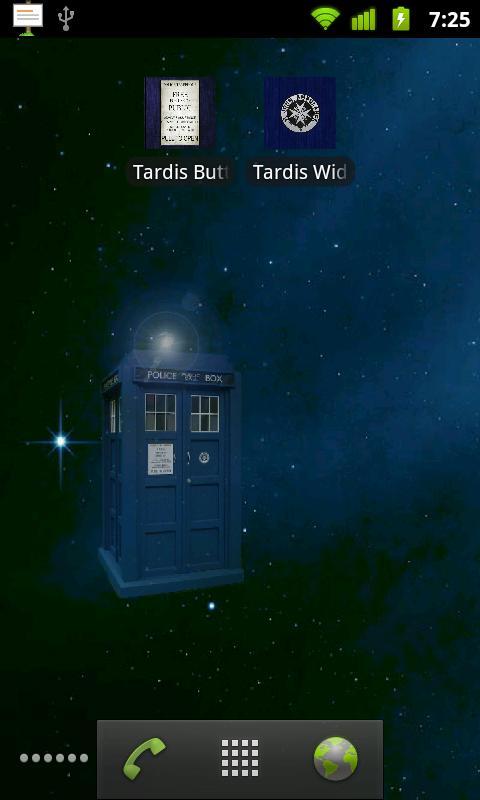
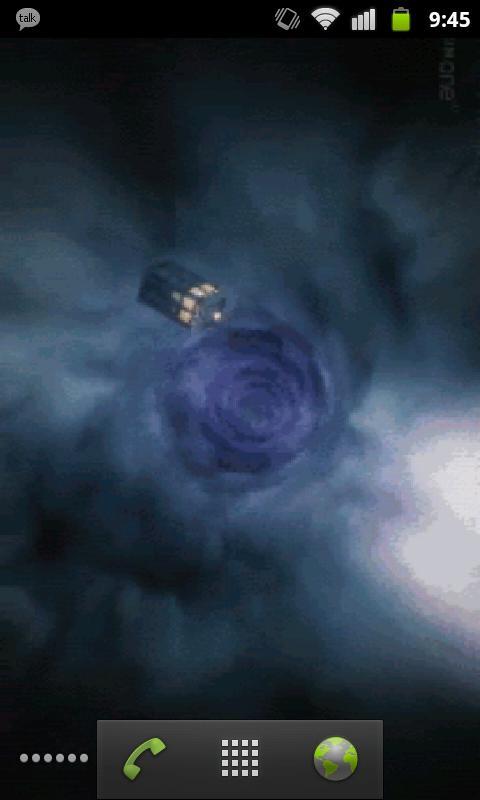
Doctor Who TARDIS LWP: Now comes with two live wallpapers.
-Touch controlled TARDIS
-Eleventh Doctor opening sequence
NOTE: This will not appear under your applications, but will rather appear as two wallpaper services when you go to Menu -> Wallpaper -> Live Wallpapers.
I realize the image quality is less than desirable but please understand that it's a trade-off between frame rate & resolution and battery drain. I've received comments about the performance and chose to sacrifice smoothness and compress the images to more wisely use system resources. Please have realistic expectations.
NOTE: if the wallpaper appears blank, touch the screen.
If you find any bugs or have any suggestions, feel free to email me at didacticdev@gmail.com
KNOWN ISSUES:
-None! "My ship don't crash. She crashes, you crashed her."
Avance
Información
Desarrollador
Didactic Development
La última versión
1.4
Última actualización
2013-03-14
Categoría
Entretenimiento
Disponible en
Google Play
Mostrar más
Cómo jugar Tardis Live Wallpaper con GameLoop en PC
1. Descargue GameLoop desde el sitio web oficial, luego ejecute el archivo exe para instalar GameLoop.
2. Abra GameLoop y busque "Tardis Live Wallpaper", busque Tardis Live Wallpaper en los resultados de búsqueda y haga clic en "Instalar".
3. Disfruta jugando Tardis Live Wallpaper en GameLoop.
Minimum requirements
OS
Windows 8.1 64-bit or Windows 10 64-bit
GPU
GTX 1050
CPU
i3-8300
Memory
8GB RAM
Storage
1GB available space
Recommended requirements
OS
Windows 8.1 64-bit or Windows 10 64-bit
GPU
GTX 1050
CPU
i3-9320
Memory
16GB RAM
Storage
1GB available space