Realistic Shader para PC
Control Dreams
Descarga Realistic Shader en PC con GameLoop Emulator
Realistic Shader en PC
Realistic Shader, proveniente del desarrollador Control Dreams, se ejecuta en el sistema Android en el pasado.
Ahora, puedes jugar Realistic Shader en PC con GameLoop sin problemas.
Descárgalo en la biblioteca de GameLoop o en los resultados de búsqueda. No más mirar la batería o llamadas frustrantes en el momento equivocado nunca más.
Simplemente disfrute de Realistic Shader PC en la pantalla grande de forma gratuita!
Realistic Shader Introducción
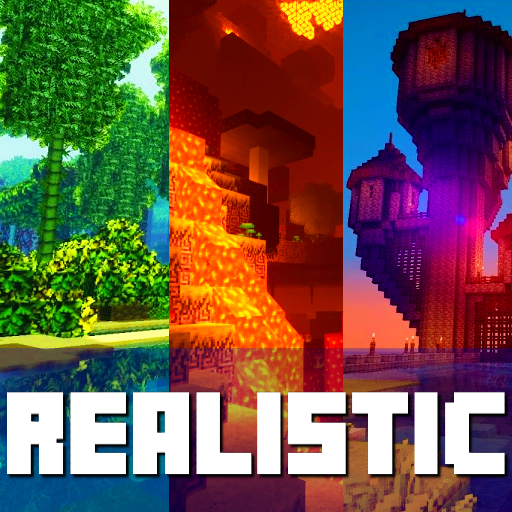
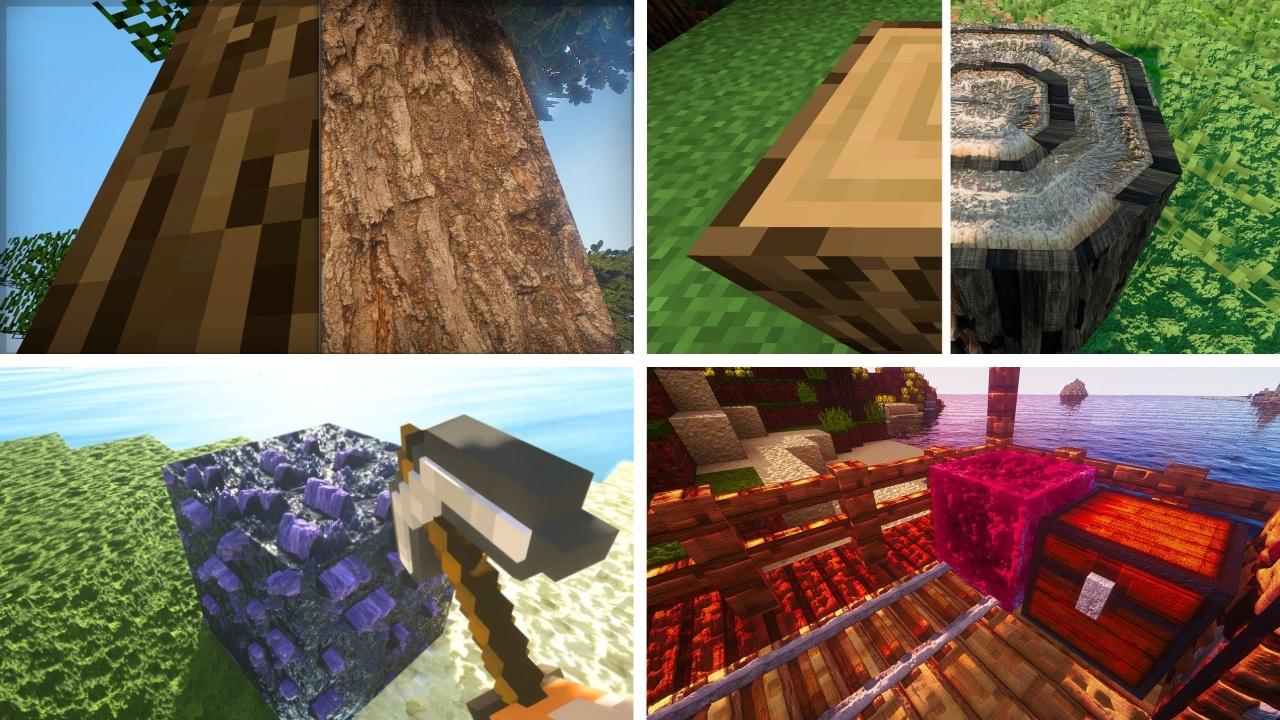
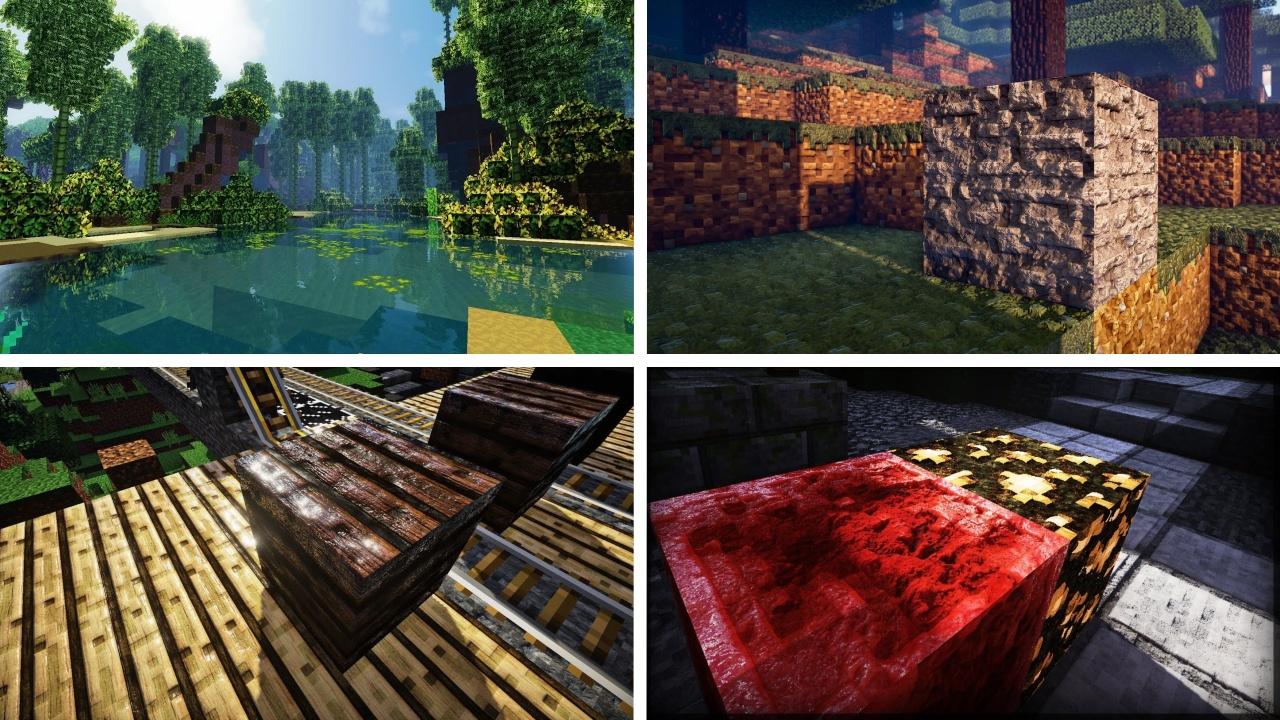
Realistic Shaders - This is a new collection of shader textures and mods for minecraft. In our application you can find a lot of shaders that will help make the world of minecraft much more realistic. They add realism to the game with shadows, reflections and improved lighting, but the world does not look too bright and colorful. The original atmosphere of Minecraft remains untouched, which will delight fans of classics. Also, there is no unnecessary blurring and changing the depth of field in shaders, which players get bored quite quickly.There are several quality levels available in the settings: from Low to Ultra. Added beautiful effects for all weather events. For example, during rain, small drops will appear on the screen.
Disclaimer: This application is not approved nor affiliated with Mojang AB, it's name, commercial brand and other aspects of the application are registered brands and the property of their respective owners. This app adheres to the terms set out by Mojang. All items, names, places and other aspects of the game described within this application are trademarked and owned by their respective owners. We make no claim to and do not have any rights to any of the foregoing.
Avance
Etiquetas
EntretenimientoInformación
Desarrollador
Control Dreams
La última versión
1.0.4
Última actualización
2021-12-06
Categoría
Entretenimiento
Disponible en
Google Play
Mostrar más
Cómo jugar Realistic Shader con GameLoop en PC
1. Descargue GameLoop desde el sitio web oficial, luego ejecute el archivo exe para instalar GameLoop.
2. Abra GameLoop y busque "Realistic Shader", busque Realistic Shader en los resultados de búsqueda y haga clic en "Instalar".
3. Disfruta jugando Realistic Shader en GameLoop.
Minimum requirements
OS
Windows 8.1 64-bit or Windows 10 64-bit
GPU
GTX 1050
CPU
i3-8300
Memory
8GB RAM
Storage
1GB available space
Recommended requirements
OS
Windows 8.1 64-bit or Windows 10 64-bit
GPU
GTX 1050
CPU
i3-9320
Memory
16GB RAM
Storage
1GB available space