Mini vMac para PC
Gil Osher
Descarga Mini vMac en PC con GameLoop Emulator
Mini vMac en PC
Mini vMac, proveniente del desarrollador Gil Osher, se ejecuta en el sistema Android en el pasado.
Ahora, puedes jugar Mini vMac en PC con GameLoop sin problemas.
Descárgalo en la biblioteca de GameLoop o en los resultados de búsqueda. No más mirar la batería o llamadas frustrantes en el momento equivocado nunca más.
Simplemente disfrute de Mini vMac PC en la pantalla grande de forma gratuita!
Mini vMac Introducción
⚠ IMPORTANT: A valid 128KB ROM file is required to use this app!
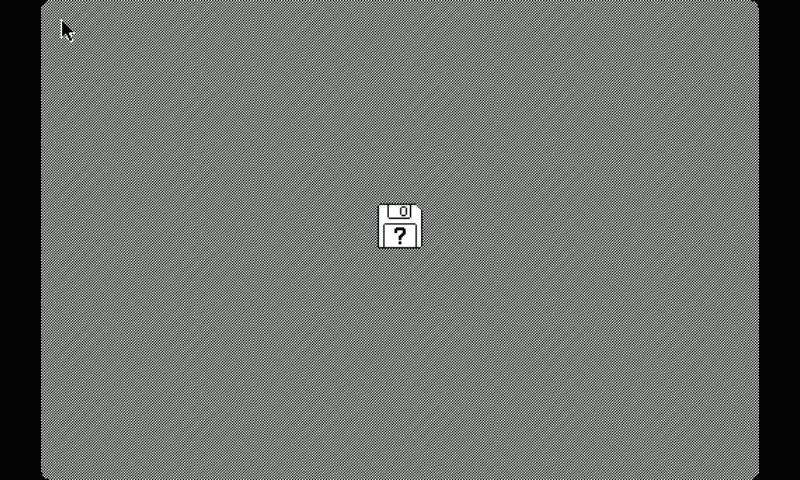
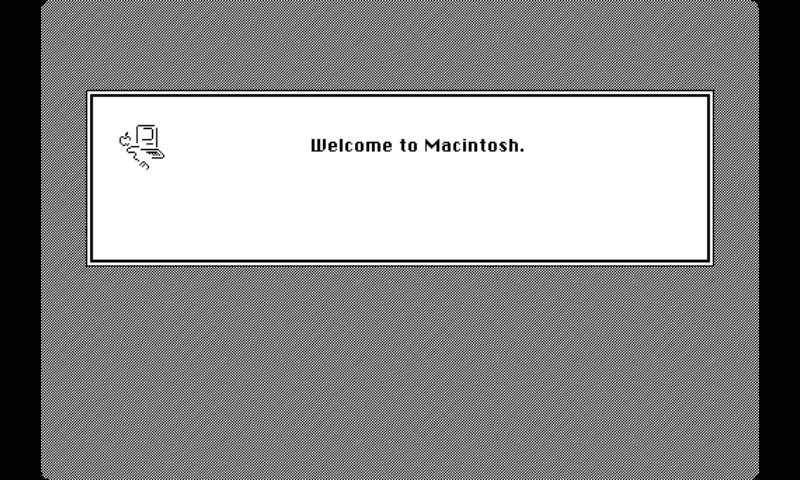
Mini vMac brings the experience of classic 68K computing to your Android device, letting you run vintage software from the early personal computing era. Designed for enthusiasts and retro-tech lovers, it faithfully emulates a 4MB Mac Plus with support for sound, networking, and external input devices.
Features
✅ Mac Plus Emulation – Simulates a classic 4MB environment with high compatibility.
✅ Flexible Display Options – Choose between full-screen scaling or scrolling for an authentic experience.
✅ Full Keyboard Support – Includes a built-in multi-language virtual keyboard, and Bluetooth keyboard support.
✅ Mouse & Trackpad Mode – Use your device’s touchscreen as a point-and-click or trackpad mouse or connect a Bluetooth mouse.
✅ Local Networking (Experimental) – Supports LocalTalk over UDP for connecting multiple emulators.
✅ Android Clipboard Integration – Copy and paste between your device and the emulator (Using the ClipIn and ClipOut programs).
✅ Sound Emulation – Brings back the iconic chimes and audio of classic software.
✅ Performance Control – Adjust emulator speed on the fly for optimal performance.
Requirements
📌 Android 6.0+ (for best performance)
📌 A 128KB ROM file (not included)
📌 Disk images containing compatible software (not included)
📌 Storage access for file management
Whether you’re a retrocomputing enthusiast, a fan of vintage games, or just curious about early graphical interfaces, Mini vMac brings the past to your pocket!
🚀 Download now and rediscover classic computing on Android!
Avance
Etiquetas
EntretenimientoInformación
Desarrollador
Gil Osher
La última versión
1.7.2
Última actualización
2025-03-05
Categoría
Entretenimiento
Disponible en
Google Play
Mostrar más
Cómo jugar Mini vMac con GameLoop en PC
1. Descargue GameLoop desde el sitio web oficial, luego ejecute el archivo exe para instalar GameLoop.
2. Abra GameLoop y busque "Mini vMac", busque Mini vMac en los resultados de búsqueda y haga clic en "Instalar".
3. Disfruta jugando Mini vMac en GameLoop.
Minimum requirements
OS
Windows 8.1 64-bit or Windows 10 64-bit
GPU
GTX 1050
CPU
i3-8300
Memory
8GB RAM
Storage
1GB available space
Recommended requirements
OS
Windows 8.1 64-bit or Windows 10 64-bit
GPU
GTX 1050
CPU
i3-9320
Memory
16GB RAM
Storage
1GB available space