XBPlay - Remote Play para PC
08 Studio
Descarga XBPlay - Remote Play en PC con GameLoop Emulator
XBPlay - Remote Play en PC
XBPlay - Remote Play, proveniente del desarrollador 08 Studio, se ejecuta en el sistema Android en el pasado.
Ahora, puedes jugar XBPlay - Remote Play en PC con GameLoop sin problemas.
Descárgalo en la biblioteca de GameLoop o en los resultados de búsqueda. No más mirar la batería o llamadas frustrantes en el momento equivocado nunca más.
Simplemente disfrute de XBPlay - Remote Play PC en la pantalla grande de forma gratuita!
XBPlay - Remote Play Introducción
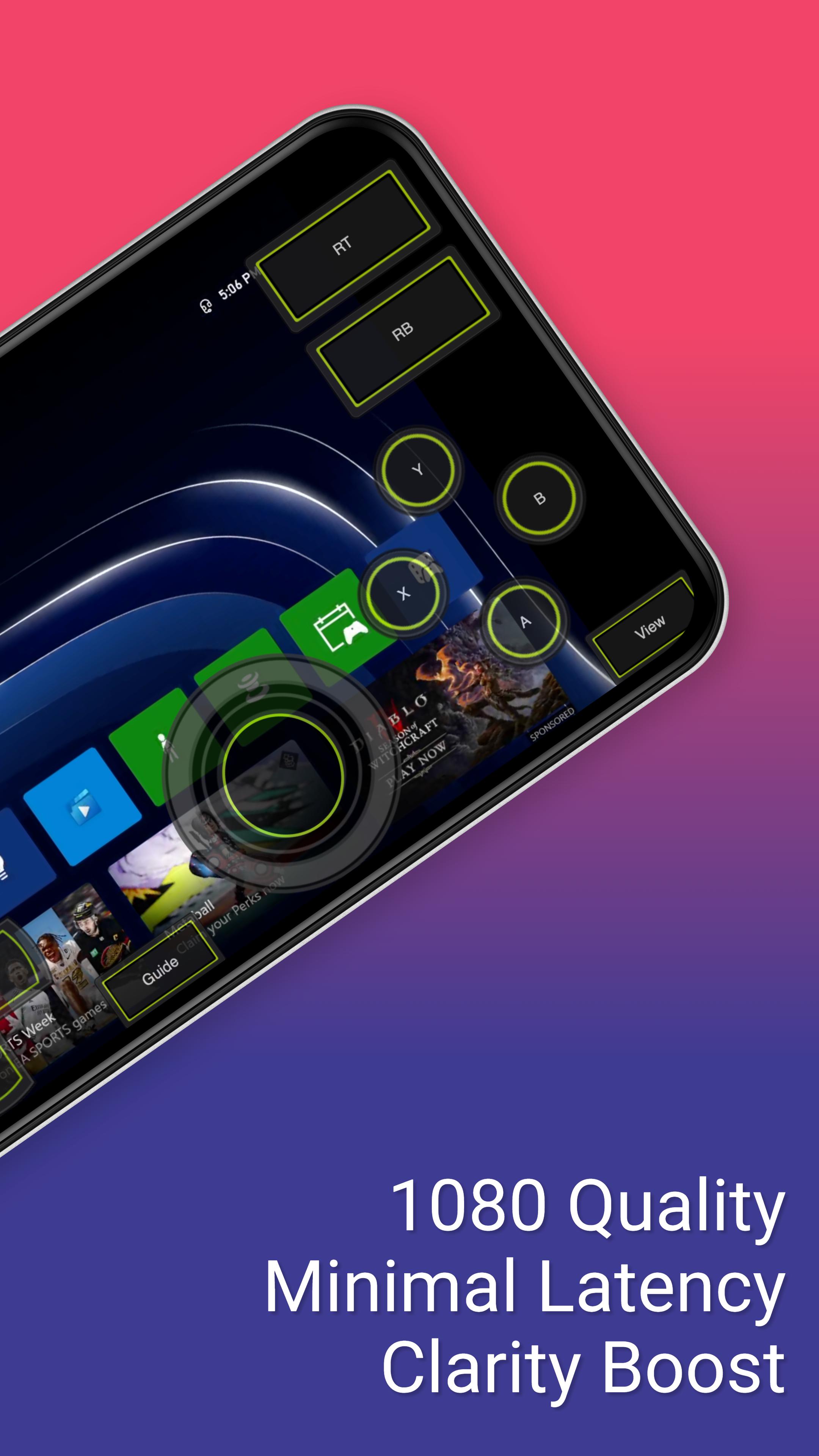
*Supports streaming backwards compatible (360) games and streams in 1080p quality.
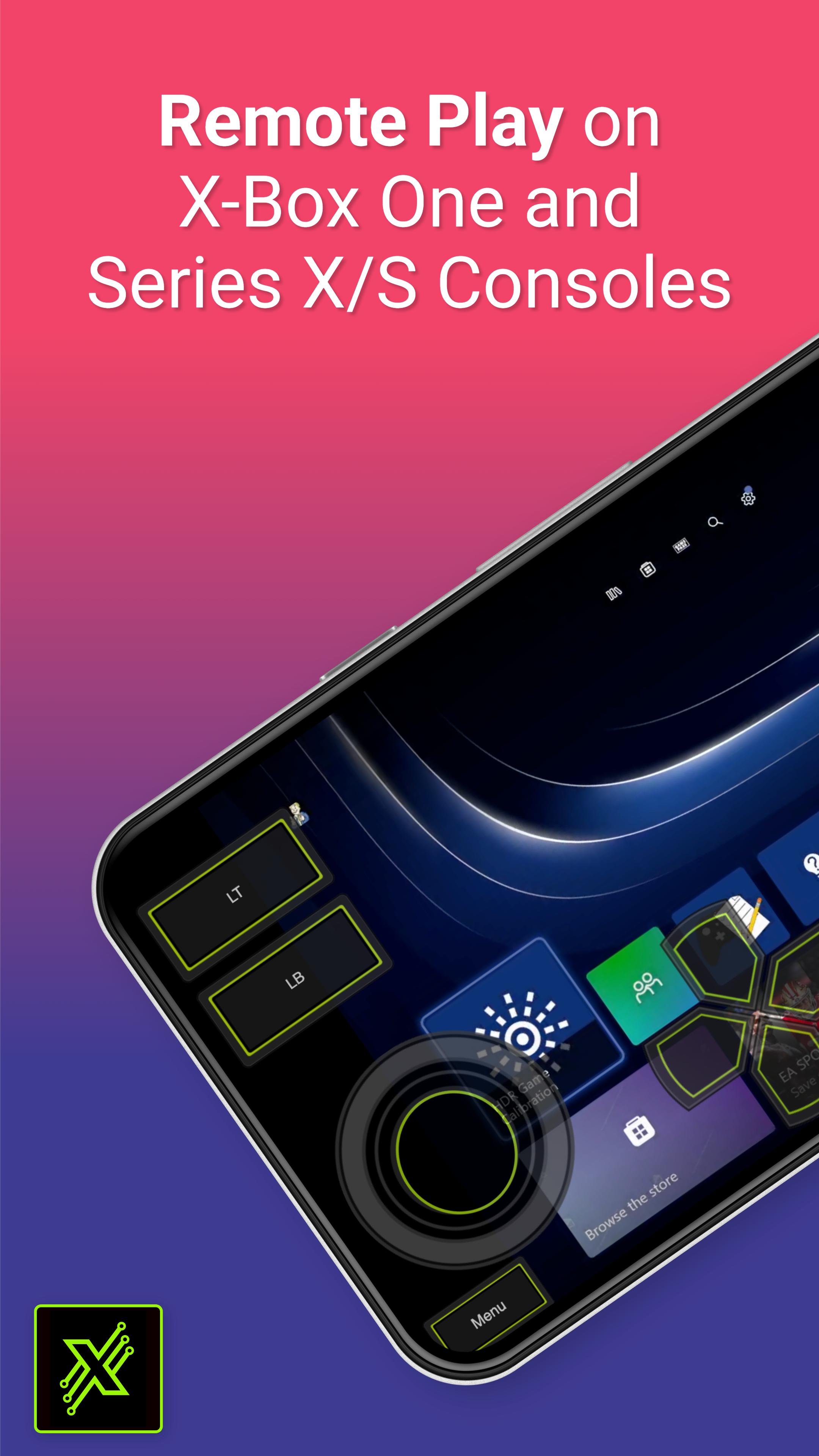
This app allows you to stream, remote control, and cast to your X-Box One or Series X/S game console! It supports physical controllers connected to your phone or a virtual on screen gamepad. Additionally, this app can configure your X-Box to stream straight to your Smart TV eliminating the need to use an HDMI cable.
Features:
- Remote Play: Stream content to your phone and control it with an on screen gamepad. Supports 1080p resolution and backwards compatible games (360 games)!
- Cloud Play: Play X-Box games without needing to be on the same WiFi network as your console with the cloud play feature.
- Mouse and Keyboard Support: Play with a mouse and keyboard either in simulation mode or true direct mode for games that officially support mouse and keyboard interaction.
- Clarity Boost: Select from a variety of clarity enhancement algorithms and tailor the strength to precisely match your specific requirements.
- Media Cast: Cast videos from your phone to your X-Box 360, X-Box One or Series X/S console.
- TV Cast: Cast your console's screen straight to a Smart TV (currently requires a high end Smart TV of 60fps and at 1080p).
- Controller Builder: Create and save your very own custom full screen or mini Gamepads for in-game play.
- Physical Controller: All streaming screens work with a physical controller connected to your phone. For example, you can use a PS5 controller on your X-Box!
- Media Remote: Control your console with a simple media remote while playing video's or navigating your console's home-screen.
- MirrorCast: Create a local server on your WiFi network that allows any connected device to stream content from your console. Even stream straight to a not so smart TV, Mac, Linux device, or virtually any device with a modern web browser.
- Steam Deck: This is the companion app for the Steam Deck.
Avance
Etiquetas
EntretenimientoInformación
Desarrollador
08 Studio
La última versión
4.46
Última actualización
2025-02-12
Categoría
Entretenimiento
Disponible en
Google Play
Mostrar más
Cómo jugar XBPlay - Remote Play con GameLoop en PC
1. Descargue GameLoop desde el sitio web oficial, luego ejecute el archivo exe para instalar GameLoop.
2. Abra GameLoop y busque "XBPlay - Remote Play", busque XBPlay - Remote Play en los resultados de búsqueda y haga clic en "Instalar".
3. Disfruta jugando XBPlay - Remote Play en GameLoop.
Minimum requirements
OS
Windows 8.1 64-bit or Windows 10 64-bit
GPU
GTX 1050
CPU
i3-8300
Memory
8GB RAM
Storage
1GB available space
Recommended requirements
OS
Windows 8.1 64-bit or Windows 10 64-bit
GPU
GTX 1050
CPU
i3-9320
Memory
16GB RAM
Storage
1GB available space