Sound Recorder para PC
Idea Soft Apps
Descarga Sound Recorder en PC con GameLoop Emulator
Sound Recorder en PC
Sound Recorder, proveniente del desarrollador Idea Soft Apps, se ejecuta en el sistema Android en el pasado.
Ahora, puedes jugar Sound Recorder en PC con GameLoop sin problemas.
Descárgalo en la biblioteca de GameLoop o en los resultados de búsqueda. No más mirar la batería o llamadas frustrantes en el momento equivocado nunca más.
Simplemente disfrute de Sound Recorder PC en la pantalla grande de forma gratuita!
Sound Recorder Introducción
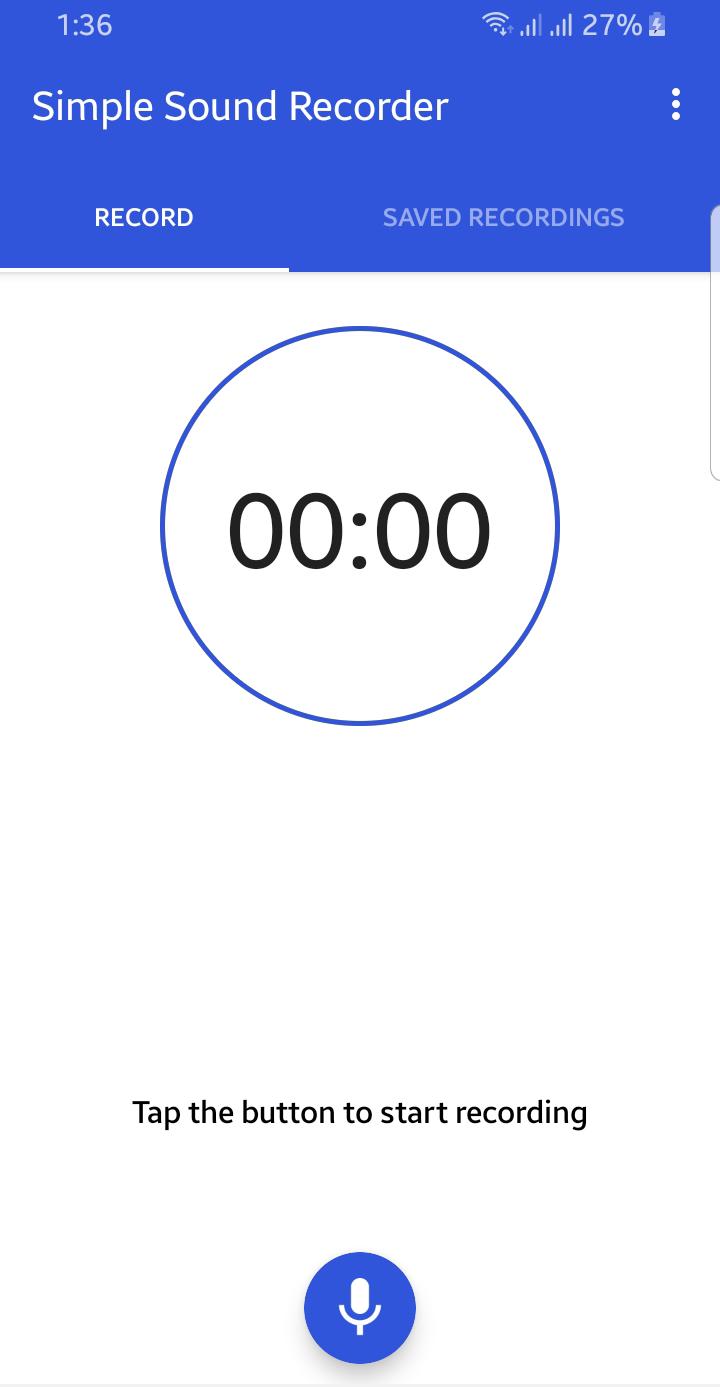
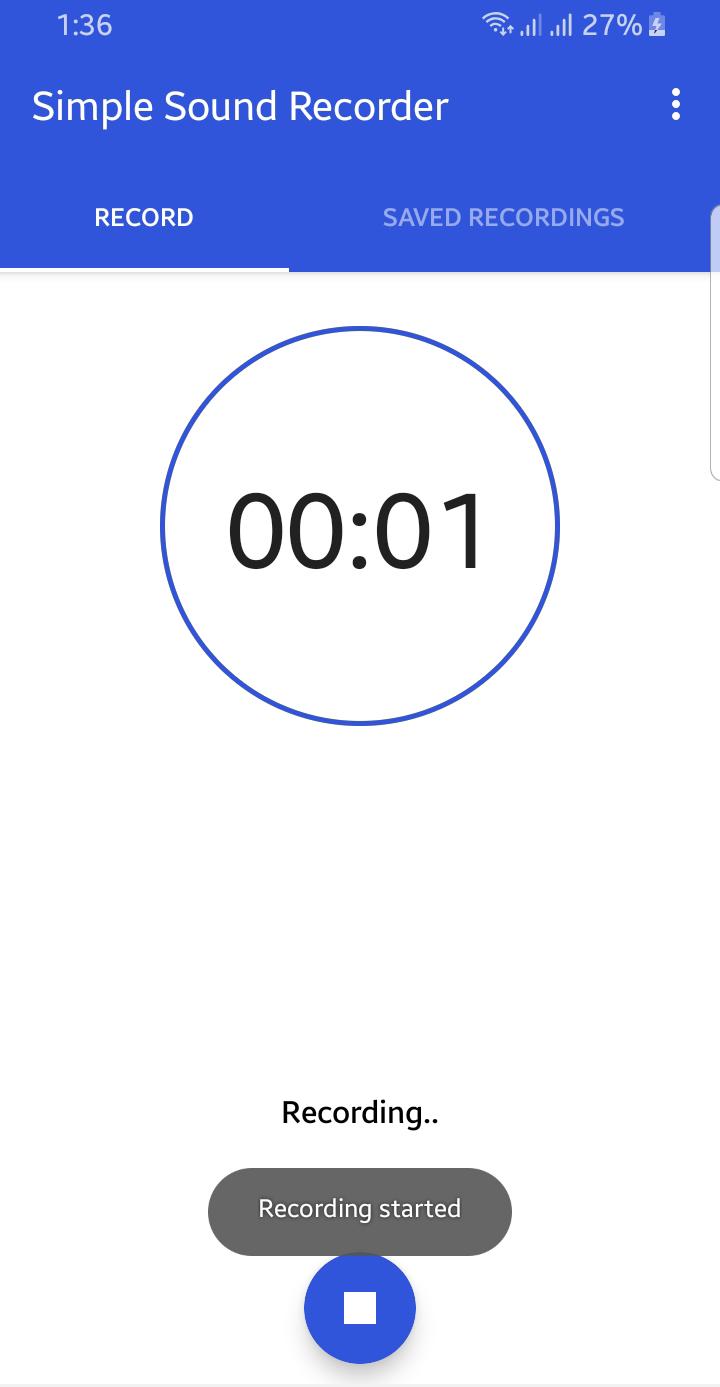
Application is totally free. It is simple and easy to use. You can reliably record your meetings, personal notes, speeches, lectures, songs. There is no time limits. This application can record most of your sound and voice. You can record a business meeting, a lecture, an interview. This app is a best choice. Other names which you can call it: voice recorder, audio recorder, sound recorder. Record classes and lectures with clear quality, even when the teacher is not right in front of you. Listen to these recordings as many times as you want to help you study for that next exam.
Features:
1. Record voice with different qualities.
2. Simple user interface, easy to use.
3. Simple and Reliable.
4. Keep Recordings Safe.
5. Quality Settings.
6. Manage Clips.
With many options to fine-tune the recording, the app is great for rehearsals and for capturing melodies that pop into your head. Try new ideas fast, hear the results and make adjustments on a new take.
Avance
Etiquetas
EntretenimientoInformación
Desarrollador
Idea Soft Apps
La última versión
2.0
Última actualización
2021-08-21
Categoría
Entretenimiento
Disponible en
Google Play
Mostrar más
Cómo jugar Sound Recorder con GameLoop en PC
1. Descargue GameLoop desde el sitio web oficial, luego ejecute el archivo exe para instalar GameLoop.
2. Abra GameLoop y busque "Sound Recorder", busque Sound Recorder en los resultados de búsqueda y haga clic en "Instalar".
3. Disfruta jugando Sound Recorder en GameLoop.
Minimum requirements
OS
Windows 8.1 64-bit or Windows 10 64-bit
GPU
GTX 1050
CPU
i3-8300
Memory
8GB RAM
Storage
1GB available space
Recommended requirements
OS
Windows 8.1 64-bit or Windows 10 64-bit
GPU
GTX 1050
CPU
i3-9320
Memory
16GB RAM
Storage
1GB available space