
AnTuTu Benchmark - Tutor hints para PC
hadol.vb
Descarga AnTuTu Benchmark - Tutor hints en PC con GameLoop Emulator
AnTuTu Benchmark - Tutor hints en PC
AnTuTu Benchmark - Tutor hints, proveniente del desarrollador hadol.vb, se ejecuta en el sistema Android en el pasado.
Ahora, puedes jugar AnTuTu Benchmark - Tutor hints en PC con GameLoop sin problemas.
Descárgalo en la biblioteca de GameLoop o en los resultados de búsqueda. No más mirar la batería o llamadas frustrantes en el momento equivocado nunca más.
Simplemente disfrute de AnTuTu Benchmark - Tutor hints PC en la pantalla grande de forma gratuita!
AnTuTu Benchmark - Tutor hints Introducción
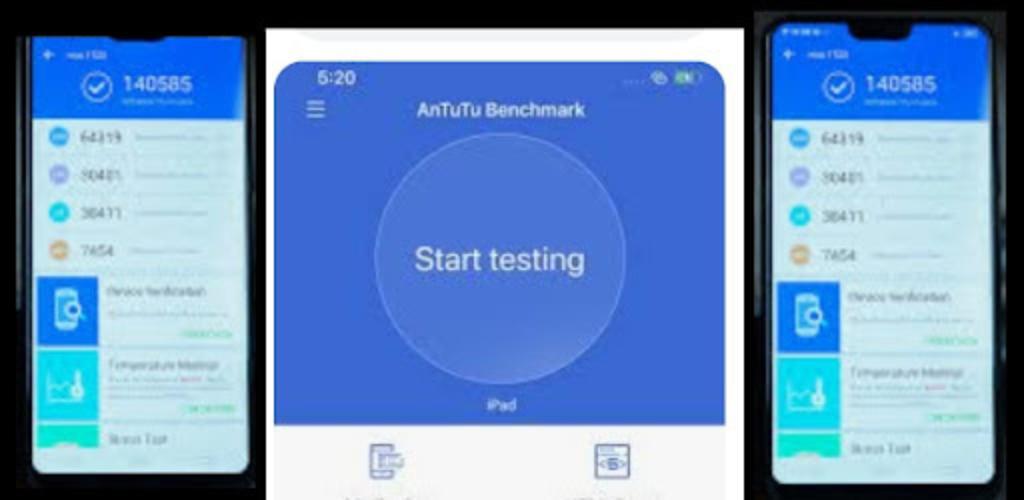
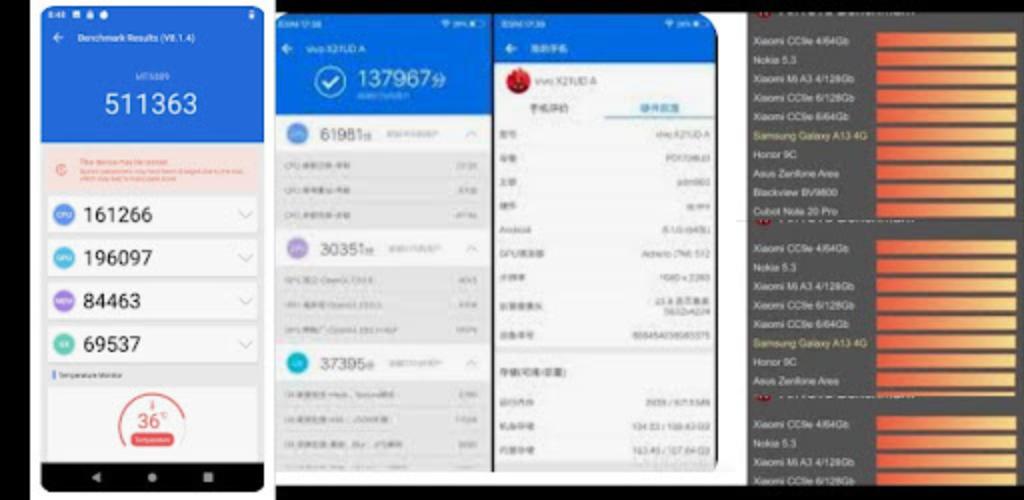
Antutu benchmark is a tool to analyze the performance of your device. Each test gets a score that gives you an idea of the capability of your device. You can then compare your scores with phone’s overall performance: GPU, CPU, and User Experience..., higher CPU score is good for almost every case since all your applications use some CPU power to function. The GPU score determines how well your phone handles games and other GPU accelerated processes with Antutu Score .
AnTuTu Benchmark is a tool for Android, that allow you to check the performance of your phone other devices Also, it is very useful for all apps and games with high quality performance graphics. and our guide app help you to get all results and test all phone's features
AnTuTu Benchmark includes updated CPU tests that model real-world tasks and applications. and RAM capacity doesn't affect benchmark score as well.
AnTuTu itself is often used by smartphone reviewers to measure the performance and quality of Android and iPhone HP devices. That said, the smartphone with the highest score has good performance in terms of graphics, multitasking, and battery.
If you are curious, immediately download the Antutu Benchmark Tips App.
Good luck, hopefully useful
Disclaimer:
This app is made by fans and all images used in this application are believed to be in public domain. If you own rights to any of the AnTuTu Benchmark score images and don't wish them to appear here, please contact us and they will be removed it from the app.
This app has not any relation with AnTuTu Benchmark or any other company, this is just for fun and helping guide for AnTuTu Benchmark users.
- The purpose of the APP is to help users to better understand and facilitate the use of AnTuTu Benchmark.
- The APP complies with the “fair use” guidelines of the United States Copyright Act.
- If this application infringes your intellectual property rights, please contact us by email.
Avance
Información
Desarrollador
hadol.vb
La última versión
1.1
Última actualización
2022-12-04
Categoría
Entretenimiento
Disponible en
Google Play
Mostrar más
Cómo jugar AnTuTu Benchmark - Tutor hints con GameLoop en PC
1. Descargue GameLoop desde el sitio web oficial, luego ejecute el archivo exe para instalar GameLoop.
2. Abra GameLoop y busque "AnTuTu Benchmark - Tutor hints", busque AnTuTu Benchmark - Tutor hints en los resultados de búsqueda y haga clic en "Instalar".
3. Disfruta jugando AnTuTu Benchmark - Tutor hints en GameLoop.
Minimum requirements
OS
Windows 8.1 64-bit or Windows 10 64-bit
GPU
GTX 1050
CPU
i3-8300
Memory
8GB RAM
Storage
1GB available space
Recommended requirements
OS
Windows 8.1 64-bit or Windows 10 64-bit
GPU
GTX 1050
CPU
i3-9320
Memory
16GB RAM
Storage
1GB available space