Aesthetic Skins Pack Maker para PC
Bearbox Studio
Descarga Aesthetic Skins Pack Maker en PC con GameLoop Emulator
Aesthetic Skins Pack Maker en PC
Aesthetic Skins Pack Maker, proveniente del desarrollador Bearbox Studio, se ejecuta en el sistema Android en el pasado.
Ahora, puedes jugar Aesthetic Skins Pack Maker en PC con GameLoop sin problemas.
Descárgalo en la biblioteca de GameLoop o en los resultados de búsqueda. No más mirar la batería o llamadas frustrantes en el momento equivocado nunca más.
Simplemente disfrute de Aesthetic Skins Pack Maker PC en la pantalla grande de forma gratuita!
Aesthetic Skins Pack Maker Introducción
Tired of your old look? Dive into a new universe of the most beautiful and creative minecraft skins with Aesthetic Skin!
This isn't just another skin downloader... This is a true "Community Platform" for Minecraft lovers!
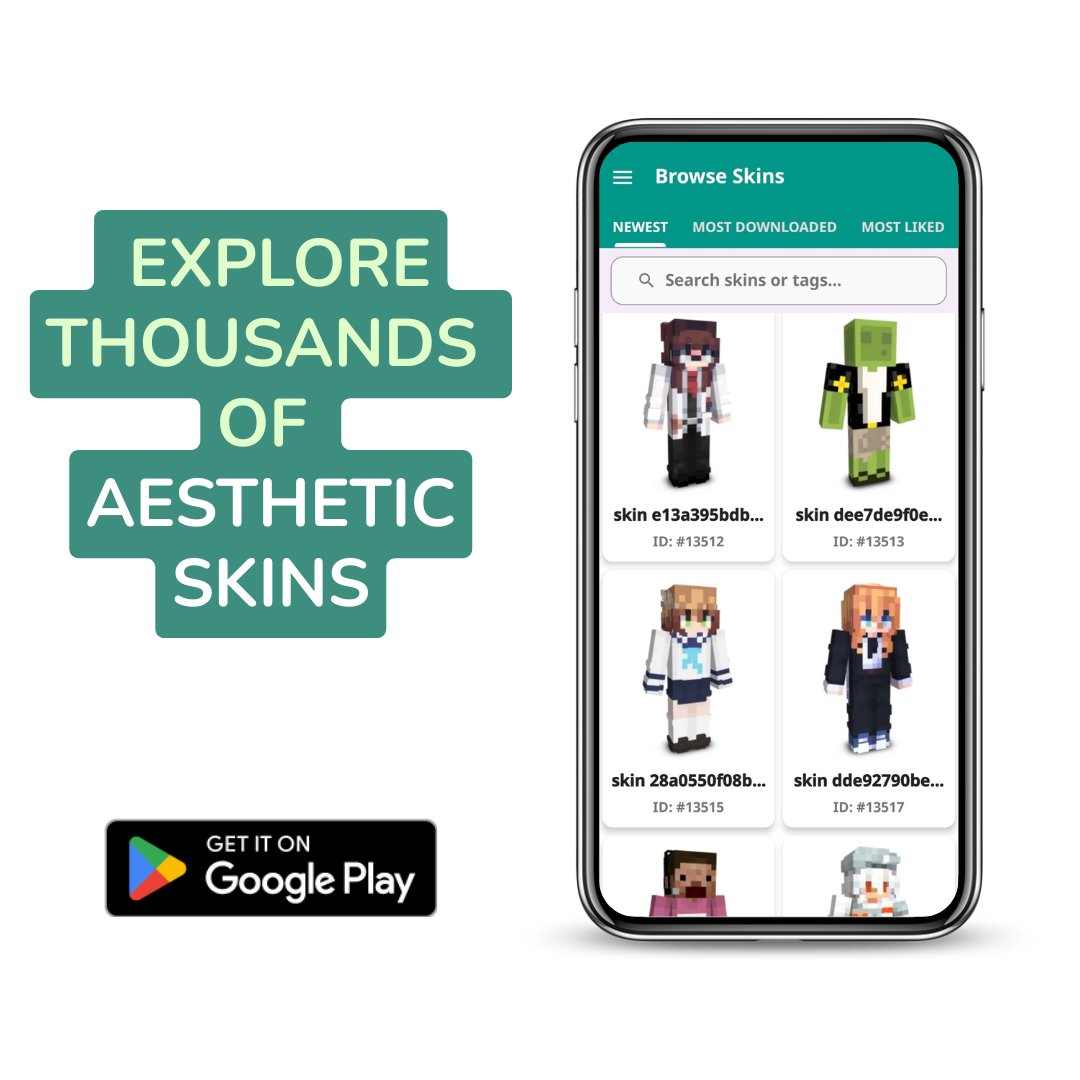
Our app is the ultimate destination to find, explore, and download thousands of high-quality minecraft skins. Whether you're looking for skins that are "cool," "aesthetic," or even "gory" (for our 13+ Teen audience), our 3D Viewer lets you see every detail before you download.
🔥 BECOME A CREATOR! (New V4 Features!) 🔥
Unleash your creativity and make a name for yourself in our community:
🚀 Upload Your Skins: Share your original creations with hundreds of thousands of users and become a top creator.
👤 Build Your Profile: Get your own cool profile page! Set your Avatar, Bio, and watch your follower count grow.
📈 Track Your Stats: See your skins climb the charts! Check your real-time views, downloads, and likes.
🏆 Unlock Badges: Earn beautiful Badges for your profile as you upload skins, create packs, or gain popularity.
❤️ Follow & Be Followed: Discover your favorite creators and build your own fanbase.
✨ THE ULTIMATE MINECRAFT SKIN PACKER ✨
Don't just collect skins... Pack them! Our app features the most powerful and easy-to-use Minecraft Skin Packer tool available:
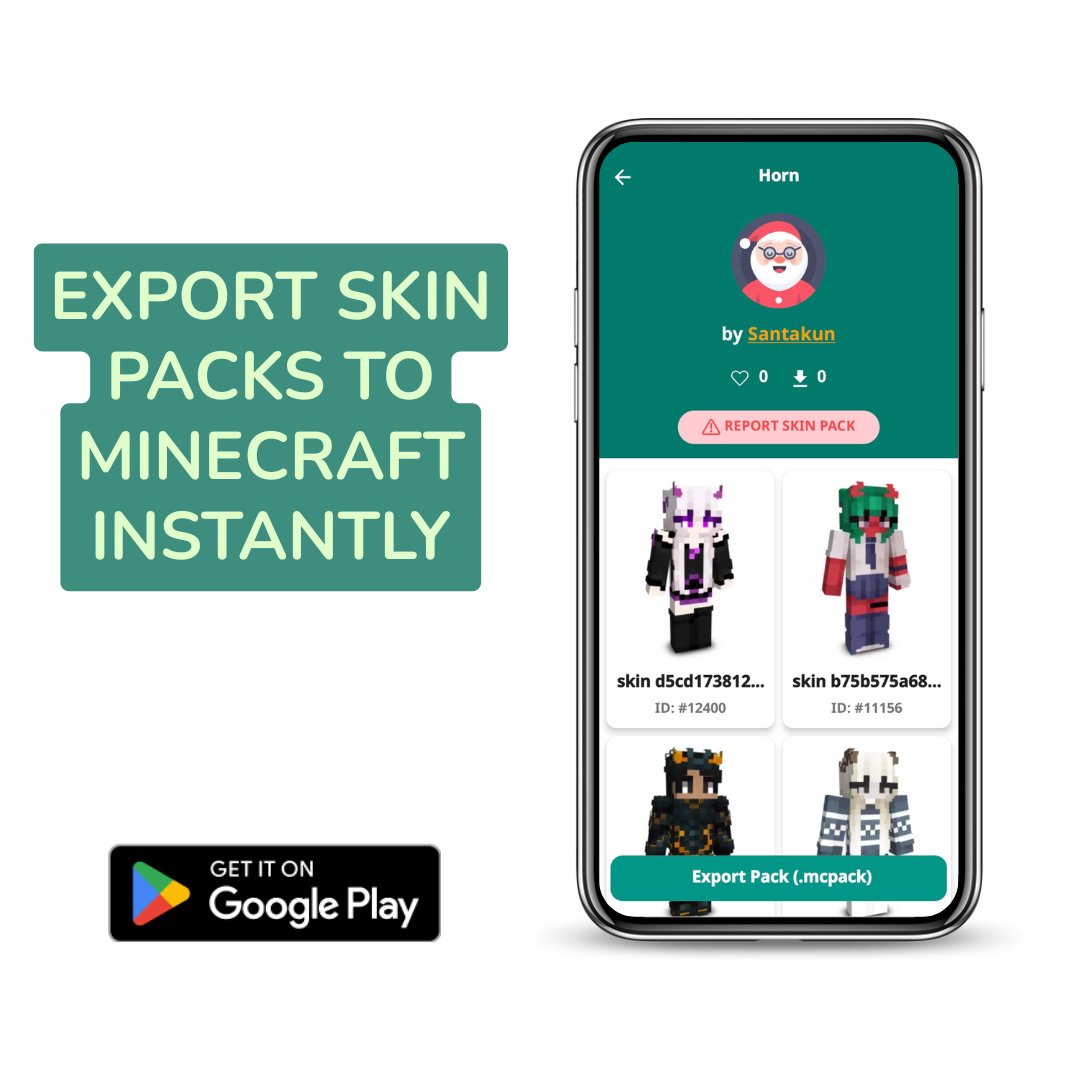
Create Skin Packs: Combine your favorite skins (from "My Skins" or "Favorites") into a single, easy-to-use pack.
Share with the World: Publish your packs for others in the community to download.
Discover New Packs: Explore awesome skin packs made by other talented creators.
Our Content Policy:
Our community is built on creativity and respect. We cater to a Teen (T-Teen) audience and welcome skins that are cool, artistic, or even scary.
However, we have a strict "zero-tolerance" policy for obscene nudity (18+), Nazi symbols, racism, or hate speech. We actively moderate to keep our platform safe for everyone.
What are you waiting for?
Whether you're looking for your next minecraft skin.
Or you want to become a top creator with our minecraft skin packer tool...
Your journey starts here!
Download now and join our community!
⚠️ Legal Disclaimer: ⚠️
This is an unofficial, third-party application for Minecraft™ Pocket Edition and is not endorsed, approved, sponsored, or associated with Mojang AB, Microsoft, or any of their partners.
Minecraft™, Minecraft™ assets, and all related trademarks are the property of Mojang AB or their respective owners.
All rights, titles, and interests in these assets remain entirely with Mojang AB.
This application provides user-generated content and tools that do not modify or distribute any original Minecraft™ files.
Usage of Minecraft™ is subject to Mojang’s official terms and brand guidelines:
http://account.mojang.com/documents/brand_guidelines
Avance
Etiquetas
EntretenimientoInformación
Desarrollador
Bearbox Studio
La última versión
4.1.1
Última actualización
2025-11-27
Categoría
Entretenimiento
Disponible en
Google Play
Mostrar más
Cómo jugar Aesthetic Skins Pack Maker con GameLoop en PC
1. Descargue GameLoop desde el sitio web oficial, luego ejecute el archivo exe para instalar GameLoop.
2. Abra GameLoop y busque "Aesthetic Skins Pack Maker", busque Aesthetic Skins Pack Maker en los resultados de búsqueda y haga clic en "Instalar".
3. Disfruta jugando Aesthetic Skins Pack Maker en GameLoop.
Minimum requirements
OS
Windows 8.1 64-bit or Windows 10 64-bit
GPU
GTX 1050
CPU
i3-8300
Memory
8GB RAM
Storage
1GB available space
Recommended requirements
OS
Windows 8.1 64-bit or Windows 10 64-bit
GPU
GTX 1050
CPU
i3-9320
Memory
16GB RAM
Storage
1GB available space