
Programming for kids - Fun edu para PC
AMGAMES Inc.
Descarga Programming for kids - Fun edu en PC con GameLoop Emulator
Programming for kids - Fun edu en PC
Programming for kids - Fun edu, proveniente del desarrollador AMGAMES Inc., se ejecuta en el sistema Android en el pasado.
Ahora, puedes jugar Programming for kids - Fun edu en PC con GameLoop sin problemas.
Descárgalo en la biblioteca de GameLoop o en los resultados de búsqueda. No más mirar la batería o llamadas frustrantes en el momento equivocado nunca más.
Simplemente disfrute de Programming for kids - Fun edu PC en la pantalla grande de forma gratuita!
Programming for kids - Fun edu Introducción
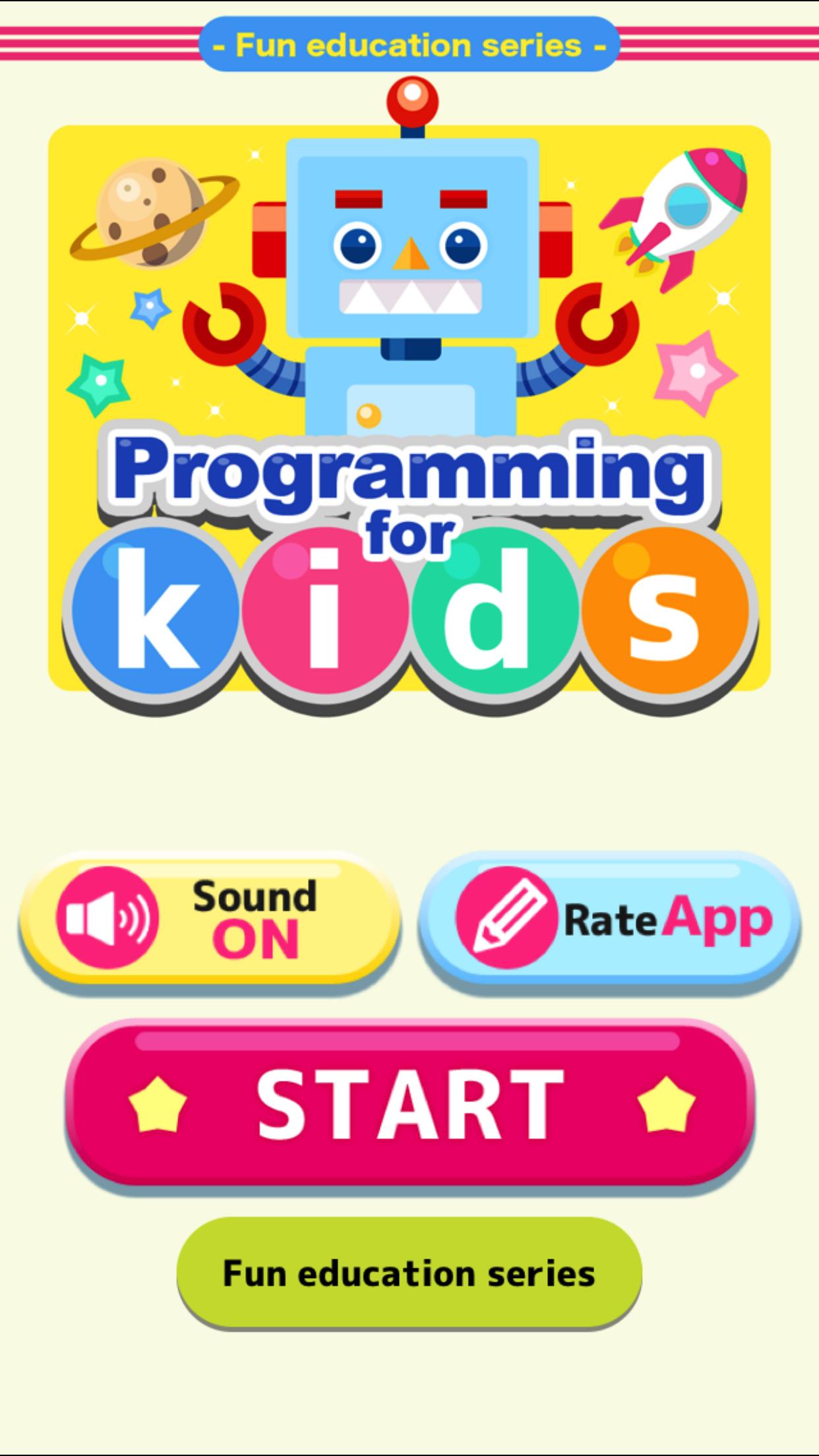
This is a learning application of coding.
But there is no programming code.
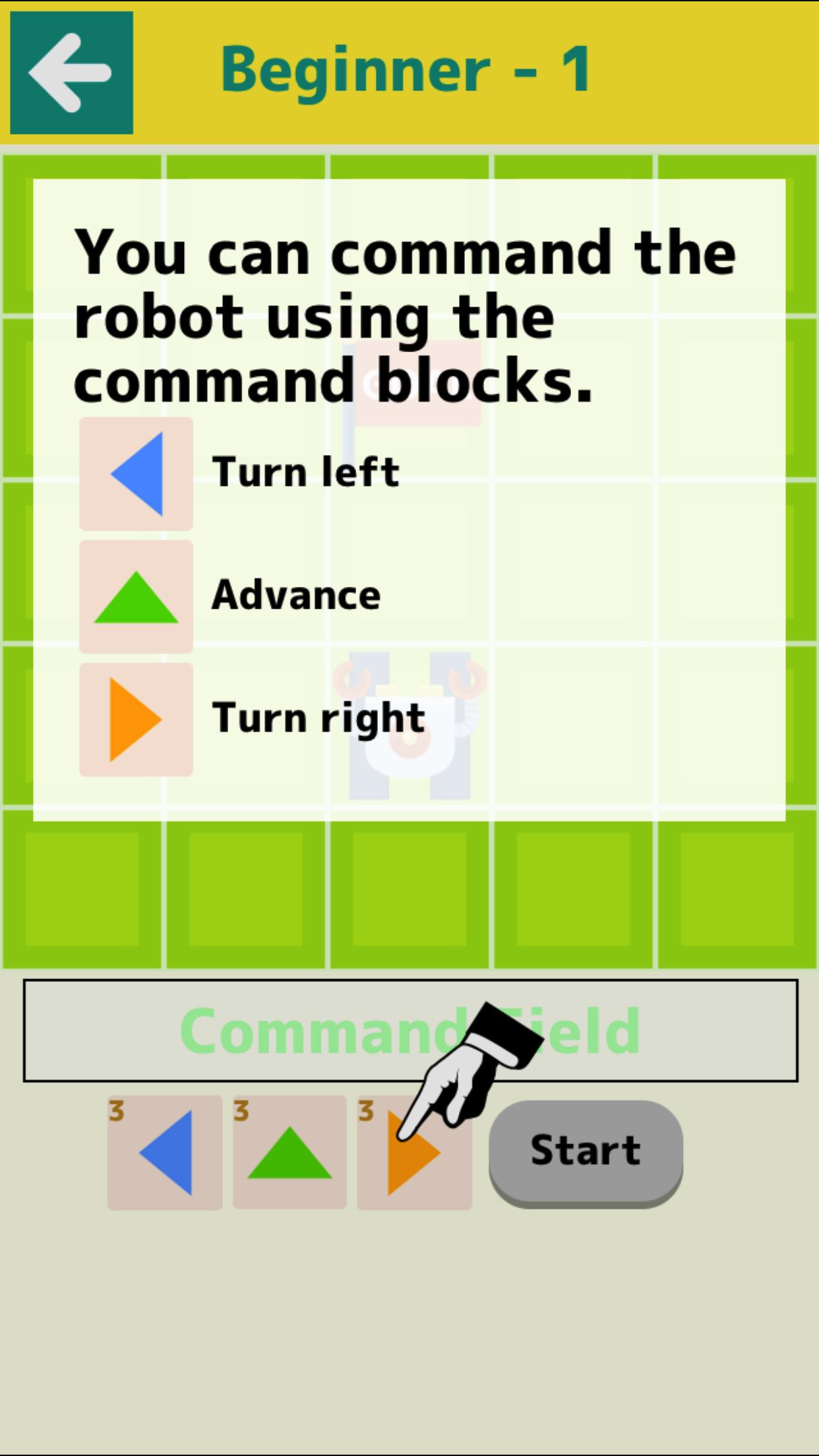
It is a game that operates the robot and leads to the goal.
By trial and error children can acquire logical thinking skills.
Please enjoy with parents and children.
【contents】
■Beginner
Introduction of basic operation.
▼Difficulty
There are Levels 1 to 3.
It has 24 stages each.
●Level 1
Map of 5*5. Operating a robot.
●Level 2
Map of 6*6. Operating a ship.
The difficulty level will rise.
●Level 3
Map of 7*7. Operating a space ship.
Use the Function command.
The difficulty level will rise further.
■Collect Stars
This is a game that collects as many stars as possible.
It is a test of applied skill.
* No banner advertisement on this app.
* Some contains in-app purchases.
Avance
Etiquetas
Un solo jugadorDesconectadoInformación
Desarrollador
AMGAMES Inc.
La última versión
1.7.2
Última actualización
2021-01-28
Categoría
Educativos
Disponible en
Google Play
Mostrar más
Cómo jugar Programming for kids - Fun edu con GameLoop en PC
1. Descargue GameLoop desde el sitio web oficial, luego ejecute el archivo exe para instalar GameLoop.
2. Abra GameLoop y busque "Programming for kids - Fun edu", busque Programming for kids - Fun edu en los resultados de búsqueda y haga clic en "Instalar".
3. Disfruta jugando Programming for kids - Fun edu en GameLoop.
Minimum requirements
OS
Windows 8.1 64-bit or Windows 10 64-bit
GPU
GTX 1050
CPU
i3-8300
Memory
8GB RAM
Storage
1GB available space
Recommended requirements
OS
Windows 8.1 64-bit or Windows 10 64-bit
GPU
GTX 1050
CPU
i3-9320
Memory
16GB RAM
Storage
1GB available space