
Kids Doodle Art, Coloring Game para PC
FunKidStudio
Descarga Kids Doodle Art, Coloring Game en PC con GameLoop Emulator
Kids Doodle Art, Coloring Game en PC
Kids Doodle Art, Coloring Game, proveniente del desarrollador FunKidStudio, se ejecuta en el sistema Android en el pasado.
Ahora, puedes jugar Kids Doodle Art, Coloring Game en PC con GameLoop sin problemas.
Descárgalo en la biblioteca de GameLoop o en los resultados de búsqueda. No más mirar la batería o llamadas frustrantes en el momento equivocado nunca más.
Simplemente disfrute de Kids Doodle Art, Coloring Game PC en la pantalla grande de forma gratuita!
Kids Doodle Art, Coloring Game Introducción
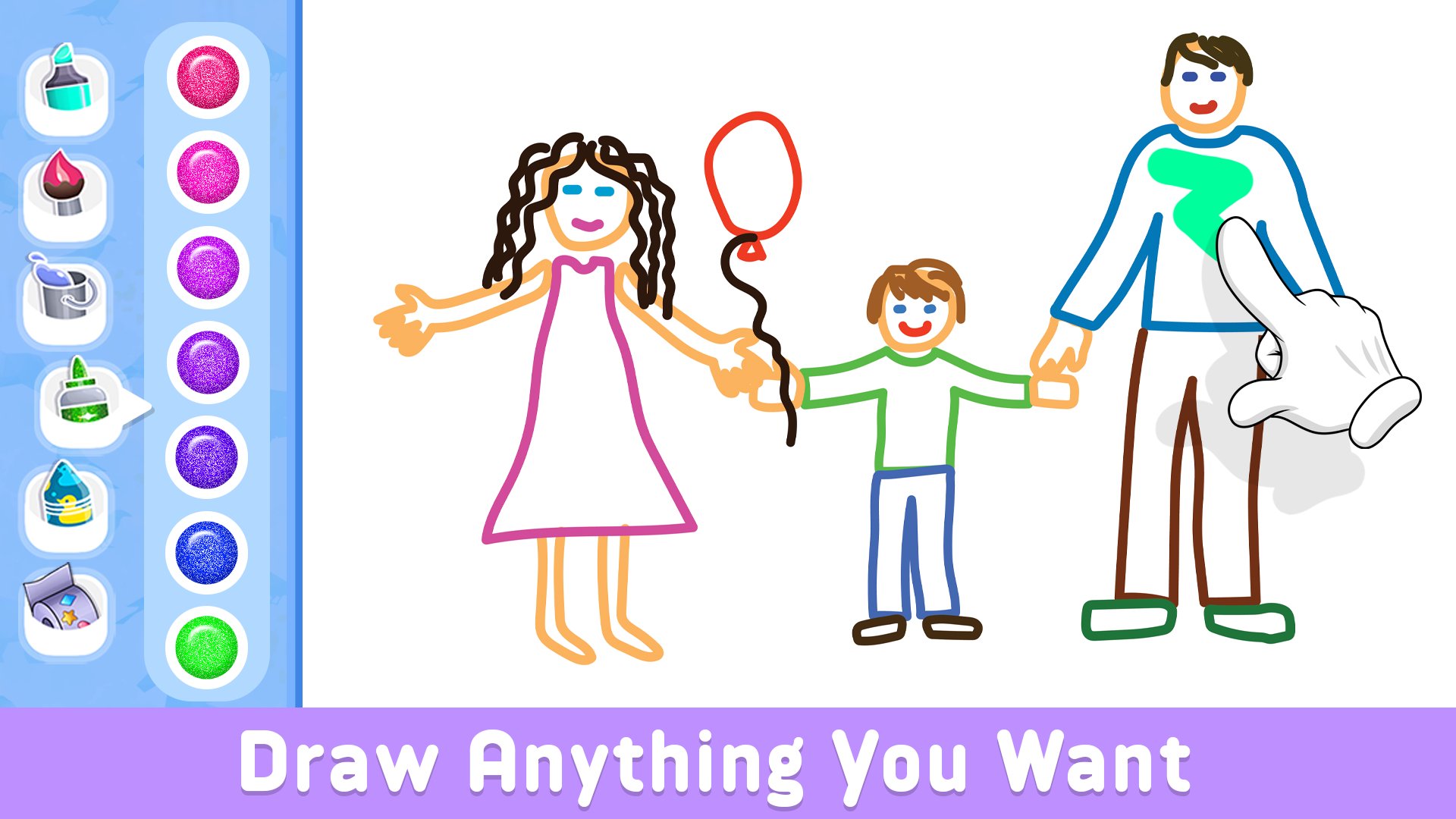
Welcome to Kids Draw Games: Paint & Trace, the ultimate creative playground designed for young minds! This engaging and educational app is specially crafted for preschoolers, offering a delightful combination of painting and tracing activities to foster artistic expression and early learning.
Key Features:
🎨 Painting Adventures: Unleash your child's creativity with a vibrant palette of colors! The intuitive painting interface allows your little artist to explore their imagination by creating beautiful masterpieces. From colorful animals to whimsical landscapes, the possibilities are endless.
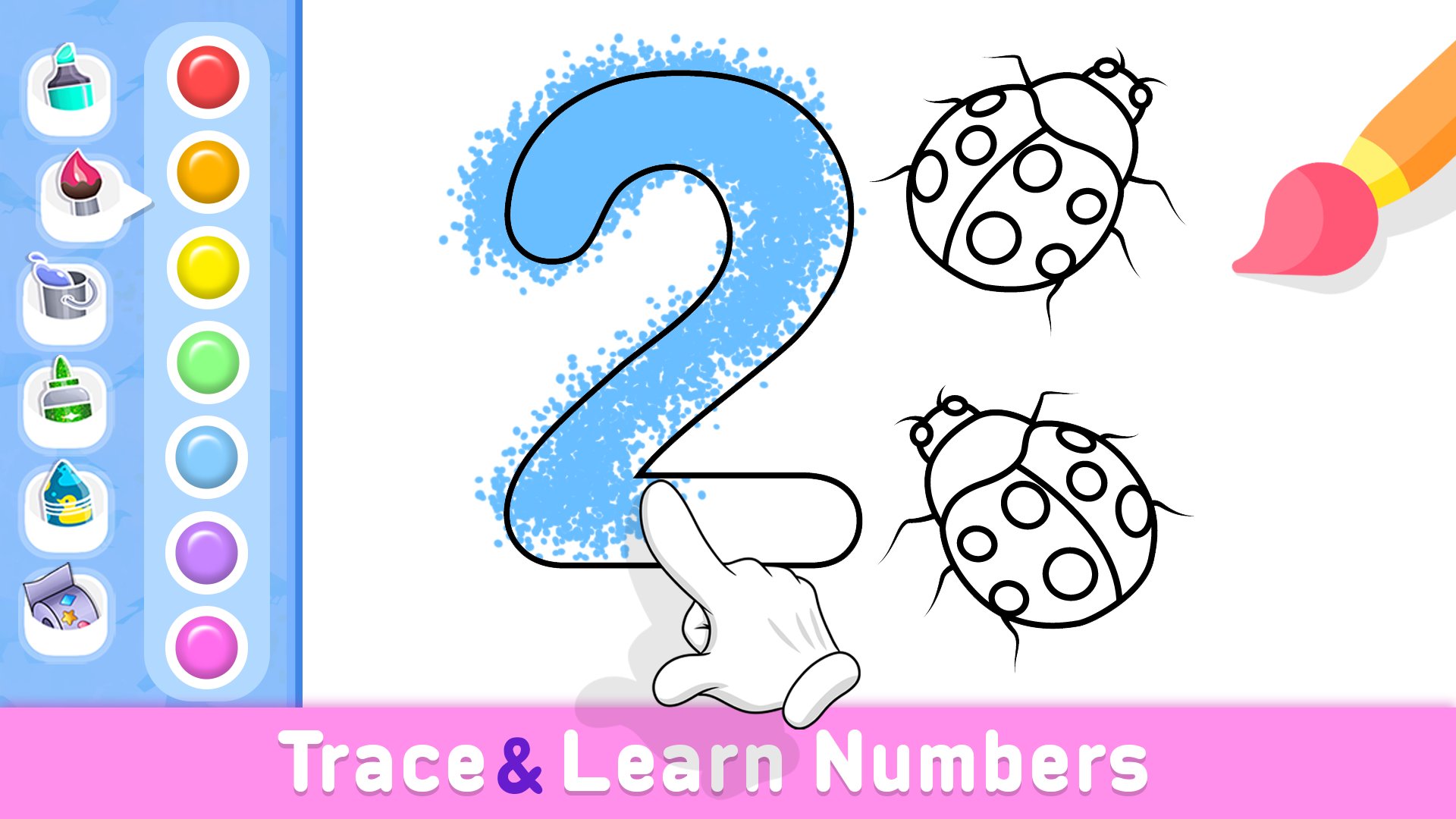
🖋️ Trace and Learn: Develop fine motor skills and enhance pre-writing abilities through the interactive tracing feature. Kids can trace letters, numbers, and shapes, laying the foundation for future writing success while having a blast with adorable characters guiding them along the way.
🌈 Diverse Themes: Kids Draw Games: Paint & Trace offers a variety of captivating themes to keep young learners engaged. From undersea wonders to outer space adventures, each theme provides a unique canvas for exploration and learning.
🏆 Reward System: Encourage positive reinforcement and boost confidence with a delightful reward system. As your child completes activities, they earn virtual stickers and medals, creating a sense of accomplishment and making learning even more enjoyable.
🤗 Parental Controls: Rest easy knowing your child is in a safe and ad-free environment. The app is designed with parental controls to ensure a worry-free experience, allowing you to monitor your child's progress and customize the learning journey.
🎉 Educational Benefits: Preschool Art goes beyond entertainment, incorporating educational elements seamlessly into the gameplay. Your child will develop essential skills such as hand-eye coordination, spatial awareness, and early literacy.
👩👧👦 Family Fun: Share precious moments with your little one as you explore Preschool Art together. Create collaborative masterpieces or take turns tracing and painting, fostering a sense of connection and joy.
📈 Progress Tracking: Stay informed about your child's artistic and educational journey with a comprehensive progress tracker. Monitor achievements, identify areas for improvement, and celebrate milestones as your preschooler grows and learns.
Kids Draw Games: Paint & Trace is the perfect blend of creativity and education, providing a fun and enriching experience for your preschooler. Download now and watch as your child's imagination flourishes in this delightful world of colors and shapes!
Privacy Policy
At Kids Draw Games: Paint & Trace, the well-being of children and families is our top priority. We prioritize privacy and adhere to all relevant regulations. For detailed information on our privacy policy, please visit: https://funkidstudio.com/privacy-policy/
Avance
Etiquetas
EducativosInformación
Desarrollador
FunKidStudio
La última versión
8
Última actualización
2026-01-29
Categoría
Educativos
Disponible en
Google Play
Mostrar más
Cómo jugar Kids Doodle Art, Coloring Game con GameLoop en PC
1. Descargue GameLoop desde el sitio web oficial, luego ejecute el archivo exe para instalar GameLoop.
2. Abra GameLoop y busque "Kids Doodle Art, Coloring Game", busque Kids Doodle Art, Coloring Game en los resultados de búsqueda y haga clic en "Instalar".
3. Disfruta jugando Kids Doodle Art, Coloring Game en GameLoop.
Minimum requirements
OS
Windows 8.1 64-bit or Windows 10 64-bit
GPU
GTX 1050
CPU
i3-8300
Memory
8GB RAM
Storage
1GB available space
Recommended requirements
OS
Windows 8.1 64-bit or Windows 10 64-bit
GPU
GTX 1050
CPU
i3-9320
Memory
16GB RAM
Storage
1GB available space