Math Games for Kids & Toddlers para PC
Yories: Learning Apps & Games for Boys and Girls
Descarga Math Games for Kids & Toddlers en PC con GameLoop Emulator
Math Games for Kids & Toddlers en PC
Math Games for Kids & Toddlers, proveniente del desarrollador Yories: Learning Apps & Games for Boys and Girls, se ejecuta en el sistema Android en el pasado.
Ahora, puedes jugar Math Games for Kids & Toddlers en PC con GameLoop sin problemas.
Descárgalo en la biblioteca de GameLoop o en los resultados de búsqueda. No más mirar la batería o llamadas frustrantes en el momento equivocado nunca más.
Simplemente disfrute de Math Games for Kids & Toddlers PC en la pantalla grande de forma gratuita!
Math Games for Kids & Toddlers Introducción
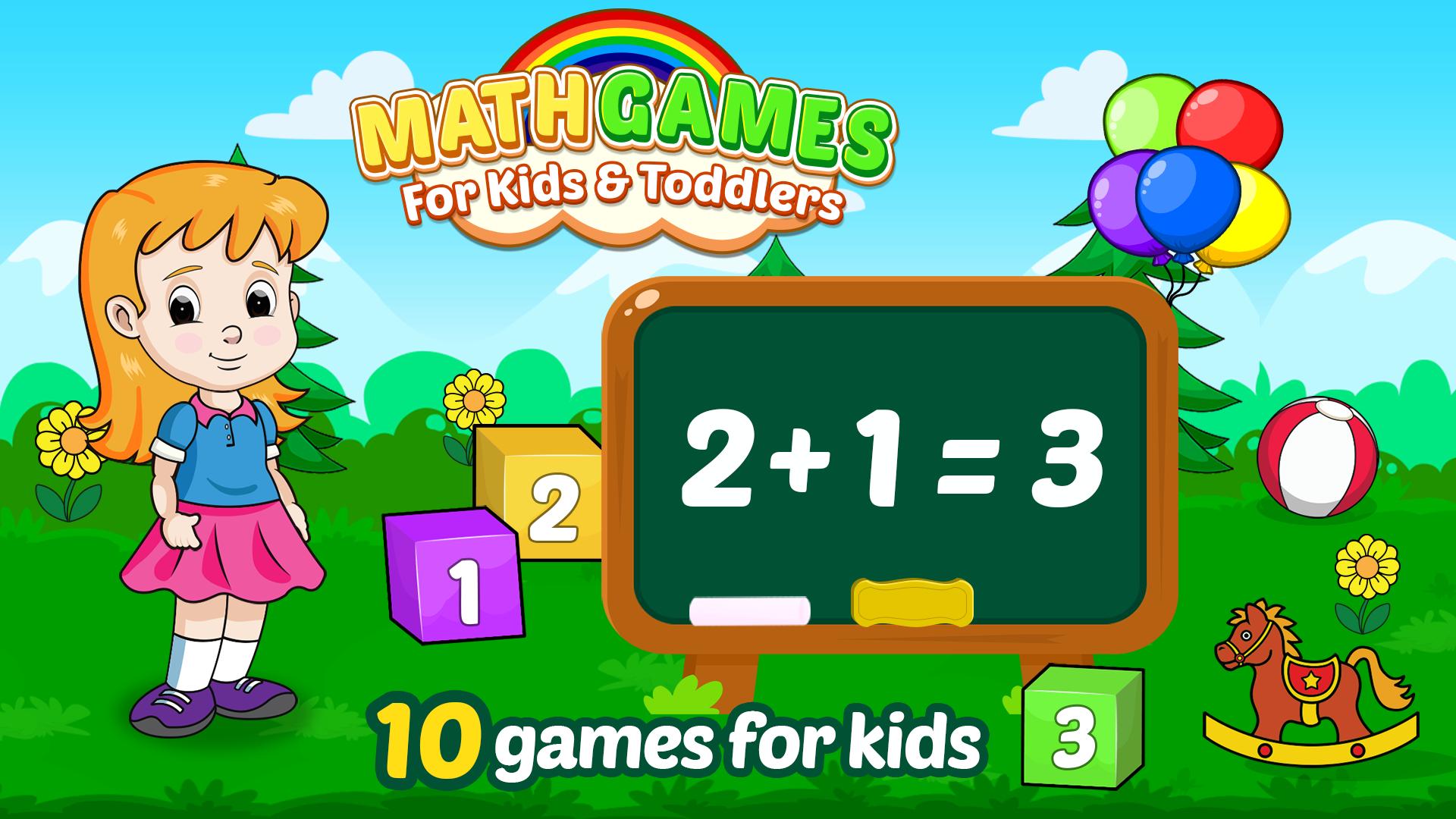
Introduce Math Games for Kids to your child in a simple way. Make your kids enjoy the basics of counting, addition, division, and subtraction multiplied and subscribe to a lifelong learning mindset. Train your child's brain and learn maths with beautiful elements. It is designed for kids ages 2,3,4,5+ year-olds. It is a unique, exciting game for kids and also a very educational, funny & challenging app. Children can easily ✔️ learn math addition, subtraction and character counting.
Install this game and start teaching your toddler logical skills along with kindergarten maths. Give them the perfect foundation to Learn and Practice arithmetics.
What will your kids learn❓
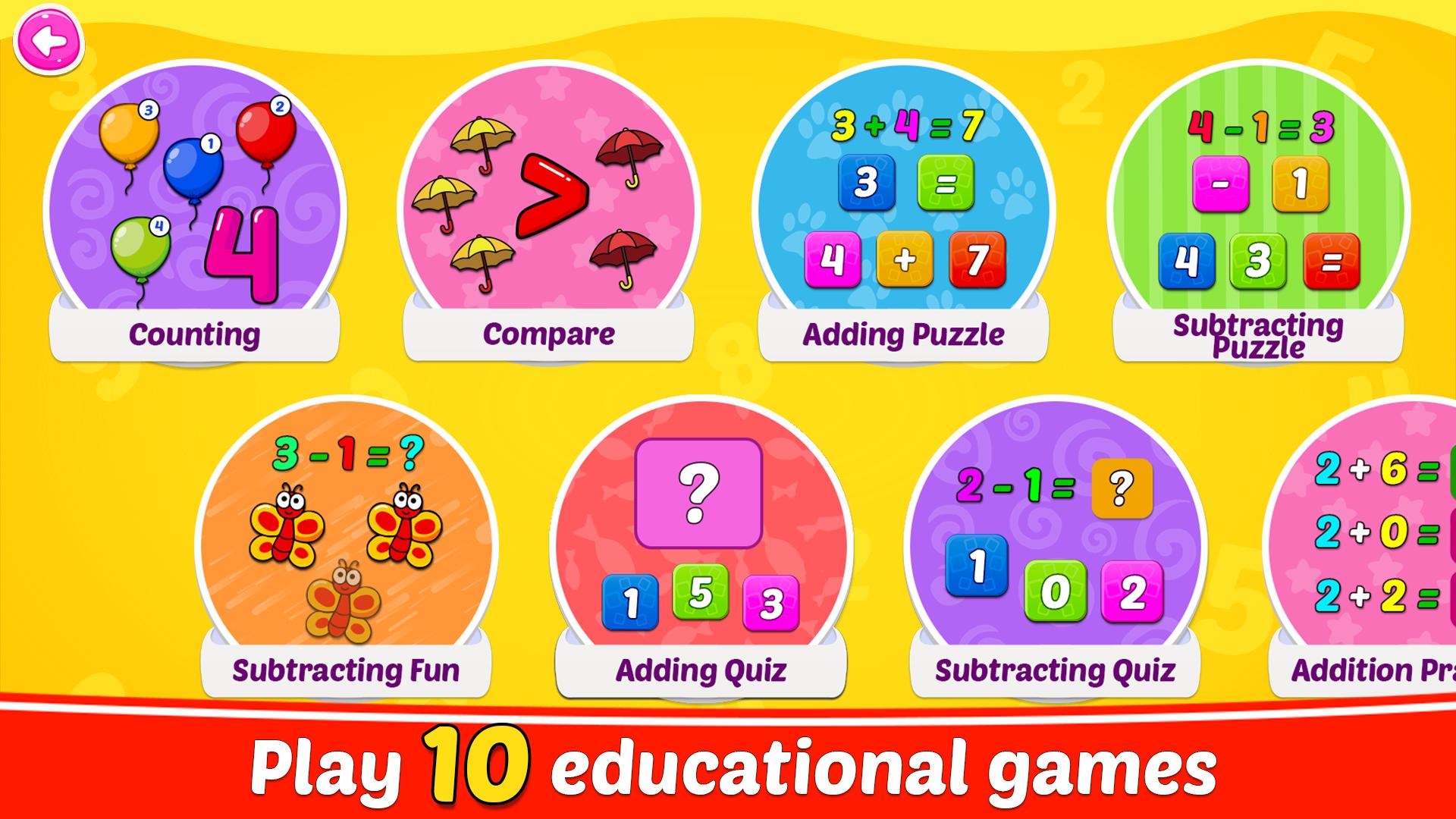
🔢 Counting skill
➕ Addition
➖ Subtraction
✖️ Multiplication
➗ Division
🤓 Comparison of Numbers
Here are specifics about Addition & Subtraction with Math Games for Kids
• Addition: simplest like 1 + 1 to little difficult sum up to 20
• Subtraction up to 20
• One-digit addition without carry over
• One-digit subtraction without borrowing
Variants within the game. Interesting learning Game:
✓ Puzzle = Where kids select math problems & solve. Simple as drag-and-drop numbers.
✓ Fun = Finger counting like experience to explore basic maths. Understand how numbers reflect quantities.
✓ Quiz = Put your child's math skills to the test. They will not need any hint - definitely!
✓ Practice = Solve many maths problems, one by one - without any hint or support.
✓ Difficulty levels = Beginner, Intermediate & Advance. See how much your little champ has improved in their mathematics skills.
Why will your kids love the app?:
★ Puzzle 🧩, Fun & Quiz adjusts difficulty as your child progresses powered by an AI engine.
★ Endless fun with continuous learning games.
★ Wrong Answer, right Feedback. Kids will be able to drop only the right answers to the box. They will stay motivated.
★ Outstanding graphics.
The best part is - children will learn mathematics without realizing it 📓, that too as per Common Core State Standards. Early elementary students can practice mental math through this.
Test your child’s calculation skills and improve them with this app 🎯. Empower your li’l champ to become the ultimate math ninja. And he will run and solve various math challenges. The Kids Maths game is suitable for preschoolers and kindergarteners. It’s a wonderful educational game that you don’t want to miss for your bundle of joy.
👉 What are you waiting for? Get the right edutainment app for kids and open the door to learning with fun. Download now & let ’em learn ‘n’ play for FREE! 🔥
Write your ideas about more learning games and share your feedback to us at apps.support@yories.com 📢
Avance
Etiquetas
EducativosInformación
Desarrollador
Yories: Learning Apps & Games for Boys and Girls
La última versión
1.1.14
Última actualización
2025-07-17
Categoría
Educativos
Disponible en
Google Play
Mostrar más
Cómo jugar Math Games for Kids & Toddlers con GameLoop en PC
1. Descargue GameLoop desde el sitio web oficial, luego ejecute el archivo exe para instalar GameLoop.
2. Abra GameLoop y busque "Math Games for Kids & Toddlers", busque Math Games for Kids & Toddlers en los resultados de búsqueda y haga clic en "Instalar".
3. Disfruta jugando Math Games for Kids & Toddlers en GameLoop.
Minimum requirements
OS
Windows 8.1 64-bit or Windows 10 64-bit
GPU
GTX 1050
CPU
i3-8300
Memory
8GB RAM
Storage
1GB available space
Recommended requirements
OS
Windows 8.1 64-bit or Windows 10 64-bit
GPU
GTX 1050
CPU
i3-9320
Memory
16GB RAM
Storage
1GB available space