Taculator Graphing Calculator para PC
Calculator & Geometry Apps
Descarga Taculator Graphing Calculator en PC con GameLoop Emulator
Taculator Graphing Calculator en PC
Taculator Graphing Calculator, proveniente del desarrollador Calculator & Geometry Apps, se ejecuta en el sistema Android en el pasado.
Ahora, puedes jugar Taculator Graphing Calculator en PC con GameLoop sin problemas.
Descárgalo en la biblioteca de GameLoop o en los resultados de búsqueda. No más mirar la batería o llamadas frustrantes en el momento equivocado nunca más.
Simplemente disfrute de Taculator Graphing Calculator PC en la pantalla grande de forma gratuita!
Taculator Graphing Calculator Introducción
TACULATOR GRAPHING CALCULATOR
• Your graphing calculator for high school and college students.
• Includes all the commands and functions for advanced math, list, statistics, distribution, stat plots, etc.
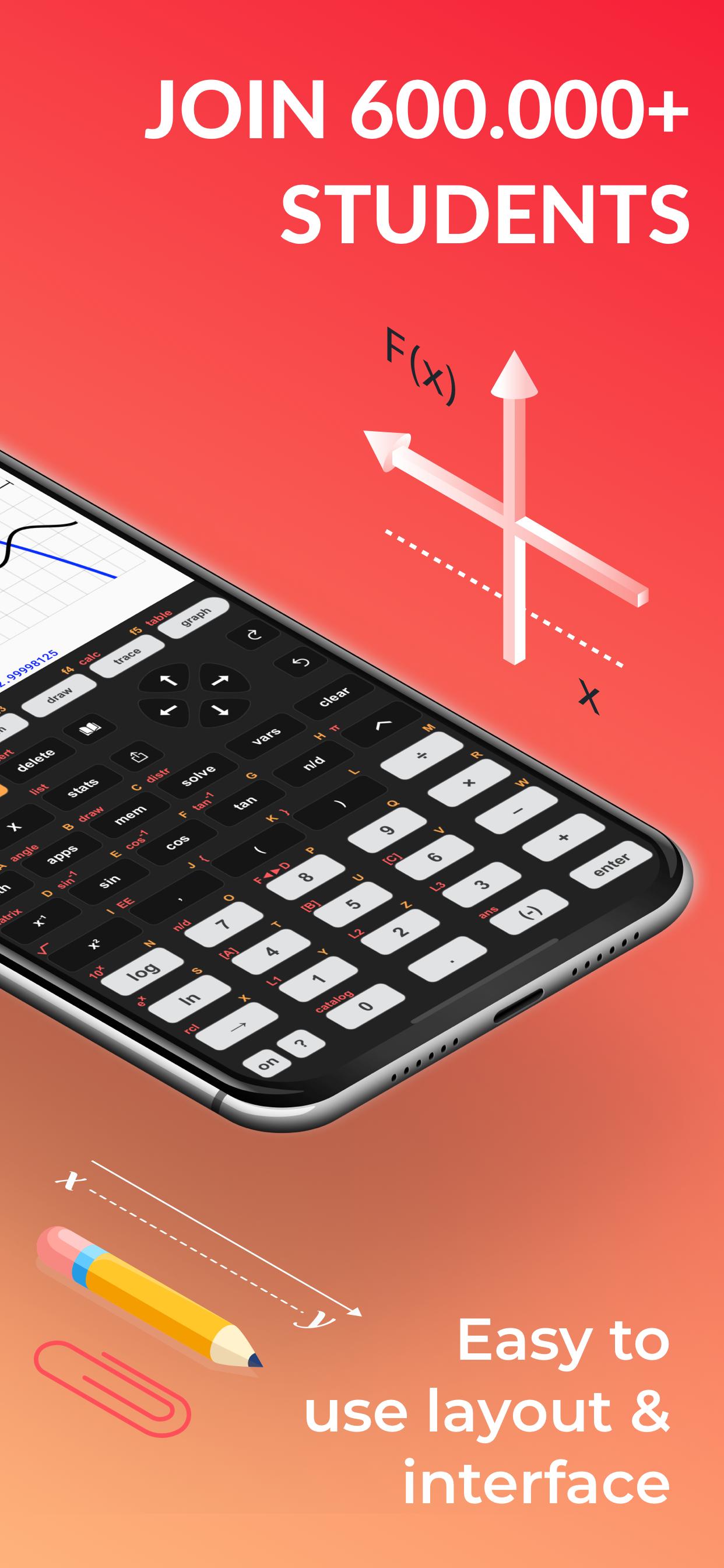
• Use the arrow keys or your fingers to navigate inside the app.
• Covers everything you need: Pre-Algebra, Algebra 1 & 2, Pre-Calculus, Calculus, Statistics...
IT'S EVEN BETTER THAN AN ACTUAL CALCULATOR
• Taculator is 100X faster as it uses the huge calculation power of your iPhone/iPad, while handheld calculators like TI-84 or Casio are often slow.
• High-resolution graphing window: Make sharp and beautiful graphs.
• Your new calculator weighs nothing and is always ready on your phone.
• Share your calculations with friends as a text message or email.
◉ Math Functions
• Scientific calculator with all basic arithmetic and advanced functions.
• Ability to scroll through history and copy previous calculations.
• Complex numbers support
• Probability functions like nPr, nCr, factorial, random numbers, 84.
• Enter fractions easily.
• Convert angles and use DMS format.
◉ Graphing Functions
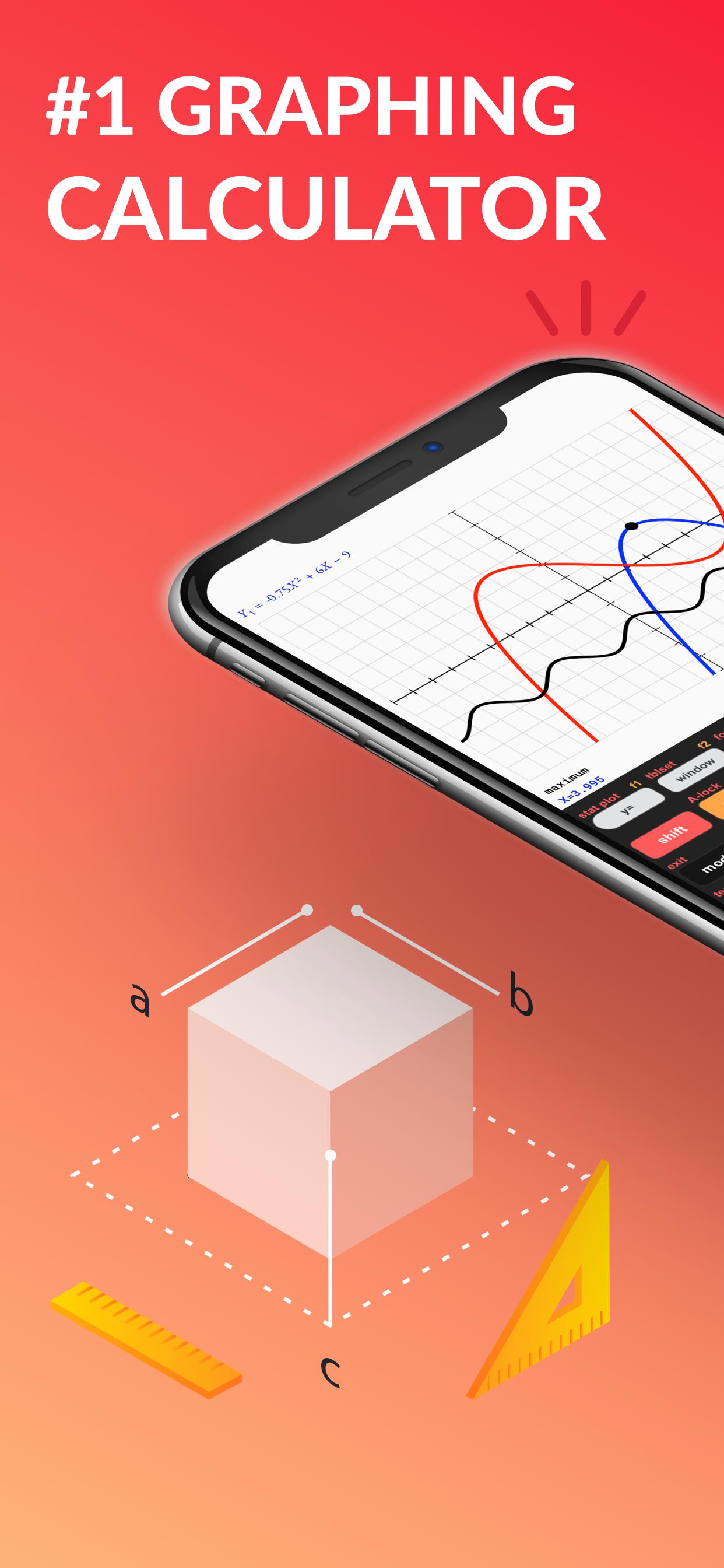
• Graph every function you want and trace for X- and Y-values
• Calculate intersection, zero, minimum, maximum, integral, ti, and derivative.
• Switch between full-screen graphs and normal mode.
• Zoom in and out with your fingers and adjust the window settings.
• Graph statistical plots like histogram, box plot, scatter plot, xy-line plot
• Draw vertical, horizontal, tangent, circle, ti.
◉ Matrix Calculator 84
• Store matrices and reuse them using shortcuts like [A], [B], [C],...
• Do matrix arithmetic operations: Scalar multiplication, addition & subtraction, multiplication, power of a matrix.
• Calculate transpose, determinant, dimension, inverse matrix, row echelon form, reduced row echelon form, identity matrix, cumulated sum.
◉ List, Statistics, and Distribution
• Use the stat list editor to enter your list values.
• Perform 1- and 2-Variable statistics.
• Use lists to calculate min, max, mean, median, sum, product, standard deviation, variance.
• Find best-fit regressions: LinReg (ax+b), LinReg (a+bx), QuadReg, CubicReg, QuartReg, LnReg, ExpReg, PwrReg, Logistic, SinReg.
• Perform statistical tests: Z-Test, T-Test, 2-SampleZTest, 2-SampleTTest, 1-PropZTest, 2-PropZTest, TI calculator, ZInterval, TInterval, 2-SampleZInterval, 2-SampleTInterval, 1PropZInterval.
• Calculate various distributions: Normalpdf/cdf, invT, Tpdf/cdf, χ2pdf/cdf, Fpdf/cdf, Poissonpdf/cdf 84, Binompdf/cdf, Geometpdf/cdf.
◉ Command Catalog & Syntax Help
• Get help with all commands with our integrated Catalog & Help section.
• It provides you with syntax help, examples, and possible error messages.
• Enter a command and the app will show you the right syntax next to the cursor.
SUPPORT
Contact us at contact@taculator.com
---
For extended features such as more advanced calculations and functions, get the Taculator Pro membership.
Terms of Service:
https://www.taculator.com/terms-of-service.html
Privacy Policy:
https://www.taculator.com/privacy-policy.html
Avance
Etiquetas
EducaciónInformación
Desarrollador
Calculator & Geometry Apps
La última versión
1.0
Última actualización
2022-01-05
Categoría
Educación
Disponible en
Google Play
Mostrar más
Cómo jugar Taculator Graphing Calculator con GameLoop en PC
1. Descargue GameLoop desde el sitio web oficial, luego ejecute el archivo exe para instalar GameLoop.
2. Abra GameLoop y busque "Taculator Graphing Calculator", busque Taculator Graphing Calculator en los resultados de búsqueda y haga clic en "Instalar".
3. Disfruta jugando Taculator Graphing Calculator en GameLoop.
Minimum requirements
OS
Windows 8.1 64-bit or Windows 10 64-bit
GPU
GTX 1050
CPU
i3-8300
Memory
8GB RAM
Storage
1GB available space
Recommended requirements
OS
Windows 8.1 64-bit or Windows 10 64-bit
GPU
GTX 1050
CPU
i3-9320
Memory
16GB RAM
Storage
1GB available space