
SU SMART PLUS para PC
Silpakorn University
Descarga SU SMART PLUS en PC con GameLoop Emulator
SU SMART PLUS en PC
SU SMART PLUS, proveniente del desarrollador Silpakorn University, se ejecuta en el sistema Android en el pasado.
Ahora, puedes jugar SU SMART PLUS en PC con GameLoop sin problemas.
Descárgalo en la biblioteca de GameLoop o en los resultados de búsqueda. No más mirar la batería o llamadas frustrantes en el momento equivocado nunca más.
Simplemente disfrute de SU SMART PLUS PC en la pantalla grande de forma gratuita!
SU SMART PLUS Introducción
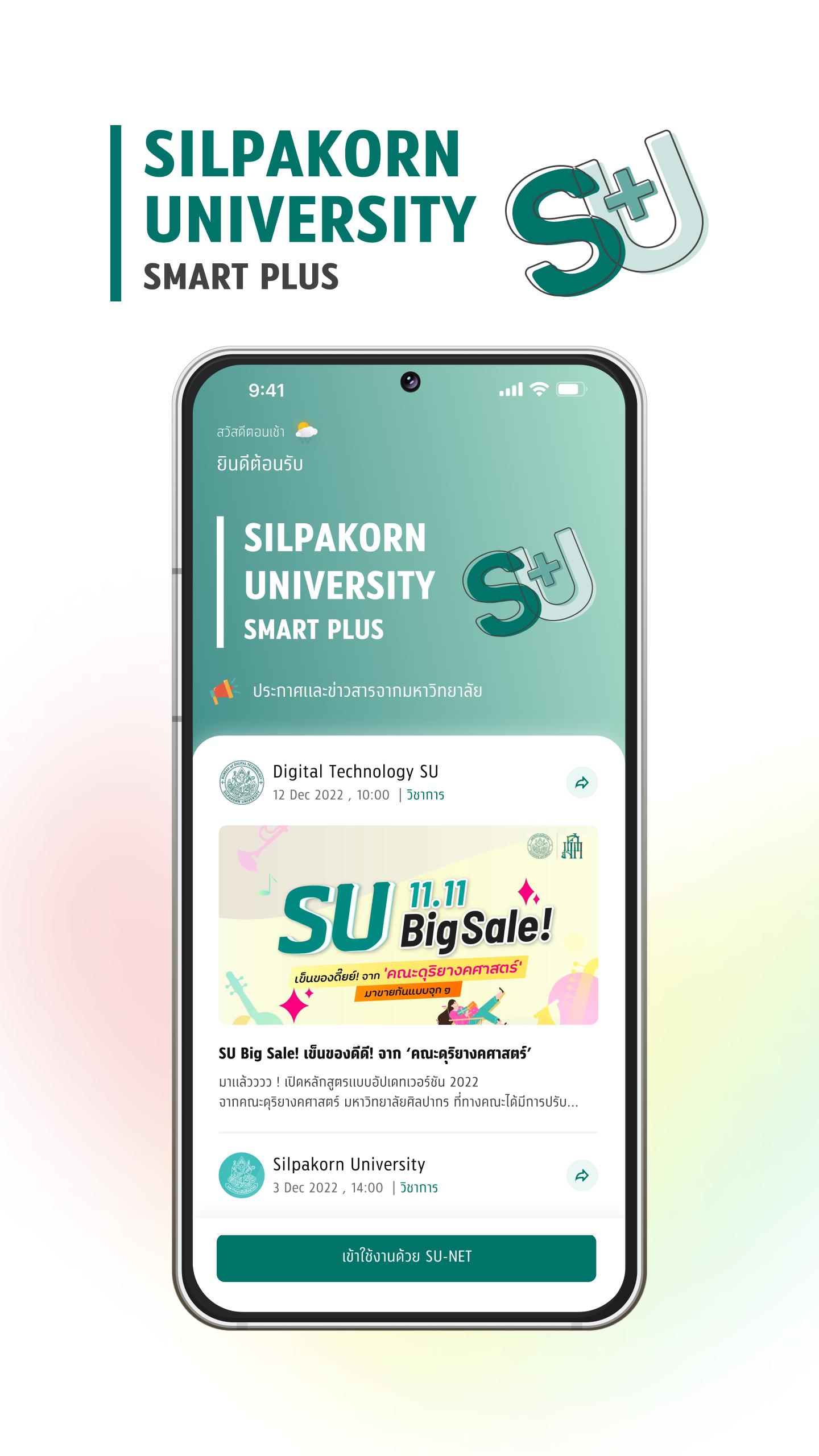
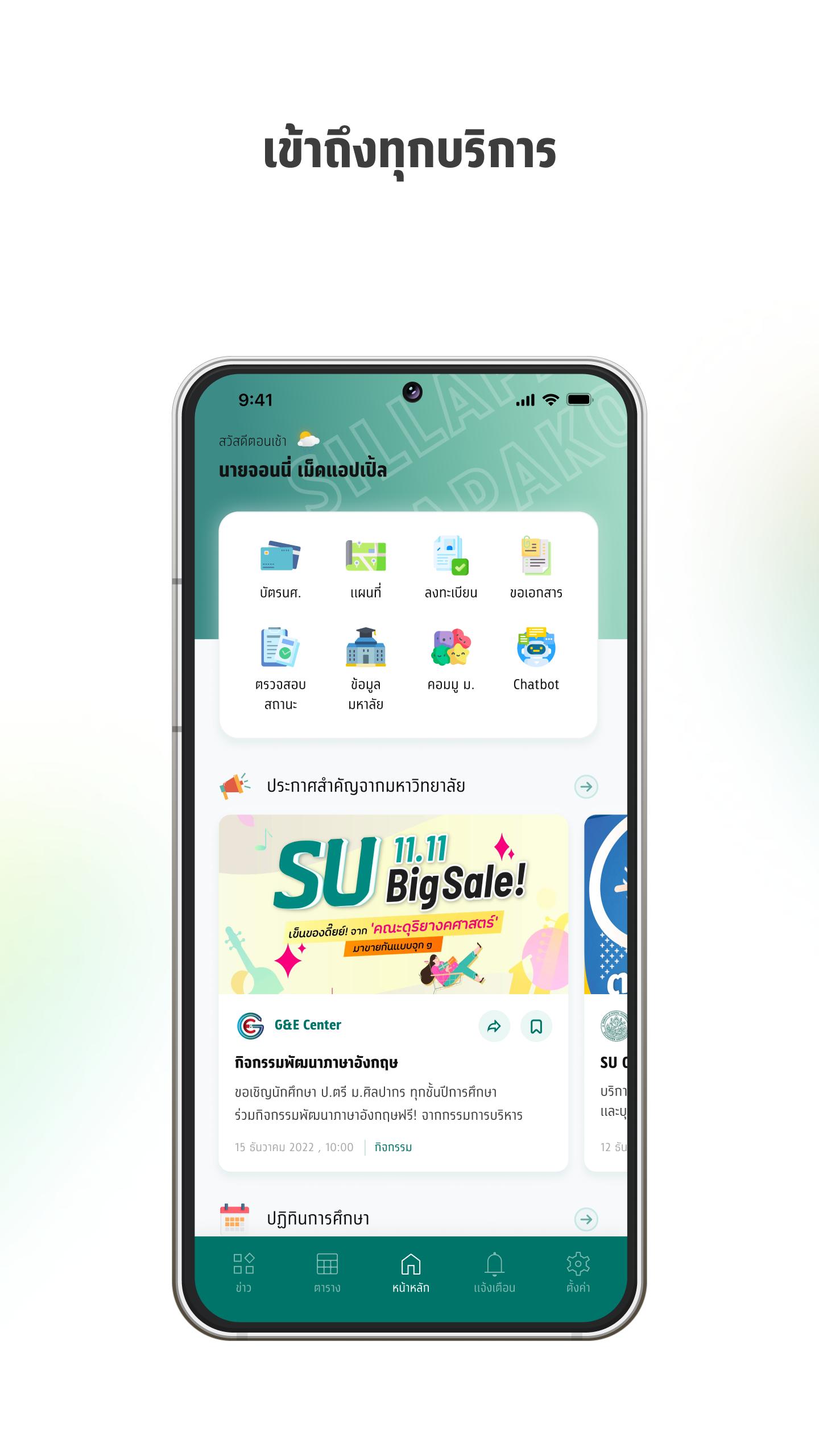
Better: “SU SMART Plus” Mobile Application for students for Silpakorn University students. Emphasis on design to be more convenient to use, with features that meet more needs. Modernize your university life.
Informative: SU SMART Plus makes you never miss any information. both news and activities university movement An all-in-one academic calendar and news delivered directly to specific target groups News sent directly to you
Life: SU SMART Plus makes your university life easier. Never miss a deadline with timely notifications. and personalized notifications Customize your own life experience too. “Customizable Mobile Student ID Card”
Change: Changing university life along with stepping into a digital university by switching to "SU SMART Plus" which comes with features that meet important activities and features that are unique and powerful
Avance
Etiquetas
EducaciónInformación
Desarrollador
Silpakorn University
La última versión
2.7.12
Última actualización
2024-11-28
Categoría
Educación
Disponible en
Google Play
Mostrar más
Cómo jugar SU SMART PLUS con GameLoop en PC
1. Descargue GameLoop desde el sitio web oficial, luego ejecute el archivo exe para instalar GameLoop.
2. Abra GameLoop y busque "SU SMART PLUS", busque SU SMART PLUS en los resultados de búsqueda y haga clic en "Instalar".
3. Disfruta jugando SU SMART PLUS en GameLoop.
Minimum requirements
OS
Windows 8.1 64-bit or Windows 10 64-bit
GPU
GTX 1050
CPU
i3-8300
Memory
8GB RAM
Storage
1GB available space
Recommended requirements
OS
Windows 8.1 64-bit or Windows 10 64-bit
GPU
GTX 1050
CPU
i3-9320
Memory
16GB RAM
Storage
1GB available space