Shapes Flashcards for Preschoo para PC
Holiday Educationist | Preschool & Kindergarten
Descarga Shapes Flashcards for Preschoo en PC con GameLoop Emulator
Shapes Flashcards for Preschoo en PC
Shapes Flashcards for Preschoo, proveniente del desarrollador Holiday Educationist | Preschool & Kindergarten, se ejecuta en el sistema Android en el pasado.
Ahora, puedes jugar Shapes Flashcards for Preschoo en PC con GameLoop sin problemas.
Descárgalo en la biblioteca de GameLoop o en los resultados de búsqueda. No más mirar la batería o llamadas frustrantes en el momento equivocado nunca más.
Simplemente disfrute de Shapes Flashcards for Preschoo PC en la pantalla grande de forma gratuita!
Shapes Flashcards for Preschoo Introducción
Basic Shapes help building the memory and cognitive skills for the kids as they starts to relate real world objects with them. It is vital to teach your kids about the basic 2D and 3D shapes and help them relating real world objects with their matching shapes.
Knowing this requirement, we are presenting “Shapes for Kids”, a Flashcards App, containing ideal amount of undistracted information to help memorizing the basic and advanced shapes held up for children of 1.5 years to 8 years.
It also has a feature to turn off the text labels (quiz mode) for parents and teachers to ask the kids about the shape.
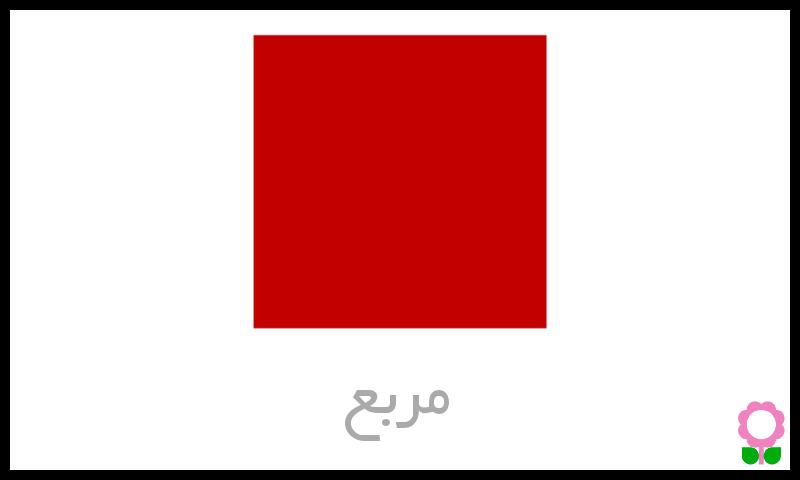
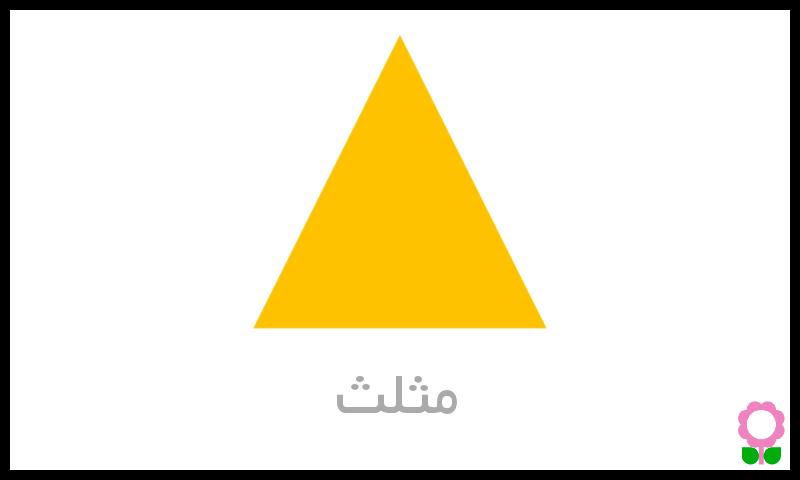
This app contains Basic 2D geometry shapes (Square, Circle Triangle) and Basic 3D geometry shapes (Cube, Cylinder, Cone) for 1.5 − 3 year kids.
We have also provided advanced 2D and Advanced 3D shapes (Pentagon, Hexagon, Rhombus, Parallelogram, Prism, Pyramid, Torus etc) for 4 − 8 year kids.
The app is provided in 6 different languages and two voiceovers are provided for every language.
This app is ideal to be taught shapes in PreK, Kindergarten* and initial grade classes.
We at Holiday Educationist have a team of certified teachers onboard to consult and proof-read the apps’ content for the optimum quality assurance.
Key Features
Carefully selected shapes and colors
Multiple Fonts
Turn off label (quiz mode)
Available in 6 different languages
Zero distraction of funky elements and controls
Soft background music option
Ideally largest possible objects
2 Voice overs
High Definition content for retina display
Swipe and Menu Navigation
Avance
Etiquetas
EducaciónInformación
Desarrollador
Holiday Educationist | Preschool & Kindergarten
La última versión
1.1.4
Última actualización
2024-01-24
Categoría
Educación
Disponible en
Google Play
Mostrar más
Cómo jugar Shapes Flashcards for Preschoo con GameLoop en PC
1. Descargue GameLoop desde el sitio web oficial, luego ejecute el archivo exe para instalar GameLoop.
2. Abra GameLoop y busque "Shapes Flashcards for Preschoo", busque Shapes Flashcards for Preschoo en los resultados de búsqueda y haga clic en "Instalar".
3. Disfruta jugando Shapes Flashcards for Preschoo en GameLoop.
Minimum requirements
OS
Windows 8.1 64-bit or Windows 10 64-bit
GPU
GTX 1050
CPU
i3-8300
Memory
8GB RAM
Storage
1GB available space
Recommended requirements
OS
Windows 8.1 64-bit or Windows 10 64-bit
GPU
GTX 1050
CPU
i3-9320
Memory
16GB RAM
Storage
1GB available space